Mob Patrols
Build places that feel alive. Mob Patrols gives you full control over your own mobs and the factions they belong to: place them, dress them, give them routes, decide who their friends and enemies are, and let them handle the rest.
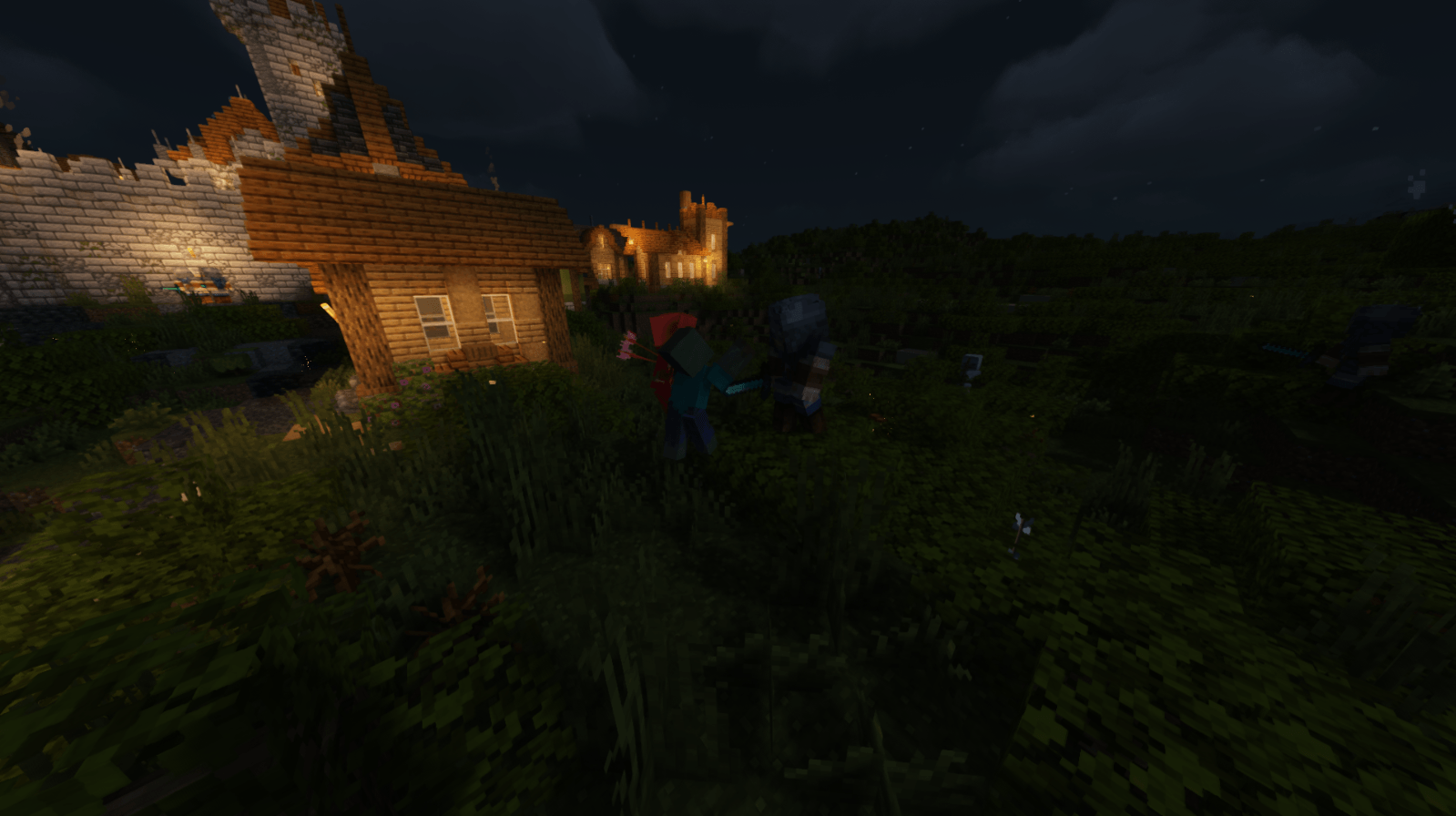
Put an enemy castle on a hill that players have to raid, with archers on the walls and swordsmen at the gate. Build a friendly town where the city watch keeps monsters out and lets its own citizens walk in, until one of them starts a fight. Set two kingdoms against each other and watch their soldiers clash at the border. Hide a bandit camp in the woods, fill a dungeon with patrols, or guard a vault with one huge, tanky boss. It's all the same plugin, and it's all set up in game.
Requires Paper 1.21.9 – 1.21.11 and Java 21.
What you can build
Enemy strongholds to raid. Hostile factions with patrols, archers, wall-climbing chasers and allies that come running when one of them spots you. Players have to sneak, snipe and fight their way in.
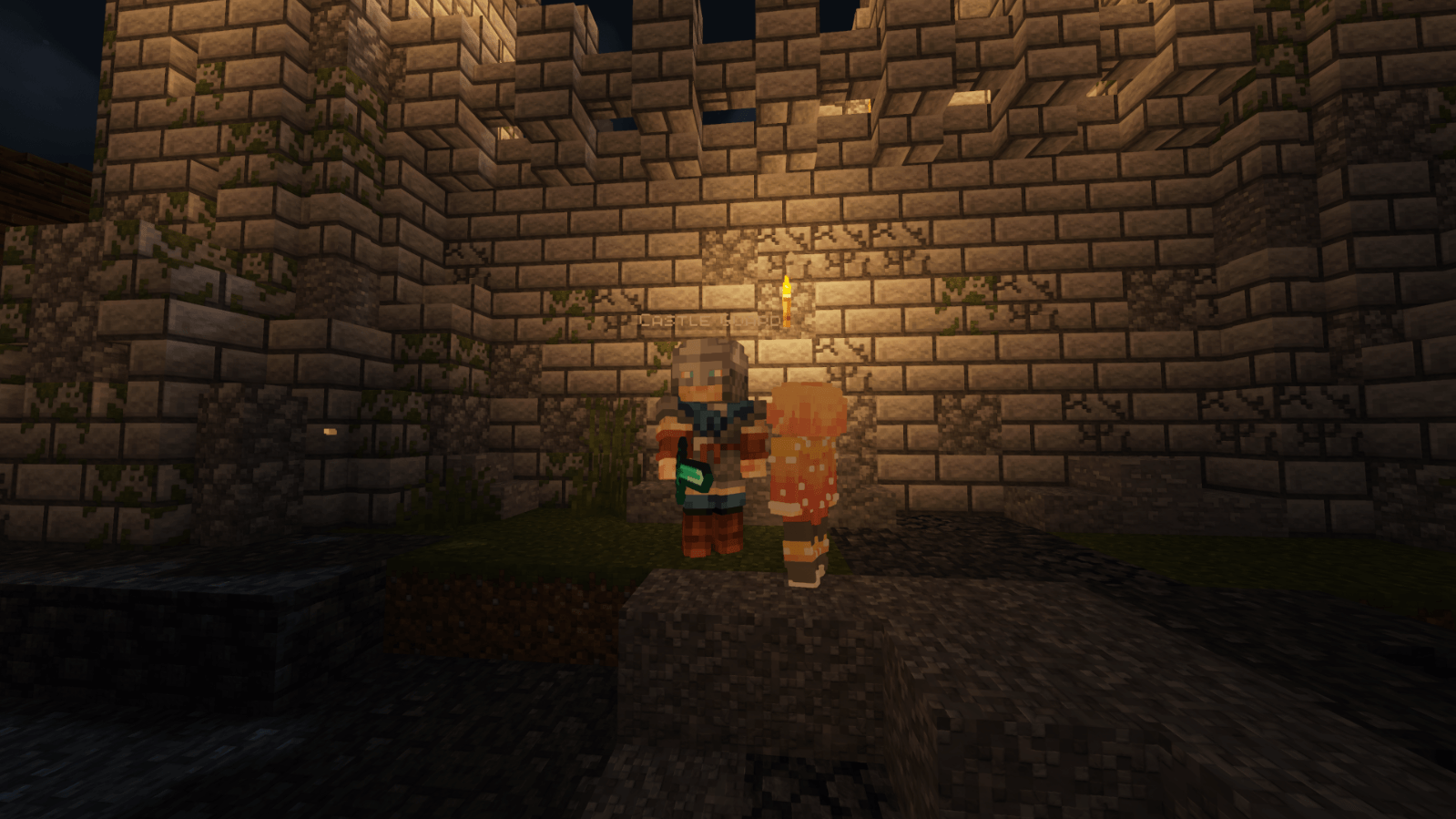
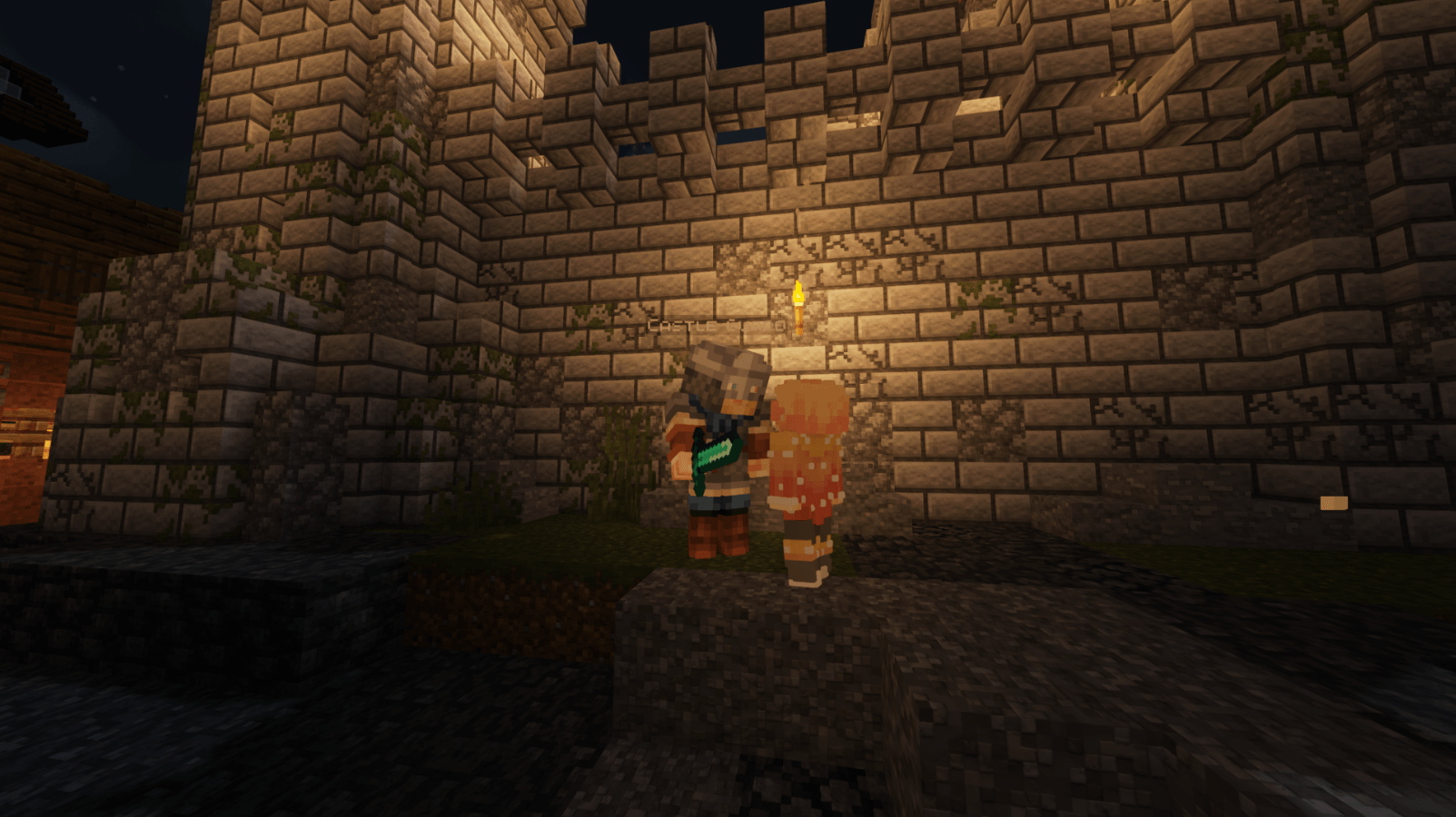
Friendly towns and castles. Add players to a faction and its mobs treat them as their own: they walk right past them and protect them from monsters. Hit one of them, though, and the whole watch turns on you until you get away.
Faction wars. Mobs of rival factions attack each other on sight. Put two armies close together and they'll fight without anyone touching them.
Roads, camps and dungeons. Bandits waiting on a road, patrols walking a dungeon loop, sentries standing at a door and looking around. Each one walks its own route at its own pace.
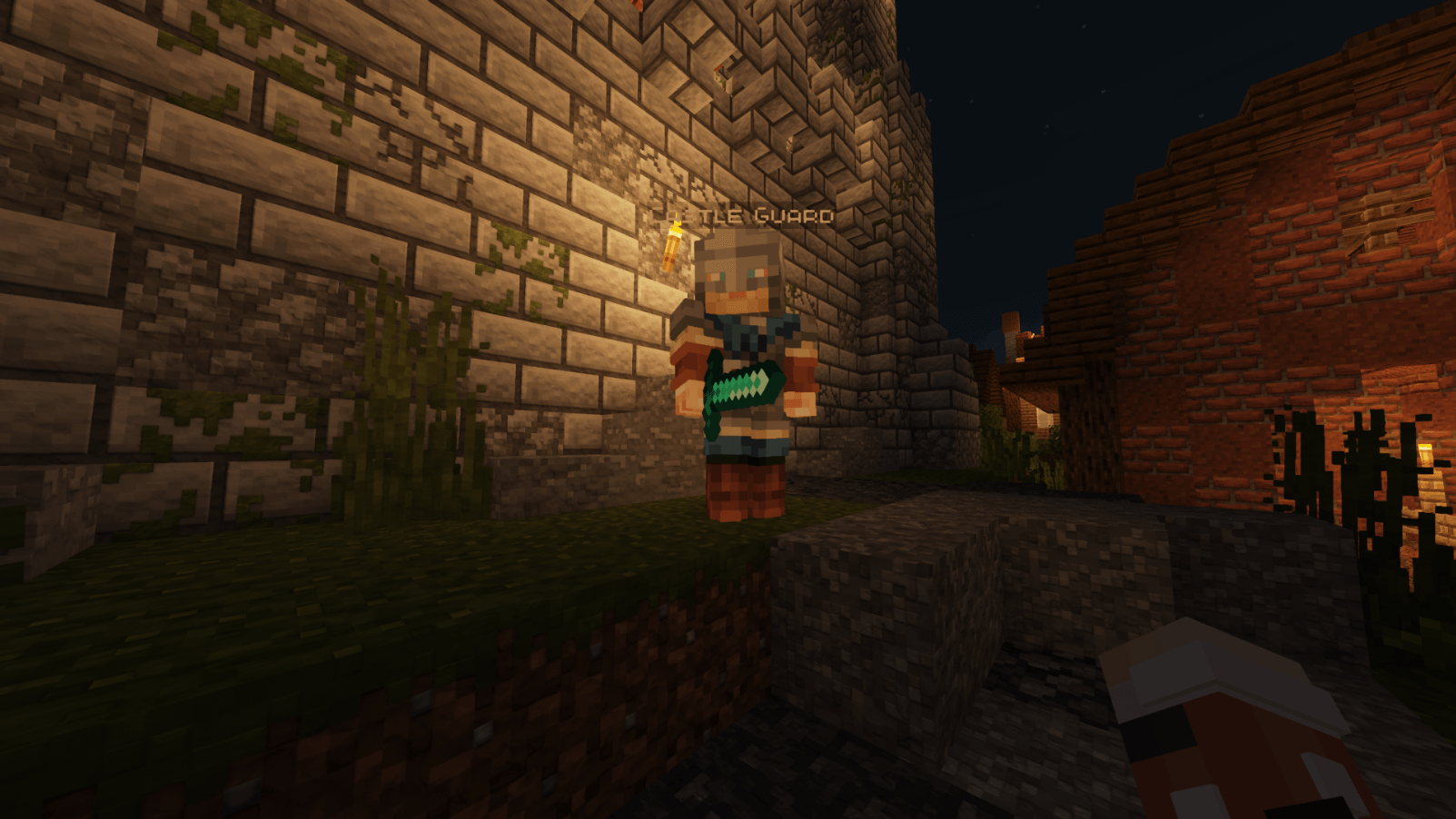
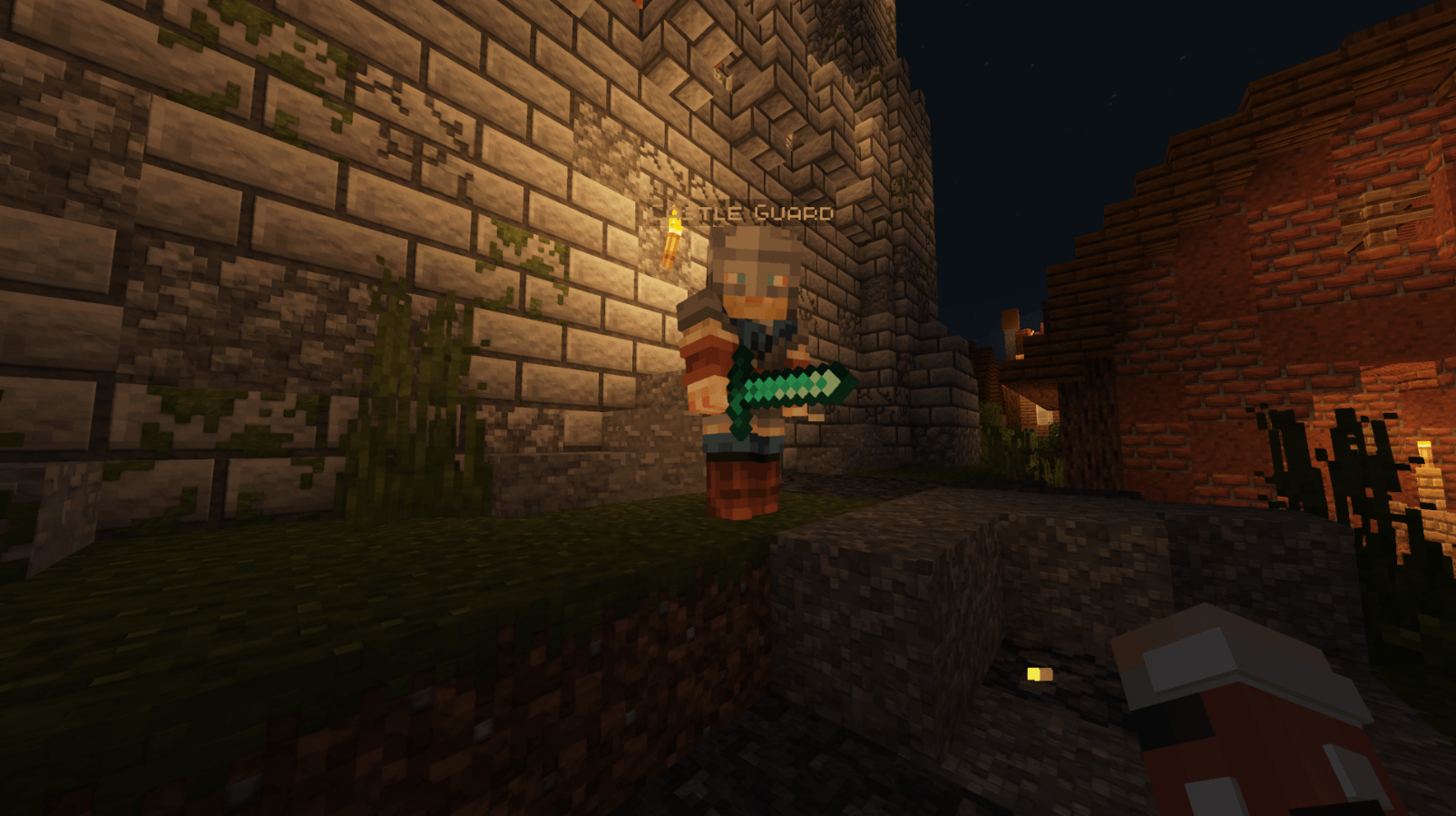
Characters with a face. Give any mob a player skin, a colored name and its own gear, so your castle guards, bandits or knights look the part.
Your mobs
Every mob is a zombie or skeleton under the hood, but you control almost everything about it:
- Name with colors, a name color option and bold text
- Health and damage, with no upper limit. Health above the server's built-in cap (1024) still works
- Combat speed and a slower patrol speed
- Size, from tiny to giant
- Detection range, and an alert radius for how far it calls for help
- Respawn. A killed mob comes back at its home after 30 seconds by default, or never, if you prefer
- Silent mode, no groans or footsteps
- Equipment. Armor and weapons go in through a menu. Weapons and enchantments work like they do for players: an iron sword adds 5 damage and Sharpness V adds 3 more. Give a skeleton a sword and it stops shooting and fights in melee
- Invisible armor. The armor keeps protecting the mob, but players don't see it. Weapons in the hands stay visible
- Slow regeneration while patrolling or on alert, never during a fight
Player skins
- From a link to any
.png skin (direct image link)
- From a file you drop into
plugins/MobPatrols/skins/
- From a player name, copying that account's current skin
Link and file skins are signed through MineSkin and work without an API key. If you set a lot of skins at once, you can add your own MineSkin API key in the config to avoid rate limits. Skins are cached, so a restart never downloads them again. A mob with a skin still walks, fights, takes arrows and swings its weapon like any other. It works on offline-mode servers too.
Patrols
- Add as many points as you want. Mobs walk A → B → C → B → A, or in a loop A → B → C → A
- They walk slower on patrol and speed up as soon as they spot someone
- Set a wait time and they stop at every point and turn around to look
- No points? The mob stands at its home and keeps watch
- Blocked routes. If something blocks the way for a few seconds, a mob can break the blocks in front of it, or punch whoever is standing in the way. Both are optional. Block breaking never touches chests or other containers or hard blocks like obsidian, and protection plugins can stop it
- A mob that gets stuck with nothing to break skips to the next point instead of freezing
Combat
Detection. Mobs see players within their detection range, but only with line of sight.
Sneaking. Crouching players are only noticed at half the range.
Hive mind. When one mob spots you, every ally around it joins the fight.
Taking cover. Shoot a mob from somewhere it can't see you and it won't just stand there. It runs for cover, its detection range doubles for a minute, and it warns every ally it passes. Those allies hold their position and keep watch too. After a minute of quiet, they all go back to their routes.
Wall climbing. Hiding on a wall doesn't work. A chasing mob climbs straight up at twice the speed a player climbs a ladder and steps onto the ledge at the top.
Chase limits. Mobs don't chase forever. They give up when you get too far away, when they lose sight of you for a while, when they've gone too far from their post, or after a long chase without any hits. After giving up they ignore you for a few seconds and walk back.
Other mobs. Hostile monsters go after your mobs like they go after villagers, and your mobs fight back against anything that attacks them. Iron and snow golems leave them alone.
Factions
- Create factions with a name and a color
- Allies: mobs in the same faction never target or hurt each other, stray arrows included
- Rivals: mobs of different factions attack each other on sight. Mobs without a faction count as one group
- Members: add players to one or more factions. That faction's mobs never attack them on their own
- Betrayal: if a member attacks one of their own faction's mobs, that mob and its nearby allies fight back until the member gets away, the mobs give up, or the member dies. After that the member is friendly again. You can turn this off, and then members' hits are simply blocked
- Territories: mark areas for a faction. When a player walks in, a title shows the area's name in the faction's color. Areas can be nested, and the smallest one wins
Managing it all
Spawner item. Right-click the ground and choose a Zombie or a Skeleton. It appears on that spot with a number (#0, #1, #2...) so you can find it later.
Manager item. Right-click to open the main menu with two sections, Mobs and Factions. Click any mob to change all of its settings.
Folders. Sort your mobs into folders and sub-folders like Castle/Gate or Dungeon/Lower. Deleting a folder never deletes mobs; they just move up a level.
Copy and relocate. Set up one mob the way you like it, then copy it wherever you stand: same stats, gear, skin and faction, ready for a new route. Relocate moves a mob and makes the new spot its home.
Commands for everything. Anything the menus do, /mp can do too, with tab completion. The console and command blocks can use coordinates, so you can set things up without being in game.
Languages. English and Spanish. Every player sees the plugin in the language of their own game, and every text can be edited in plugins/MobPatrols/lang/.
Safe by design
- Players can't name-tag your mobs, put them in boats, steal their gear or farm them for loot
- Mobs don't burn in daylight and never turn into drowned or strays
- A mob never spawns stuck inside a block
- Data is saved regularly and on shutdown, and everything comes back exactly as it was after a restart
- If a data file ever gets damaged (for example after a bad manual edit), the plugin stops saving instead of overwriting your work, and tells you how to fix it
- Light on the server: 150 mobs patrolling and fighting at once cost about 3 ms per tick in our tests
Commands
Main command: /mobpatrol (also /mp and /mobpatrols). Permission: mobpatrols.admin (ops by default).
| Command |
What it does |
/mp give <spawner\|manager> [player] |
Gives the Spawner or Manager item |
/mp gui |
Opens the main menu |
/mp spawn <zombie\|skeleton> [folder] [x y z [world]] |
Spawns a mob |
/mp list [folder] |
Lists mobs and folders |
/mp mob <id> info |
Shows everything about a mob |
/mp mob <id> set <option> <value> |
Changes any setting |
/mp mob <id> equip <slot> [hand\|clear\|item] |
Sets equipment |
/mp mob <id> skin <url\|file\|player\|reset> [value] |
Sets the skin |
/mp mob <id> point <add\|remove\|clear\|list> |
Edits the patrol route |
/mp mob <id> <home\|copy\|relocate> [x y z] |
Home, copy or move a mob |
/mp mob <id> <folder\|faction> <value> |
Moves to a folder or faction |
/mp mob <id> <tp\|tphere\|respawn\|remove> |
Teleport, bring, respawn or delete |
/mp folder <create\|delete\|rename\|list> |
Manages folders |
/mp faction <create\|delete\|rename\|color\|list\|info> |
Manages factions |
/mp faction member <add\|remove\|list> <faction> [player] |
Manages faction members |
/mp faction region <pos1\|pos2\|create\|delete\|list> |
Manages territories |
/mp save / /mp reload |
Saves data / reloads config and texts |
Options for set: name, namecolor, namebold, health, damage, speed, patrolspeed, scale, detection, alertradius, respawndelay, silent, hidearmor, patrolmode, waittime, breakblocks, shove.
Compatibility
- Works on: Paper 1.21.9, 1.21.10 and 1.21.11, and Paper forks such as Purpur
- Java: 21 or newer
- Not supported: Spigot / CraftBukkit (the plugin needs Paper features), Folia, and versions older than 1.21.9 (skins need the Mannequin entity added in 1.21.9)
- No other plugins needed
Getting started
- Drop the jar into
plugins/ and start the server
- Execute
/mp give manager
- Right-click with the Manager and click your mob to set it up
- Add a few patrol points, put it in a faction, and watch it work