


2026-04-17_21.49.35.gif
Description
About the plugin
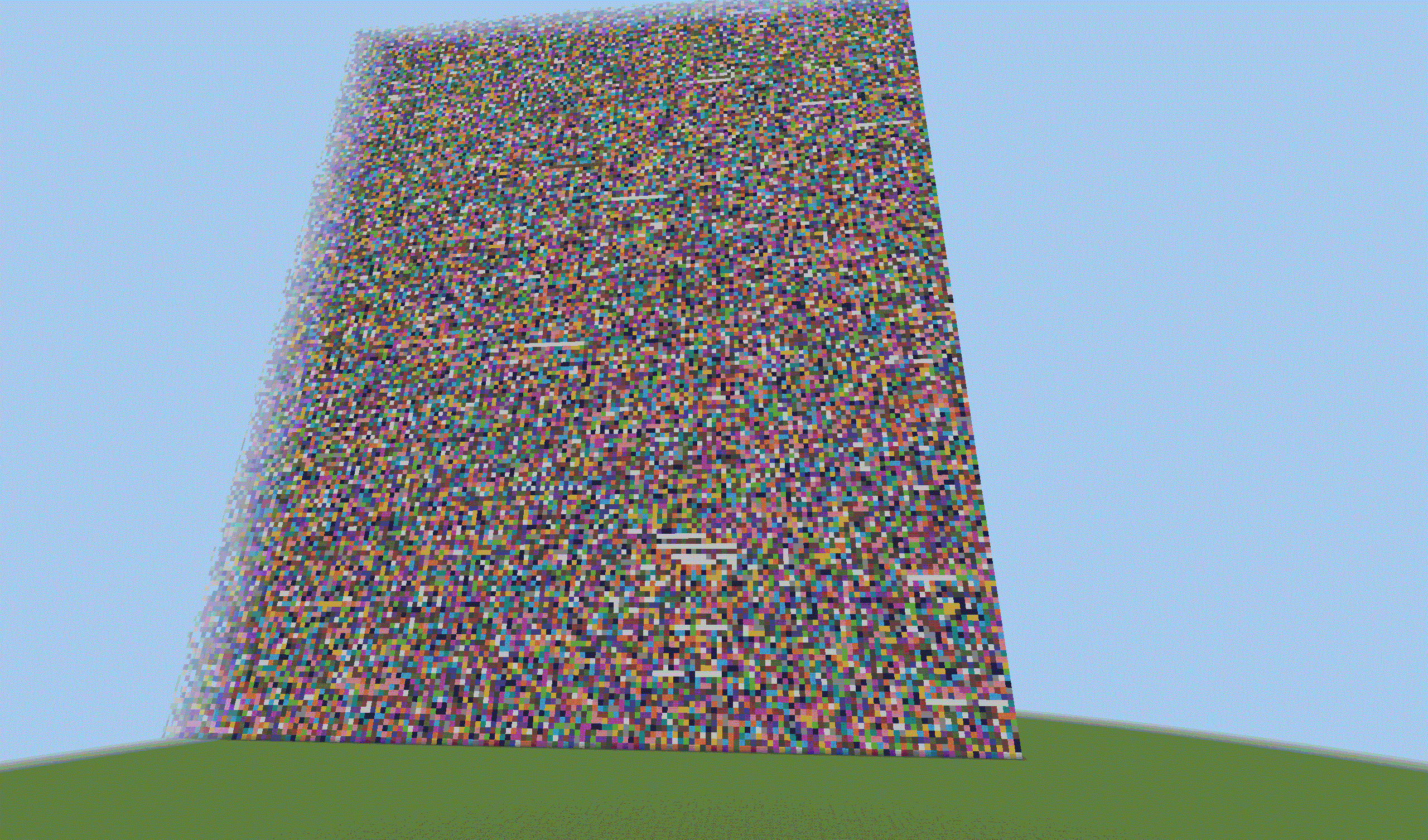
Minefile lets you upload files into the Minecraft world and store them visually as blocks! It is a fully server side plugin, which means vanilla clients can join! It works on paper servers version 1.21.9.
Each byte of your file is stored as a wool block.
How it works
You use the /file command to interact with the plugin.
/file write <path to file>: Upload a file from the server into the minecraft world. Note: the file is on the server, not from your client.
/file read <file name>: Read a file from the world. It is put into the MineFile folder in your minecraft server's folder (where the server.jar is)
Plugin settings
In the server's folder there is also a file minefile-config.yml . Inside the file you might want to change blockUpdatesPerTick which limits how much blocks can be placed in a single tick. More = laggier, Less = file saving is slower.
MineFile Team
