MEGAnim
- By
A Minecraft plugin for Spigot and its forks that allows playing animations on ModelEngine entities through commands with multiple targeting methods, animation modes, and extensive configuration options.
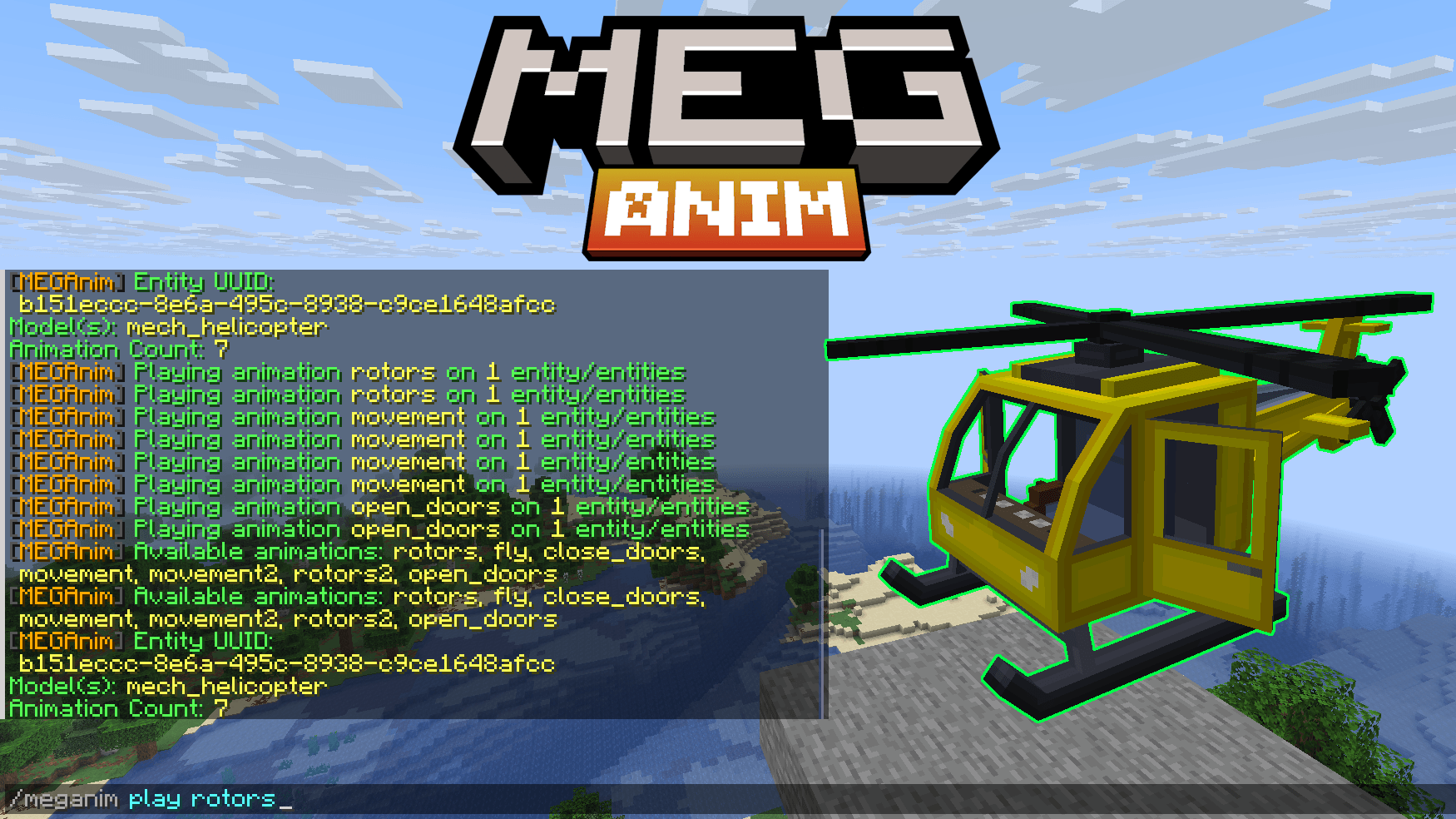
meganim-poster.png
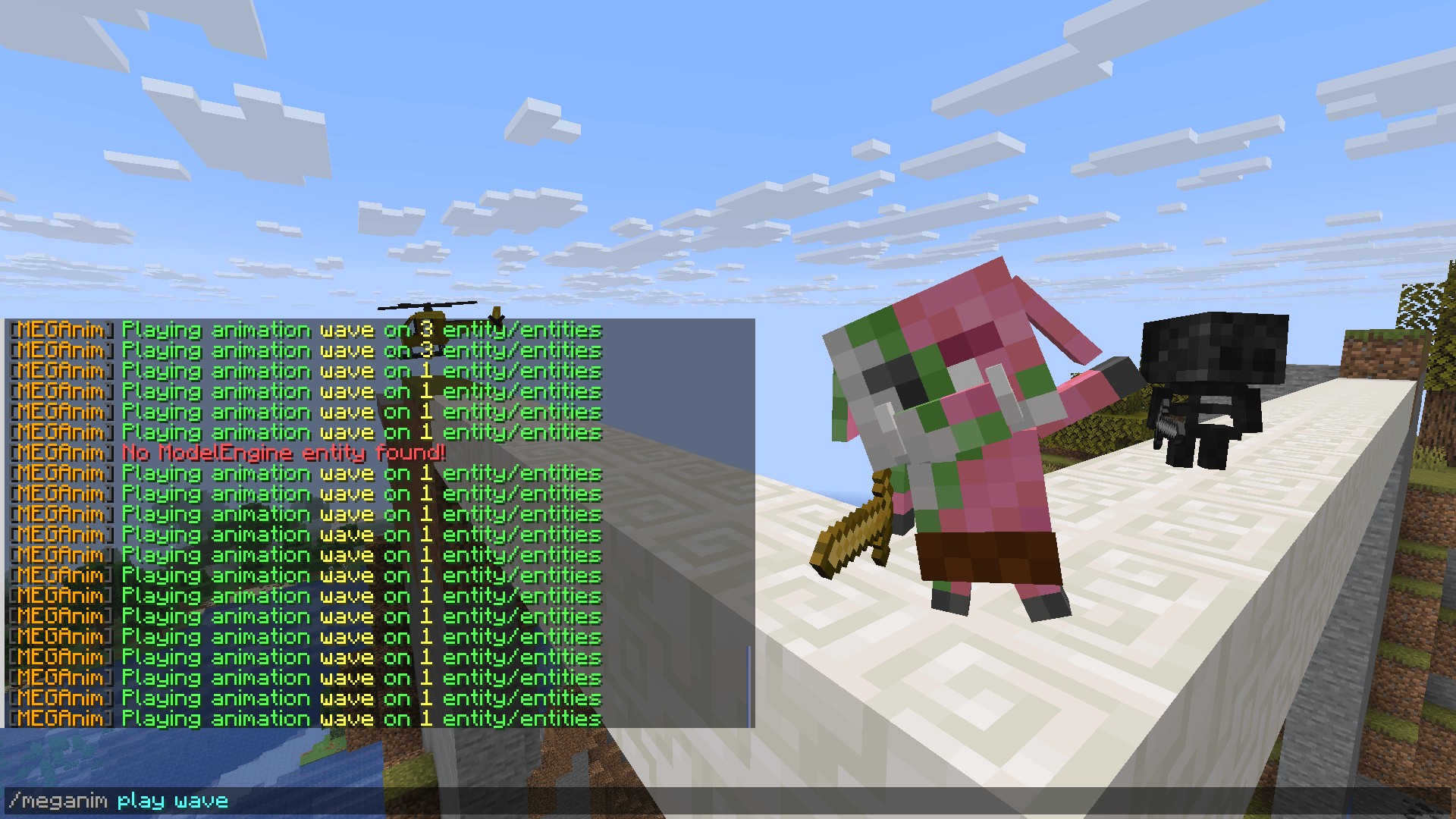
chibi-zombie-piglin-wave-animation.png
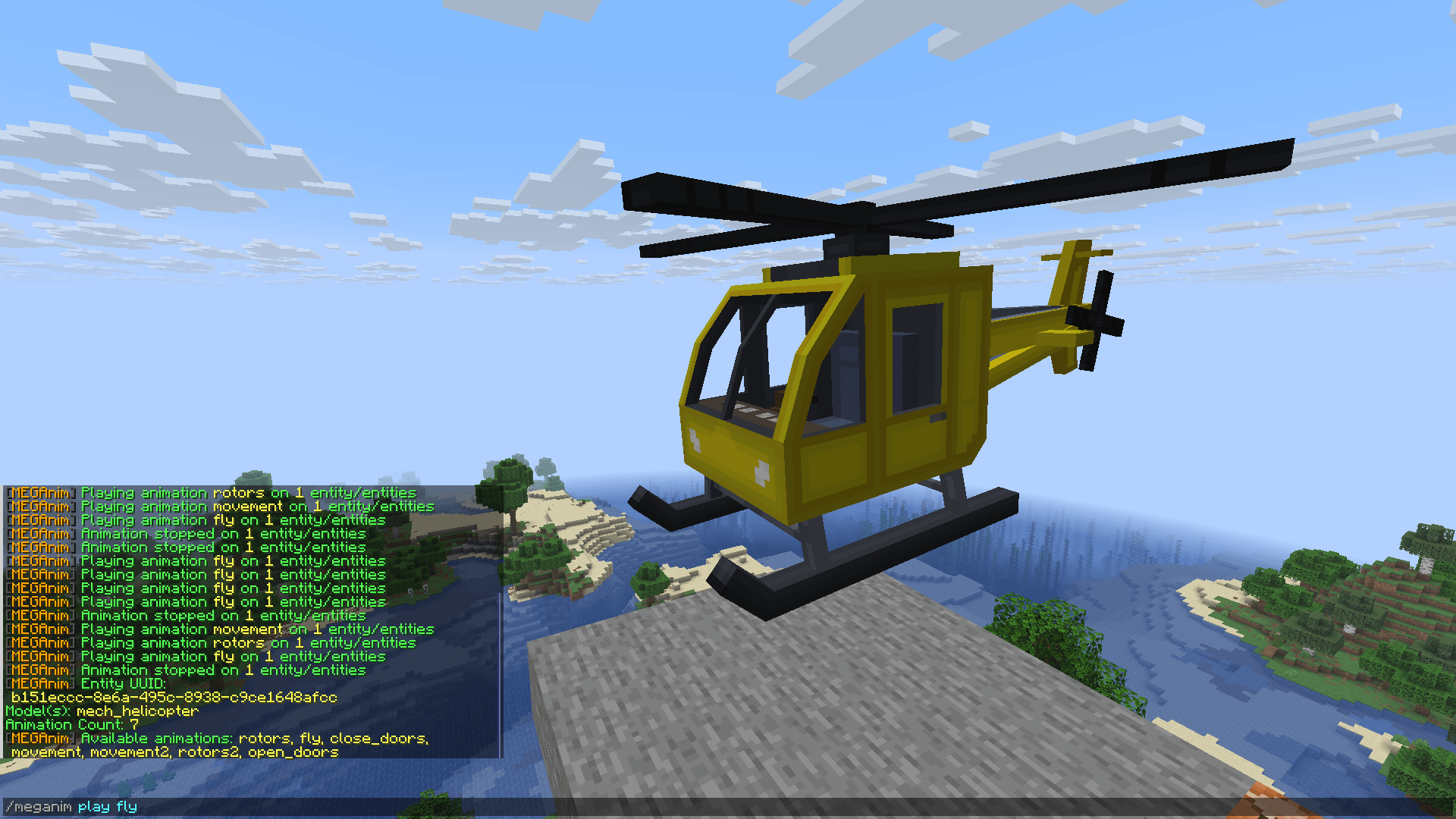
mech-helicopter-flying-animation.png
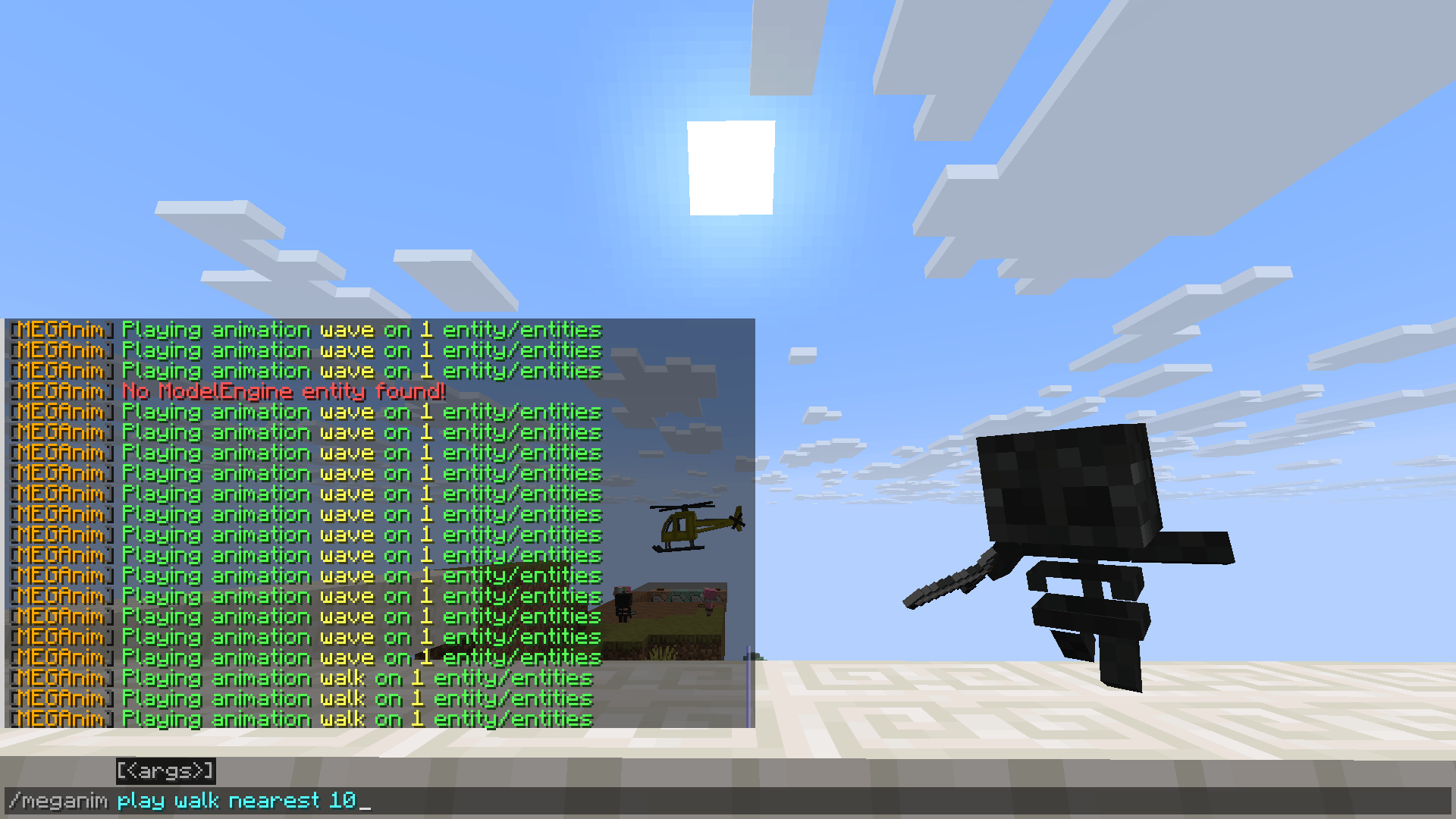
chibi-wither-walk-animation.png
meganim-card.png
Description
MEGAnim
A Minecraft plugin for Spigot and its forks that allows playing animations on ModelEngine entities through commands with multiple targeting methods, animation modes, and extensive configuration options.
Documentation
For full documentation, installation instructions, and examples, visit:
https://nogard.dev/minecraft/java/meganim-plugin
Features
- Multiple Targeting Methods: Raycast, nearest entity, model ID, name tag, and UUID
- Animation Modes: Single mode (stop others first) or multiple mode (stack animations)
- Full Animation Control: Play, stop, and list animations on ModelEngine entities
- Cooldown System: Configurable cooldown to prevent command spam
- Blacklist System: Blacklist specific animations or models from being used
- Radius Limits: Enforce maximum radius to prevent server lag
- Tab Completion: Autocomplete for commands, animations, and targeting modes
- Permission System: Granular permissions for all commands and targeting methods
- Fully Configurable: Customize ranges, messages, restrictions, and default animation parameters
🎥 Video Showcase: https://youtu.be/KvpGfGObQqo
Commands
Play Animations
/meganim play <animation> [single|multiple] [targeting]Animation Modes:
single- Stop all other animations before playing (prevents stacking)multiple- Allow animations to stack/play simultaneously (default)- If not specified, uses the
animation-modesetting from config.yml
Targeting Options:
- Raycast (default):
/meganim play attack - With mode:
/meganim play attack single - Nearest:
/meganim play walk multiple nearest [radius] - Model ID:
/meganim play death single model dragon [radius] - Name tag:
/meganim play idle multiple name "Boss Dragon" [radius] - UUID:
/meganim play attack single uuid <uuid>
Other Commands
/meganim stop           - Stop all animations on targeted entity
/meganim list           - List available animations on targeted entity
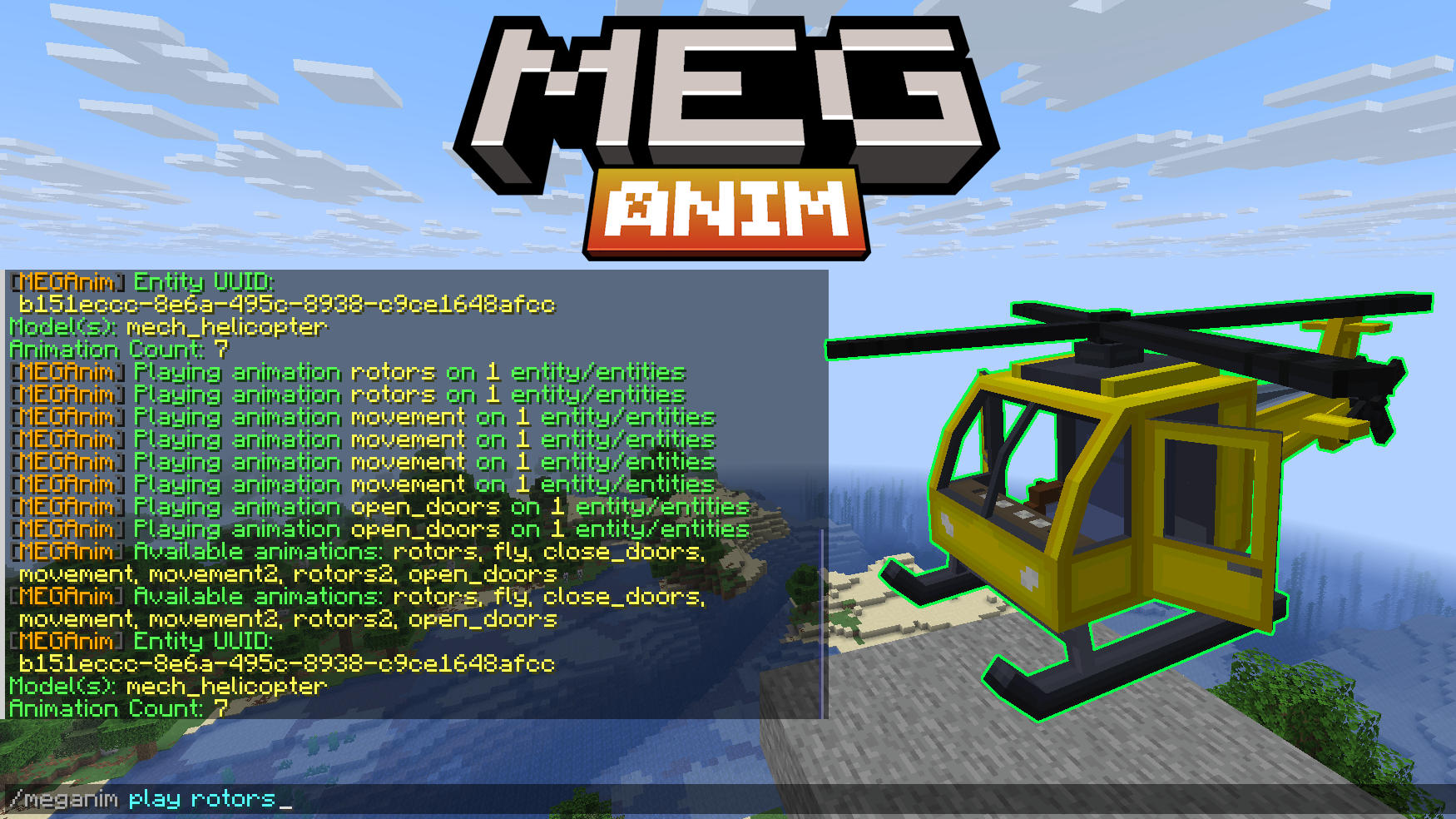
/meganim info           - Show entity info (UUID, models, animation count)
/meganim reload         - Reload configuration
Command Aliases: /meganim, /mga, /manim
Requirements
- Minecraft Server: Spigot 1.20.1+ or any fork (Paper, Purpur, etc.)
- ModelEngine: 4.0.9 or higher (Required dependency)
- Java: 17 or higher
Quick Start
- Download
meganim.jar - Place in your server's
plugins/folder - Ensure ModelEngine 4.0+ is installed
- Restart the server
- Configure
plugins/MEGAnim/config.ymlas needed
Download
Get the latest release: https://nogard.dev/minecraft/java/meganim-plugin/
Support
For issues, questions, or feature requests:
- Website: nogard.dev
- GitHub Issues: Report bugs and request features
MEGAnim Team