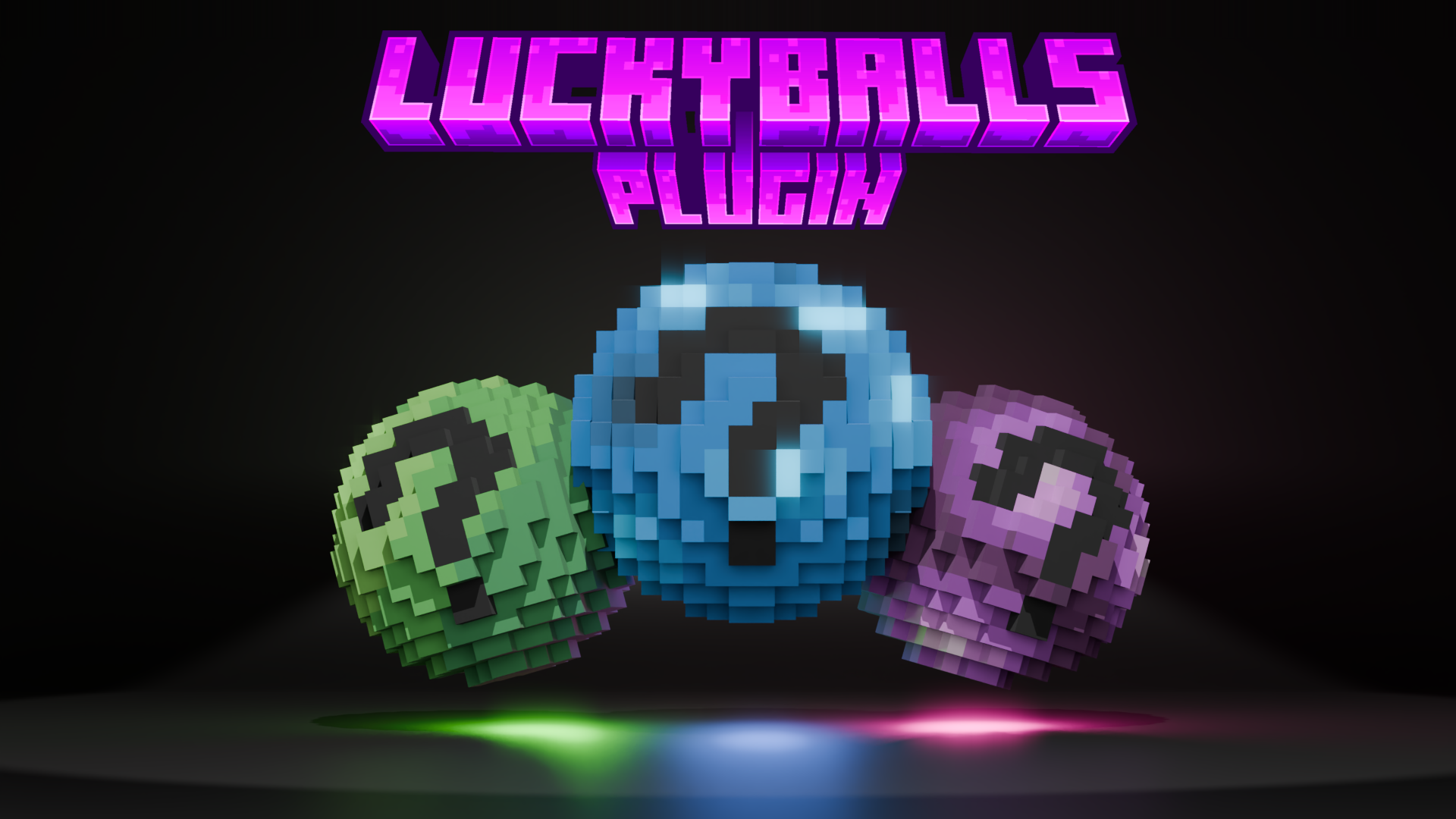
Luckyballs - Minecraft Plugin
Luckyballs is a Minecraft plugin that works similarly to other Luckyblock mods/plugins. However, in this case, we’re not talking about blocks but rather balls or spheres. Craft, place, open. It doesn’t get any simpler than that.
❗ Texturepack ❗
First of all, you need to make sure you download and use the texture pack, or rather every player joining the game should have it installed and equipped. Or you can upload it to your server.
The Three Different Types 🔢
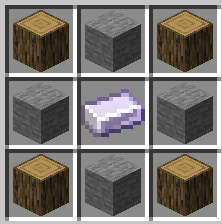
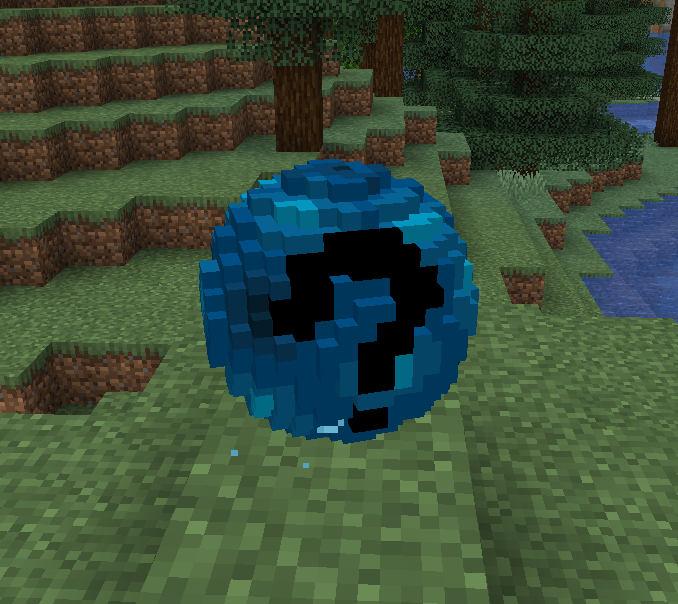
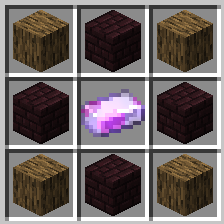
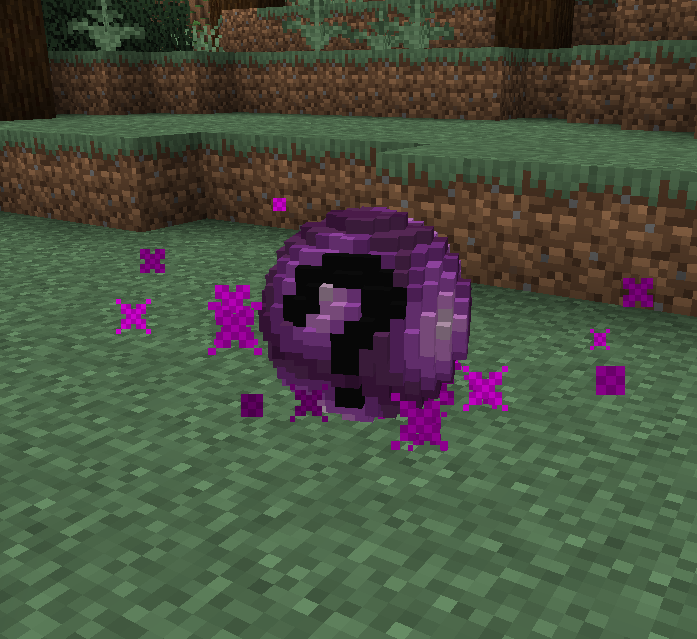
In total, there are three different types of Luckyballs: T1, T2, and T3. They are all crafted differently and, accordingly, contain increasingly better loot as you go up in tier. But be careful, not only positive but also negative outcomes can occur.
| Tier |
Crafting |
Showcase |
Includes |
| Tier 1 |
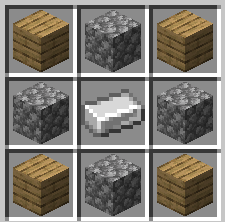 |
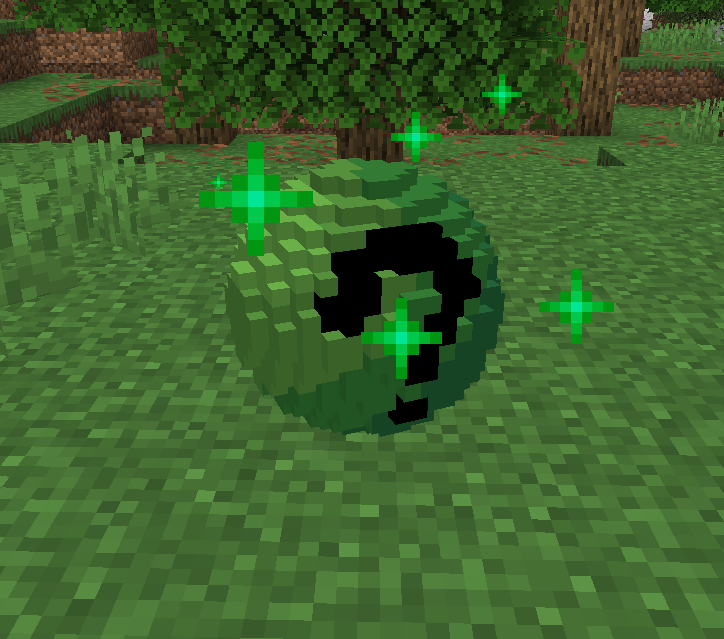 |
Basics - T2 - Equipment - Much More |
| Tier 2 |
 |
 |
Nether access - T3 - Special Items - Much More |
| Tier 3 |
 |
 |
End access - High Risk - High Reward |
Special Iron 🪨
If you take a closer look at the Luckyball crafting recipes above, you'll quickly notice that both T2 and T3 require a special iron ingot.
| Name |
Showcase |
Description |
Use for |
Enchanted Iron Ingot |
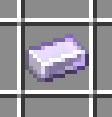 |
Place a regular iron ingot in the crafting grid, and you'll get an enchanted iron ingot. However, 2 levels will be deducted from your total. If you don't have those levels, the crafting won't work. |
Tier 2 |
Blood Iron Ingot |
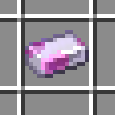 |
Place an Enchanted Iron Ingot in the crafting grid, and you'll get a Blood Iron Ingot. However, this will cost you 5 hearts. If you craft too quickly or carelessly, things can go wrong very fast. |
Tier 3 |
Nether & End 🔥🐉
As you've already read, there's Nether Access and End Access. Yes, it's not that easy to get to the Nether or the End the usual way. This plugin makes playing through Minecraft a bit more challenging. You'll need to obtain the following items, which you'll find in the Luckyballs.
| Name |
Showcase |
Usage |
Obtaining |
Portal Charm |
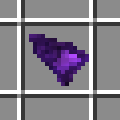 |
Just right-click, and every player can use Nether Portals for the next 5 minutes |
Tier 2, Tier 3 |
Magic Shard |
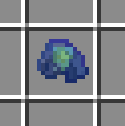 |
If you try to craft Ender Eyes using Ender Pearls and Blaze Powder, you'll quickly realize that you only get a Weak Eye of Ender. You can't do much with that. However, if you get Magic Shards as a drop from a Lucky Ball, you can craft them together with the Weak Ender Eyes to get a regular Ender Eye. |
Tier 3 |
Generation 🖼️
Crafting Luckyballs isn't the only way to get them. With a little luck, you can also find some in loot chests, or if you trade with Piglins, they might give you some.
Important Notes ❗
- The plugin was designed to allow multiple players to play together.
- The plugin doesn't use up much server performance
- The basic idea and structure aren't my own. Rather they're a recreation of a challenge created by a German Minecraft YouTuber, BastiGHG / Miraculixx. There's no official download available for the plugin used in this challenge, and since I'd really like to play this challenge myself, I recreated it so others can enjoy it too.
Saved Data 📃
- As soon as the server shuts down normally, it saves the backpack data and the recipes that have been discovered so far. So when it restarts, this data is preserved.
- The saved data is stored in a .yml file located in a folder named after the plugin, within the plugins folder.
- To reset the saved data, you can simply use the
/reset command
- However, as a precaution, it resets attributes and other minor game changes. These aren't significant enough to be very important to gameplay, though.
Installation 🖥️
- Download the plugin
- Place it in your server's plugins folder
- Restart the server
- The plugin will automatically load
Note ✍️
- This plugin was created by KeineAhnungLeo and is open source.
- The plugin will may continue to receive some updates and bugfixes in the future.