

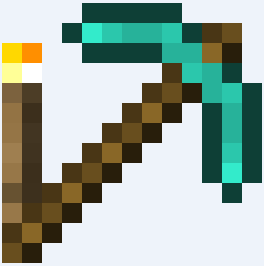
Large LightPickaxe image
Description
LightPickaxe
Tired of switching to your torches and pickaxe? Place your torches with your pickaxe!

How it works
Simply right click a block with your pickaxe to place a torch. This plugin is minor, and was made in quite literally a minute. Suggestions are always welcome, and I will implement them when I can. Placing a torch requires a torch within the player's inventory, and once the torch is placed it will be removed from the player's inventory.
Configuration
Add Material ID's of tools you would like this plugin to take use of. Below is all pickaxe ID's.
Tools:
- 257
- 270
- 274
- 278
- 285
Permissions
You will need to give your players the permission below to place torches with their pickaxe.
toomanylols.lightpickaxe
WorldGuard Support
LightPickaxe includes support to protect your WorldGuard areas. The plugin simply checks if player has building permissions on the location before placing the torch.
Change Log
- WorldGuard protection support (Fixed in 1.04)
- Config file for those who wish to have function for other tools (Added 1.02)
- MetricsLite statistics implemented (Added 1.03)

The LightPickaxe Team
