


Knapsack (backpack)
- By

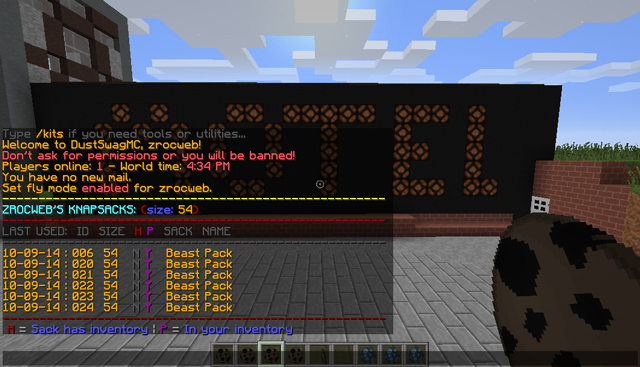
Displaying Knapsacks listing of just your Size 54 sacks
Command: /ks list 54
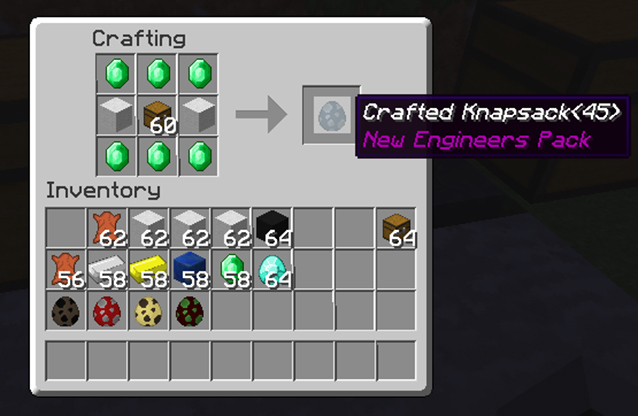
Crafting a Size 45 Knapsack
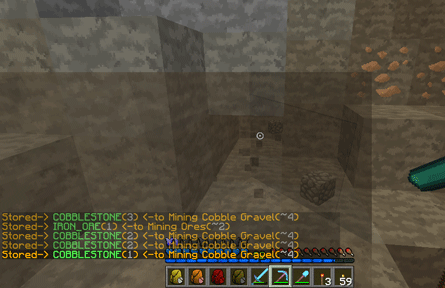
Items auto-filled to sack
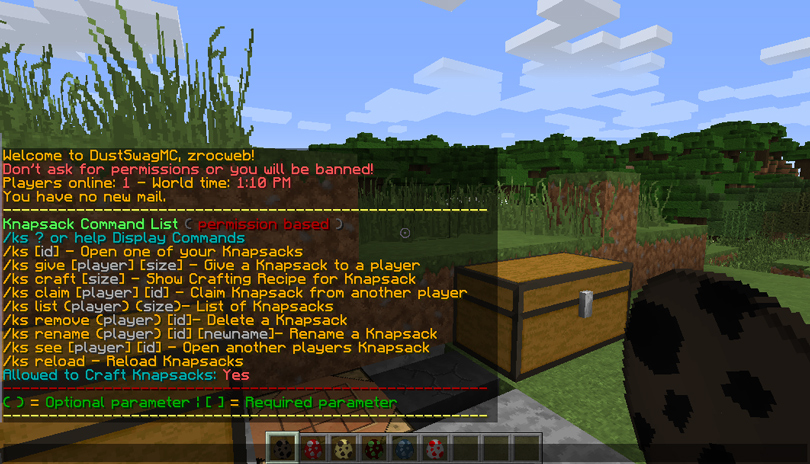
Knapsacks menu system is all permissions based. Meaning players won't see a bunch of command they don't have permission for which will streamline their use of the Knapsacks Plugin.
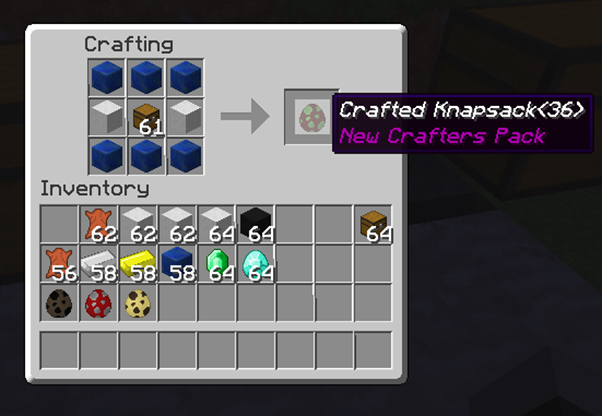
Crafting a Size 36 Knapsack
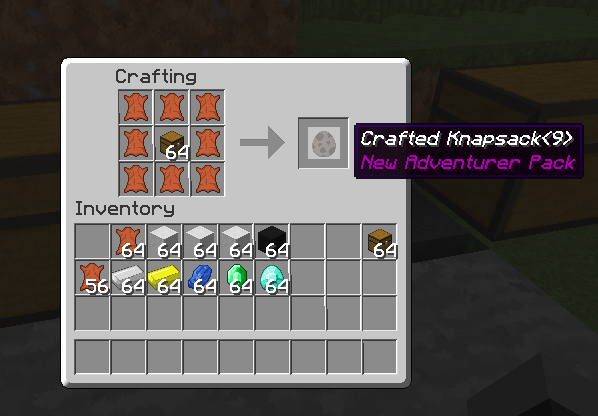
Crafting a Size 9 Knapsack
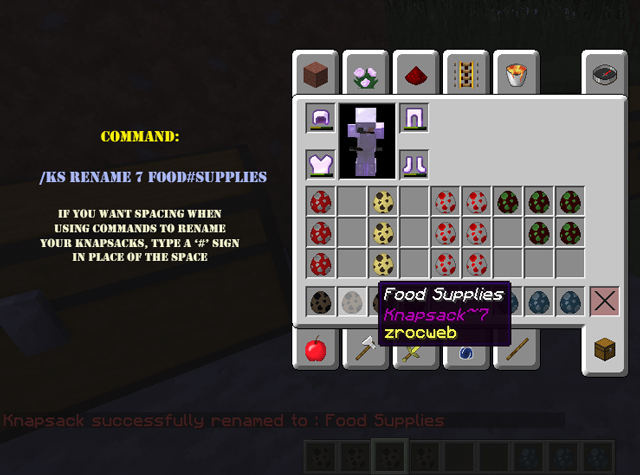
Renaming Knapsacks using commands is just as easy.
Type: /ks rename knapsackID newName
Note: If you want spacing in your name then type a # sign in place of any spacing
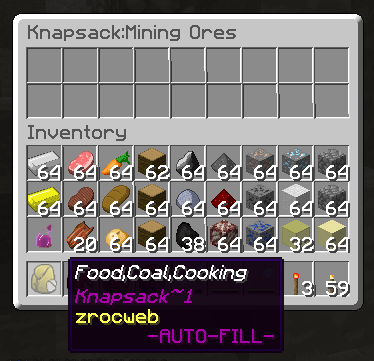
Fill-Chain created, showing Knapsack lores after creation. Chain was 4,3,1,2 (I believe)
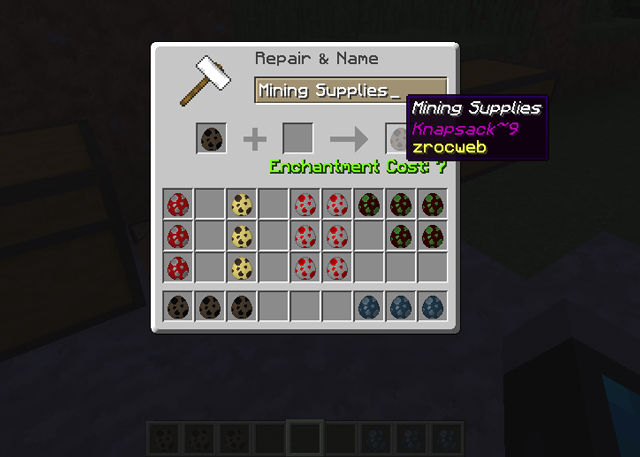
Completed rename of a Knapsack using an Anvil
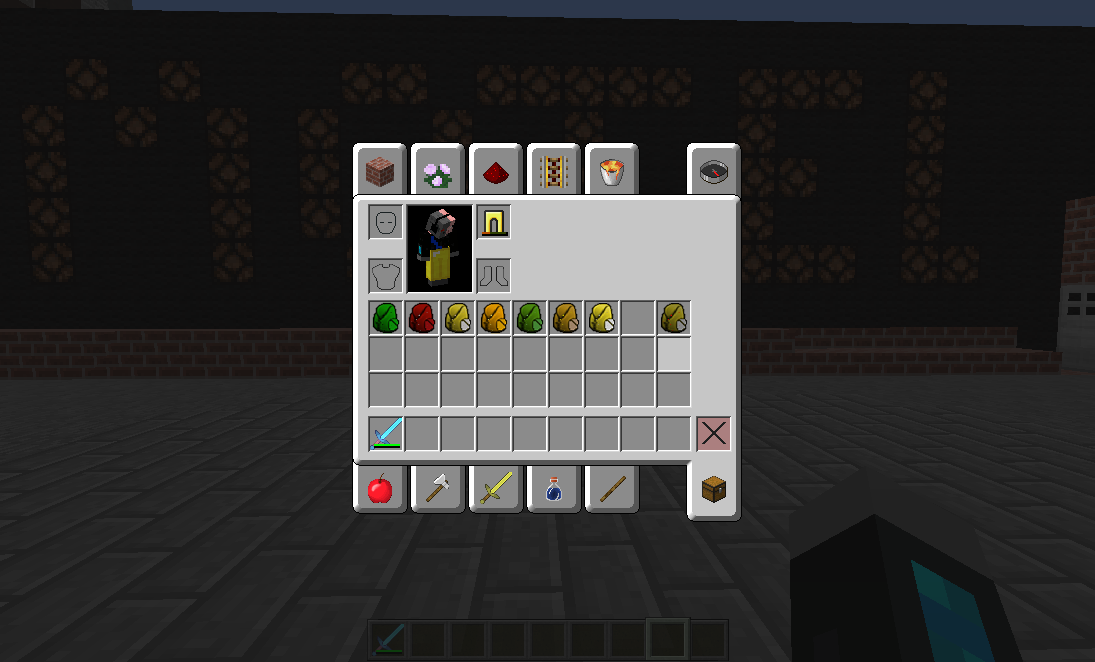
A sample of what the Knapsacks look like out of the Resource Pack
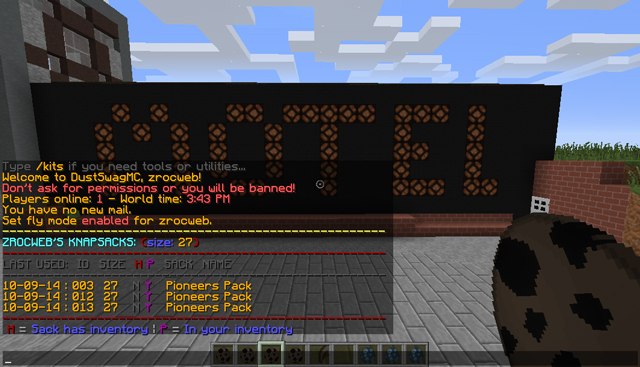
Displaying Knapsacks listing of just your Size 27 sacks
Command: /ks list 27
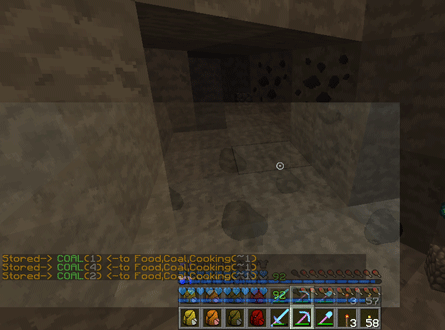
Items auto-filled to sack
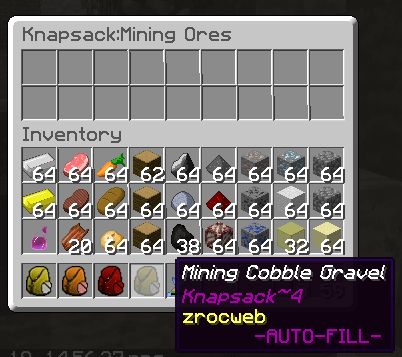
Fill-Chain created, showing Knapsack lores after creation. Chain was 4,3,1,2 (I believe)
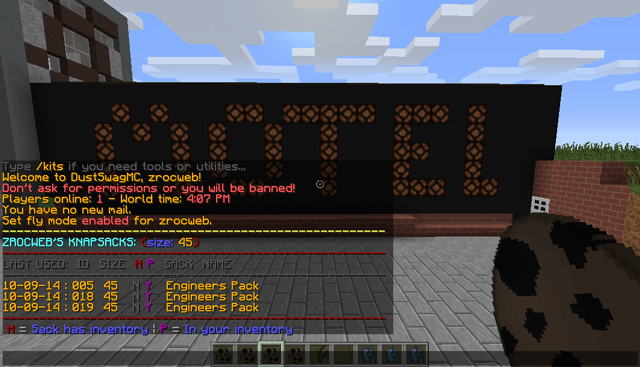
Displaying Knapsacks listing of just your Size 45 sacks
Command: /ks list 45
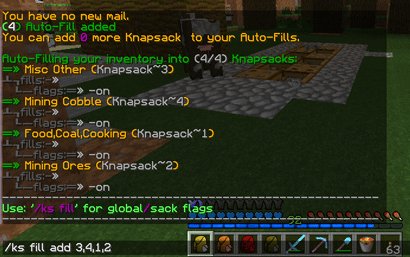
Fill Chain Created, showing Chain and no preferred items set yet
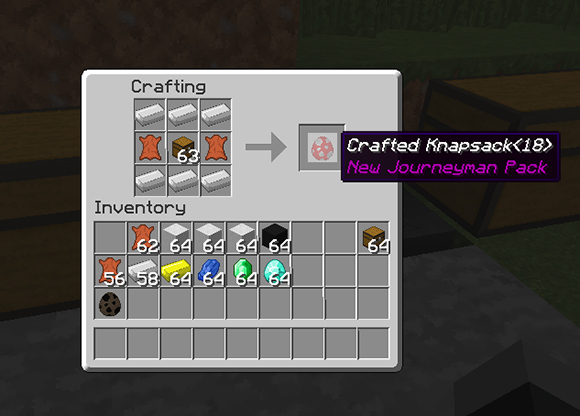
Crafting a Size 18 Knapsack
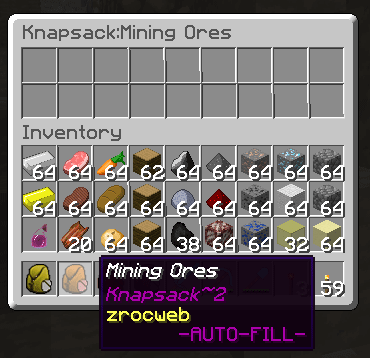
Fill-Chain created, showing Knapsack lores after creation. Chain was 4,3,1,2 (I believe)
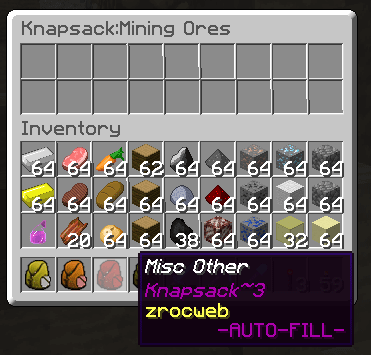
Fill-Chain created, showing Knapsack lores after creation. Chain was 4,3,1,2 (I believe)
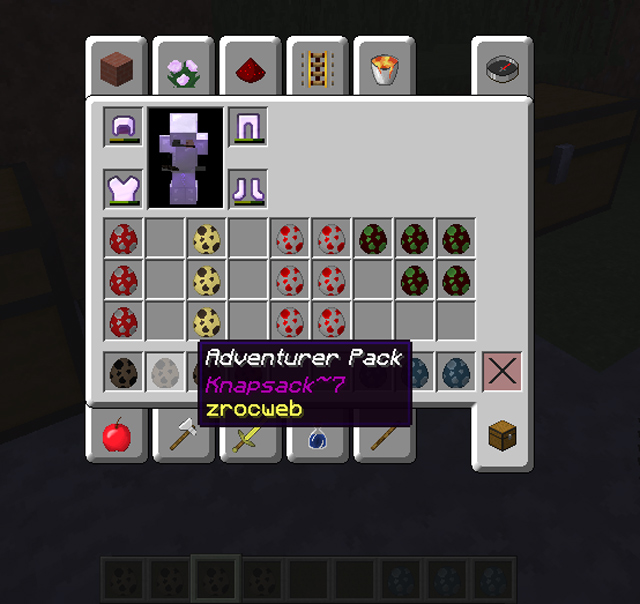
Renaming Knapsacks using commands is just as easy.
Type: /ks rename knapsackID newName
Note: If you want spacing in your name then type a # sign in place of any spacing
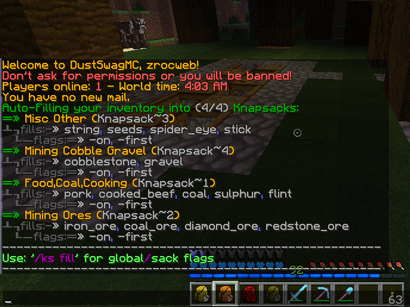
Fills set up and Items added as preferred and with Sack Flags assigned
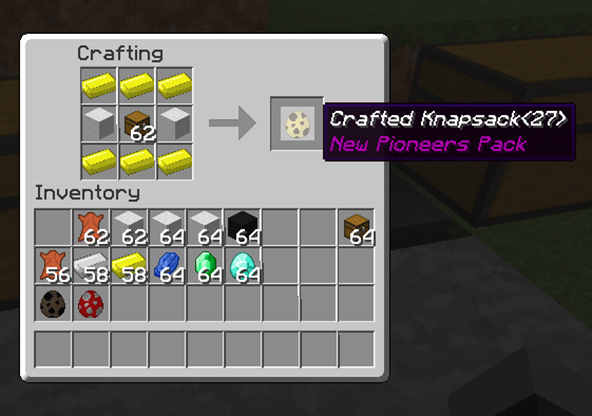
Crafting a Size 27 Knapsack
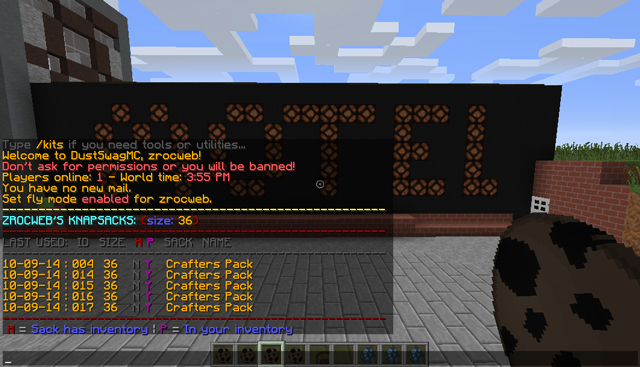
Displaying Knapsacks listing of just your Size 36 sacks
Command: /ks list 36
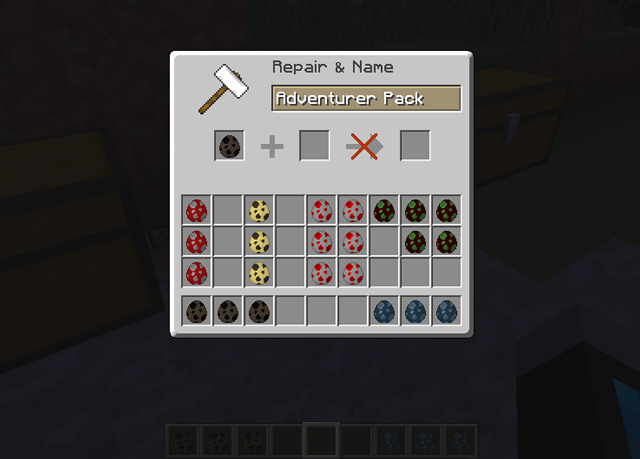
Renaming a Knapsack is no different than naming anything else in Minecraft.
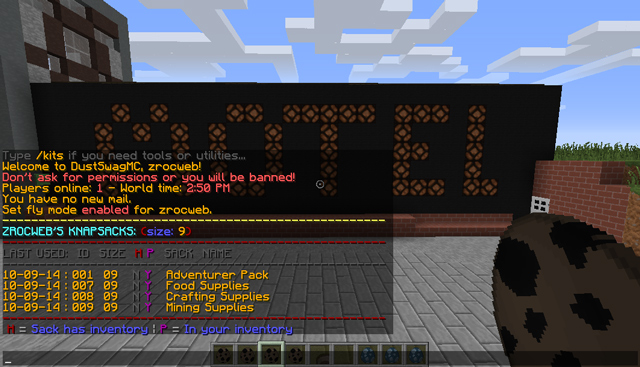
Displaying Knapsacks listing of just your Size 9 sacks
Command: /ks list 9
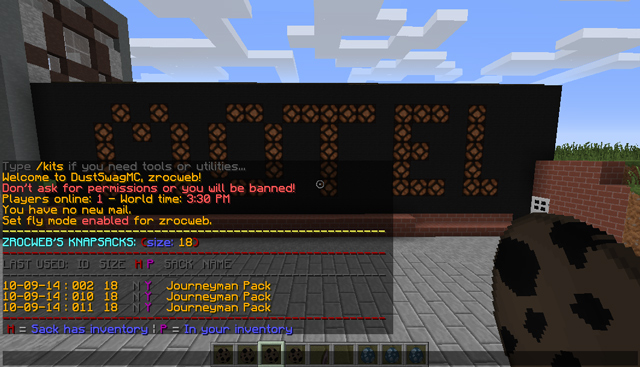
Displaying Knapsacks listing of just your Size 18 sacks
Command: /ks list 18
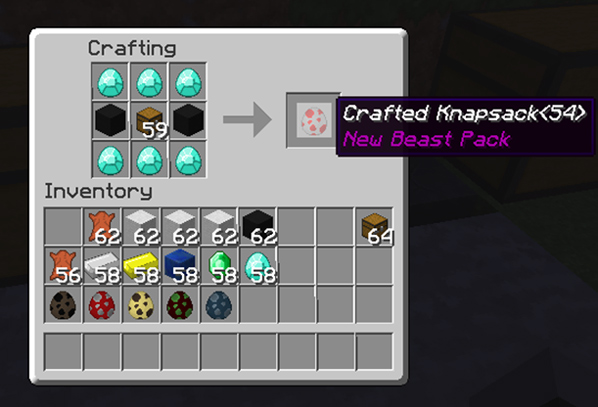
Crafting a Size 54 Knapsack