


Description
Information
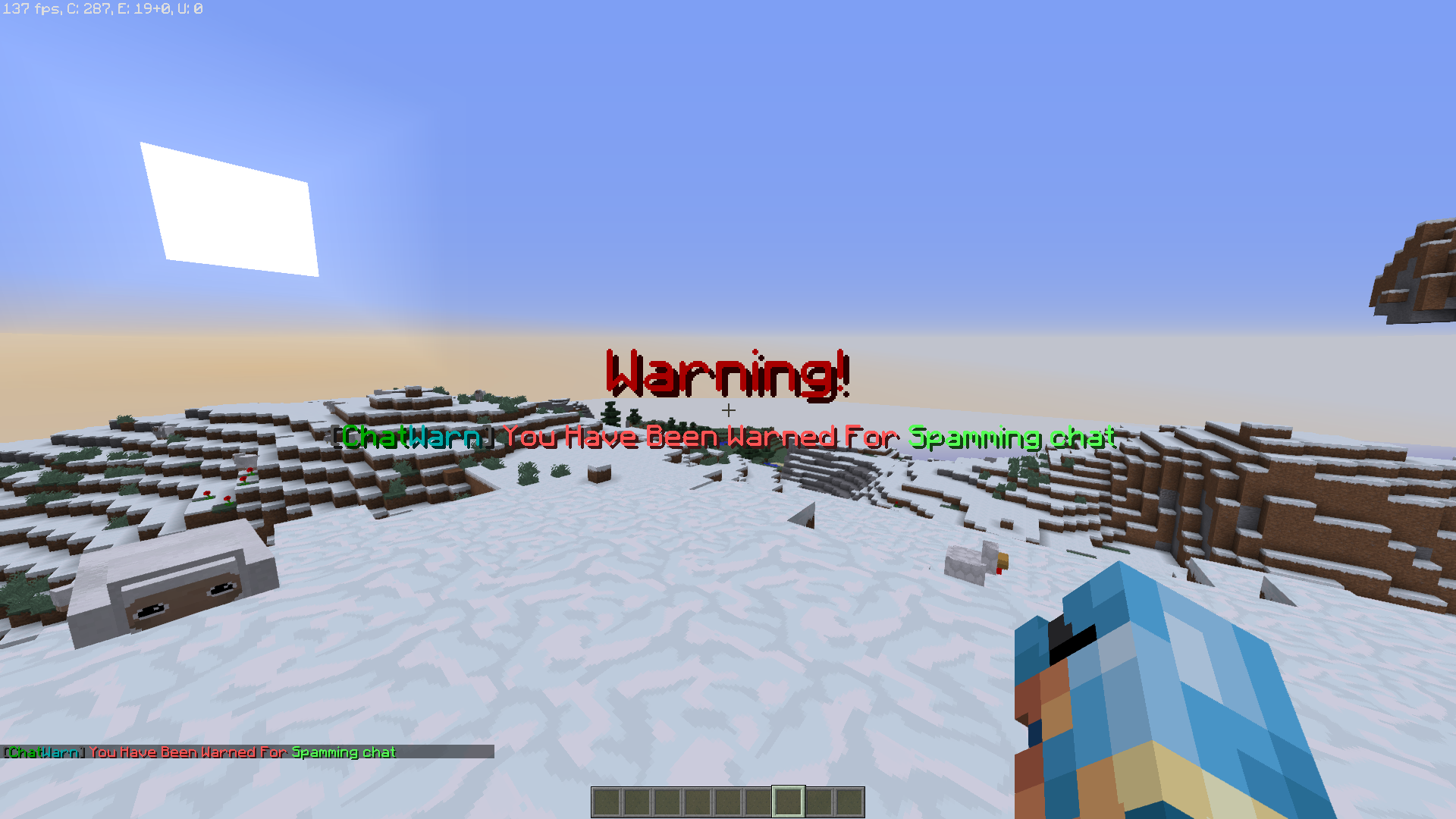
ChatWarn is a new plugin that when you enter /warn (player) (reason) it will send the player that you believe has broken a rule a custom warning message that also includes an onscreen popup! ChatWarn has seven basic commands each of the commands will either help you with chat related issues or help with plugin the plugin's management. After one warning has already been issued the next one will notify the staff members to mute the alleged player for increasing increments defined by the server owner in the configuration file. After all of the mute increments have been used the last staff member warning them then receives another message telling them to ban the rule breaker and after the player decides to make a ban appeal on the forums their warning level will reset and the procedures will continue two more times. After the player has been banned 3 times the third ban will become a permanent ban, meaning that they need to leave the server and will not have a chance to appeal their ban; however, of course you can decide to use the /resetuuid (player) command and reset their warning level. If your server is using a plugin that has bans but the player can change their user name and join back in again, you can use the plugins /banuuid (player) feature banning player's UUID from the server, if the player makes an appeal and you feel as if the player should be unbanned use the /resetuuid (player) command again. This plugin is constantly being updated and improved and is extremely customizable to every server's needs!
Commands
/chatload - Reloads the ChatWarn plugin. /warn (player) (reason) - sends a message and pop-up to the player warned.
/chatwarn - Shows the general hub of the plugin
/chatcredits (player) - Check the players current chat warning level. /checkup (player) - Check the players current chat warning level.
/banuuid (player) - bans the UUID of the player so they cannot change usernames to rejoin. /resetuuid (player) - Resets the players UUID to no chat warnings.
/chatmute (player) - Mutes the player specified (currently only a permanent mute until the command is ran again for the same player)
Permissions
chatwarn.help - Permission node for the help command.
chatwarn.reload - Permission node for the reload command.
chatwarn.warn - Permission node for the warn command.
chatwarn.credits - Permission node for the credits command.
chatwarn.checkup - Permission node for the checkup command.
chatwarn.banuuid - Permission node for the ban UUID command.
chatwarn.uuid - Permission node for the reset UUID command.
chatwarn.bypass - Bypasses warnings and cannot be UUID banned
chatwarn.bypassall - Bypasses the chatwarn.bypass permission and can warn anybody on the server, but cannot UUID ban those with the chatwarn.bypass permission
chatwarn.mute - Permission node for the chatmute command.
How To Use
How to use ChatWarn is actually pretty easy. If you see a player that broke a rule and it doesn't even have to be chat related. You can do /warn <player> <reason/rule broken> and it will tell the player that they have been warned for said reason.
ChatWarn Team
