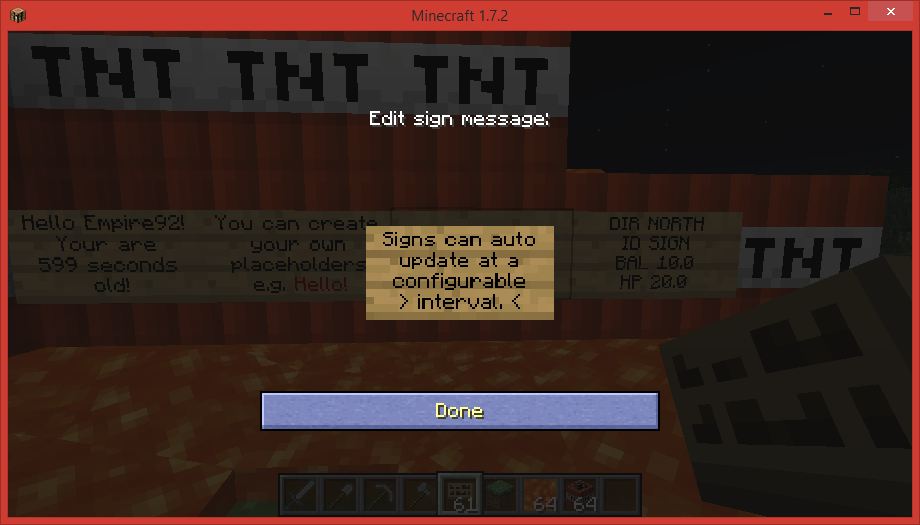
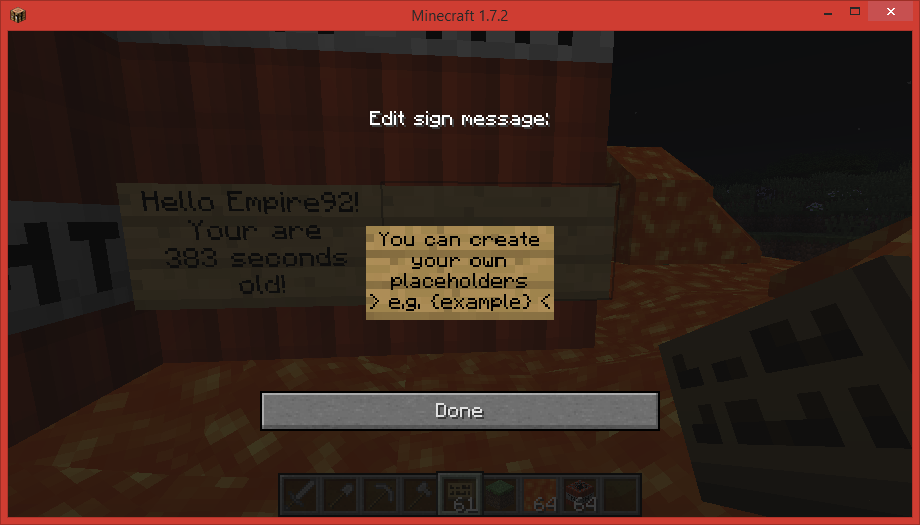
- Allows you to display text on a sign that is different for each player looking at it.
- Create signs with custom {placeholders} simply by typing them on the sign.
- For example; {player} will turn into your username.
- Create your own placeholders, or download additional ones.
- Placeholders contain information such as your current balance or the held item.
- Placeholders can be updated automatically (default once per second)
- Alternatively you can right click the sign to update it.
- You can find a list of placeholders below.
- Vault (Adds permission, economy and chat related placeholders)
- Enjin (Adds enjin tags)
- Factions (Adds faction related tags)
- Essentials (Used for getting offlineplayer DisplayName)
[Commands]
Command
Description
Permission
/isp setline <index> <value>
Set a line of a sign
insignsplus.setline insignsplus.setline.override
/isp help <placeholder>
Describes the function and usage of the placeholder
/isp list <page>
Lists the placeholders for this plugin
/isp save
Saves the plugin data
insignsplus.save
/isp reload
Reloads all configuration
insignsplus.reload
/isp enable
Enable a disabled placeholder
insignsplus.enable
/isp disable
Disables a placeholder
insignsplus.disable
[Permissions]
- insignsplus.create - allows you to use all non whitelisted placeholders
- insignsplus.create.* - allows you to use everything
- insignsplus.create.<placeholder> - allows you to use a specific placeholder.
- Custom placeholders go in the folder ".../plugins/InSignsPlus/scripts/"
- Any additional placeholders will go there.
- To add your own copy the default template "example.yml"
- The placeholder for "example.yml" would be {example}
Want to display per user, updating statistics for your minigame plugin?
The API allows you to have auto-updating per user sign messages without having to worry about all the protocol stuff:
- Click here for the developer API
[Performance]
- The plugin only updates packets when the server has a high tickrate.
- The updates occur on a separate thread.
- Only certain whitelisted placeholders are updated.
- You can configure how many signs can be updated at one time (default 1000).
- You may change the update interval (default 1 second).
- You can also simply disable auto-updating if you don't think it's necessary.
[Configuration]
- All configuration can be done through the config.yml
autoupdate:updates-per-milli:1#How many signs should be updated per millisecondenabled:true#Wether auto-updating should be enabledinterval:1#How often should the signs be updatedbuffer:1000#The maximum number of signs to update per intervalwhitelist:# A list of placeholders to update (you can add your own)-dead-sleeping-etc...
To get a placeholder to autoupdate, simply add it to the "whitelist" in the config.yml