📖 Project Overview
InvBackup is a Minecraft plugin that provides robust inventory backup and recovery functionality for server administrators. The plugin features an intuitive graphical interface (GUI) for easy interaction, allowing administrators to manage and restore player inventories, configure automatic backups, and apply world-specific settings. This ensures seamless protection of player progress, even in the event of server crashes or other issues.
📋 Features
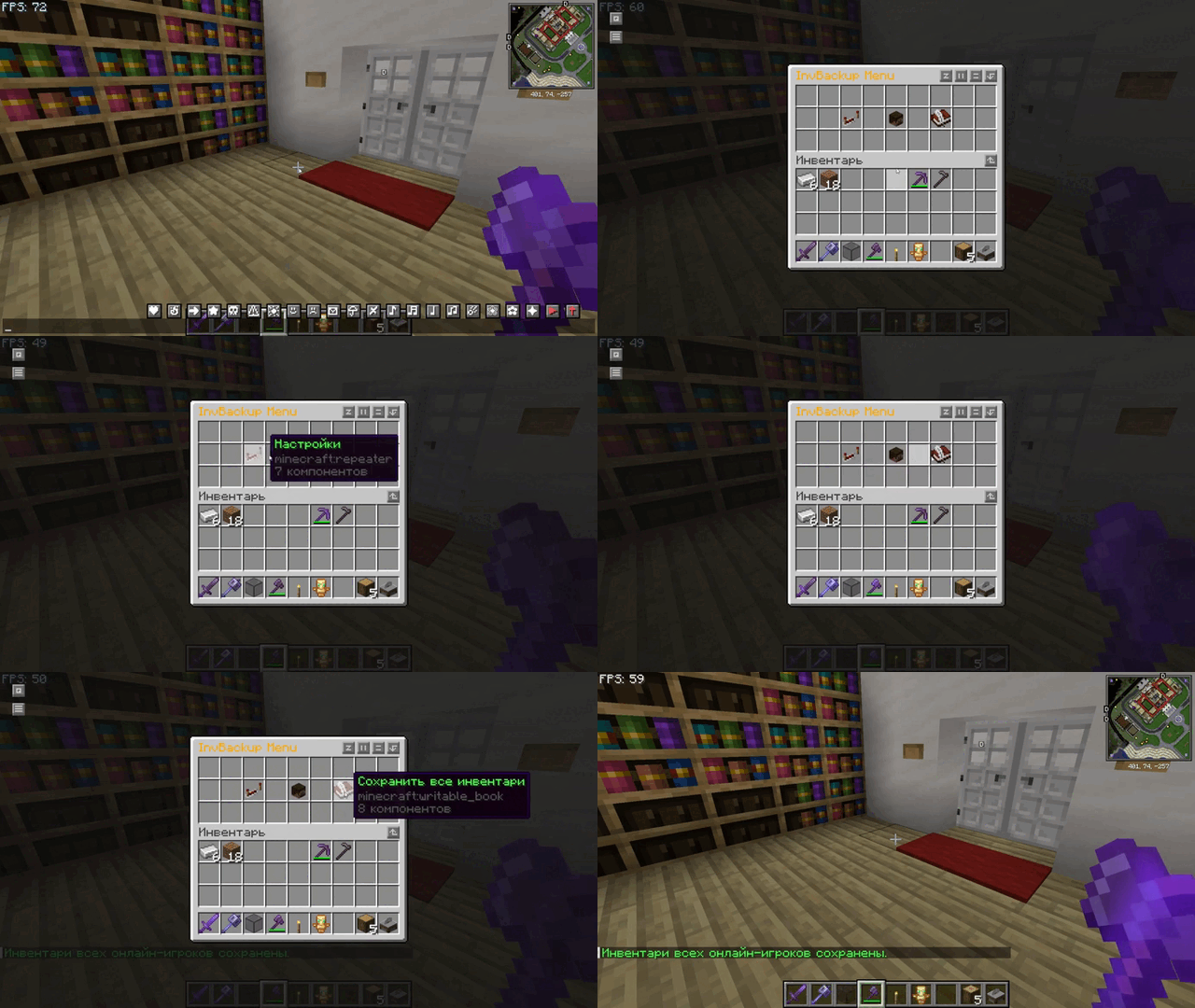
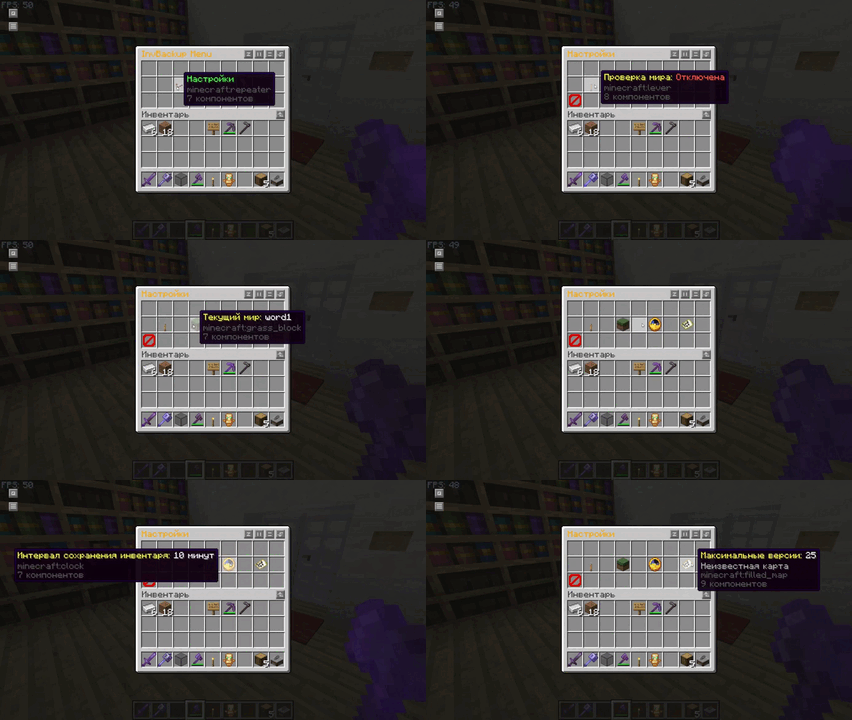
- Graphical User Interface (GUI): Manage and navigate plugin settings, player inventories, and backups via an intuitive GUI.
- Player Inventory Backup: Manual or automatic inventory backups.
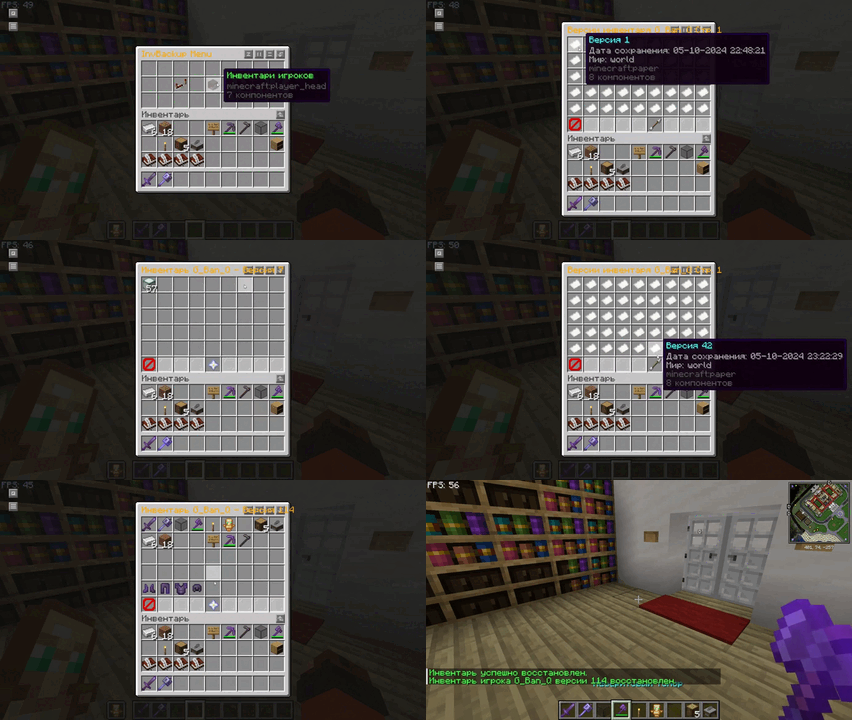
- Inventory Restoration: Restore inventories from the latest or specific backup via GUI or commands.
- World-Specific Controls: Choose which worlds allow inventory backups/restores.
- Interval-based Backups: Auto-backups at set time intervals.
- Customizable Interface: Configure backup intervals, max versions, world restrictions via GUI.
- Pagination: Smooth navigation of backup versions via paginated menus.
🛠️ Commands
The InvBackup plugin offers several commands for managing and controlling player inventory backups and opening menus:
| Command |
Description |
Usage |
Aliases |
/invbackup save |
Manually save a player’s inventory. |
/invbackup save <player> |
/ib save |
/invbackup restore |
Restore a player’s inventory from backup (latest if version not specified). |
/invbackup restore <player> <version> |
/ib restore |
/invbackup toggleworldcheck |
Toggle world-specific backup/restore restrictions. |
/invbackup toggleworldcheck |
/ib toggleworldcheck |
/invbackup setworld |
Set world name for backup/restore operations. |
/invbackup setworld <world> |
/ib setworld |
/invbackup setinterval |
Set auto-backup interval in seconds. |
/invbackup setinterval <time> |
/ib setinterval |
/invbackup reload |
Reload plugin configuration. |
/invbackup reload |
/ib reload |
/invbackup saveall |
Save inventories of all online players. |
/invbackup saveall |
/ib saveall |
/invbackup menu |
Open main InvBackup GUI menu. |
/invbackup menu |
/ib menu |
🔦 Highlights
- Backup Intervals: Auto-create backups to prevent data loss.
- World-Specific Behavior: Enable/disable backups per world.
- Manual Control: Admins can perform actions manually for players.
🔑 Permissions
The plugin uses a simple permission system to control access to features via GUI and commands.
| Permission |
Description |
Default |
invbackup.admin |
Full access to plugin features (commands + GUI). |
OP |
Breakdown:
invbackup.admin — Grants complete control over inventory management, backups, restores, and GUI settings.
⚙️ Configuration File
The plugin creates a config.yml file for customization of backups, intervals, and world settings. You can also adjust these through the GUI.
Example config.yml:
save-interval: 600
check-world: true
world-name: world
max-versions: 100
Key Options:
save-interval: Frequency of auto-backups in seconds (default: 600).check-world: Enable world-specific checks (true/false).world-name: Set the world for inventory operations.max-versions: Max number of saved versions per player.
💡 After changing the file, use /invbackup reload to apply settings.
🖥️ Graphical Interface Overview
Main Menu Access via /invbackup menu. Links to settings, players, and backup functions.
Settings Menu Modify intervals, toggle world checks, set max versions directly from GUI.
Player Inventory Menu View player heads → select a player → view/manage their backups.
Inventory Versions Browse historical inventory backups using pagination.
Restore Menu Restore player inventory from selected version via the GUI.
🚀 Quick Start Guide
Install the Plugin Place the .jar into your server’s plugins folder.
Start/Restart Server Restart the server to load the plugin.
Set Backup Interval Use /invbackup setinterval <time> or /invbackup menu.
Backup and Restore Use /invbackup save <player> or wait for automatic backups. Restore with /invbackup restore <player>.
World Customization Toggle restrictions via /invbackup toggleworldcheck.