🖼️ ImageToWorld v1.0.0






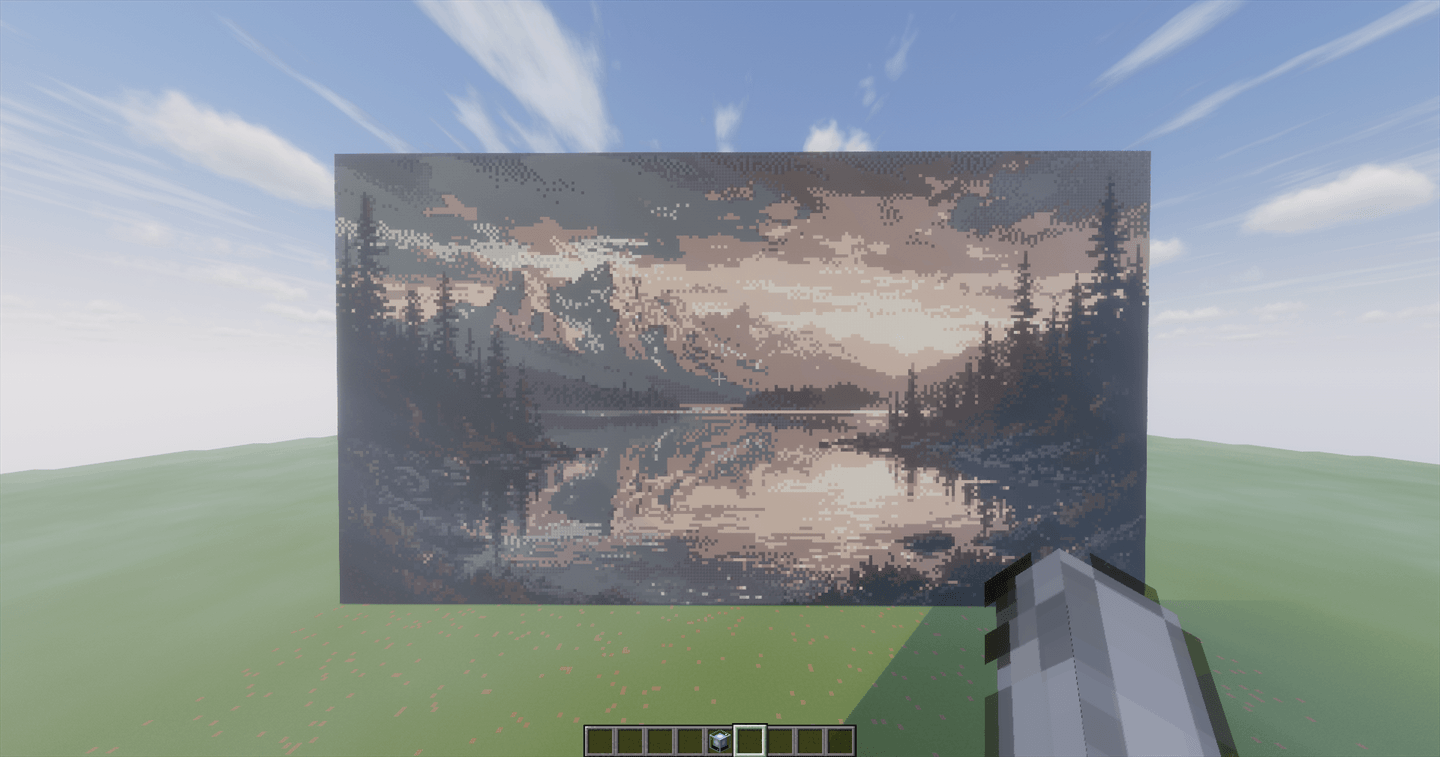
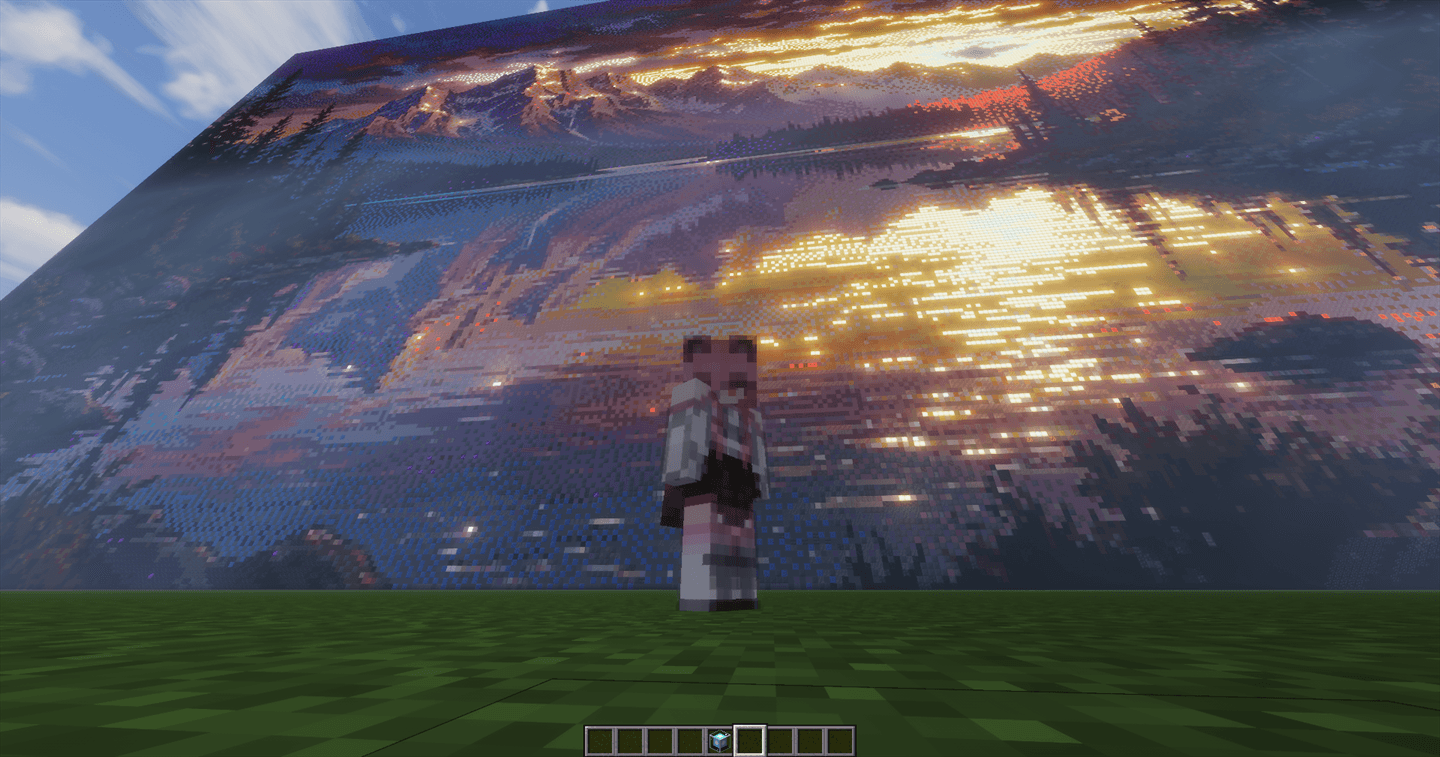
Convert any photo or image into high-definition, photorealistic Minecraft pixel art block structures!
Telefon veya bilgisayarınızdaki herhangi bir fotoğrafı devasa fotogerçekçi Minecraft piksel sanatına dönüştürün!
🌟 English Overview
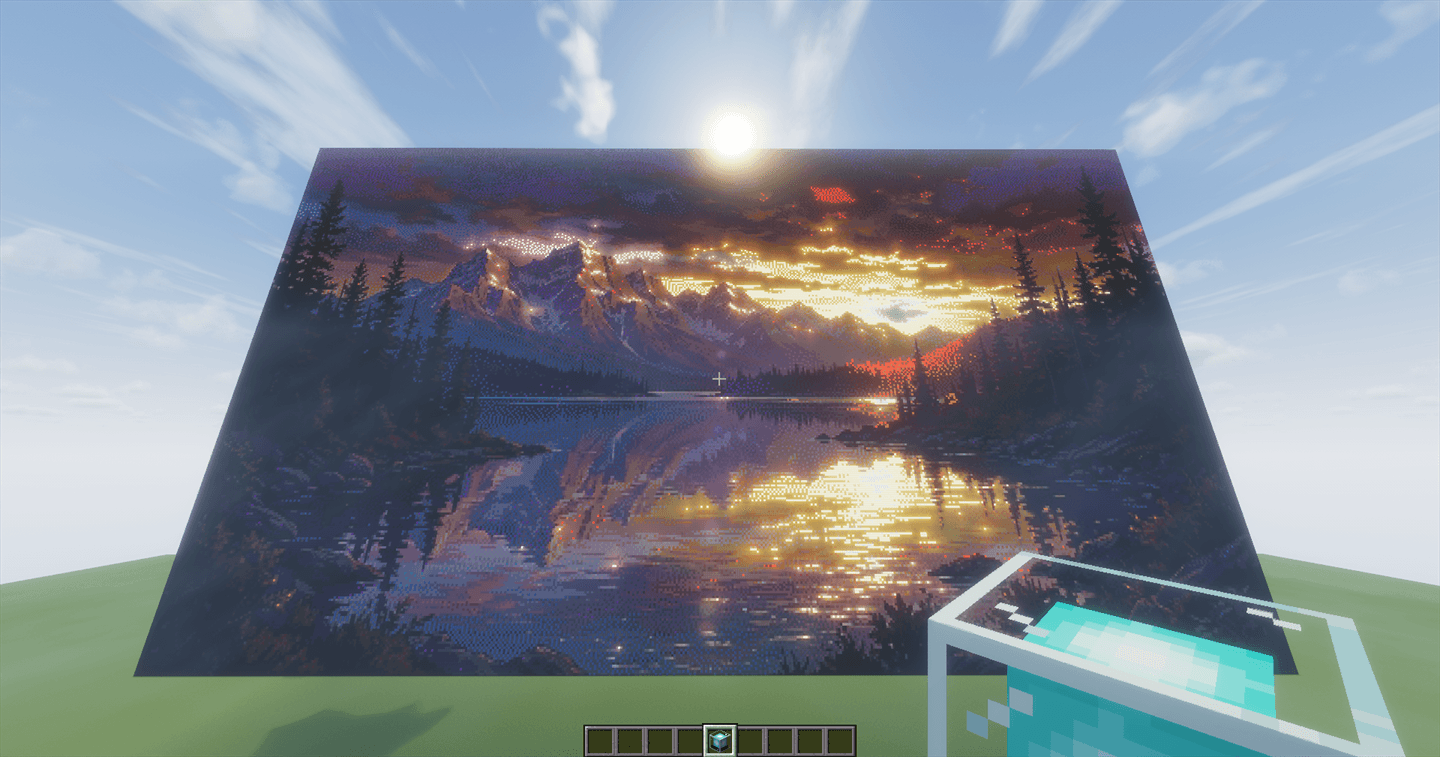
ImageToWorld is an ultra-high performance Paper/Spigot plugin created by kayapater. It enables players and server admins to take any image file (from their PC, phone, or web URL) and construct breathtaking pixel art murals directly in their Minecraft worlds in seconds.
Equipped with an industrial ISO/CIE CIEDE2000 (\(\Delta E_{00}\)) perceptual color difference engine and bidirectional serpentine error-diffusion dithering with noise damping, ImageToWorld maps photographic colors to 180+ Minecraft blocks with unrivaled accuracy — preserving skin tones, skies, and delicate gradients without jarring color artifacts.
🚀 Key Features
- 📸 Direct Web Device Upload Portal (Port 8080):
- Click the upload link in-game to open a secure web portal on your Phone, PC, or Tablet.
- Upload photos straight from your device camera/gallery with zero server FTP access required.
- 🎨 ISO/CIE CIEDE2000 (\(\Delta E_{00}\)) Color Science:
- Uses the international standard (Sharma et al. 2005) perceptual color formula.
- Database of 180+ solid Minecraft blocks calibrated in sRGB and CIE-\(L^*a^*b^*\) color spaces.
- ✨ Serpentine Bidirectional Dithering with Color Coherence:
- Damped error-diffusion eliminates directional streaks (worming) and color speckling/noise.
- Preserves flawless smooth skin tones, pastel sunsets, and realistic shadow transitions.
- 📐 Adaptive Multi-Resolution & 1:1 Zero-Loss Mode:
- Supported resolutions: 32px, 64px, 128px, 256px, 512px, 1024px (Ultra HD) and 1:1 Original Pixel (Zero Loss).
- 🧭 Intelligent Sky-Ceiling & Orientation Protection:
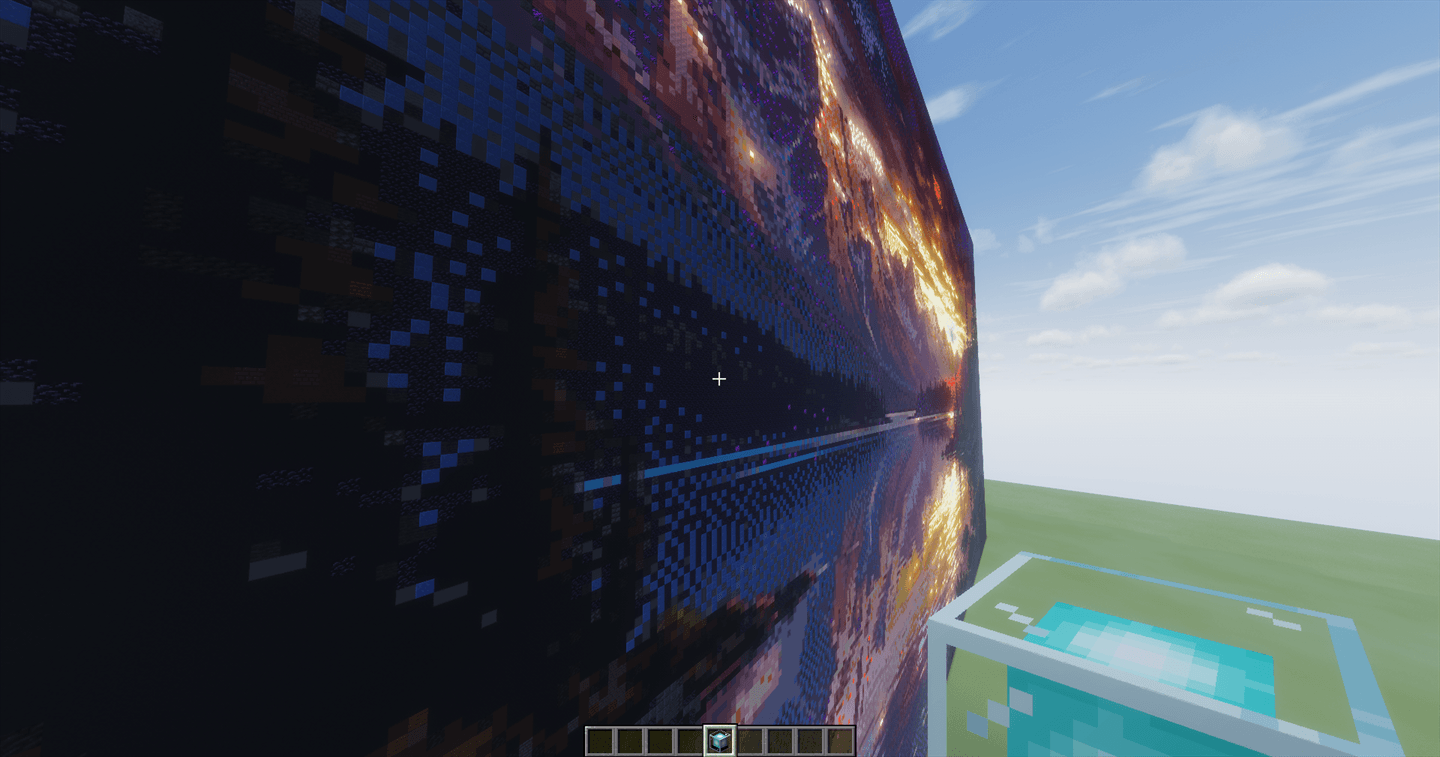
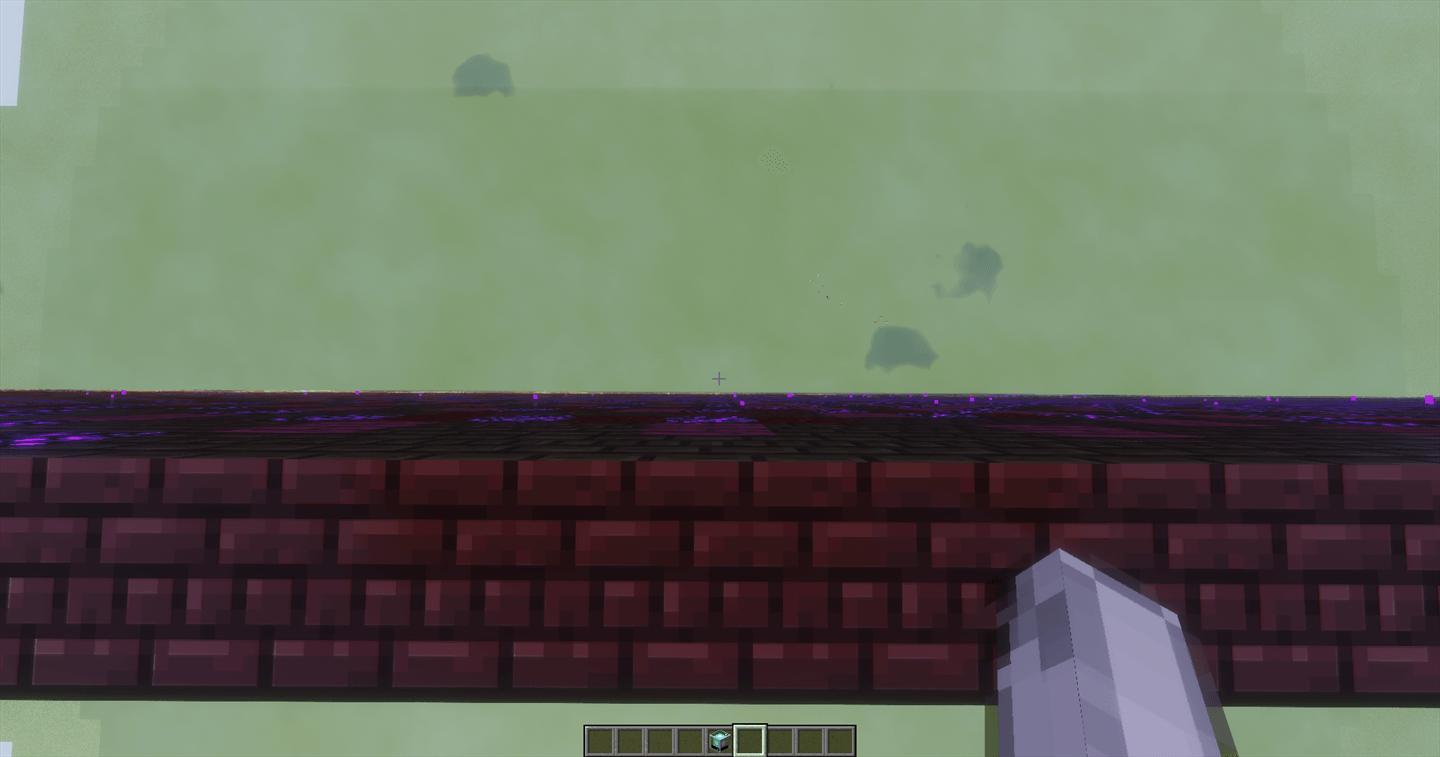
- Automatic world limit detection: images taller than 380 blocks are automatically locked to horizontal flat ground mode (\(X \times Z\)), preventing top-of-world clipping.
- 🧱 Custom Palette Filters:
- Filter blocks by: All Solid Blocks, Concrete Only, Terracotta Only, Wool Only, Natural (Wood/Stone), and Monochrome (Black & White).
- 🔄 One-Click Undo System (
/itw undo):
- Complete block history tracking allows you to cleanly remove your last built image with one click.
- ⚡ Asynchronous Lag-Free Construction:
- Dynamic adaptive batch placement (400 to 3,000 blocks/tick) ensures smooth 20.0 TPS even during massive multi-million block builds.
🇹🇷 Türkçe Açıklama
ImageToWorld, kayapater tarafından geliştirilen yüksek performanslı Paper/Spigot piksel sanatı eklentisidir. Telefonunuzdan, bilgisayarınızdan veya internet bağlantısından seçtiğiniz herhangi bir fotoğrafı Minecraft dünyanızda devasa blok tablolarına dönüştürür.
Endüstri standardı ISO/CIE CIEDE2000 renk eşleme formülü ve parazit önleyici yumuşatılmış Dithering (ton geçişi) motoru sayesinde, fotoğraftaki renkler 180'den fazla Minecraft bloğu arasından insan gözünün algısına en uygun şekilde seçilir. Ten renkleri, gökyüzü ve gün batımı geçişleri kusursuz görünür.
🛠️ Commands & Permissions / Komutlar ve Yetkiler
| Command / Komut |
Permission / Yetki |
Description / Açıklama |
/itw give |
imagetoworld.use |
Receive the special ImageToWorld Projector item (Özel Projektör eşyasını verir) |
/itw menu |
imagetoworld.use |
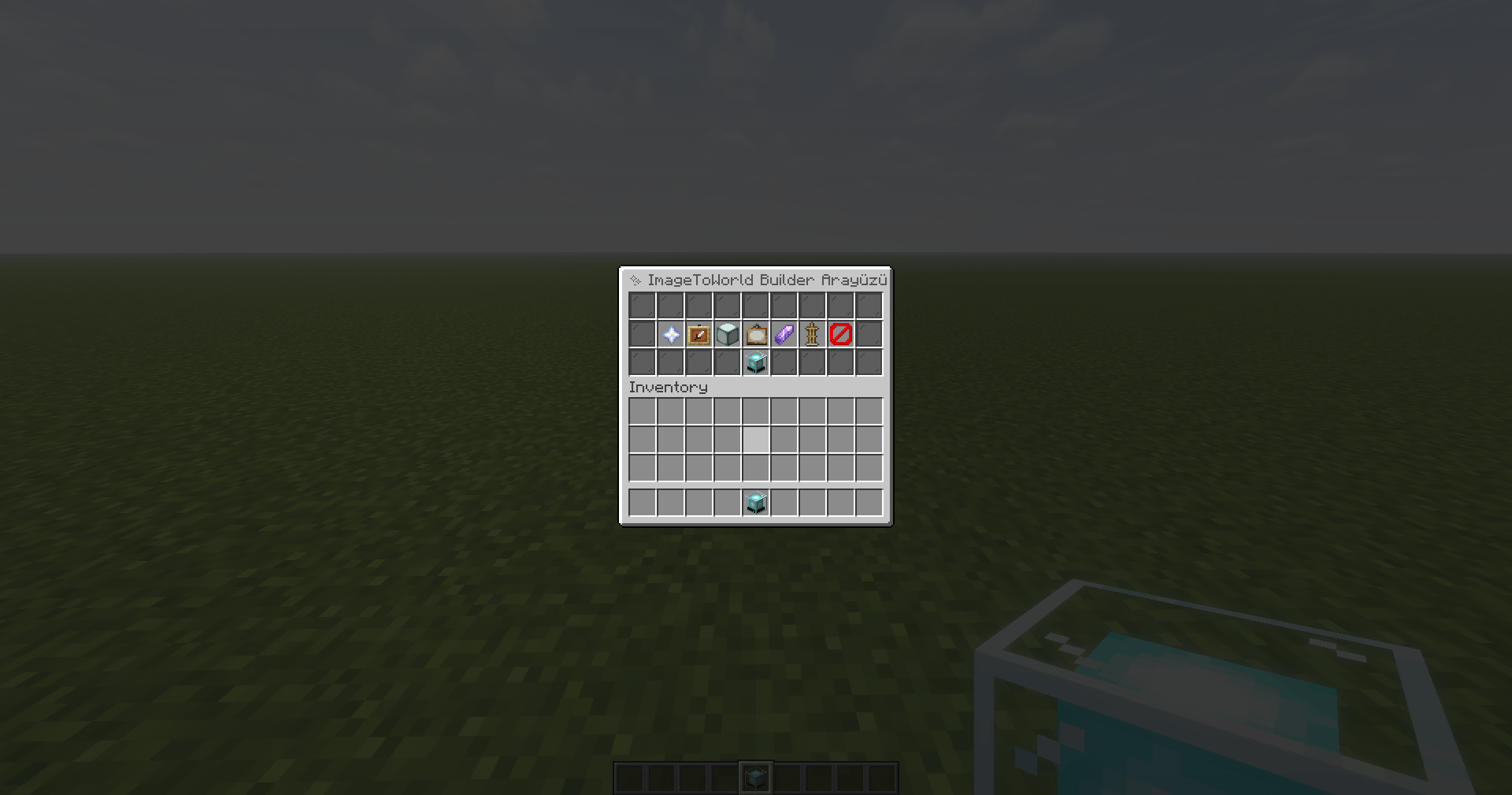
Open the interactive Builder Settings GUI (Ayarlar menüsünü açar) |
/itw upload |
imagetoworld.use |
Get your device web upload portal link (Web yükleme bağlantısını verir) |
/itw url <link> |
imagetoworld.use |
Download and build an image directly from URL (Web bağlantısından indirir) |
/itw list |
imagetoworld.use |
Open the server image gallery picker (Kayıtlı resimler menüsünü açar) |
/itw undo |
imagetoworld.use |
Instantly erase the last built pixel art (Son inşa edilen resmi geri alır/siler) |
/itw folder |
imagetoworld.use |
Open the server images directory in Windows Explorer (Resimler klasörünü açar) |
/itw info |
imagetoworld.use |
Show plugin and developer information (Eklenti bilgilerini gösterir) |
Permission Node: imagetoworld.use (Default: OP)
📖 Step-by-Step Usage / Adım Adım Kullanım
- Run
/itw give and place down your ImageToWorld Projector (Beacon).
- Right-click the projector to open the Builder GUI.
- Click 📸 Upload From Device (or use
/itw upload) to upload your photo from your phone or PC.
- Customize your Resolution (32px to 1024px / 1:1 Original), Palette, and Orientation (Wall vs. Ground).
- Click ▶️ Start Construction (Beacon) — watch your image build right before your eyes!
📥 Installation Guide / Kurulum Rehberi
- Download
ImageToWorld-1.0.0.jar from the Files tab.
- Place the
.jar file into your server's plugins/ directory.
- Start or reload your Paper / Purpur / Spigot server (Java 21 required, Minecraft 1.20.4 to 26.2+).
- Run
/itw give to get started!
📜 License / Lisans
Copyright © 2026 kayapater. All Rights Reserved.
Tüm Hakları Saklıdır. Geliştirici: kayapater.