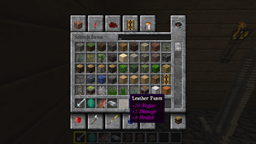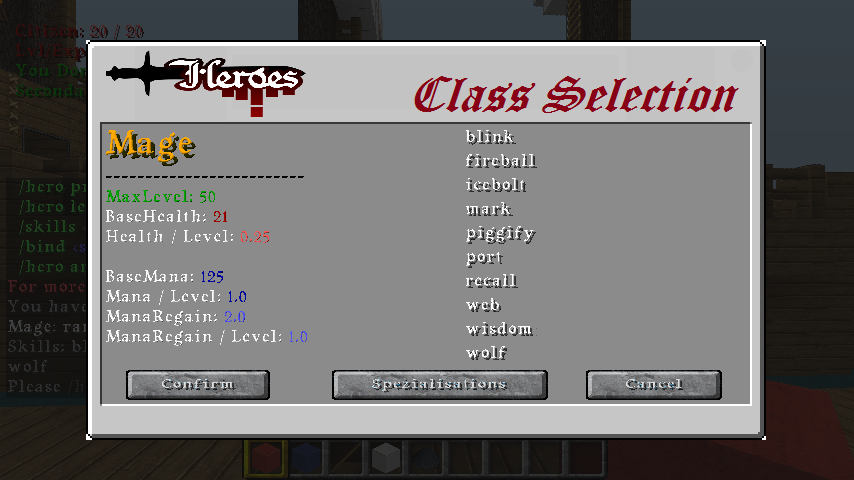
This page will appear after you clicked a class you want. Here you have also a Spezialisations button to find all spec for the curtain class.
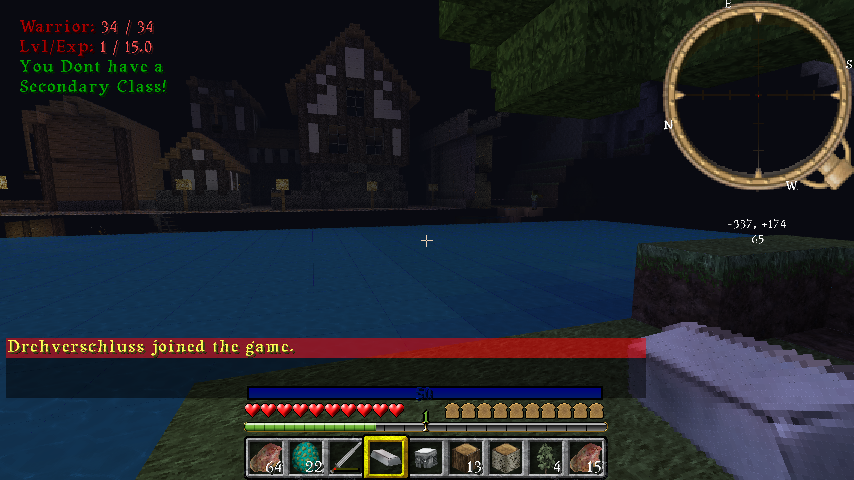
Here you can see what it looks like after you've installed the plugin.
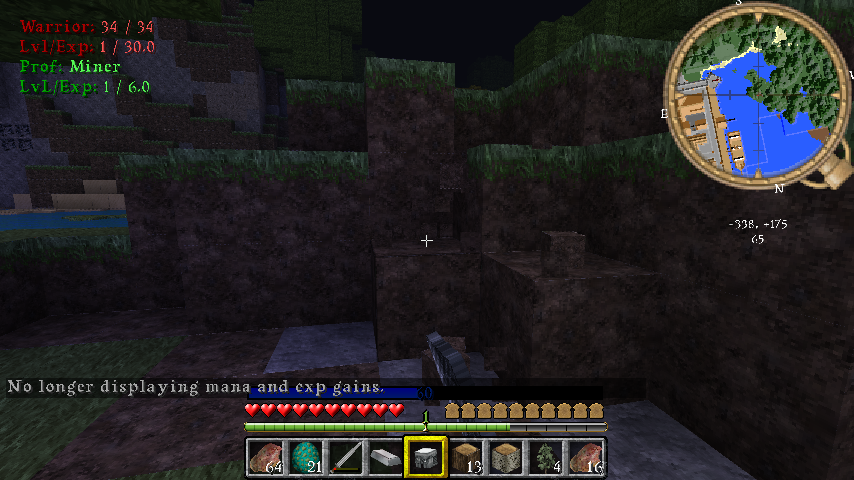
Here you see how the HUD looks if you have Primary and Secondary Classes.

Assigned by sleaker..i saks him to use
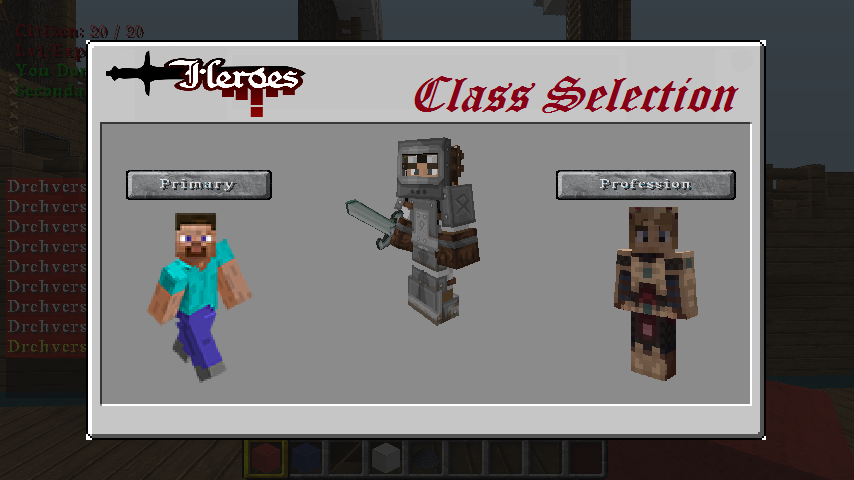
This is the Main GUI where you can select between Prim and Prof Classes. Open the GUI with the Command "/csg"
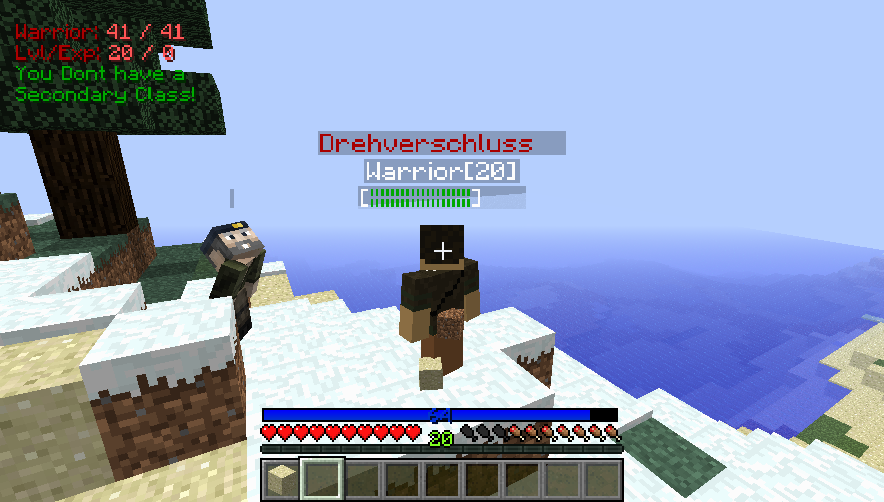
Also with Class and lvl Info! Hide on sneaking ;)
Description

This plugin generates for each player, a HUD that gives you the most important information about your Hero classes.
A GUI to select Classes and lot of usefull informations from the Different Classes. Also a easy way to Find Specz only for your class.
Commands
- /csg - opens Class Selection GUI
- You dont need to setup your Config in any way.
- If your Heroes Config is correct and make sense than this GUI will Pick every Class out.
- Easyer to find Spezialisations for each Class.
Config
- You can set the Position where the HUDLabel begins
- You can choose the vertikal_x and horizontal_y in %.
- Standard is X= 2% / Y=95%, which is at the upper left corner.
- X counts from left to right!
- Y counts from bottom to top!
- You can also choose if you wish to see the HUD or only use the GUI for ClassSelection.
- Its self explaining if you see the config ;)
ToDo
- Permissions
- HeroesSelectGUI - Mostly Done! Looking for last Issues!
Installation
- Drag and drop the HeroesHUD.jar into the plugins dictionary.
- Make sure you have Heroes and SpoutPlugin on your Server.
- Start the Server. :D
Depends
- Heroes Plugin
- SpoutPlugin
- SpoutClient.
Optional Depented
Wolfcraft Heroes Classes- These are not Supported by Wolfcraft atm.
Changelog
HeroesHUD Team