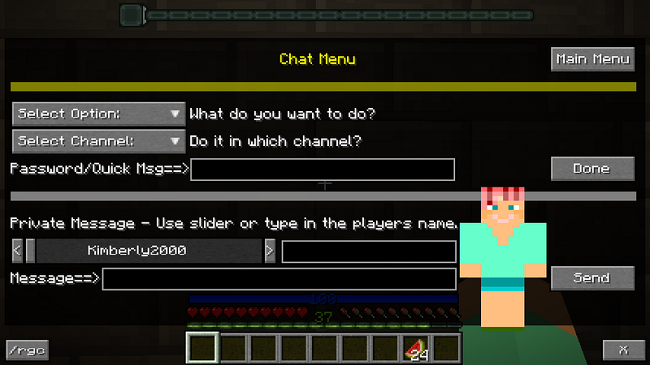
Kim's HeroChat Menu
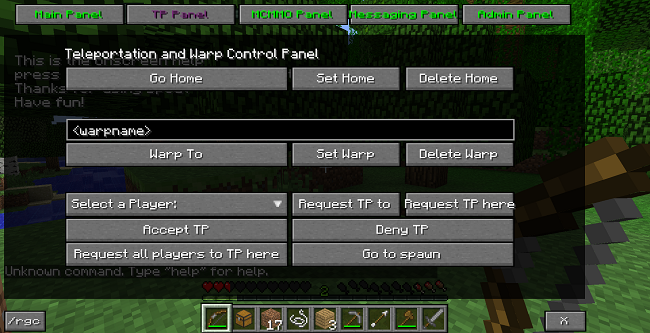
superchuckinator_s_GUI_2
GUI Creator.
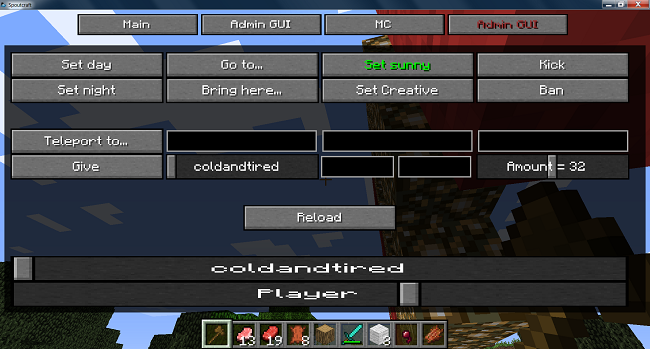
superchuckinator_s_GUI_3

logo
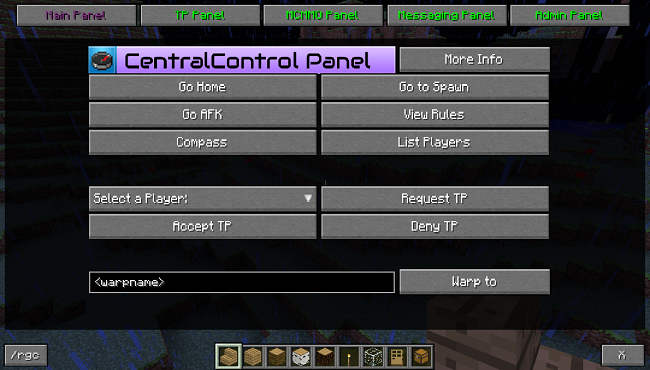
superchuckinator_s_GUI_1

Sig.
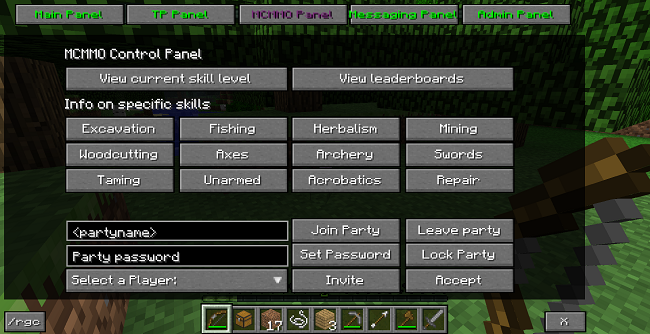
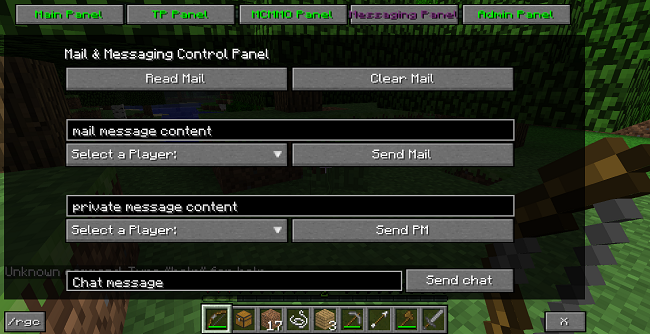
superchuckinator_s_GUI_4
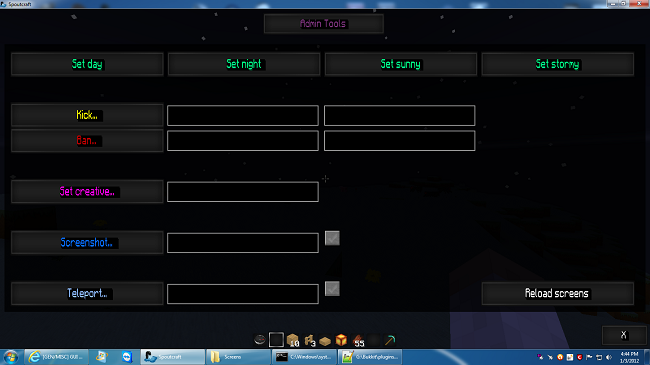
Omlet's GUI
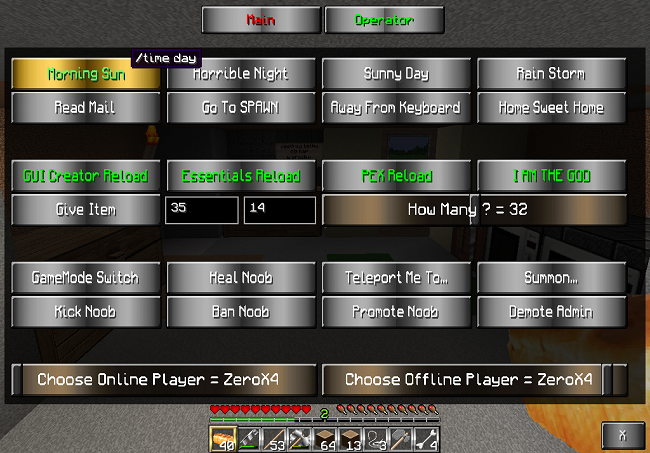
XeroX4's GUI
egc
Description
Anyone who has been active on the main forums in the last few days must surely have already heard the news.
I'm not going to comment on why and how, but the short version is that Bukkit is almost certainly not getting passed this.
Consequently, the future of BukkitDev is very uncertain. Even if the legal matters were resolved tomorrow there isn't really anybody left to deal with file submissions anyway. There's no indication about how long the site will stay up and what will happen to the files.
Anyway, while I will continue updating and developing my plugins you will need to look for updates somewhere else, namely the wiki. I will be updating this wiki in the next few days to facilitate better communication (forums, email, etc.) and adding any documentation that's missing.
I will also, of course, be looking into porting the plugins over to whichever API emerges from the ashes!

GUI Creator
This is the successor to Admin GUI, featuring a simpler config but offering more powerful customisation!
How it works
Each screen is divided into ten rows, each having four columns (by default). Controls can be placed into any of these cells, and can span multiple rows and columns. It's also possible to set the exact x, y, width, and height values if needed. See the tutorial for more information.
Video overview
Tutorial
Available controls
- buttons
- text boxes
- checkboxes
- radio buttons
- textures (for images)
- sliders
- gradients
- labels
- spacers
- link buttons
Requirements
- SpoutPlugin
- Spoutcraft
Both of these can be downloaded here
Config
- open_screen
- set this to the id of a screen to have that screen automatically open when the GUI does
- make_player_skins
- set this to no to stop the plugin creating skins when players join the server
The rest of the config is used to change the default colours of things. Each value must be a string in the format r,g,b or r,g,b,a. Note that you can override these colours on any particular control.
Commands
- /reload_gui_creator or /rgc
- this will refresh the layout files if they have been changed since the plugin was started. The new screens will be visible the next time the GUI is opened
- /open_screen or /os
- this is an alternative to pressing the C key
- use on its own to open the GUI like normal
- use with a screen id to open the GUI directly to that screen
Permissions
- gui_creator.can_open_gui - controls whether the user can access the GUI. Default is false.
- gui_creator.can_reload_screens - controls whether the user can reload the screen files. Default is false.
Mac users
I've been informed that Macs have a very unfriendly behaviour of treating remote folders like local folders and creating hidden files on them. This has been causing the problems that I've seen come up a few times where the plugin is trying to read this hidden file.
I've fixed this from 1.6.7 but it you don't want to update, or you're seeing problems with other plugins, there are a couple of things you can do. One is to delete the file .DS_Store from any remote folders that are giving you trouble. Second is to follow the instructions here and stop the behaviour altogether.
Issues
- there are a couple of controls that are hard-coded in Spout so resizing them won't work as intended (mainly check_box and radio_button)
- this plugin is intended to be run full-screen, with GUI scale set to auto (see the previous point)
Like this and want to show appreciation? Send any unwanted TF2 items my way! id: coldandtired
The GUI Creator Team