EzAFK is a configurable plugin designed to help server administrators manage AFK (Away From Keyboard) players on their Minecraft servers. With EzAFK, you can detect when players go AFK, notify them, broadcast messages to the server, and kick players who remain AFK for too long. Keep your server active and free from idle players effortlessly!
Features:
- AFK detection: Automatically detect players who are idle for a configurable amount of time.
- Custom messages: Send custom messages to players when they go AFK.
- Broadcast notifications: Announce to the server when a player goes AFK.
- AFK animation: Optional AFK animation at start of AFK and going out of the AFK state.
- MySQL database synchronization (> 1.3): You can sync you AFK players to a MySQL database. This can be nice for if you by example have a custom website and want to show the AFK-status of the players on your website.
- Update check message (> 1.3): On server start up the plugin checks if there is a new version of the plugin available on spigotmc.org. When a new version is available the console will give you a link to this resource.
- GUI (> 1.4): Manage the AFK players easily through a GUI. You can easily alert them, teleport to them or kick them.
- AFK kick: Automatically kick players who are AFK for too long, with customizable kick messages.
- Optional: Option to only kick when the server is full
- Anti AFK mechanics: Prevent players from avoiding AFK detection using water flows or vehicles.
- Configurable timeouts: Easily set AFK detection and kick timeouts through the configuration file.
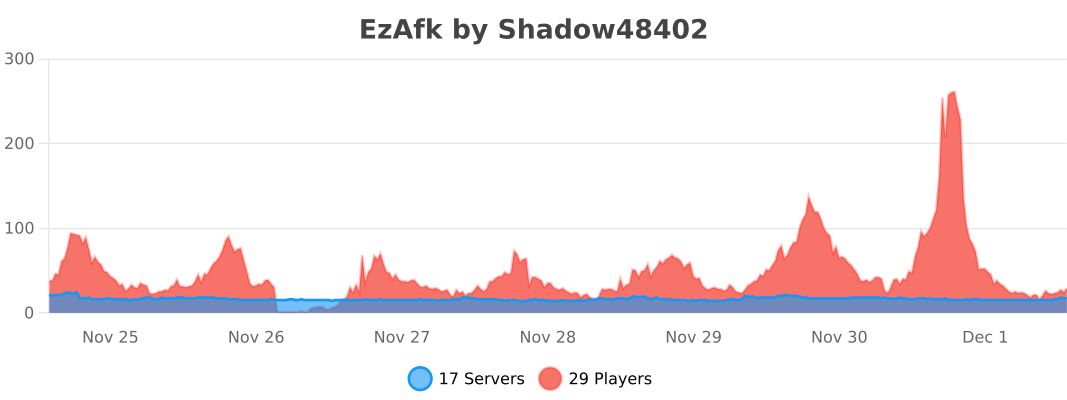
- Metrics integration: The usage of the plugin is being tracked by bStats.
- TAB player list prefix: Update your player list in the TAB with the AFK status.
- AFK bypass WorldGuard region flag: Make AFK areas for players, so players can be AFK at a specific area of your choice.
Integrations
TAB
We've built in a prefix for the TAB player list. You are able to add the `%afk%` placeholder in your TAB groups.yml. This can be set by example at _DEFAULT_: -> tabprefix.
https://www.spigotmc.org/resources/tab-1-5-1-21.57806
Example configuration
_DEFAULT_:
    tabprefix: "%afk%%luckperms-prefix%"
The AFK prefix of EzAfk can be set in the config.yml of EzAfk.

WorldGuard
We have a custom WorldGuard flag that prevents players from going AFK, this way you can make an AFK area for players. This by example can prevent automatic farms on your server since they are limited to a specific AFK area.
https://dev.bukkit.org/projects/worldguard
Flag name: afk-bypass
How to add the flag to your region?
You can run the command
/region flag <FLAG_ID> afk-bypass ALLOW
GUI
The GUI is available with the command /ezafk gui, the permission ezafk.gui or OP is required to use the GUI.
Options available in the GUI:
- Kick player
- Notice player
- Teleport to player

Permissions:
ezafk.bypass - Bypass the auto AFK
ezafk.gui - Usage of the GUI
Commands:
/afk - Players can set themselves as AFK using the /afk command.
/ezafk reload - Reload the plugin configuration with the /afk reload command.
/ezafk gui - Manage AFK players easily through the GUI
Support:
For support, suggestions, or bug reports, please visit our support thread on SpigotMC.org.
Keep your server active and free from idle players with EzAFK! Download now and take control of AFK players on your server.
EzAfk Team