Event Teleporter
- By
2026-07-08_22.51.59.png

Снимок ÑкÑана 2026-07-07 160149.png
2026-07-08_22.52.47.png
Description
Event Plugin
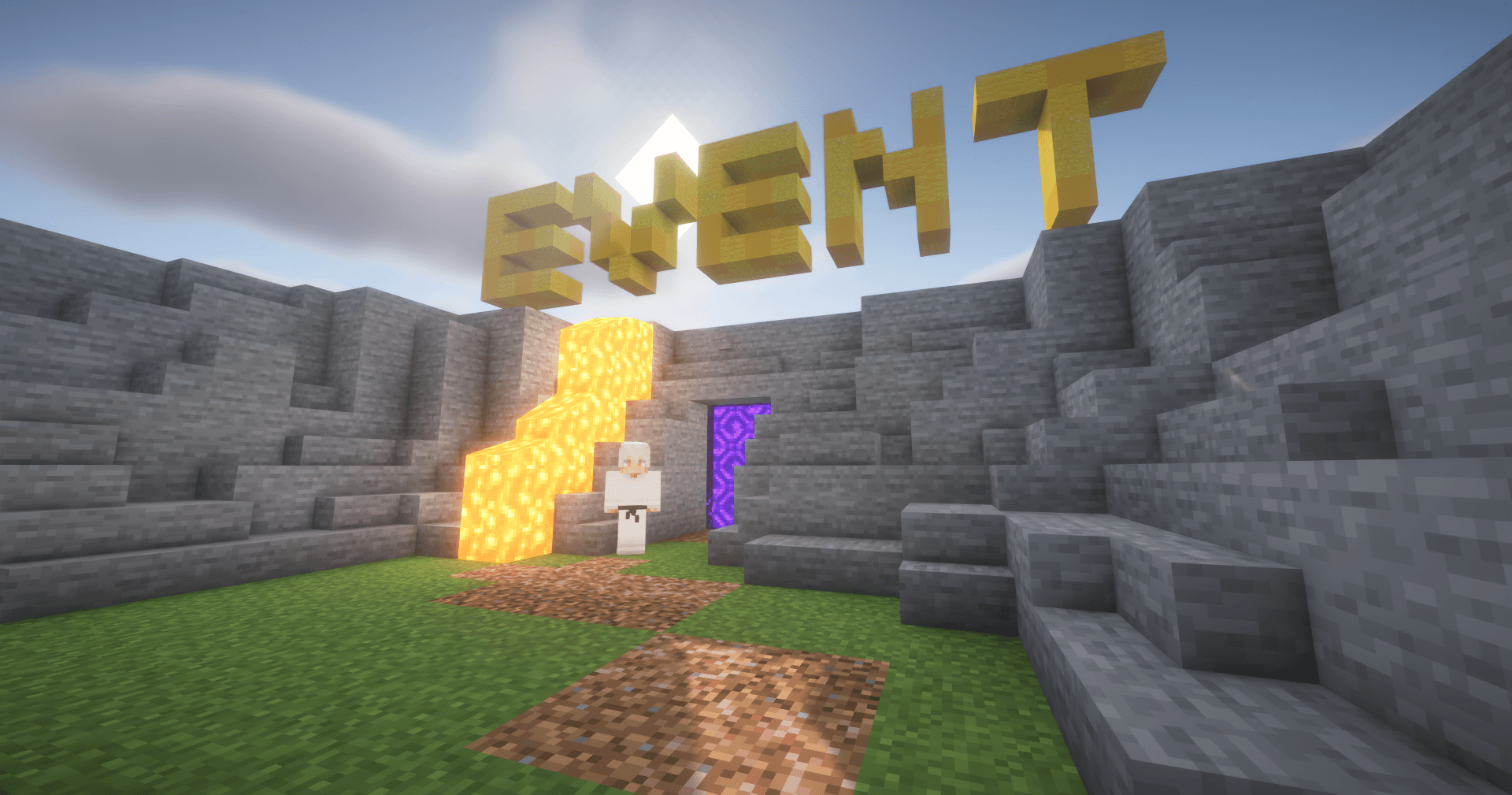
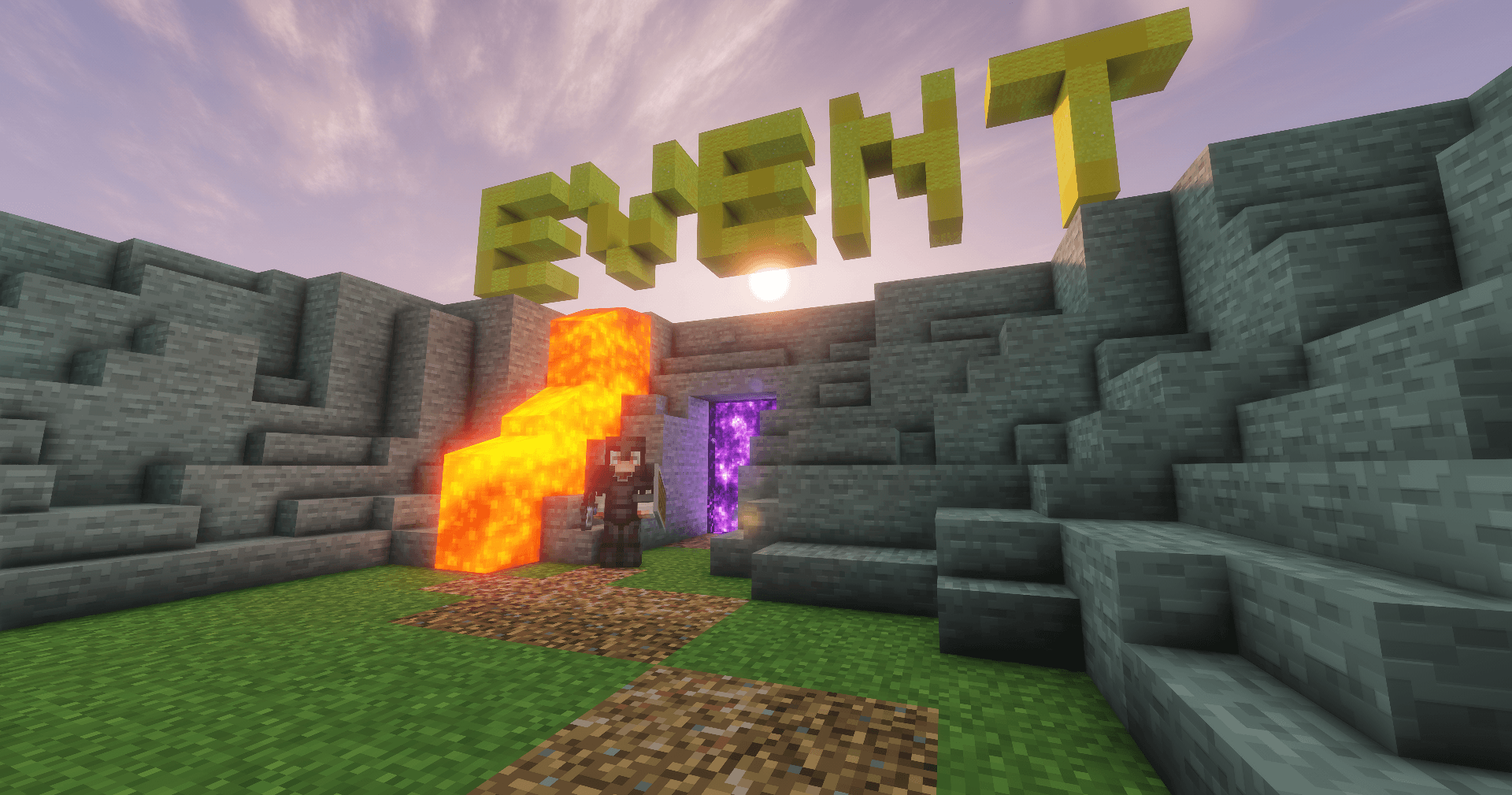
Event Plugin is a plugin that allows you to host events on your Minecraft server. It includes features such as inventory saving, player restoration, participant limits, blacklist management, and the ability to allow players to join an event only once. The plugin will continue to receive updates with new features, improvements, and bug fixes.
Plugin Commands
Commands for Players
/event — Join the event.
/event confirm — Confirm the teleport without clicking the chat message.
Admin Commands
/event admin (shortcut: /ea)
Event Management
/ea set — Start an event.
/ea set <time> — Start an event with a join timer.
Example: /ea set 0
0= players can join forever.- Any other number = time (in minutes) during which players can join.
/ea set <time> <message> — Start an event with a custom announcement.
Example: /ea set 0 Welcome to the event!
The message will be displayed in the chat.
Player Management
/ea kick <player> — Remove a player from the event without allowing them to rejoin.
/ea close — Close the event so no more players can join.
/ea end — End the event and teleport all participants back to their previous locations.
/ea maxplayers <number> — Set the maximum number of event participants. Use 0 to disable the limit.
Blacklist
/ea blacklist add <player> <reason> — Permanently blacklist a player. If the player is currently participating in the event, they will be removed immediately, returned to their original location, and their inventory and experience will be restored.
/ea blacklist tempadd <player> <time> <reason> — Temporarily blacklist a player. Supported time formats: 30m, 2h, 1d.
/ea blacklist remove <player> — Remove a player from the blacklist.
Plugin Settings
/ea toggle — Open the plugin settings menu.
/ea toggle inv — Enable or disable inventory and experience saving.
/ea toggle once — Enable or disable the "Join Only Once" feature.
/ea toggle title — Enable or disable large on-screen title announcements.
/ea toggle sound — Enable or disable event sound effects.
Features
- Automatic player teleportation to the event.
- Players can confirm teleportation using
/event confirm. - Optional inventory and experience saving.
- Saves the player's location before teleporting.
- Automatically returns players to their saved location when the event ends or after they die.
- Optional "Join Only Once" mode.
- Configurable event join timer.
- Configurable maximum player limit.
- Custom event announcements.
- Built-in permanent and temporary blacklist system.
- Instantly removes blacklisted players from active events while restoring their inventory, experience, and previous location.
- Optional on-screen Title announcements.
- Optional sound effects for event start and end.
- Independent configuration toggles for Titles and Sounds.
- Supports both English and Russian languages. Change the plugin language in the configuration file by setting
language: enorlanguage: ru.
Changelog
EventTeleport 1.2
New Features
Admin GUI (/ea menu)
A brand-new in-game interface for managing your event settings in real time.
Available options:
- Inventory Saving
- PvP
- Sounds
- Titles
- Blocked Commands
Timed Blacklist
Added support for temporary blacklist entries.
Command:
/ea blacklist add <player> <time> <reason>Players can now be blacklisted for a specific amount of time.
Automatic Blacklist Expiration
Temporary blacklist entries are now removed automatically once their timer expires.
Improvements
- Added a live dashboard displaying the current status (Enabled/Disabled) of every event feature.
- Improved inventory and experience restoration for more reliable teleports.
- Optimized background tasks responsible for event registration and automatic event closing.
- Improved command feedback and status indicators throughout the admin interface.
Commands
| Command | Description |
|---|---|
/ea menu |
Opens the EventTeleport management GUI. |
/ea blacklist add <player> <time> <reason> |
Temporarily blacklist a player. |
/ea blacklist remove <player> |
Removes a player from the blacklist. |
The Event Teleporter Team