



Description
Tested on 1.16, 1.17, and 1.18!
Upgrade the existing enchantments on any tool or armor.
How to Use
- Add an enchantment to an item using an enchanting table or command. The enchantment must already exist on the item.
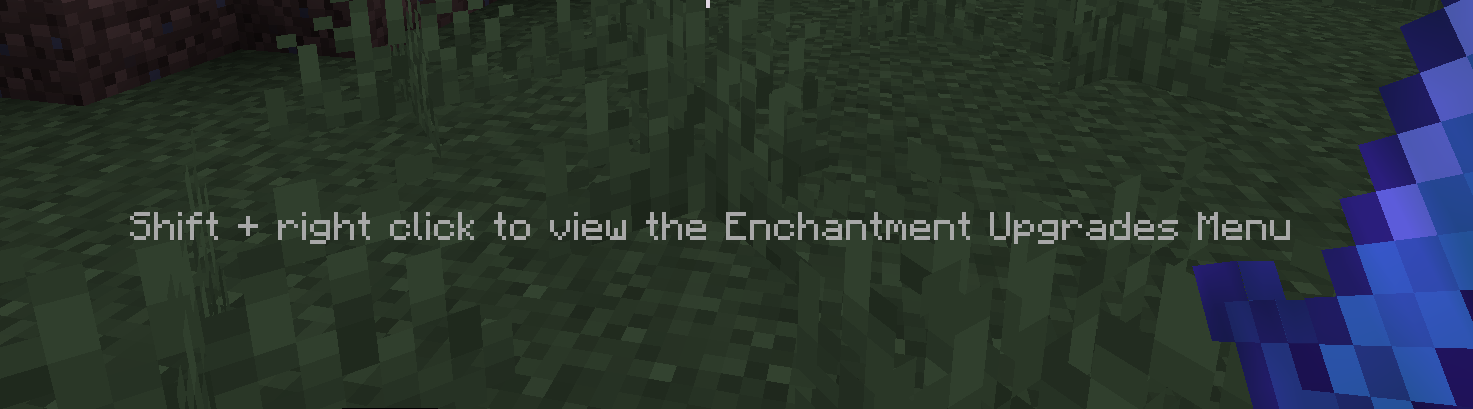
- Shift and right-click with the item in your held item slot in your hotbar.
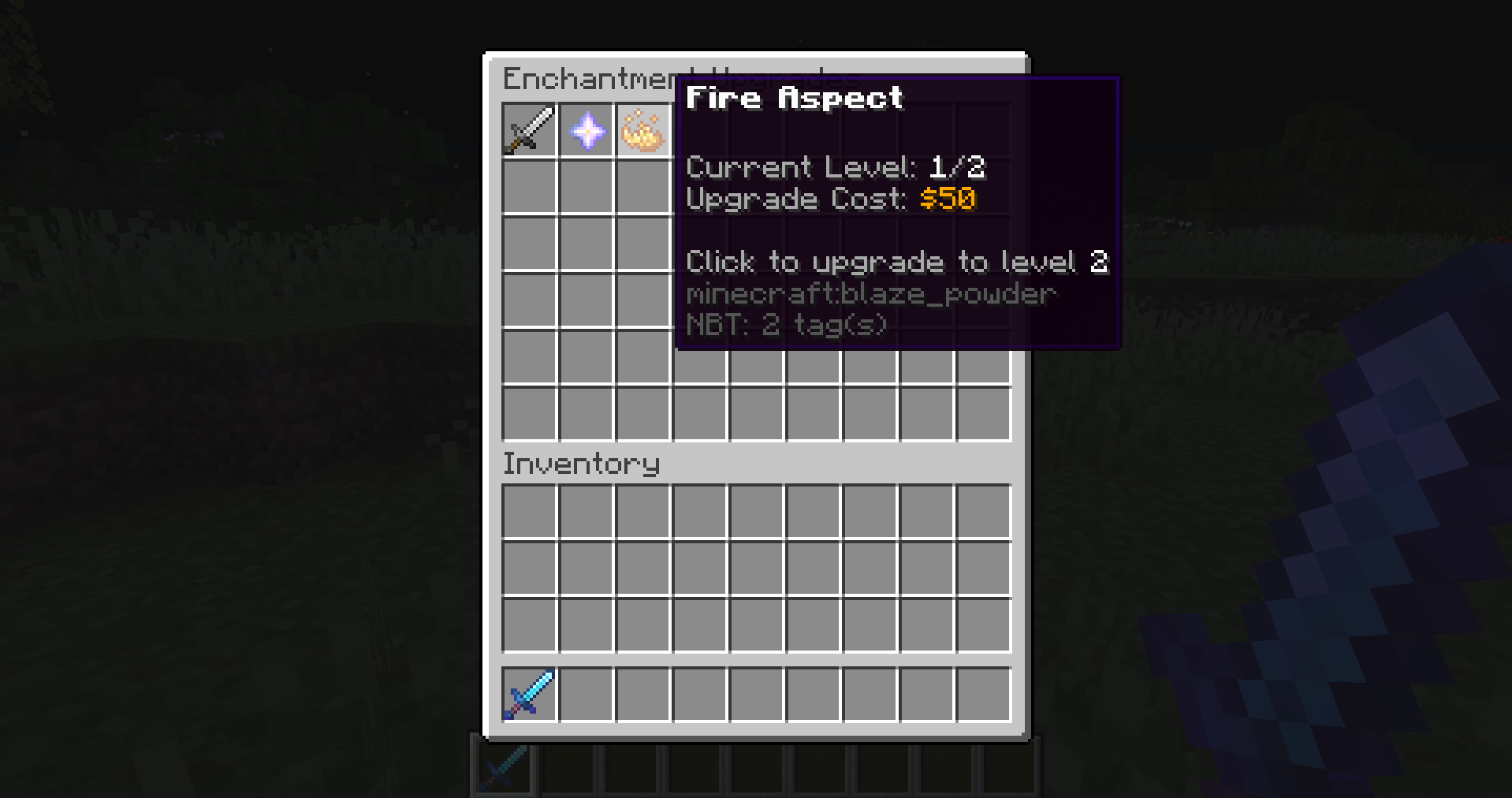
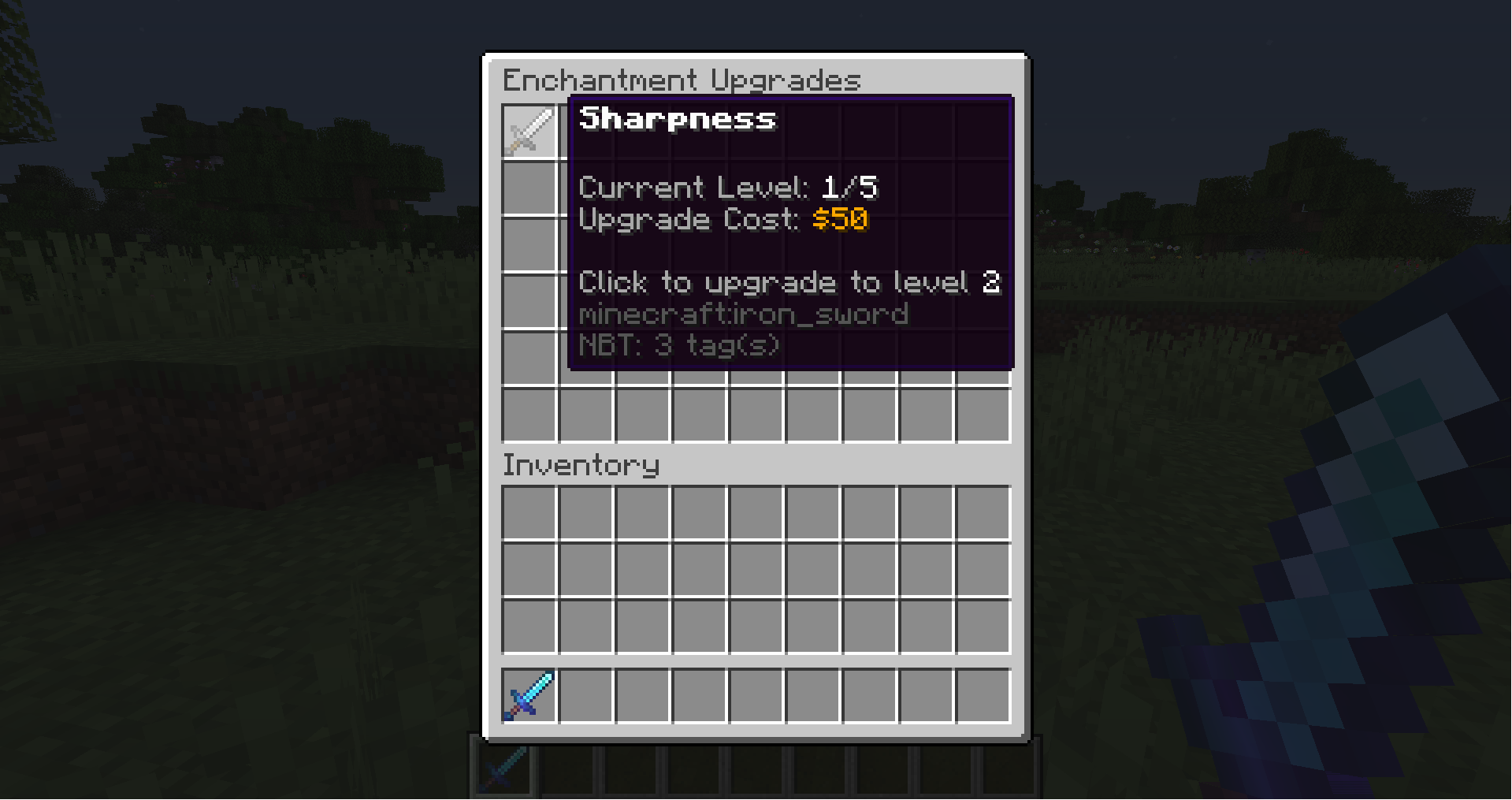
- Hover over the items to see which enchantments they represent and information such as current level, next level, and upgrade cost.
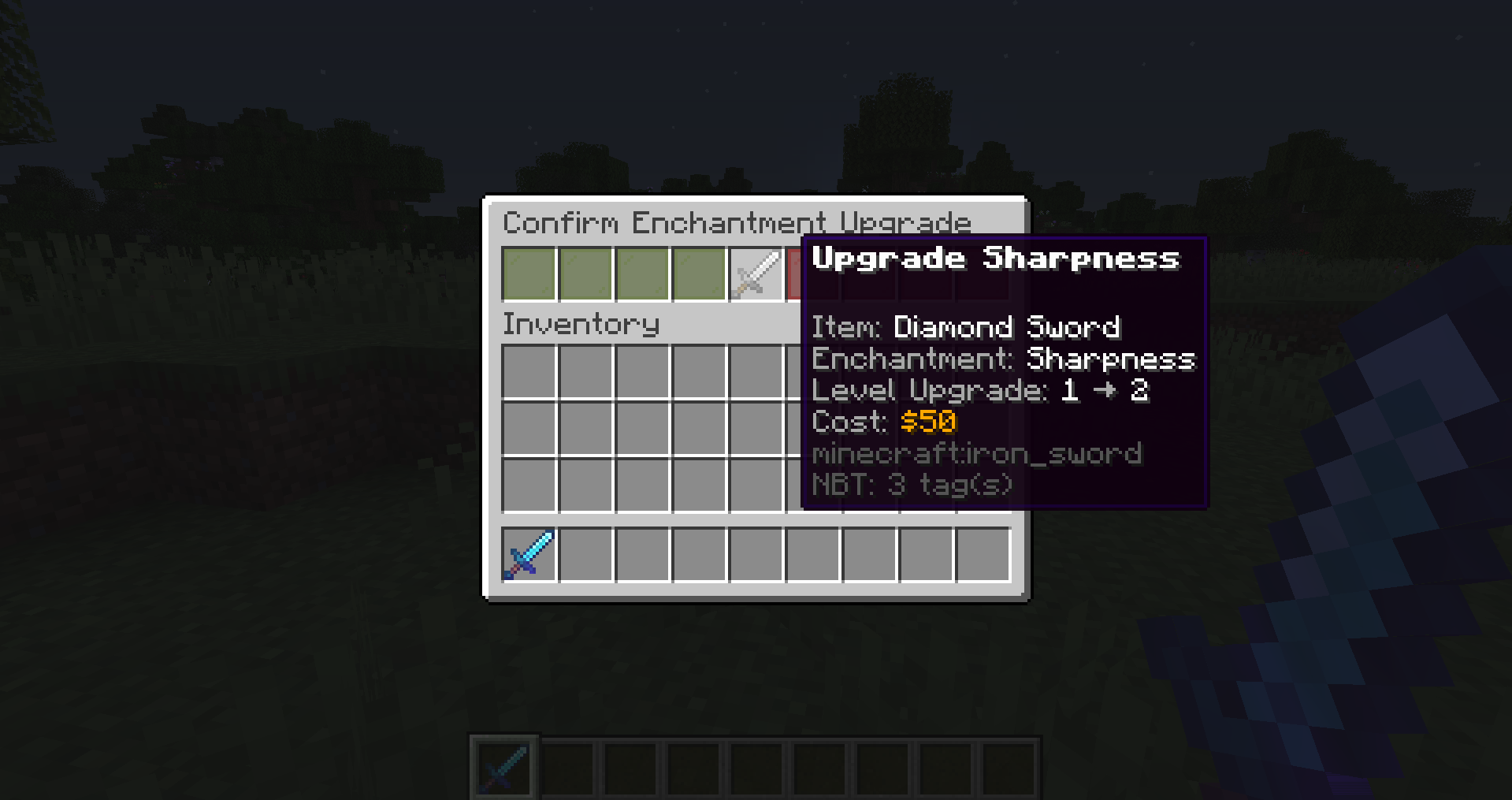
- Click on the enchantment icon you wish to upgrade, then click "Confirm" to accept or "Cancel" to deny.
Features
- A fun addition for Prison servers
- Compatible with any plugin that adds more enchantments by registering them
- Customize menu items and titles
- Customize currency name, color, symbol, and format
- Specify which tools that enchantments can be upgraded on
- Specify a cost multiplier for each individual enchantment
- Specify maximum enchantment levels
Permissions
- enchantmentupgrades.upgrade: Allow users to upgrade enchantments (Default)
Configuration
Required Plugins
Known Compatible Plugins
Example Servers



Enchantment Upgrades Team
