Elytra flight plugin (CraftAttack)
- By
Screenshot 2026-10-11 205140.png
Screenshot 2026-10-11 205256.png
Screenshot 2026-10-11 204953.png
Screenshot 2026-10-11 205109.png
Description
SpawnElytra
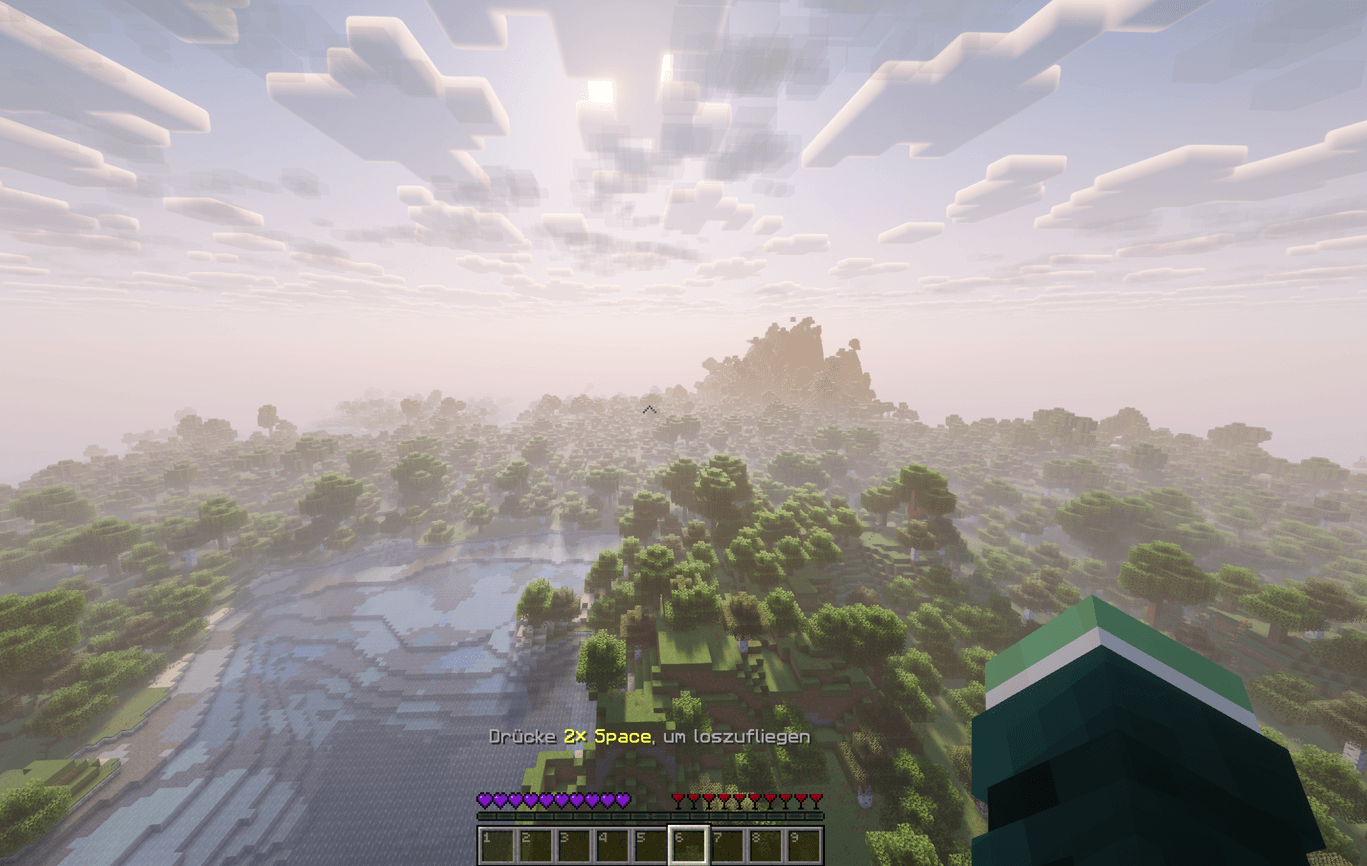
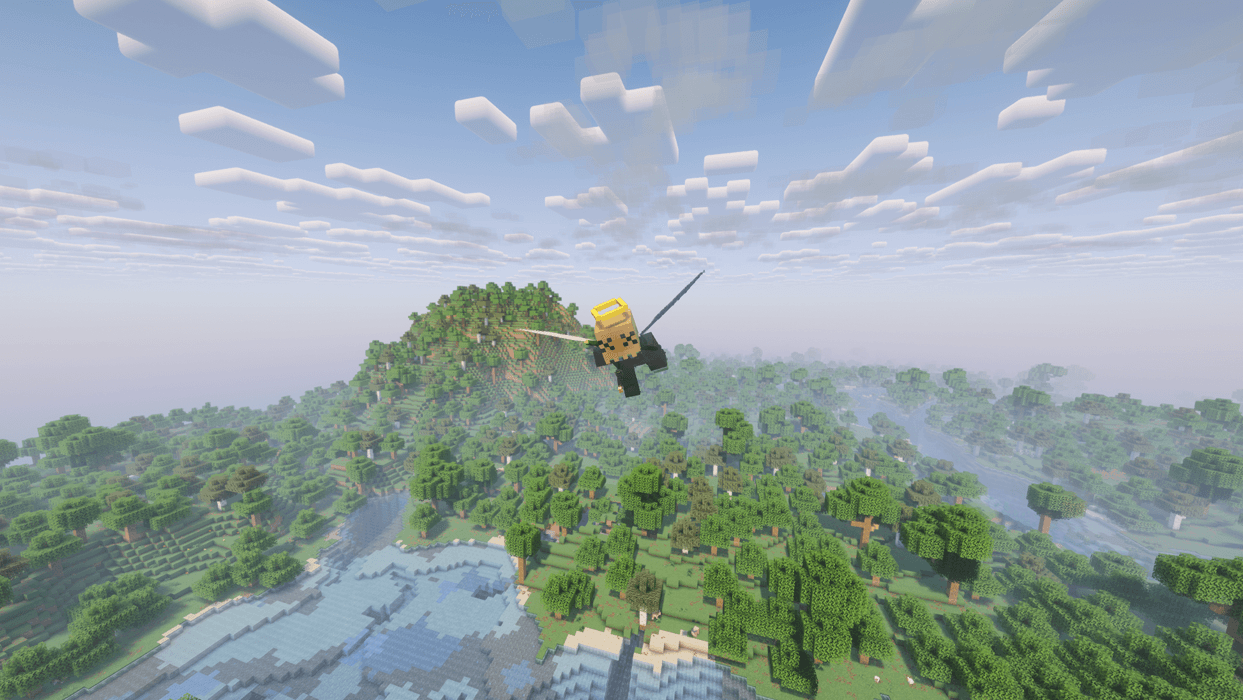
Glide like you’re wearing an Elytra – without wearing one. Around spawn, players can double-tap jump to take off, press F for a single boost, and land wherever they like.
Inspired by CraftAttack, the well-known German Minecraft event, where players launch themselves out of spawn exactly like this.
How it works
- Inside the spawn radius, double-tap jump → you start gliding
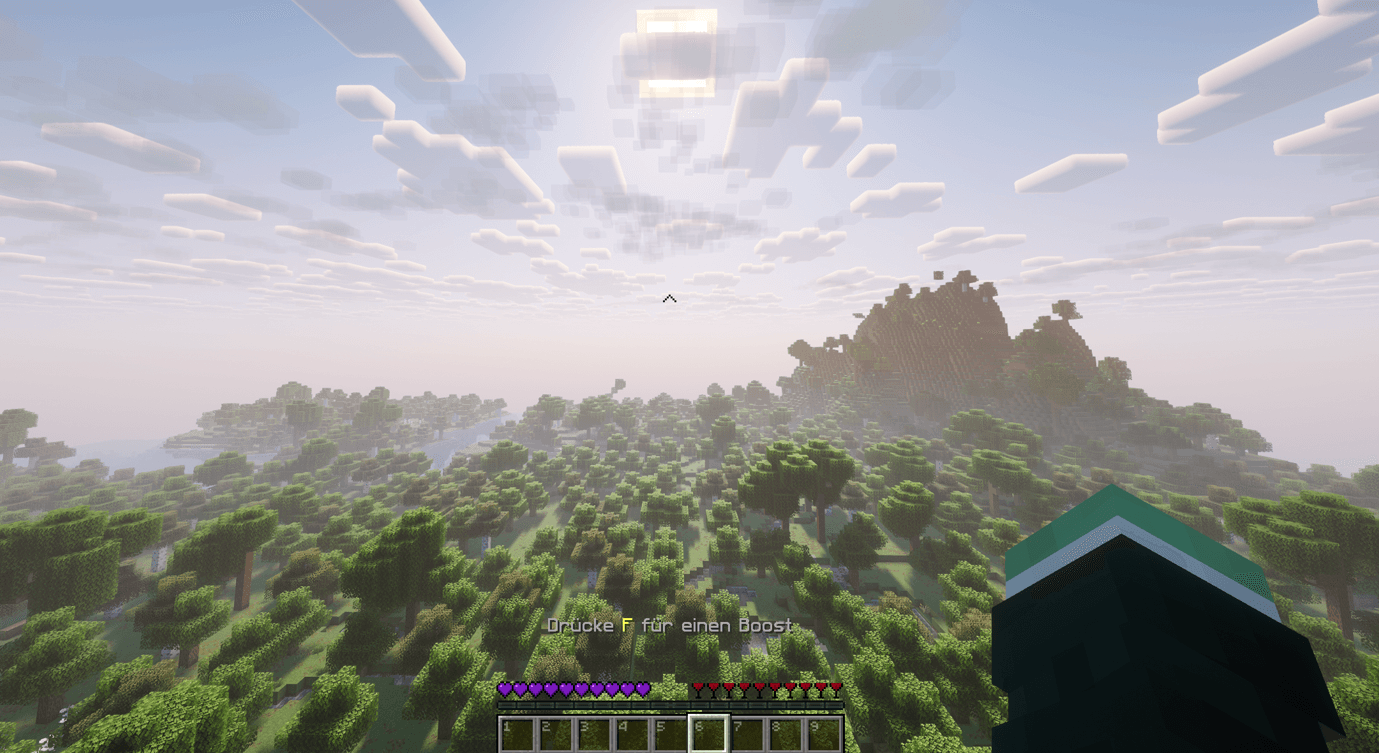
- In the air, press F → a powerful boost in the direction you’re looking (once per flight)
- Land → the flight is over; head back into the radius to fly again
The action bar always shows the correct key, based on each player’s own key bindings.
Features
- Radius around the world spawn or a custom center point
- Boost with F – adjustable strength and number of boosts per flight
- Optional upward launch when taking off
- Optional auto-start when falling inside the radius
- No fall damage during the flight and shortly after landing
- Firework rockets are blocked while gliding, so nobody can bypass the boost limit
- Players can’t actually fly in the spawn area – not even by relogging or after a server crash
- Sounds, particles and action bar hints can each be turned off
- All messages are customizable in MiniMessage format
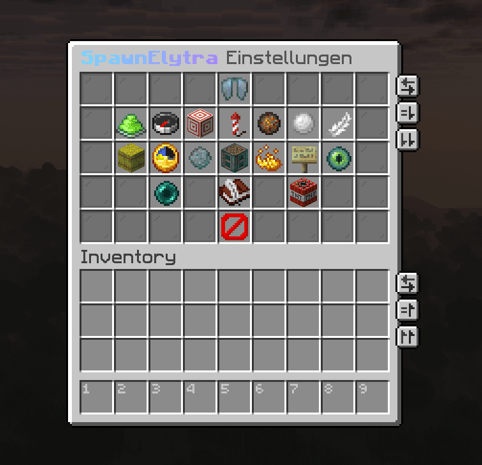
In-game settings menu
Use /spawnelytra (or /se) to open a clean settings menu – admins only, and only in Creative mode. Every change is saved instantly and takes effect immediately, no restart needed.
The menu also lets you:
- show the radius as a particle circle (only visible to admins in Creative mode)
- teleport to the center point
- reset everything to defaults
Commands
- /spawnelytra – Open the settings menu (admin + Creative mode)
- /spawnelytra info – Show the current settings
- /spawnelytra reload – Reload config.yml
Permissions
- spawnelytra.use – Glide inside the radius (default: everyone)
- spawnelytra.admin – Settings menu, info and reload (default: OP)
Installation
- Drop the jar into your plugins/ folder
- Restart the server
- Done! Default: center is the world spawn, radius is 30 blocks
Requirements
- Paper 26.3 or Purpur
- Java 25
Language: The settings menu and default messages are in German. All player messages can be changed in config.yml.
Singleplayer: Plugins only run on servers. Just start a Paper server on your own PC, make yourself OP in the console with op YourName, and join via localhost.
Elytra flight plugin (CraftAttack) Team