DynColor
DynColor Small
Description

DynColor
- Version 1.1 -
What does it do
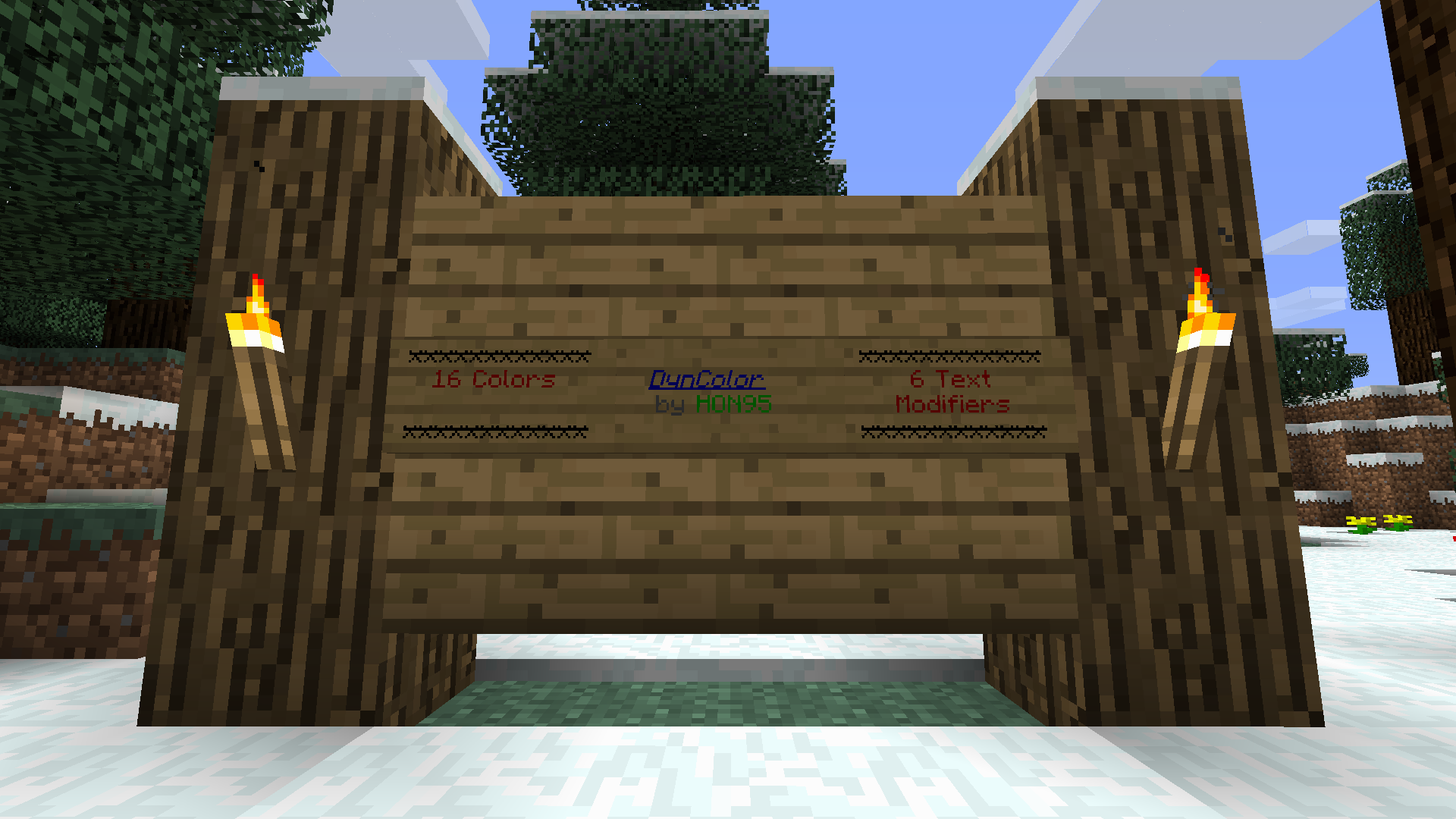
Lets you format text with colors and magic, bold, strikedthrough, underlined and italic formatters. Works in the chat and on signs.
How does it work
Type a color or format code followed by some text. The trailing text will then inherit the selected colors and/or formats, but the two-character code will disappear.
Permissions
- dyncolor.*: Access to chat and format codes on both signs and in the chat.
- dyncolor.sign: Access to chat and format codes on signs.
- dyncolor.chat: Access to chat and format codes in the chat.
Color and Format Codes
This is a list of all allowed codes. Check out the Minecraft Wiki if you want to see what the colors look like: Minecraft Wiki: Color Codes
| Code | What is it | Example |
|---|---|---|
| &0 | Black | ABC |
| &1 | Dark Blue | ABC |
| &2 | Dark Green | ABC |
| &3 | Dark Aqua | ABC |
| &4 | Dark Red | ABC |
| &5 | Dark Purple | ABC |
| &6 | Gold | ABC |
| &7 | Gray | ABC |
| &8 | Dark Grey | ABC |
| &9 | Blue | ABC |
| &a | Green | ABC |
| &b | Aqua | ABC |
| &c | Red | ABC |
| &d | Purple | ABC |
| &e | Yellow | ABC |
| &f | White | ABC |
| &k | Magic | ABC |
| &l | Bold | ABC |
| &m | Strikethrough | |
| &n | Underline | ABC |
| &o | Italic | ABC |
| &r | Reset formatting | ABC (White, actually) |
The DynColor Team


Owner