Icon I made for a wooden dowsing rod.
version 1.0
Description
Dowsing

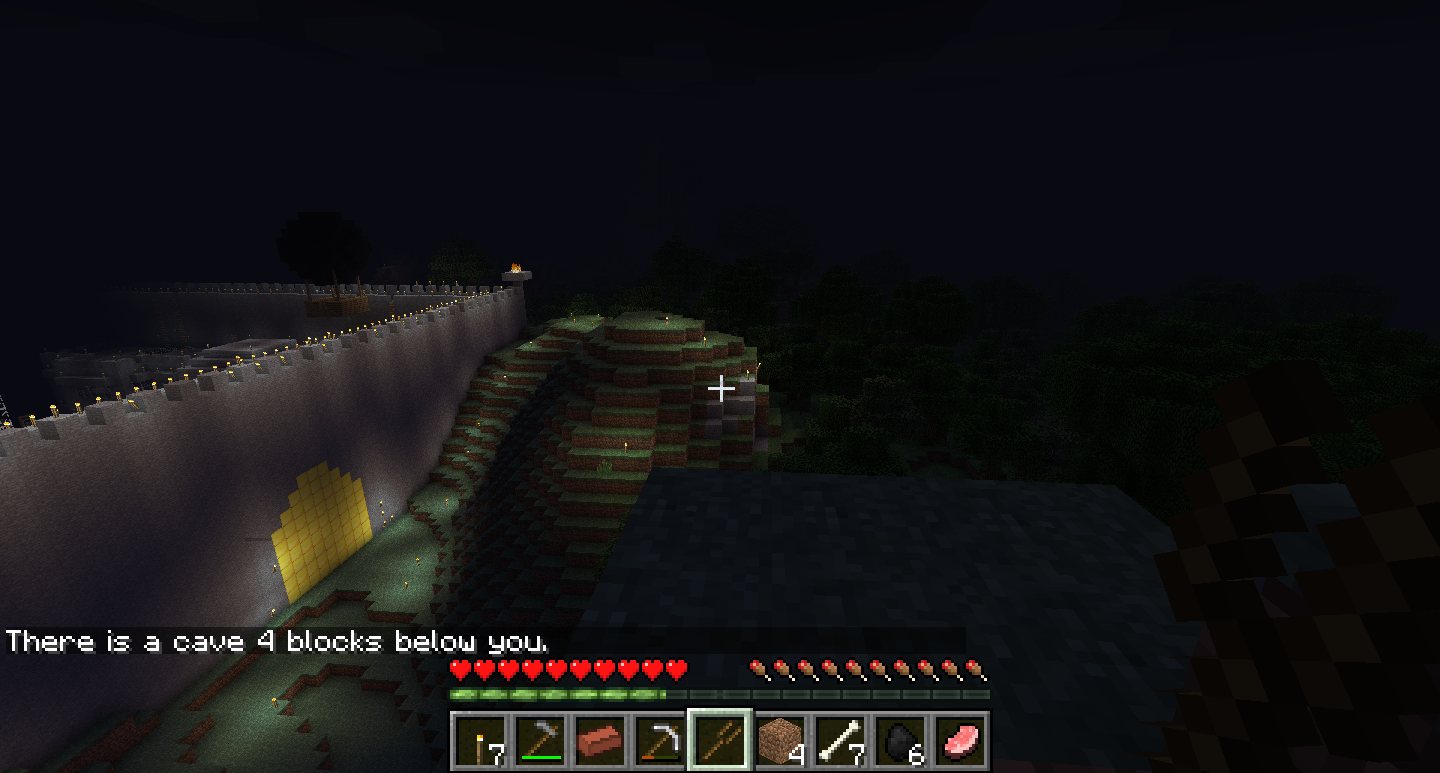
This plugin allows you to search for caves using configurable dowsing rods. I decided to create this plugin when I realized Minecraft updates had done away with the old F3 method for finding caves. In order to use a dowsing rod, all you have to do is hold the item in your hand and type /dowse (later I will add right-click functionality). Dowsing rods have 6 levels: Wood, Stone, Iron, Gold, Obsidian, and Diamond. Each dowsing rod can be used an infinite number of times, but the depth that they search to increases by level. The item IDs and data values of items that can be used as dowsing rods are completely configurable. I, personally, use Ultraitems to add custom items via Spout for the dowsing rods, but you can use them however you want.
Crafting Recipes and Custom Textures: Use UltraItems and/or RecipeManager.
Installation
Vanilla:
- Throw it your plugins folder and restart the server.
- Change the config values. See configuration section.
Ultraitems: Link
- Insert Dowsing.jar into the plugins folder. If you have not already, insert Ultraitems.jar into the plugins folder.
- Start up the server.
- Insert this at the end of the Ultraitems configuration: Link
- Start up the server with Dowsing.jar in the plugins folder.
- Go into the server startup log, look for something like "18:29:24 [INFO] [UltraItems] Added item irondrod (318:1046)"
- Implant "318" as the id's for all of the dowsing rods. Insert the second number as the data value. Ex: based on the above message, change "ironrodid: -1" to "ironrodid: 318", then "ironroddata: -1" to "ironroddata: 1046"
- Restart the server again. You should be done now. This assumes you have a separate plugin to add recipes. RecipeManager will work.
Features:
- Search for caves with dowsing rods.
- Configurable IDs and data values for dowsing rods.
- You should suggest some more!
Todo:
- Dowse with right click instead of /dowse. Edit: Not going to bother unless someone tells me they want me to :).
- Not permissions. Unless someone tells me they want me to.
- Anything else people suggest. Meaning you should suggest things.
Changelog:
- v1.0 - First Release!
Credits
- The Bukkit Team - For Existing
- ciarian - For posting his very simple plugin OMG Lag from which I learned the basics of Bukkit syntax.
- ForeverEternal - For the excellent sprites provided in the Ultraitems config above.
The Dowsing Team