Discord Chat Hook
Sends minecraft chat messages to discord using webhook
Simple plugin which resends in-game chat messages to discord server using discord channel webhook.
Installation
in discord server
- go to server settings
- find
Integrations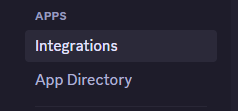
- click
webhooks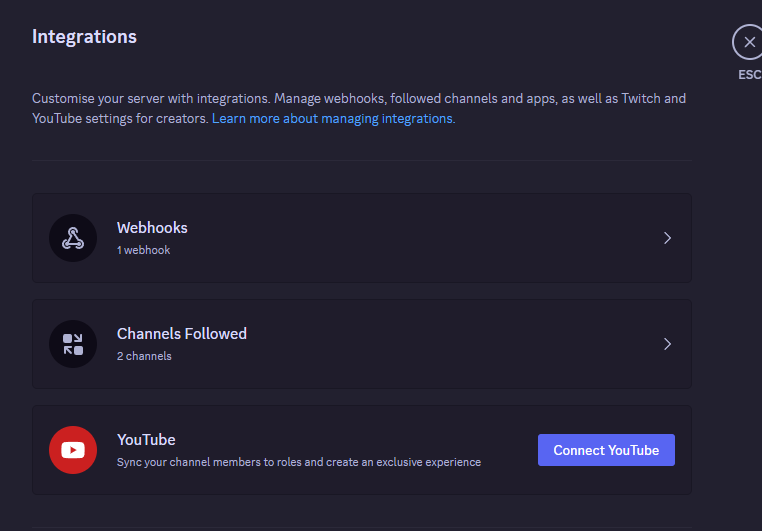
- click on
New Webhook - select newly created hook and set him any name and channel to post
- finally click on
Copy Webhook URLbutton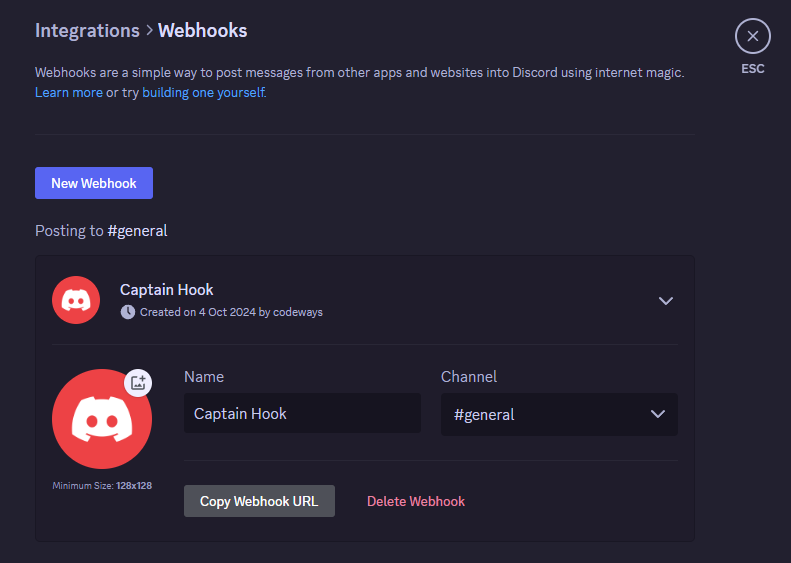
inside plugins folder (DiscordChatHook)
- open
config.yml - paste the url of your discord chat webhook after
url:
Discord Chat Hook Team