


CreateYourOwnMenus
- By


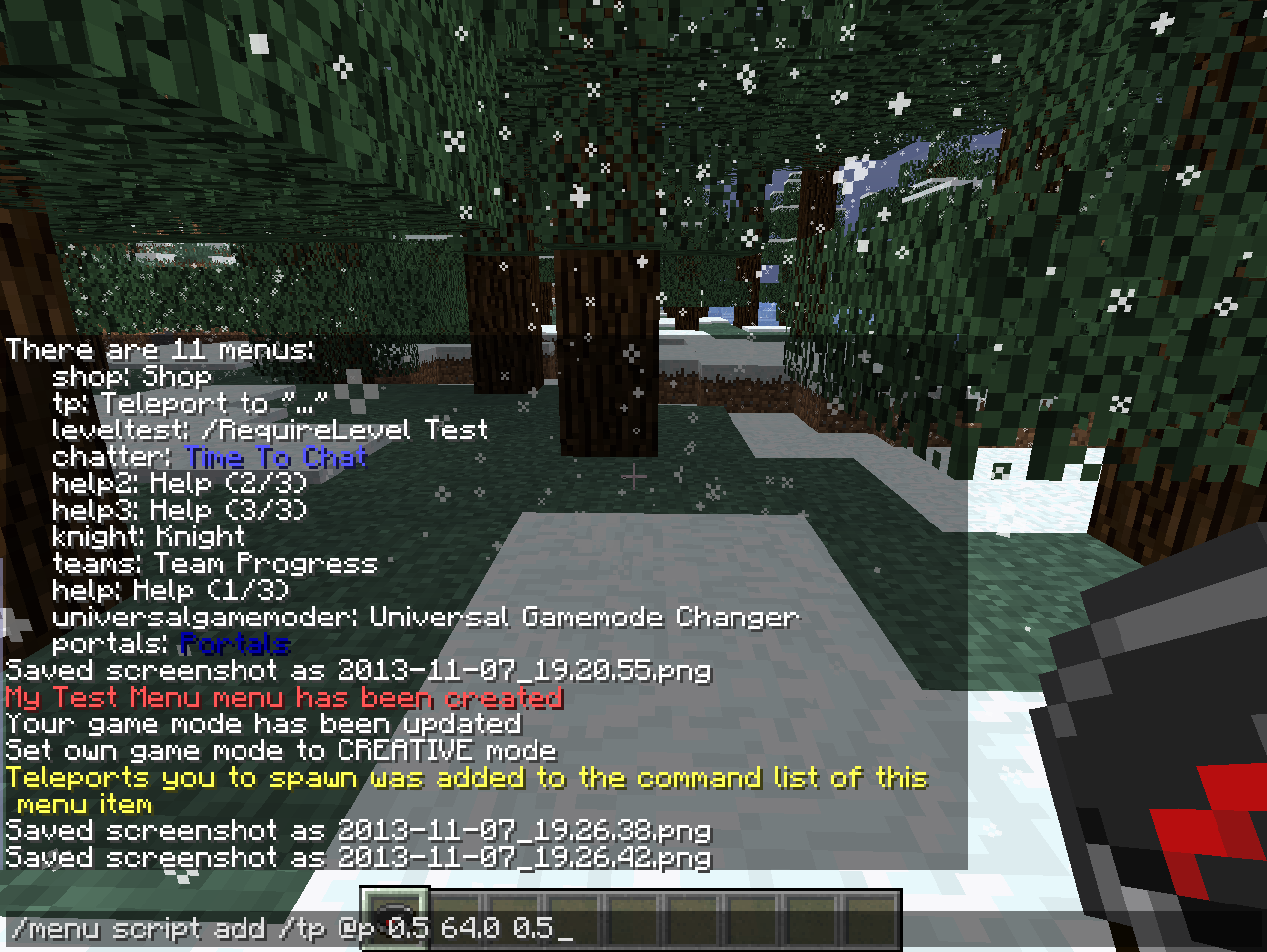
Commands are added the same way as text, except always start with a forward-slash (/)
/menu script add /tp @p 0.5 64.0 0.5
This adds the /tp @p 0.5 64.0 0.5 command to the end of the script. This will teleporting the clicking player to ...
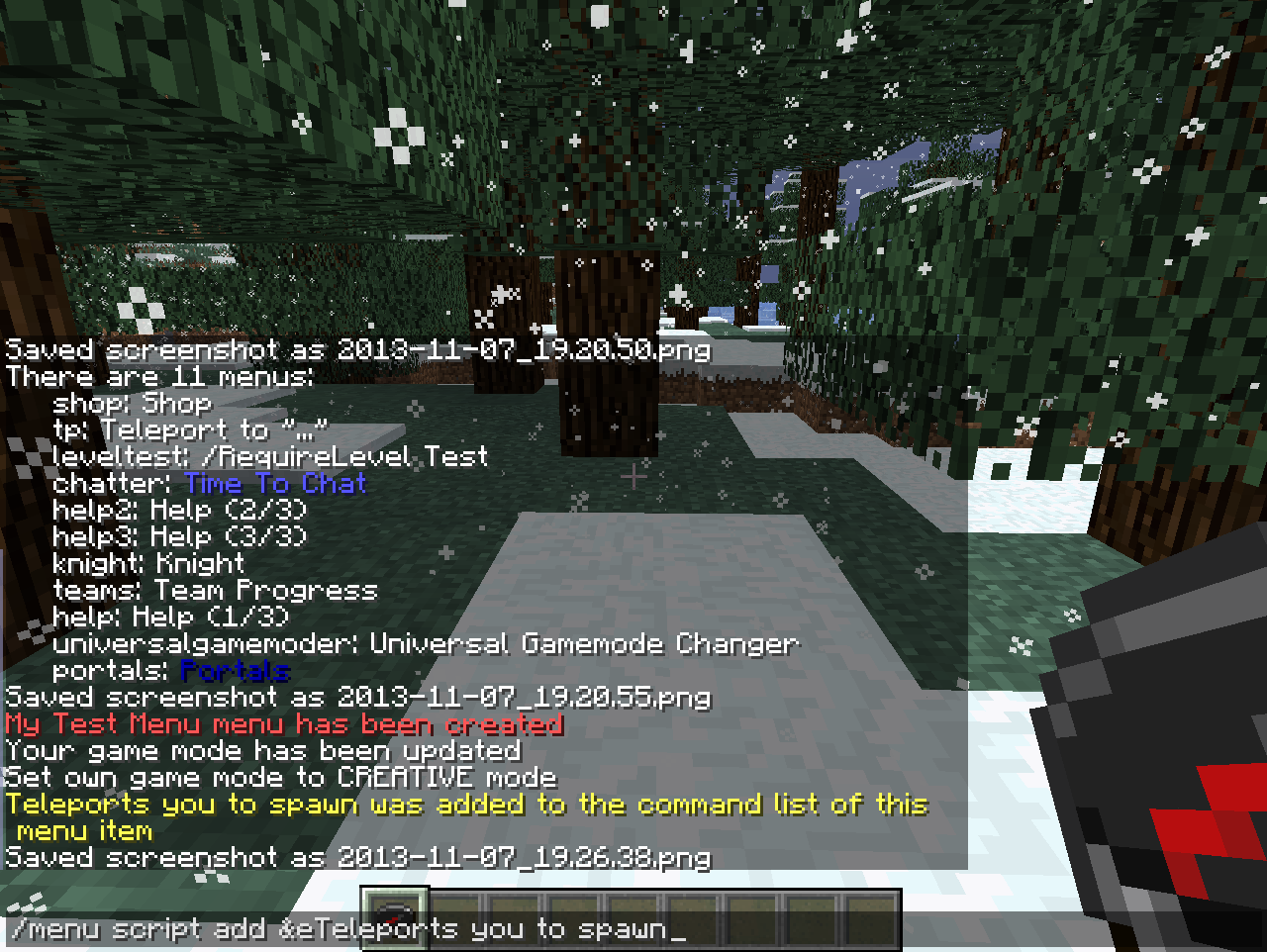
The /menu script commands are used to modify menu items
/menu script add &eTeleports you to spawn
This adds the text "Teleports you to spawn" in red text, at the end of the script
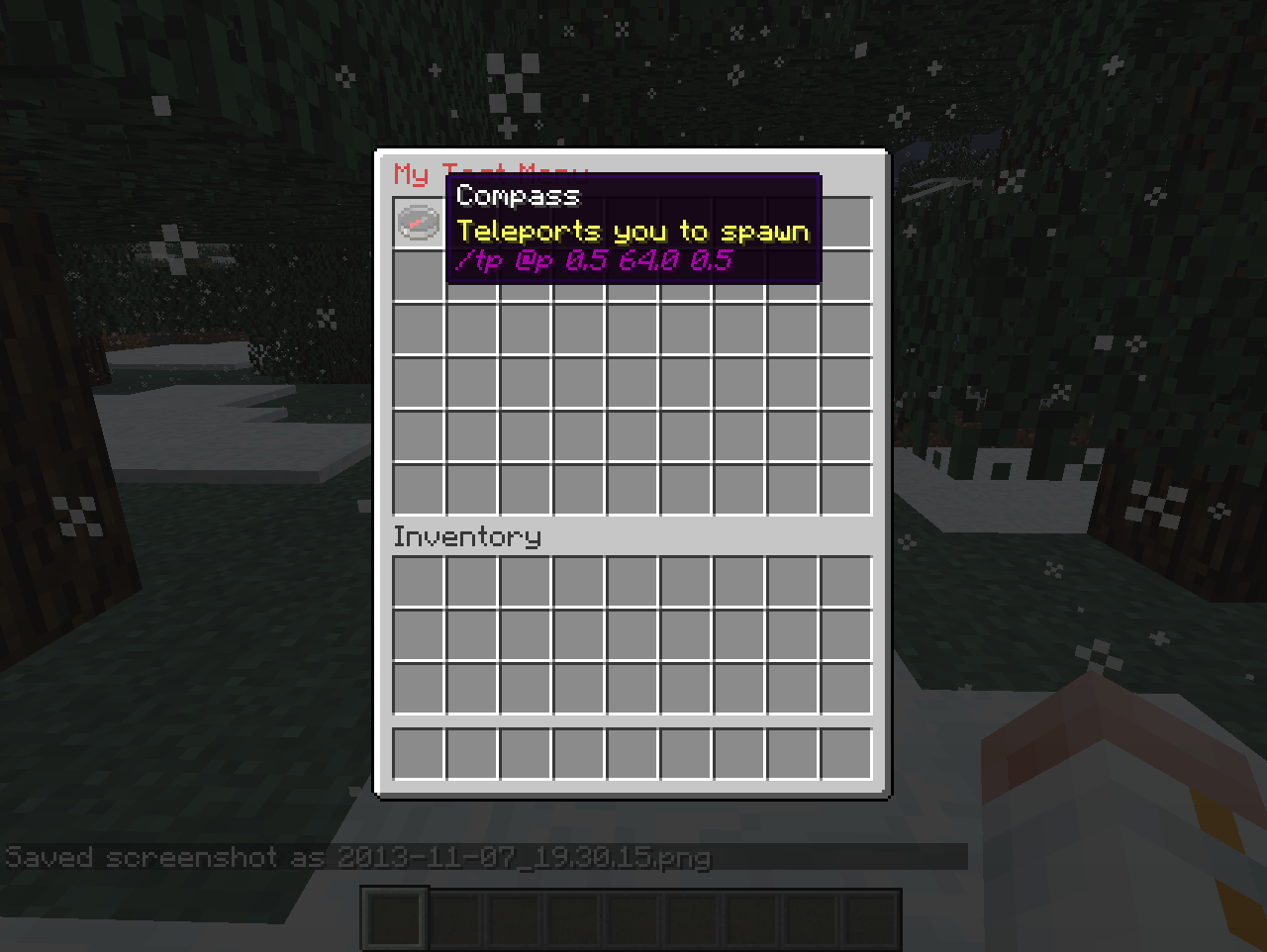
Now you can add this item to your menu
/menu edit test
This edits the "test" menu and allows you to place your new item into it. No menu items will be activating while you are editing, and it will allow you to add, remove or move menu i...
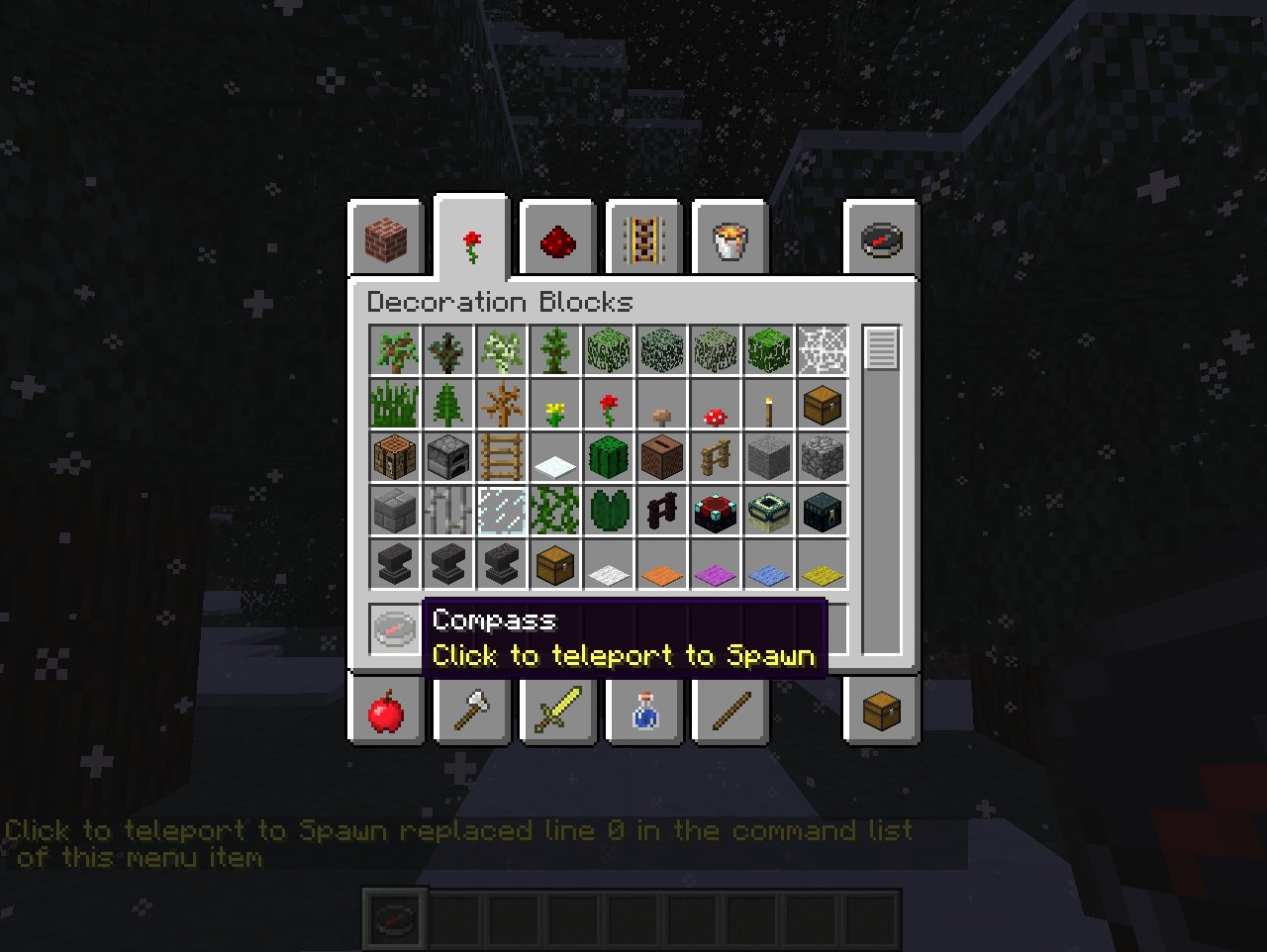
Sometimes you need to modify a script or its text
/menu script replace 0 &eClick to teleport to spawn
This replaces the first line (index 0) with the text "Click to teleport to spawn" in gold text
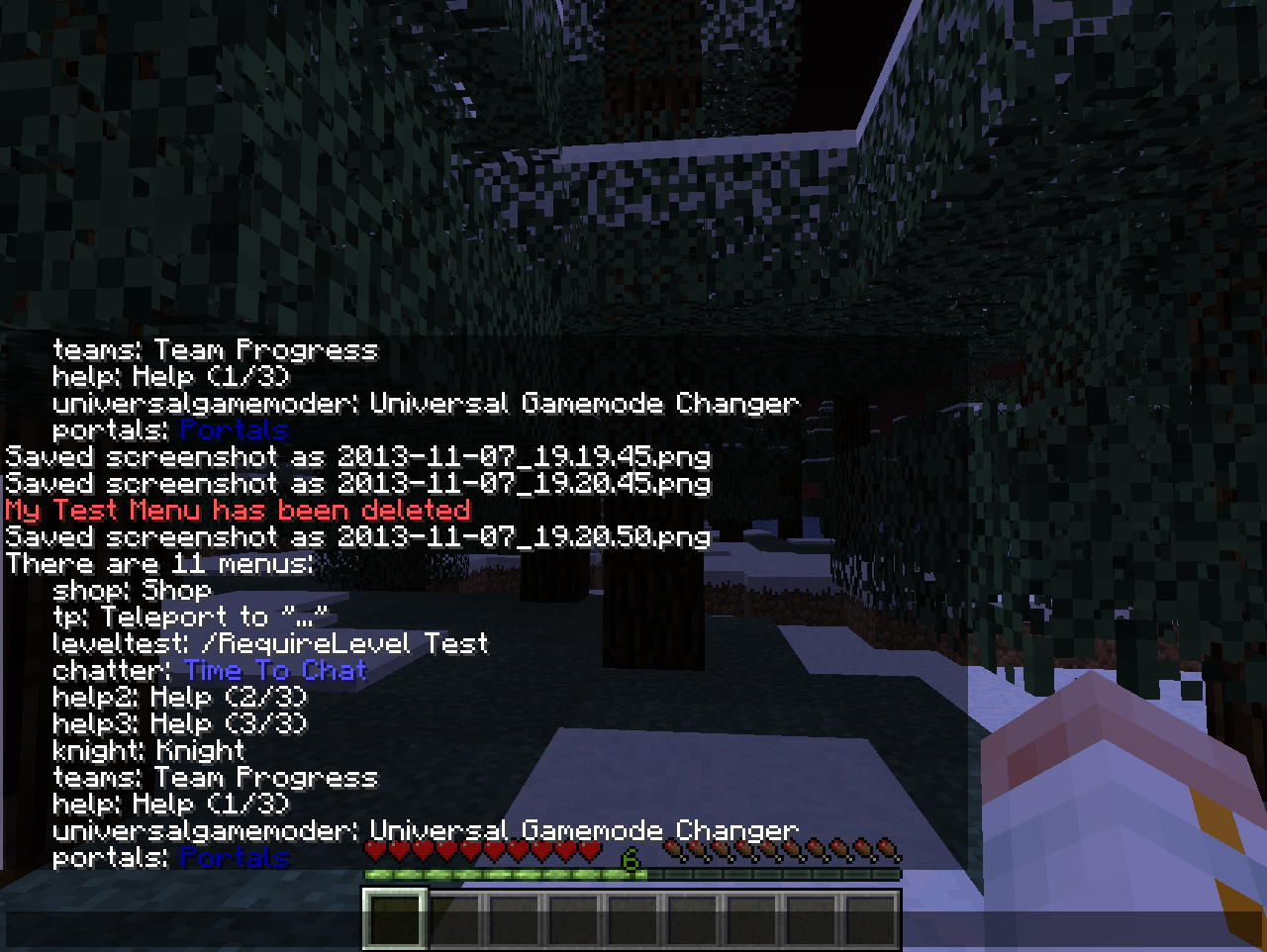
Sometimes menus outlive their usefulness
/menu delete test
This deletes the "test" menu
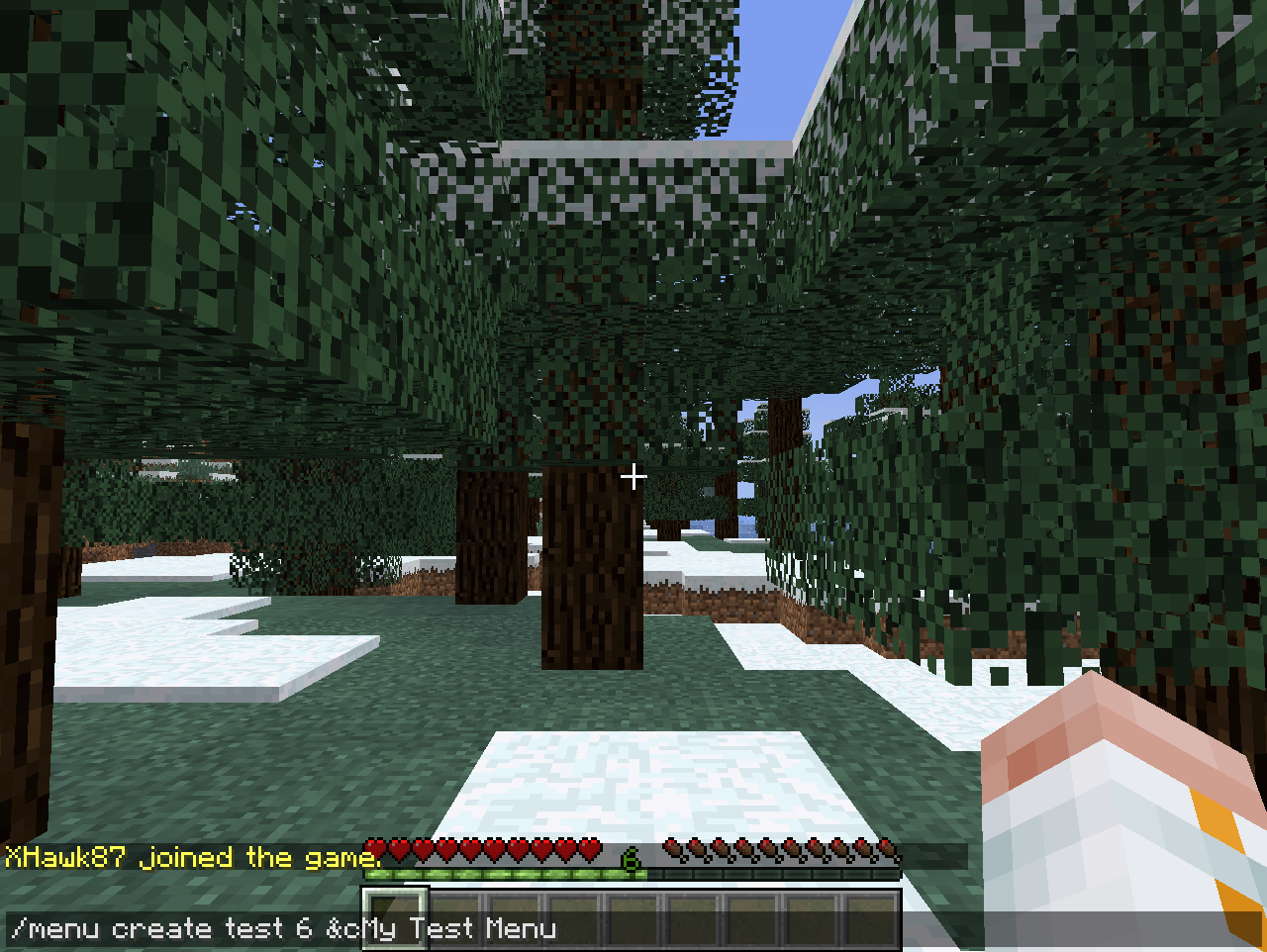
This demonstrates how to create a new menu
/menu create test 6 &cMy Test Menu
This creates a menu with id "test", that has 6 rows, and the title is "My Test Menu" in red text.
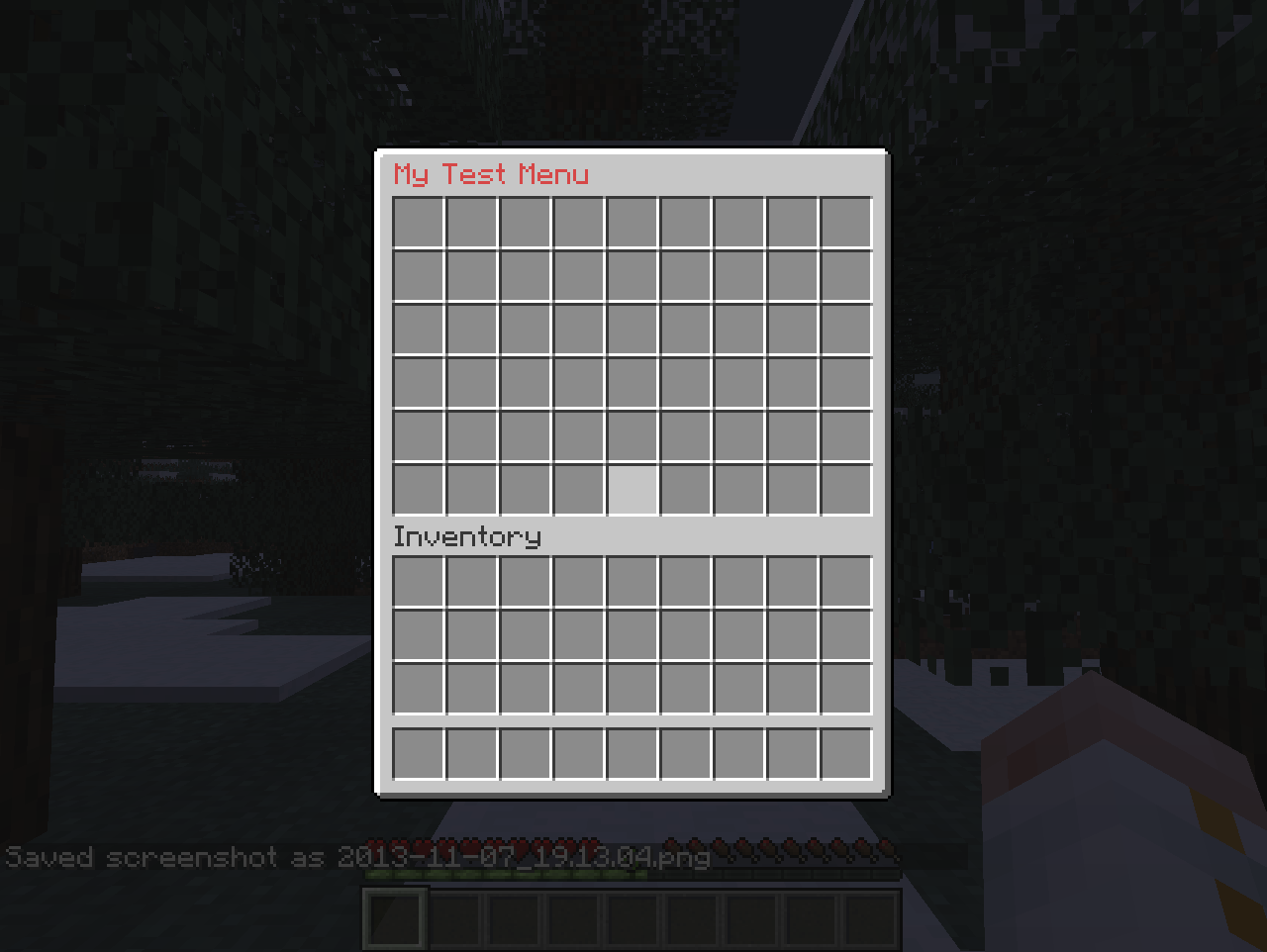
This is what the new menu will look like
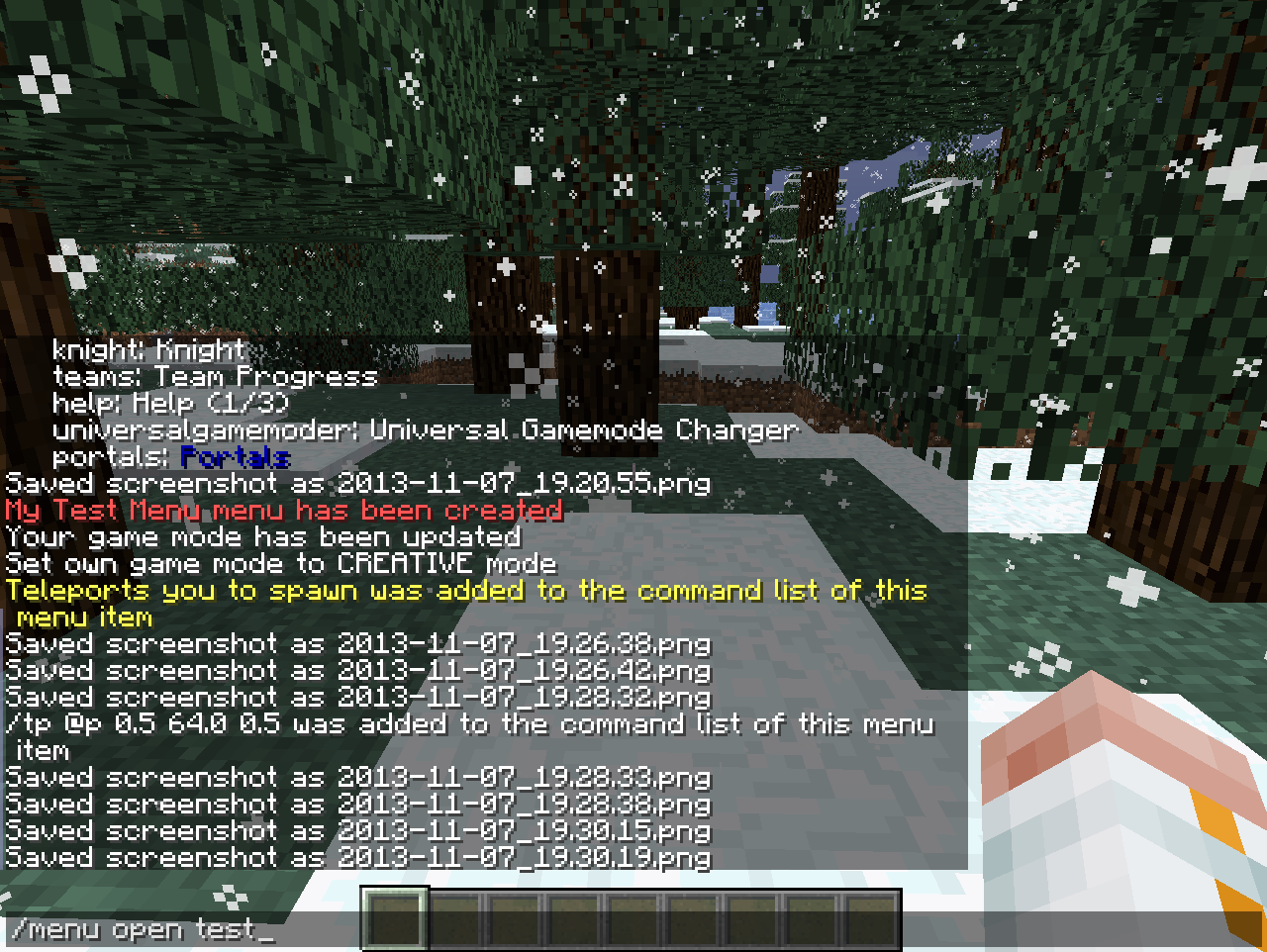
Now to see if the menu works
/menu open test
This opens the "test" menu for use. Clicking any item while the menu is open for use will activate it and run the script.
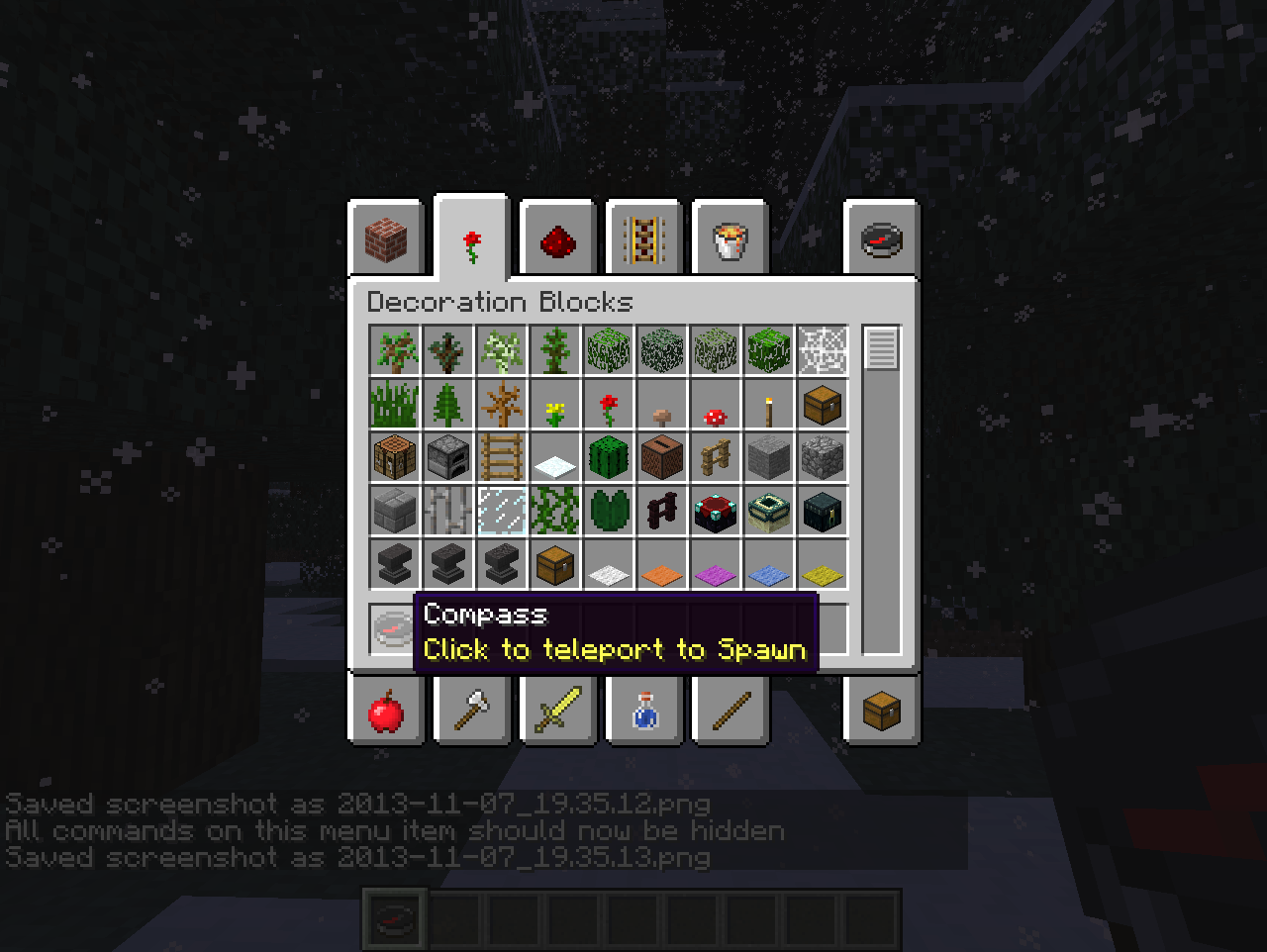
Want to make it neat and presentable to players without all those commands showing?
/menu script hide
This places all of the commands first line of text and makes them invisible.
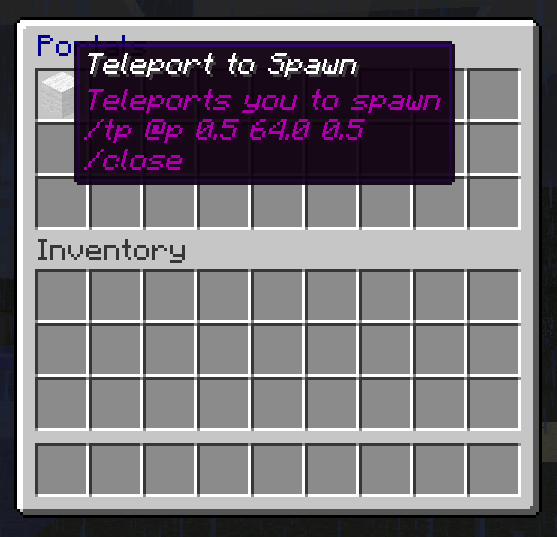
An example portal menu
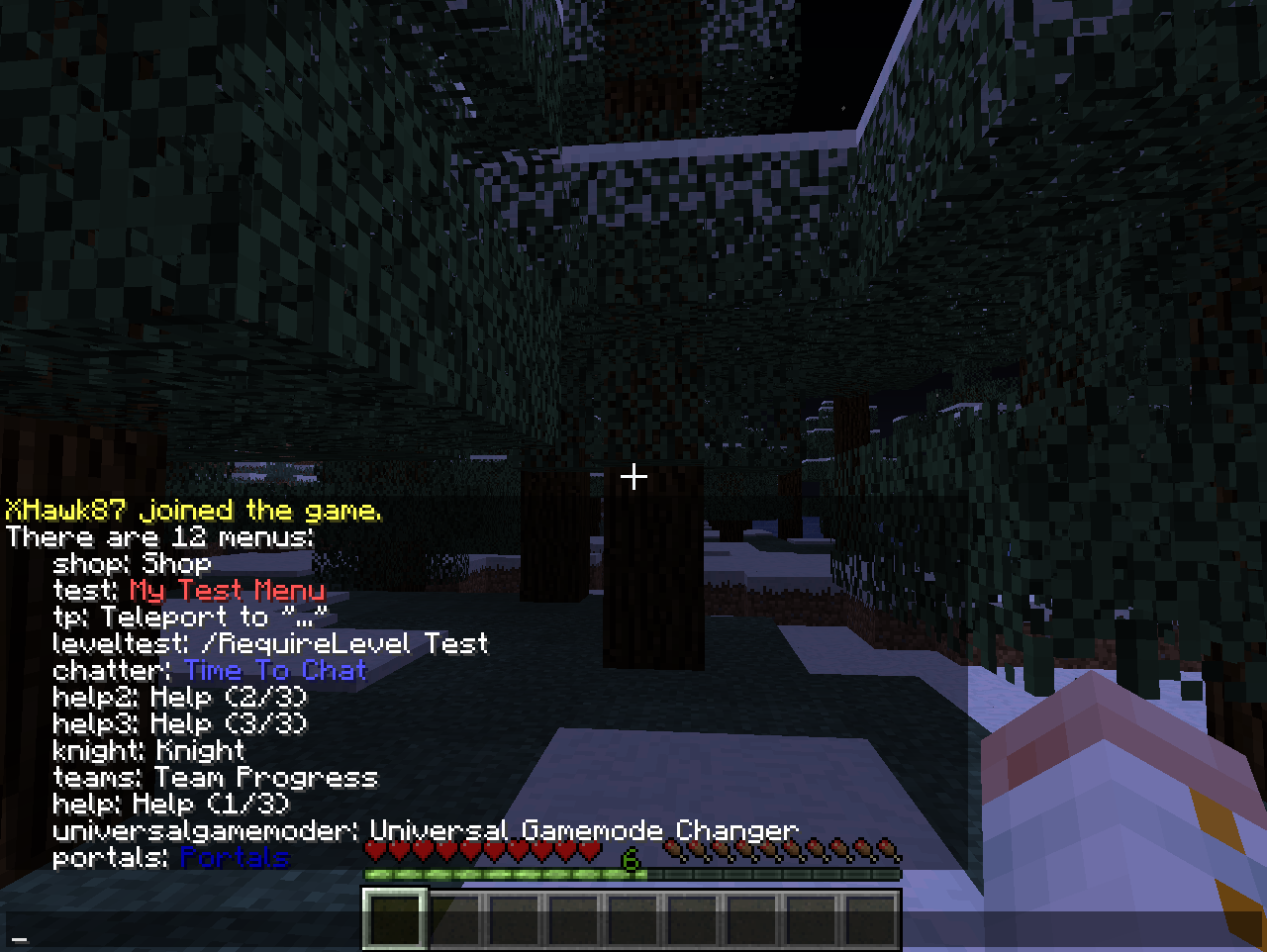
In order to manage menus, it may be necessary to see all of the menus you have installed
/menu list
This displays all menus

The menu has been created.
/menu edit test
This opens the "test" menu for editing so we can take a look
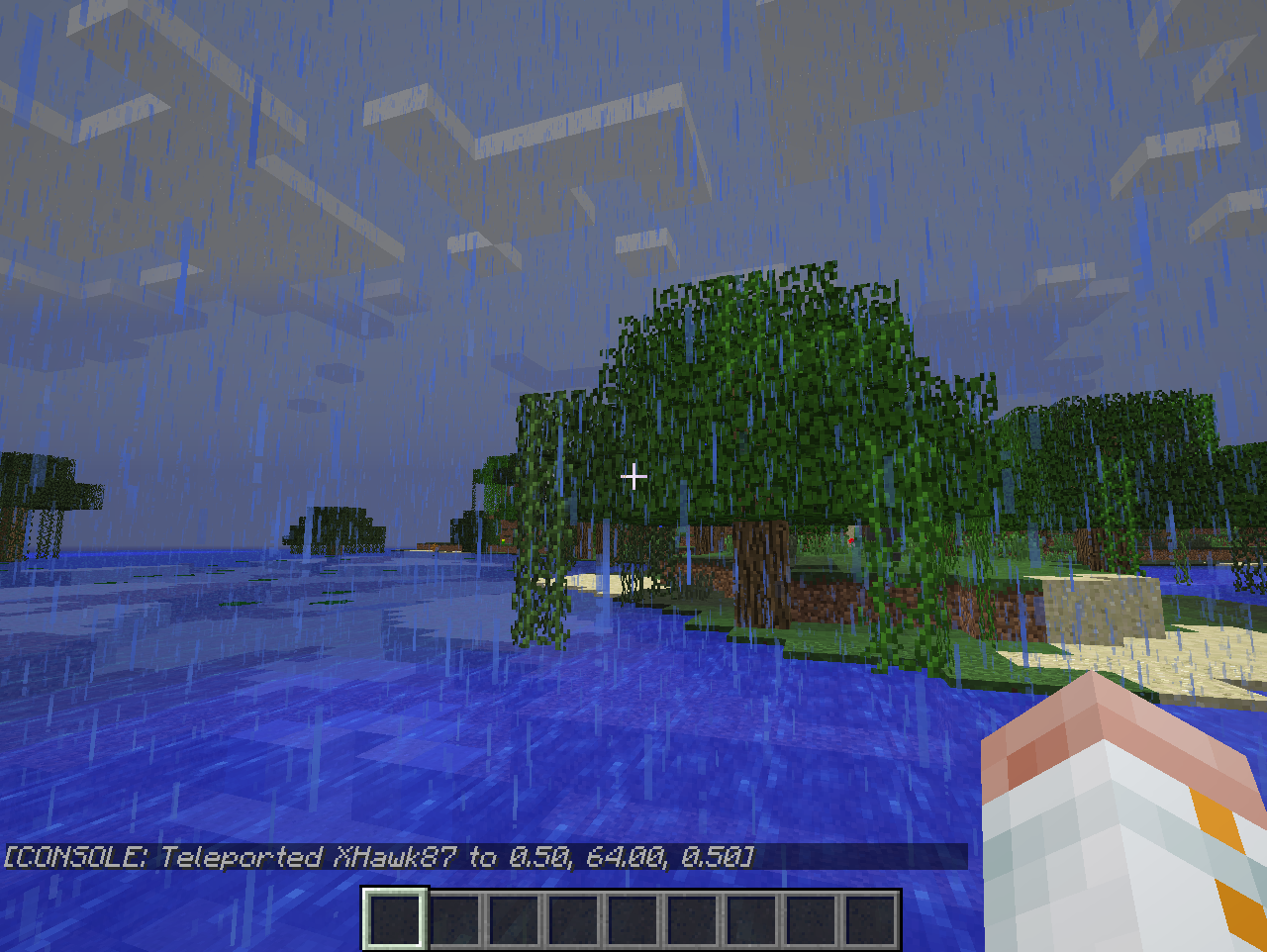
Left or Right clicking a menu item will activate it and run the script.
Clicking your compass item teleports you to 0.5, 64.0, 0.5, in the middle of a swamp