


CratesAndDropevents
- By
ee1fe37ca8a10810ece60ef6426076651c12507d.png
572d2b912527b956954c81b82b79ae5a92156b4f.png
ff8f5120f4b94d5f8a663b3f321c3c4b60e3d656.png
4f28b14f76abfbef5caaf0f76bef016df5499f69.png
8992a4671448f1facd569922dd6c2c243c04e809.png
Description
About this plugin
Want to give something back to your players in a creative way? How about events?
With this plugin you can give out rewards using events and crates, with a focus on easy customization.
Overview: Crates
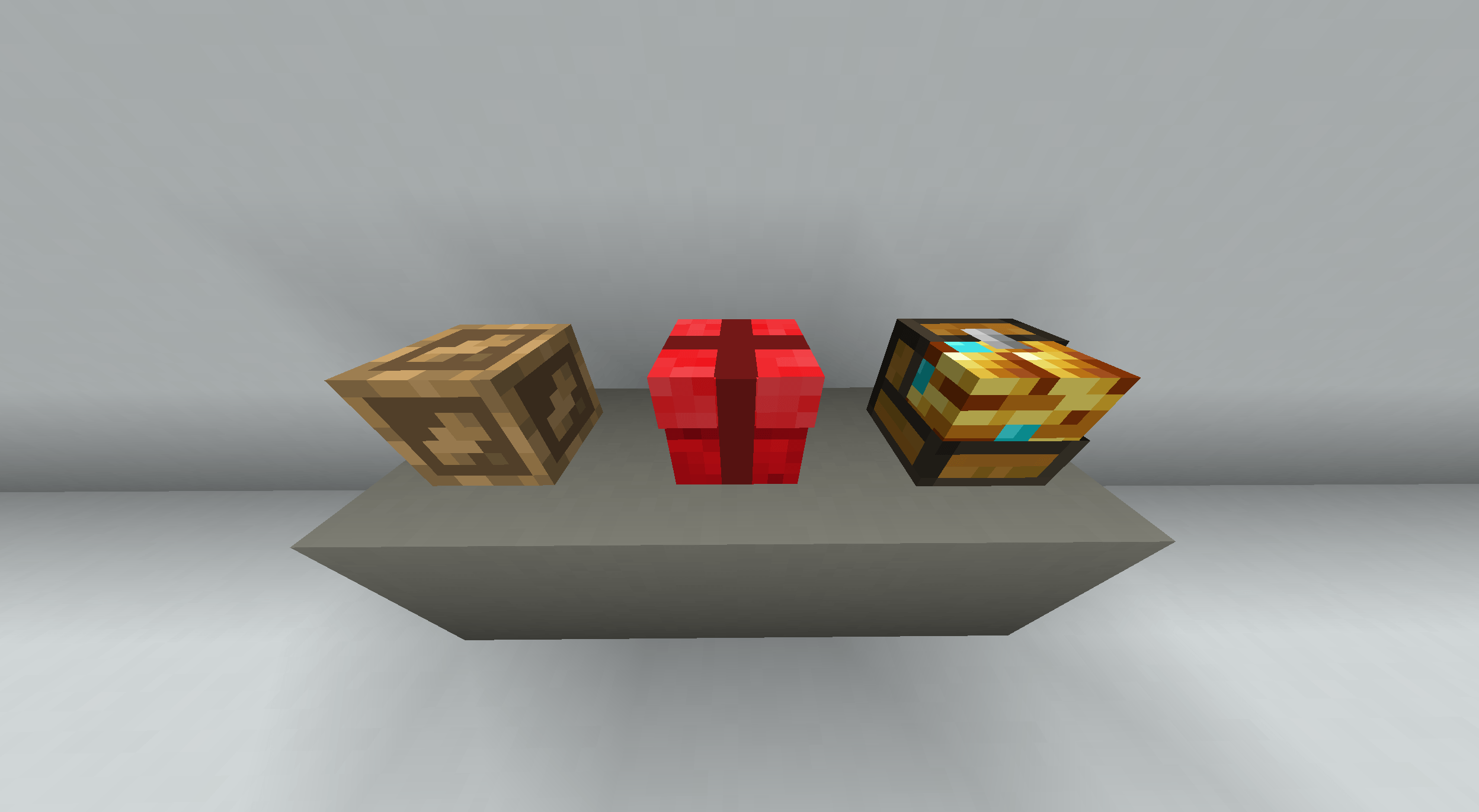
Crates are boxes with a custom style that can be opened to give a variety of rewards. You can create multiple crates, each with its own loot pool. You can configure how rare a reward is and what it should look like.
Many things can be configured in the GUI. The base command is /crate subcommand. The list of all commands is listed below under 'All commands'.
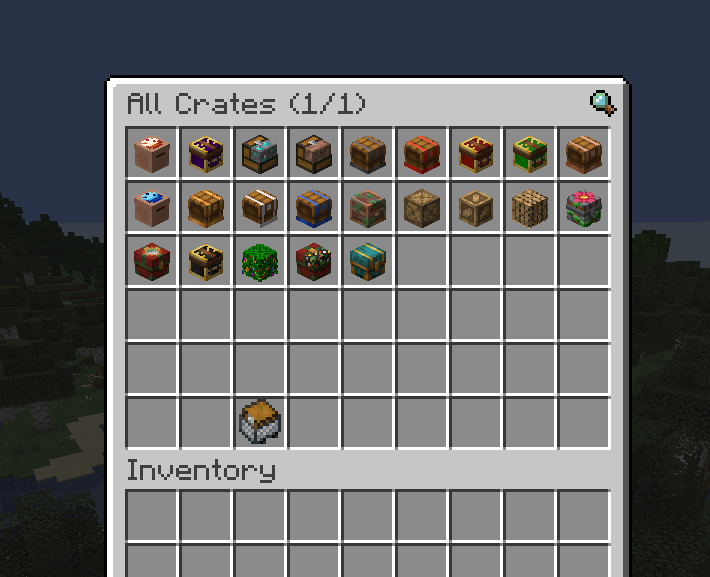
To gain an overview /crate list is a good starting point.
Rewards:
Rewards can range from simple item drops to complex opening procedures. It is possible to trigger multiple 'events' as a reward. You can:
- Drop items
- Play sounds
- Send the player a message
- Run a command (as the server)
- Add a delay between 'events'
This is how a more sophisticated reward could look:
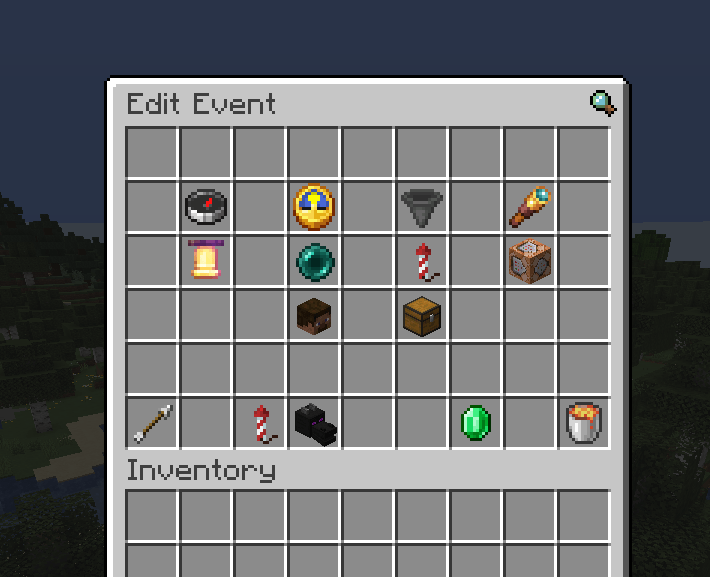
We play a sound, send "Legendary reward" to the player and show a chat countdown. Then we drop the reward (a Beacon) with particles and broadcast who pulled the legendary reward. Since we don't want to configure it every time, rewards and entire crates are clonable (Emerald button).
Additionally, because player names and locations are dynamic, you can use 'replacement codes' in chat and command messages. For more info, see 'Replacement codes' at the end of this README.
View Lootpool:
If the config crates.normal-players.view-lootpool is true, non-op players are able to preview the drop chance of each reward by holding a crate in their main hand and running /crates loot.
Pity system:
For each crate, you can enable a pity system. It works as follows:
If a player is about to pull the same reward in the same rarity class (same drop chance), the pity system chooses a random different reward. Example: The crate has four possible drops: 70% dirt, 10% diamond, 10% netherite, 10% beacon. A player opens several crates. They first get a diamond, then a few dirt drops (dirt is not subject to pity because it is the only 70% drop). When they are about to get a diamond again, the pity system activates: because they already received the 10% diamond, the system will instead grant a different 10% rarity reward (either netherite or beacon).
Overview: Dropevents
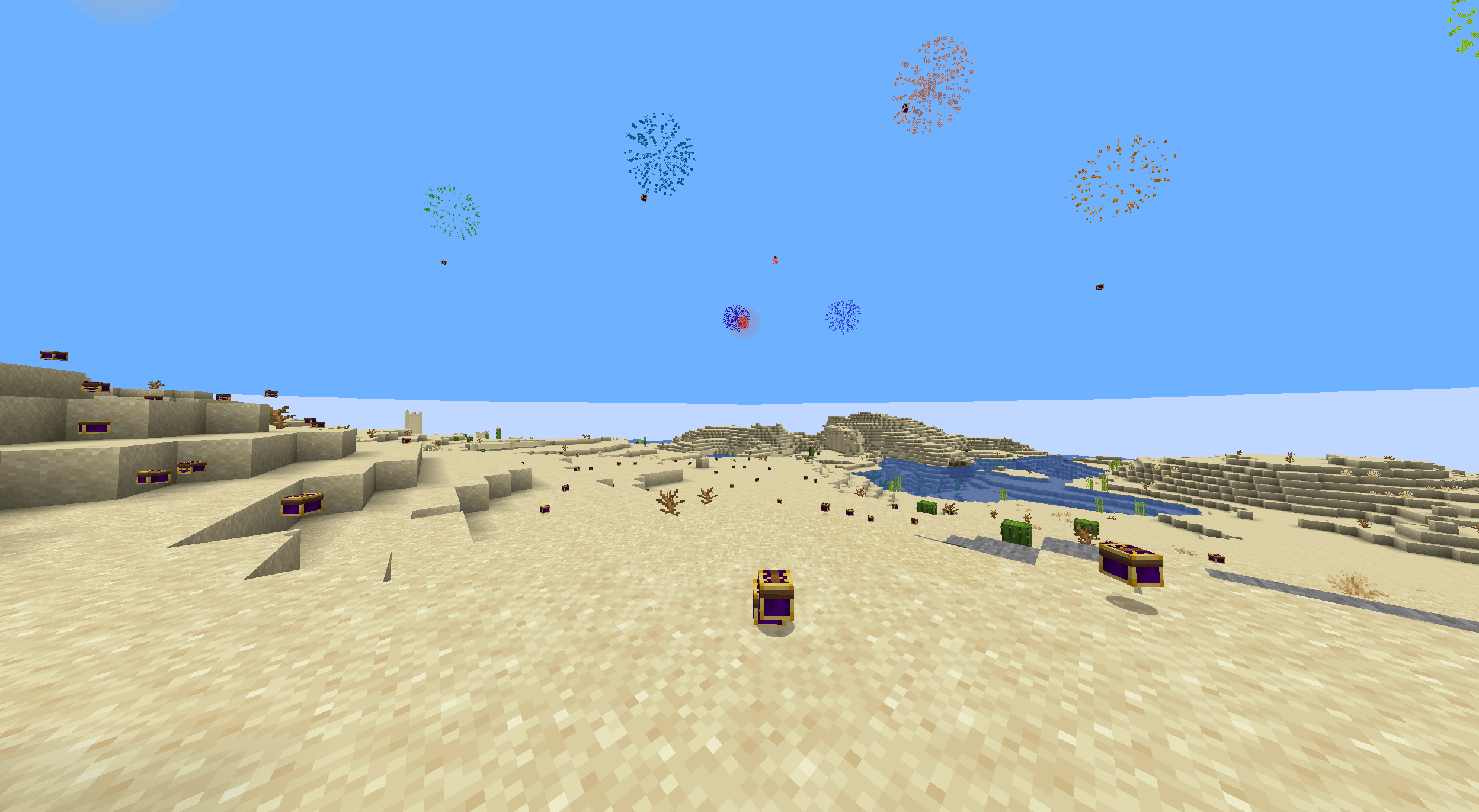
In a Dropevent, random rewards that you configure fall from the sky and players can compete to collect as many as they can. You can configure them to be private or public by choosing whether dropevents are announced in chat, whether players can teleport to them, and so on.
The base command is /dropevent subcommand or /de subcommand. The list of all commands is listed below under 'All commands'.
To gain an overview /de list is a good starting point.
Settings:
Open the settings by clicking an event in the list GUI or by running /de info abc
You are able to configure the following:
- Range: Up to what distance from the start location drops can occur
- Duration: How long the Dropevent runs for
- Dropped items: Total amount of items dropped during the event
- Countdown: How long players have to prepare before the Dropevent starts.
- Broadcasting: Whether a customizable broadcast announces the Dropevent, optionally showing its location and a teleport option (see next setting).
- Teleportable: Whether the broadcast message includes a 'Teleport' button for players to teleport to the event or
alternatively use
/de tp code. Players can teleport to the location once and only as long as the Dropevent takes place. - Render item: Configure how the event is shown in the list and how the item players can obtain to start events appears.
- Command on startup: Command executed by the console when the countdown finishes.
- Min. players to start: Minimum number of online players required before the Dropevent can be started.
From this page you also can go to the event's loot pool, start the event (optionally without a countdown), clone the event, or delete it.
Loot pool:
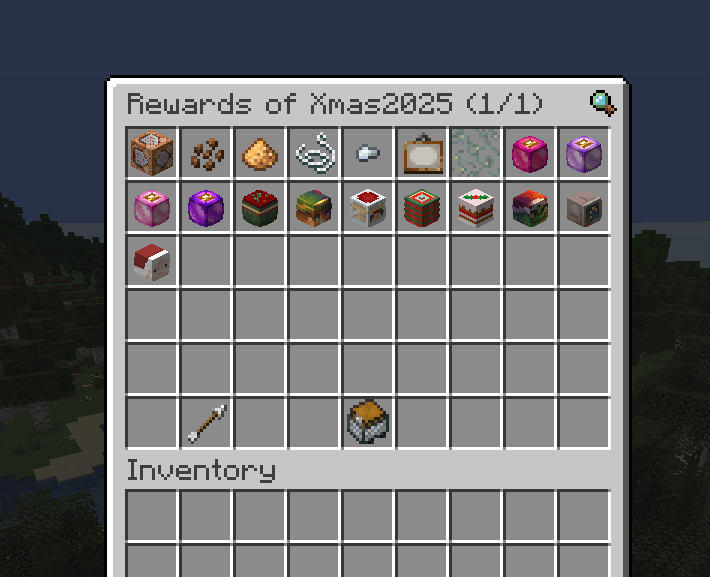
In the loot pool you can configure which items should be dropped and their drop chances. You can set all kinds of items as drops - for example: Crates.
Note: Because each drop is chosen randomly and influenced by chance modifiers, the actual number of drops of a given rarity may deviate slightly from the expected value.
Event starter item:
Operators can start events from the info screen or with the command /de start event name optional: location name. Non-op players aren't able to
start events in these ways. To allow non-ops to start events, give them starter items using /de give player name dropevent name amount (or adding those items to Crates etc.).
A player holding a starter item can start an event at their location (if requirements are met) by crouching and right-clicking.
Warning: Starter items are disabled by default. To enable them, set dropevents.normal-players.usable
to true.
More configurations
Chat messages:
Most messages the plugin sends to players are editable. Edit them in
YourServerFolder/plugins/CratesAndDropevents/messages.yml.
The messages are in the MiniMessage-Format. For info on styling click here.
File changes take effect after a server restart or after running /cad reload.
Settings:
There are some global settings, which can be viewed by running /cad config.
They can be changed by running /cad config key value.
Explanation:
dropevents.simultaneous-limit.count: Sets the maximum number of Dropevents that can take place at the same time.dropevents.simultaneous-limit.active: Defines, whether the previous setting is applied.dropevents.normal-players.usable: Defines, whether non-op players are able to use Dropevent starter items.dropevents.forbidden-worlds: A list of worlds where Dropevents cannot be started.dropevents.hopper-prevention: Checks the area for hoppers before the Dropevent starts; if hoppers are found the start is denied.dropevents.ops-override-restrictions: If true, Ops (or players with permission) can override restrictions (player count, dimension, hoppers) and start Dropevents.dropevents.bossbar-countdown: Shows a bossbar countdown during the pre-start countdown indicating when the Dropevent will start.dropevents.starter-dragon: Defines whether a dying dragon (the animation) spawns, when a Dropevent starts.crates.normal-players.view-lootpool: Defines whether normal players can view a crate's loot pool with/crates loot.gui.play-sounds: Defines whether gui items play a sound when clicked.
Note that there are different data types, such as Numbers, True/False values, Lists and so on. If you try to change a
setting to a false data type, for example dropevents.simultaneous-limit.count to abc this will get rejected with the
message Mismatched data types.
Editing a list toggles the entered value: if it exists it will be removed; if it doesn't it will be added.
Replacement codes
Some chat messages and commands are subject to 'replacement codes' - placeholders that get replaced with dynamic data.
Chat messages:
The following chat elements can use replacement codes:
dropevent.broadcast.local.countdowndropevent.broadcast.local.startdropevent.broadcast.local.enddropevent.broadcast.global.countdowndropevent.broadcast.tp-prompt.chatdropevent.broadcast.tp-prompt.hover
The following sequences are replaced:
%c: The x, y, and z coordinates of the Dropevent, separated by comma.%w: The name of the world, the Dropevent takes place in.%t: The Dropevent countdown in seconds. This refers to the configured maximum countdown value, not the current remaining time.%n: The name of the Dropevent.%l: The "location name". This name gets defined when starting a Dropevent by command and adding this optional value (/de start event name location name)%h: The name of the player who started the Dropevent.
Special Case: %p
The button to teleport to an event can be inserted to a message with the code %p. It only gets displayed if it is
possible to teleport to this event. This button visually defined in dropevent.broadcast.tp-prompt.chat
and dropevent.broadcast.tp-prompt.hover and can therefore only be inserted into the other 4 messages, previously mentioned.
Commands:
Command on Dropevent startup:
The command that runs when a Dropevent starts supports the following replacement codes:
%p: The name of the player starting the event.%w: The world key the Dropevent takes place.%l: The location where the Dropevent starts.
Command Reward:
Commands in reward sequences of Crates have the following replacement codes:
%p: The name of the player who opened the Crate.%w: The world key the Crate got opened.%l: The location where the Crate was placed
Integrations
Vault
If you have an economy plugin and Vault installed, you are able to build in rewards, that give the player money.
ShopsGUIPlus
Native DropEvent item support - easy implementation
Example - How to use:
1:
 type: item
 item:
  cad:
   dropEventId: id
  buyPrice: 10
  slot: 1
Set the ID of the DropEvent item you want to use and it will automatically pull the newest and always up-to-date version from CAD.
All commands
| Command Syntax | Explanation |
|---|---|
/de clone id name folder |
Clones the dropevent. Name and folder of the clone are optional. |
/de create name folder |
Creates a new dropevent. Name and folder of the event are optional. |
/de edit id key value |
Updates a dropevents setting. Possible keys are listed in tab completion. |
/de give player id amount |
Gives a dropevent starter item to a player. Amount is optional and 1 by default. |
/de info id |
Shows the settings gui of a dropevent. |
/de list |
Shows a list of dropevents. |
/de move id folder |
Moves a dropevent to a different folder. |
/de remove id |
Removes a dropevent. |
/de start id location |
Starts a dropevent. Location is optional and used as the location name in messages. |
/de start-now id |
Starts a dropevent without a countdown. |
/de stopall |
Stops all dropevents. |
/de tp code |
Teleports to a dropevent taking place right now. Codes are shown in tab completion. Usable by regular players. |
/crate clone id name folder |
Clones a crate. Name and folder of the clone are optional. |
/crate create name folder |
Creates a new crate. Name and folder of the crate are optional. |
/crate delete id |
Deletes a crate. |
/crate give player id amount |
Gives a crate to a player. Amount is optional and 1 by default. |
/crate info id |
Shows the settings gui of a crate. |
/crate list |
Shows a list of crates. |
/crate loot |
Shows the loot pool of a crate held in hand (if allowed). Usable by regular players. |
/crate move id folder |
Moves a crate to a different folder. |
/crate rewards id |
Shows the rewards setinngs page of a crate. |
/crate url id url |
Sets the URL of the skull of a crate. |
/cad cancel |
Cancels the current input. |
/cad config |
Shows the current config. |
/cad config key value |
Changes a config value. |
/cad reload |
Reloads the config. |
/cad version |
Shows the plugin version. |
CratesAndDropevents Team
