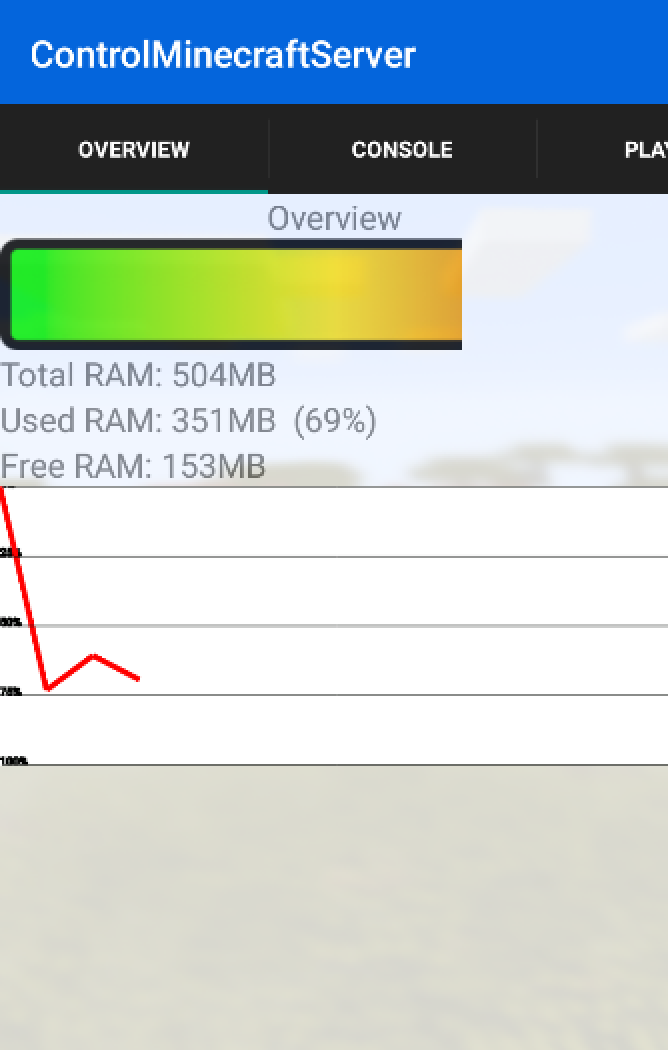
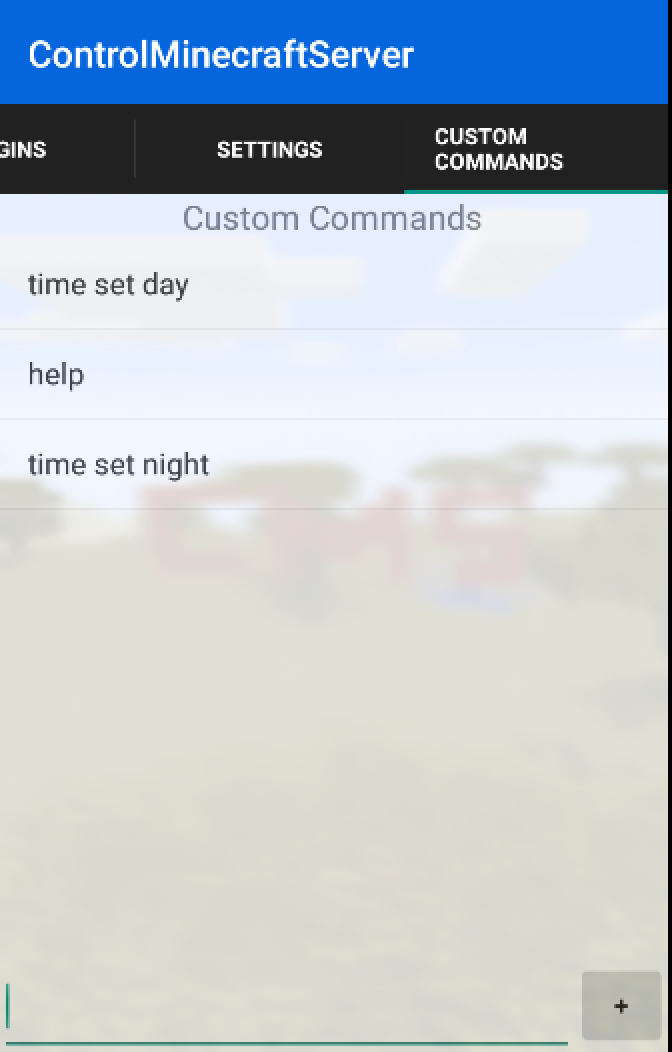
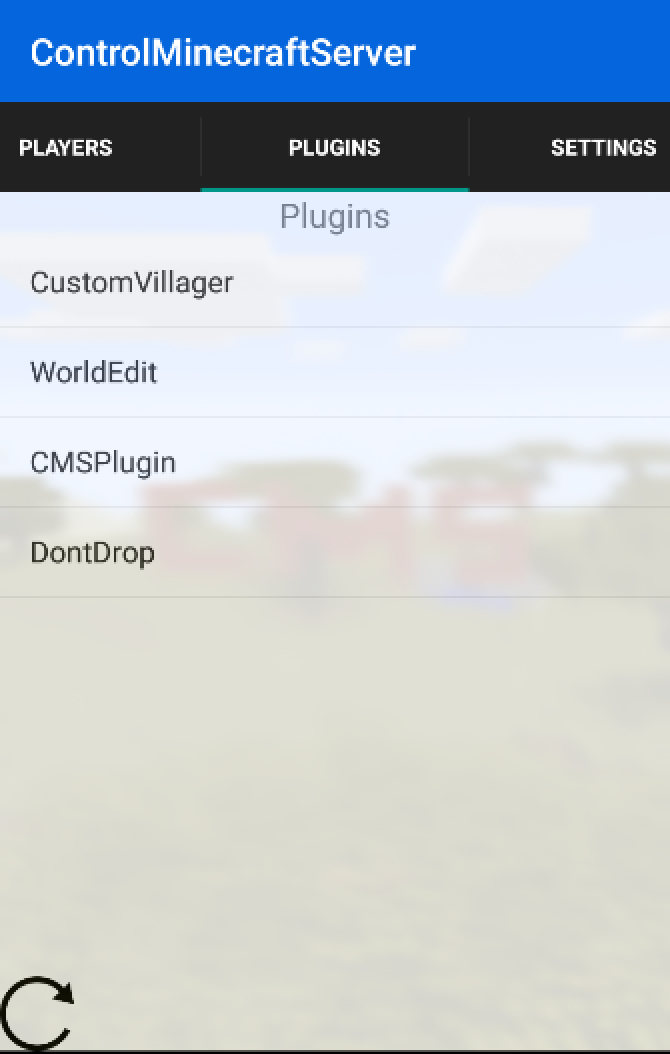
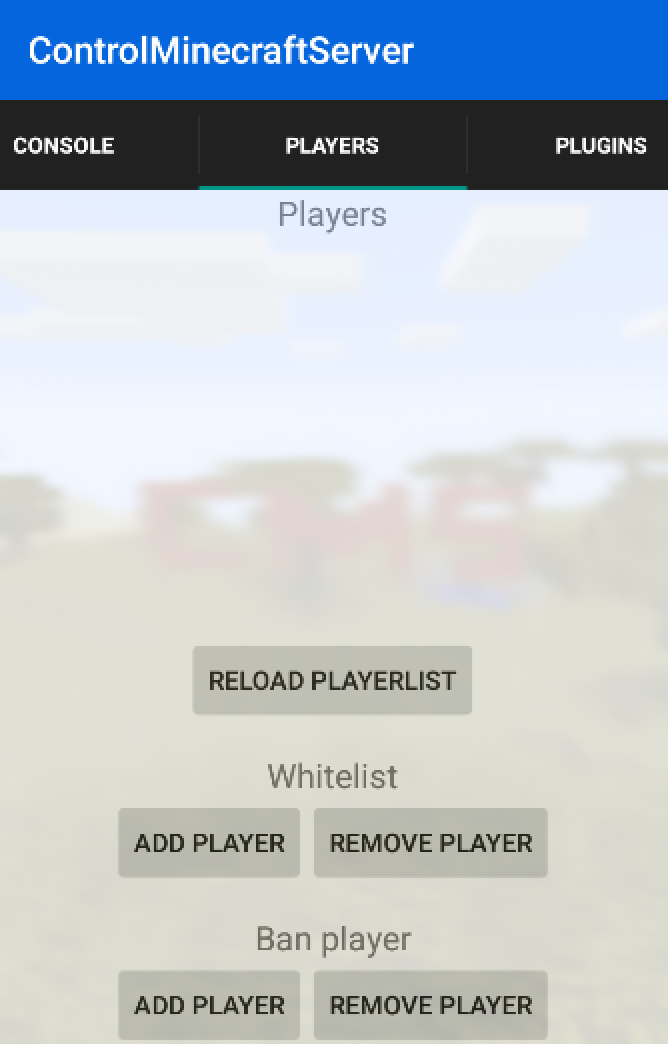
With the CMS plugin you can control your minecraft server with an android app. With the app you can change properties of the server, see a live console, see the plugins on your server and much more.
Features
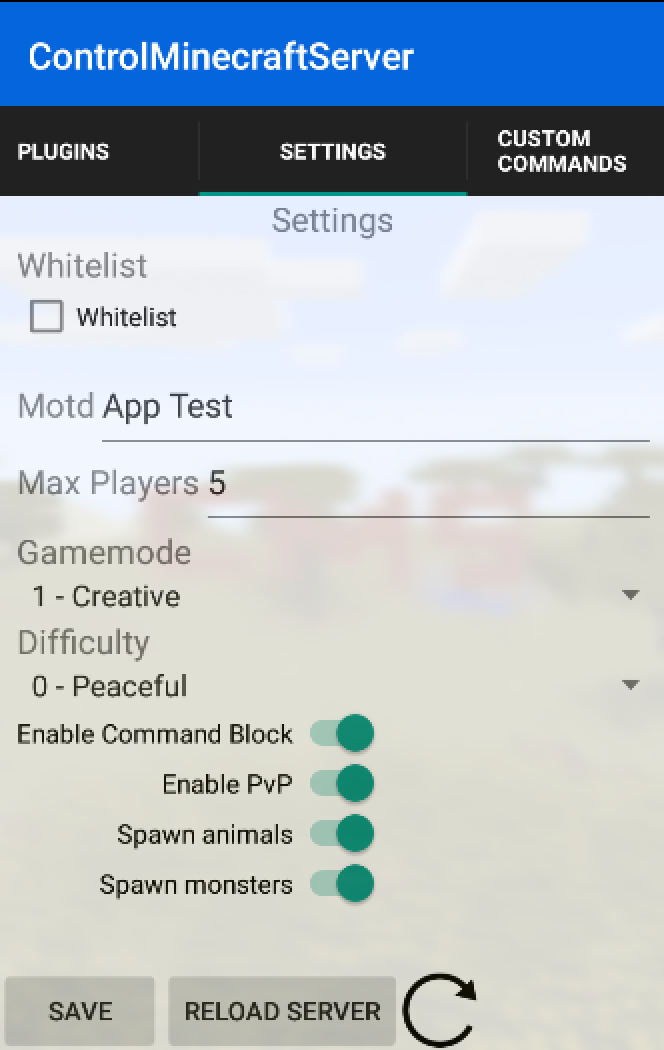
Turn on/off whitelist
Change the motd of the server
Change max player size
Change default gamemode
Change difficulty
Turn on/off command blocks
Turn on/off pvp
Turn on/off animals
Turn on/off monsters
Reload server
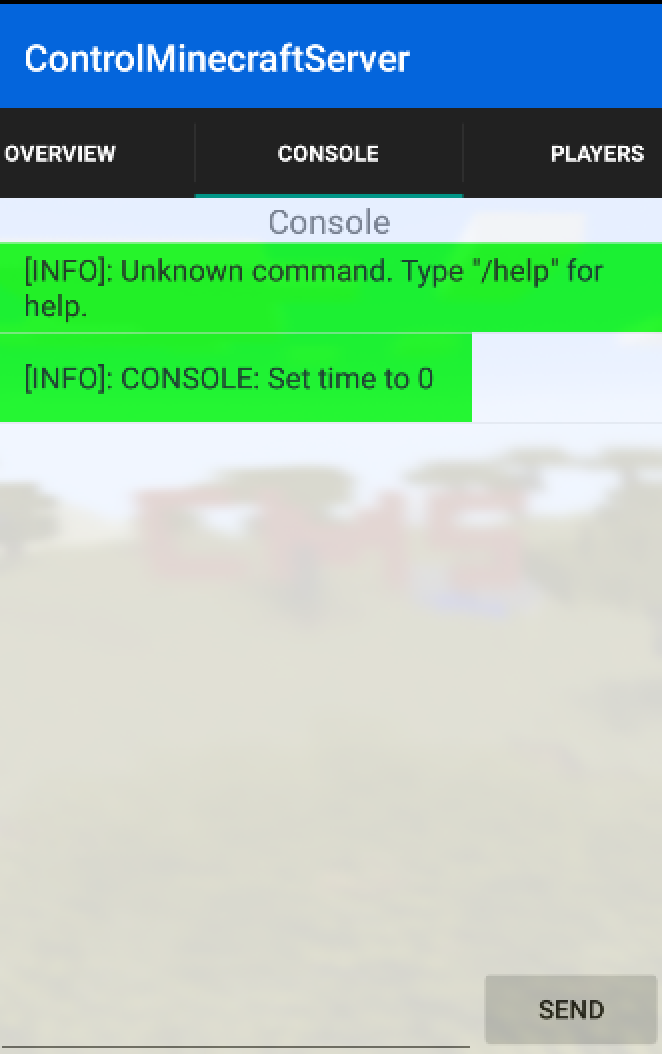
See the console of the server
See online players
Add/Remove players from whitelist
Ban/Pardon players
Send commands
See current plugins
Features planned for the future
Deactivate/Activate plugins
Add more properties from server.properties
Upload plugins from mobile with ftp
Improve stability
Do you have a suggestion for improvement? Send it to gorb98@gmail.com
Installation
This plugin is very easy to install.
Download the plugin
Copy it to your plugins folder
Restart or Reload your server
First Steps
To connect your app with this plugin you have to follow these steps
Create a new account
Type in the server console /cms register <username> <password>
or change the settings in the config.yml
Start the app
Type the ip of the server
Type the port of the plugin (3141)
Type your username (which you created in step one)
Type your password (which you created in step one)
Click login
Sorry for the bad english
Deutsch
Was ist das?
Mit dem CMS Plugin kannst du deinen Server über eine App steuern. Auf der App kannst du dann die Konsole sehen, Befehle ausführen und die Servereinstellungen ändern.
Funktionen
Schalte Whitelist an/aus
Ändern der Motd
Ändern der maximalen Spieleranzahl
Ändern des standard Spielmodus
Ändern der Schwierigkeit
An/Aus schalten von Kommando Blöcken
An/Aus schalten von PvP
An/Aus schalten von Tieren
An/Aus schalten von Monstern
Neuladen des Servers
Einsicht zur Konsole
Liste der Spieler auf dem Server
Hinzufügen/Löschen von Spielern auf der Whitelist
Bannen/Entbannen von Spielern
Senden von Befehlen
Liste der aktiven Plugins
Geplante Funktionen
Aktivieren/Deaktivieren von Plugins
Mehr Einstellungen der server.properties
Hochladen von plugins über Ftp
Verbessern der Stabilität
Du hast einen Verbesserungsvorschlag? Sende ihn an gorb98@gmail.com
Installation
Dieses Plugin ist leicht zu installieren.
Lade das Plugin herunter
Kopiere es in den plugins Ordner des Servers
Starte den Server neu
Erste Schritte
Um die App mit dem Server zu verbinden folge diesen Schritten
Erstelle einen neuen Account
Gebe diesen Befehl ein: /cms register <username> <password>
oder ändere die Einstellungen in der config.yml
Starte die App
Gebe die IP des Servers ein
Gebe den Port des Plugins ein (3141)
Gebe den Benutzernamen ein (welchen du in Schritt 1 festgelegt hast)
Gebe das Passwort ein (welches du in Schritt 1 festgelegt hast)