Ultimate Logo For ConsoleSpawn
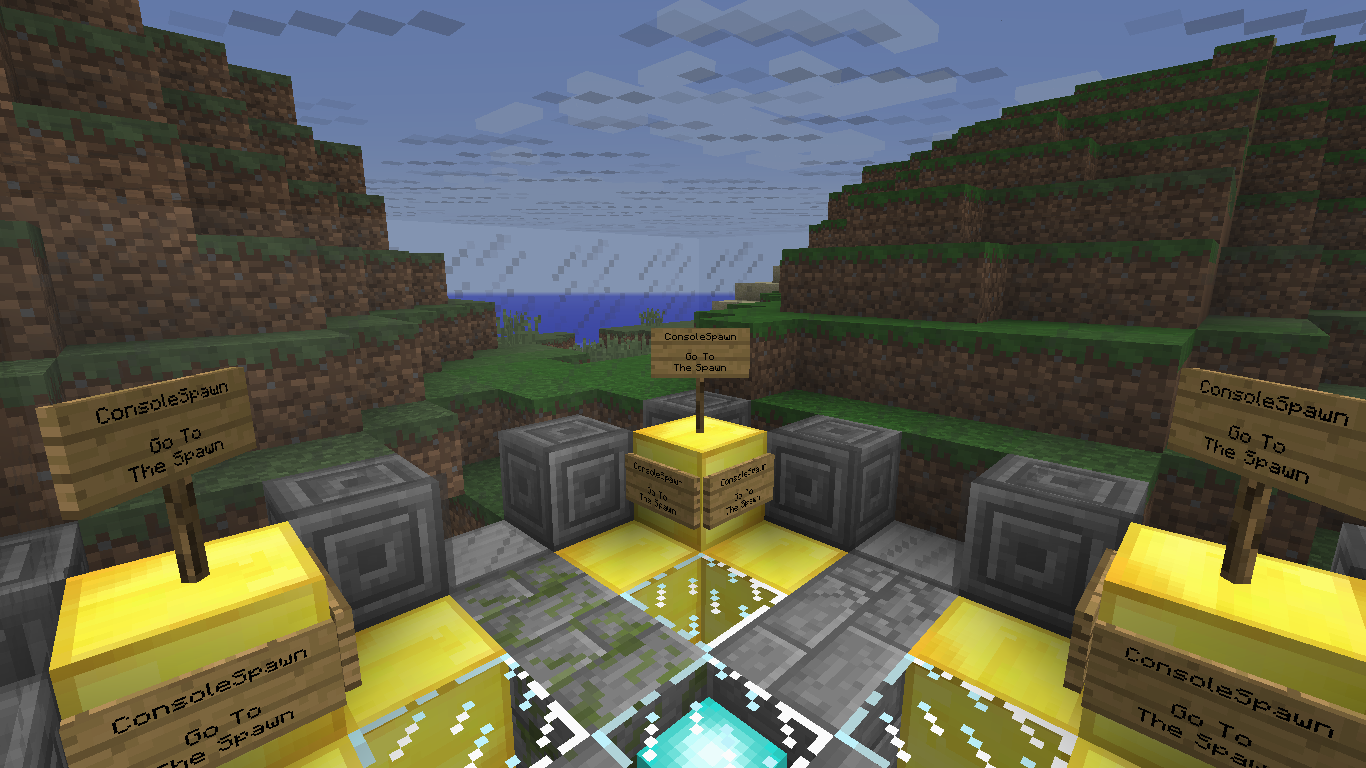
This Is The First Screenshot Of ConsoleSpawn
*This Image Shows How Spawn Sign Look Like.*

Simple Logo Created In PaintDotNet By: consoleline3dev
Description
ConsoleSpawn
Console Spawn Is Plugin That Will Give You Teleportation Commands!
Plugin Offers You:
- - Spawn Commands
- - Teleportation Signs
- - Warps (Still In Progress...)
- - And More...
Information:
- To Set Up Spawn Type /setspawn
- To Teleport To The Spawn Type /spawn
- To Make Spawn Sign (Sign That Teleports You To The Spawn) Type In First Line (Sign Line 1) gotohub
Developer Versions:
I'll Upload Developer Versions So You Can Test How It Works And I would Be Really Happy If You Reply.
Thing That Will Show Up In Newer Versions:
- Warps (Unlimited Warps)
- Commands To Turn Spawn In Hub
- Hub Gadgets (Only In Hub)
- More Signs (Also More Configurable)
Hub Update
Hub Update Is Update That Will Come Soon... It Will Bring A Few More Options To Your Server!
- Join Messages
- Double Jump
- New Kick / Ban Messages
- Better Console Broadcasting
- Scoreboard
- Disco Armor (And More Gadgets)
- New Signs
- And Much More
How To Use HU Update?
Join Messages:
- Step 1: On Your Server Type /generateMOTD
- Step 2: Stop Your Server Because This Will Make Errors If You Reload Server :(
- Step 3: Go To The Config File Of ConsoleSpawn Plugin.
- Step 4: You Will Find Section Called "motd" And In It You Will Find: name, voice and c.
- Step 5: Edit Those Values How You Like But Here Is Example What Value Is What.
- name - Text You Want, voice - Prefix, c - 1 Symbol Or Letter That Will Separate Voice From Name. (Ex. Message: voice;c; name)
- Step 6: Save Config And Start Your Server :D
Hub Configuration: Fly:
- Step 1: Type /generateHUB flymode
- Step 2: Stop Your Server (DON'T RELOAD BECAUSE IT WILL MAKE ERRORS) And Go To Config File.
- Step 3: You Will See fly Section. By Default Value Is Allow.
- Step 4: If You Want To Allow Fly (Everybody - GM, Hackers...) Type Allow Or Anything Else... If You Want To Allow It Only For Ops Type: Deny
- Step 5: Save Config And Start Your Server! Enjoy!
The ConsoleSpawn Team