


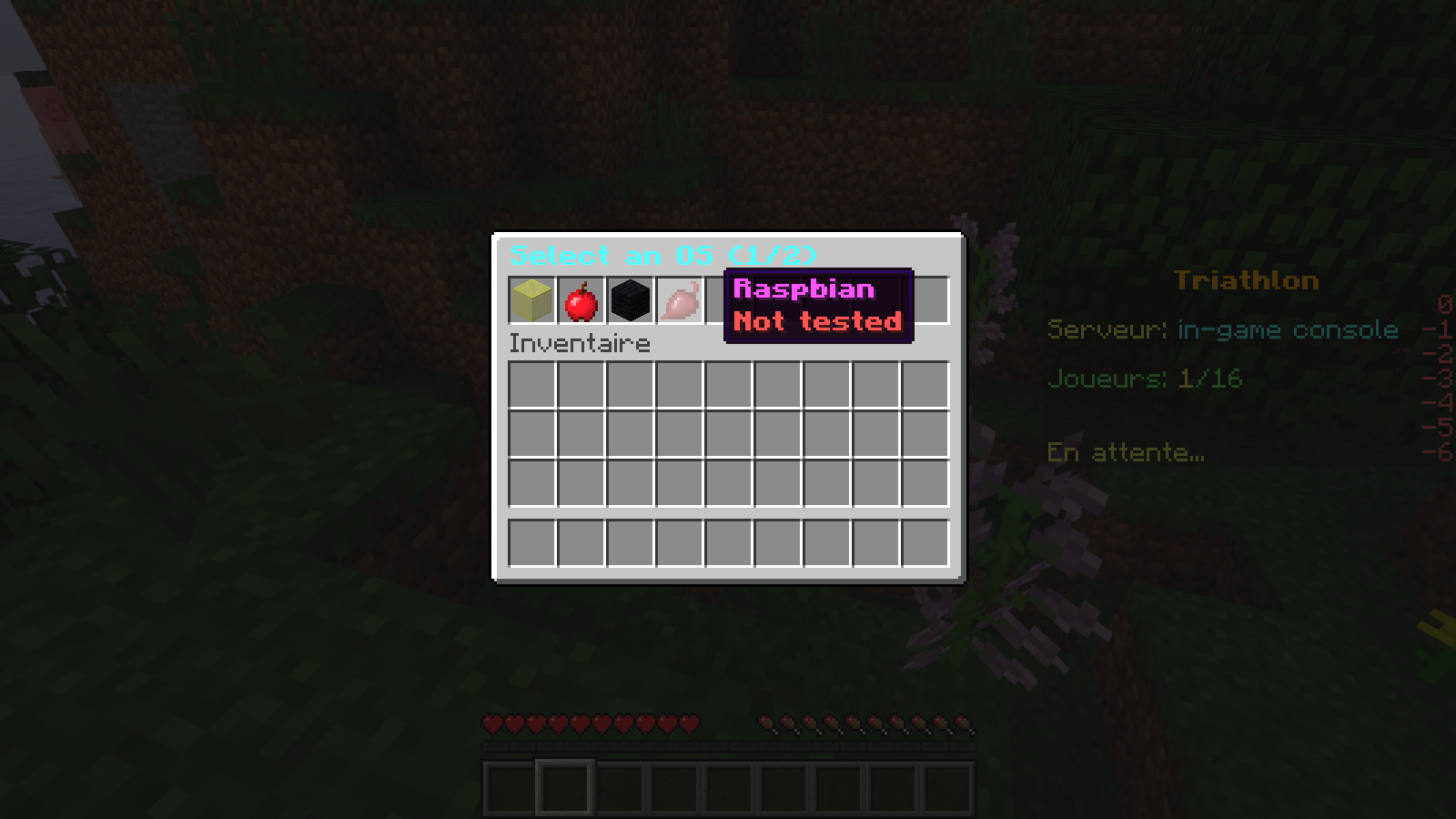
An Updater Inventory
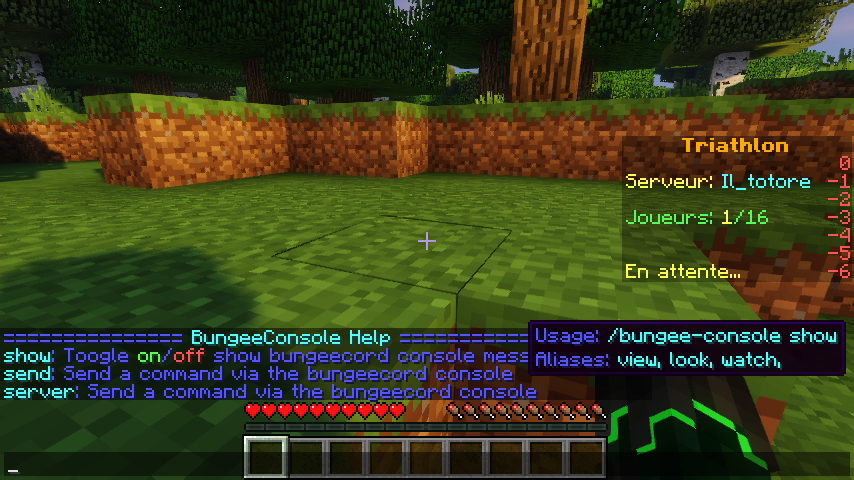
/bungee-console help
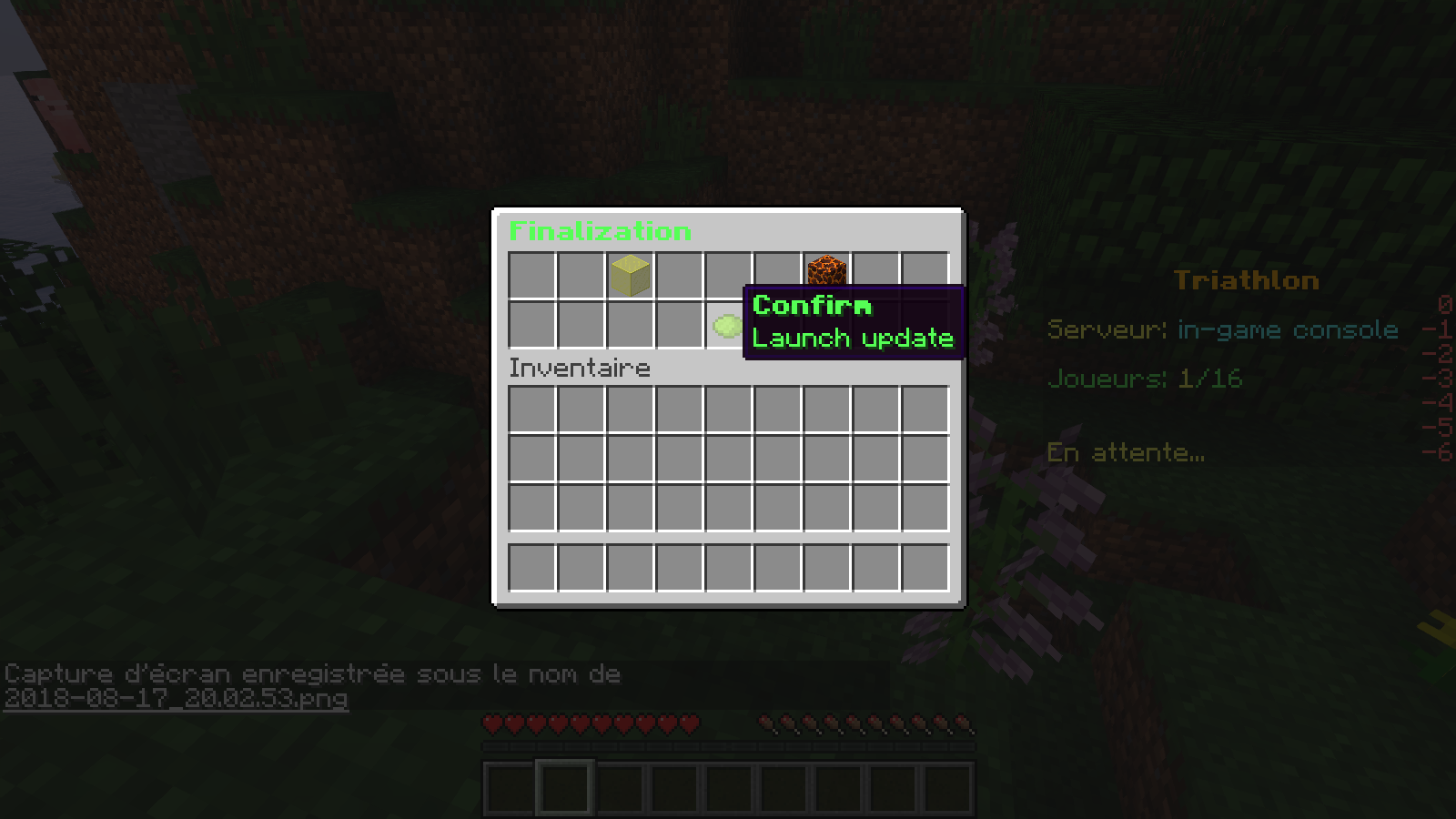
An Updater Inventory
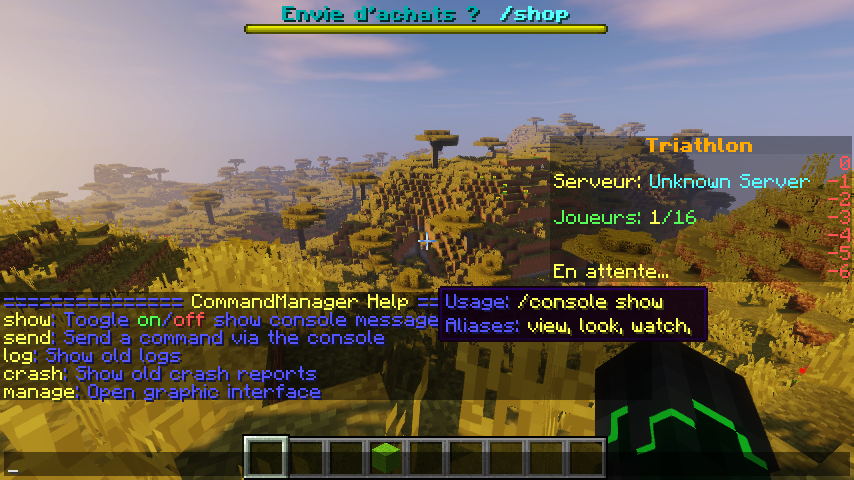
/console help Clickable and hoverable help menu
1.3 Version
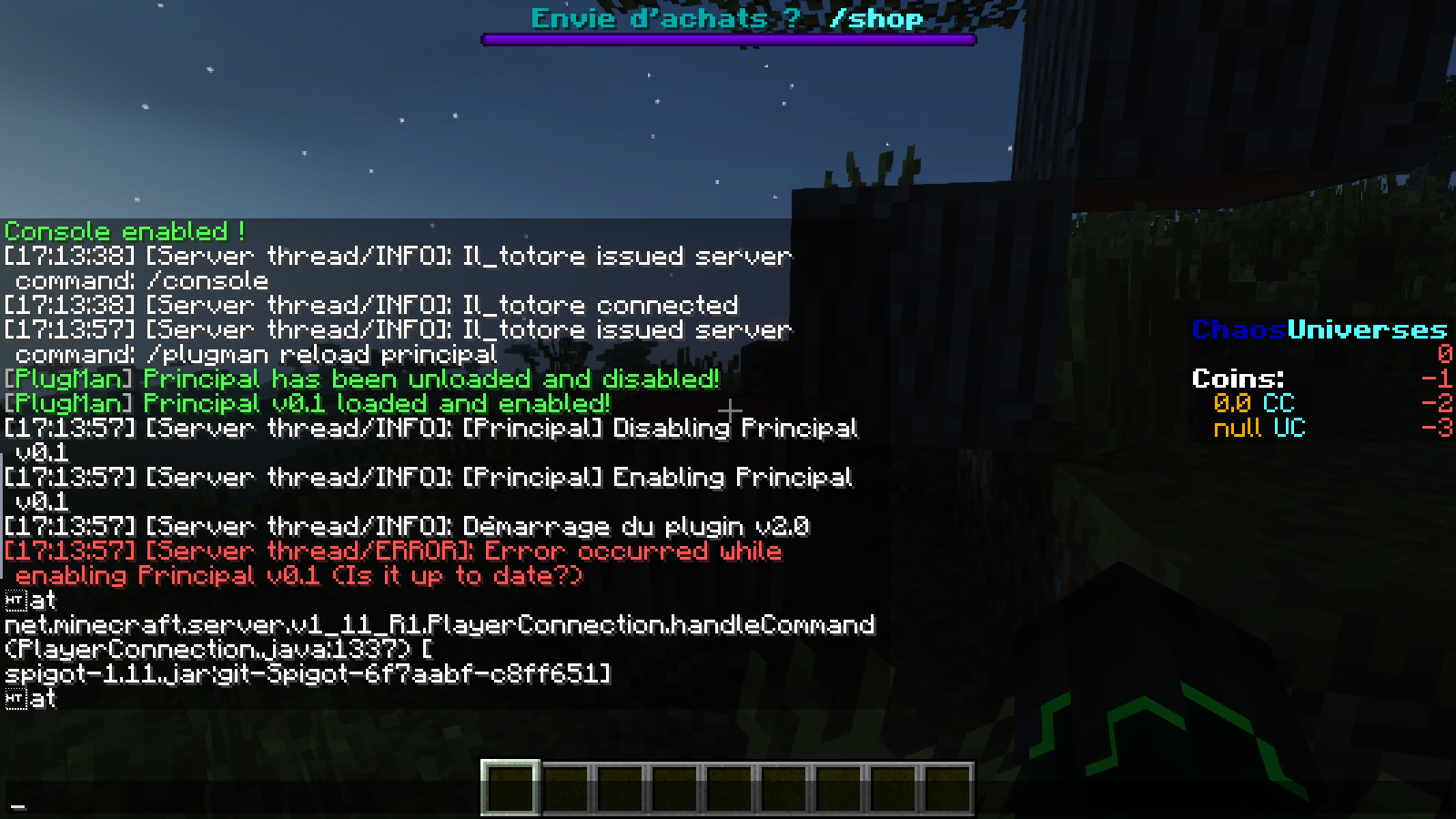
/console show
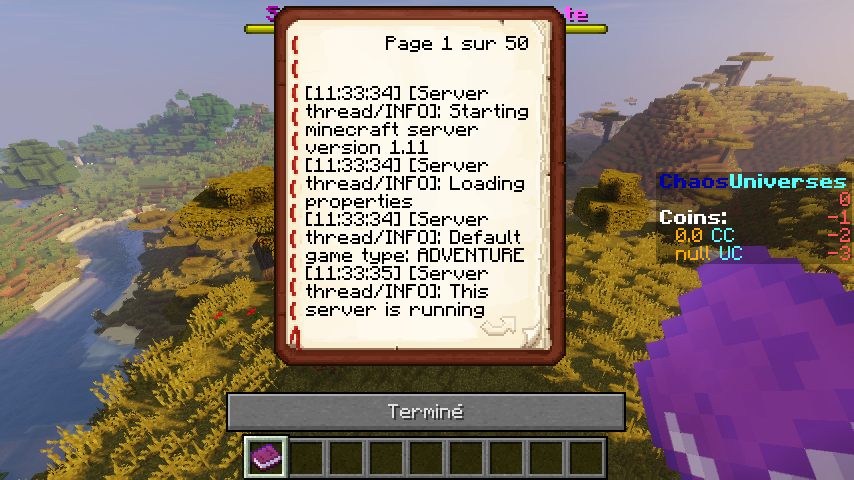
/console log file
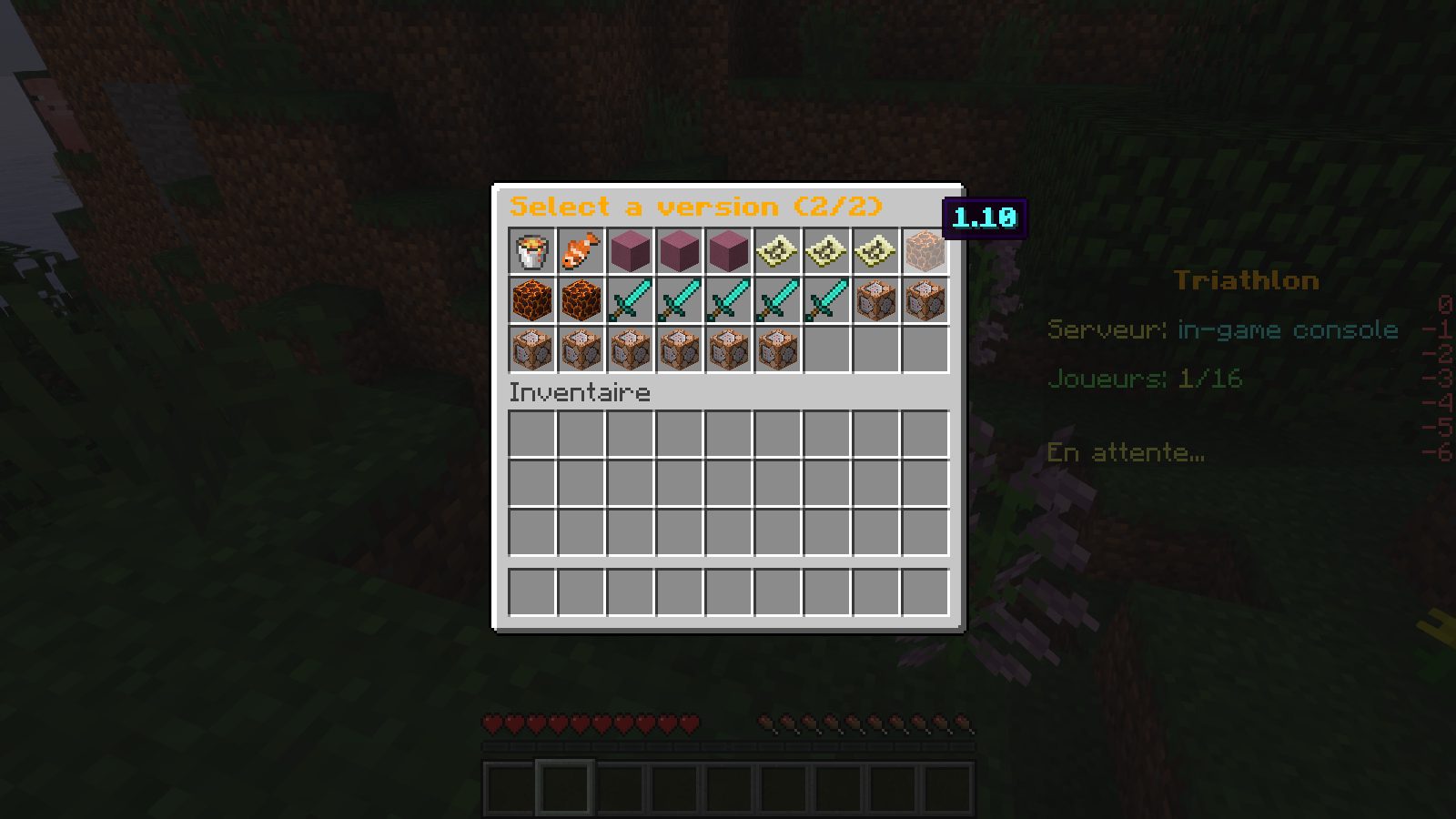
An Updater Inventory
Description
In-Game Console globally allows you to manage your console and display the game.
It can be used by:
- Developers
- the operators
- Staff members who need to access the console
Main qualities of this plugin are:
- Easy to use
- Using asynchronous tasks to minimize the impact on your server's performance
- Error display in red and warnings in yellow for better understanding
Spigot / Bukkit:
Installation:
Place the file in the plugins folder and reload / restart
Commands:
- console : The only command of the plugin to use the management of the entire console
Console arguments:
- show: toggle the display of the console output
- Usage: /console show
- Alliases: see, watch, watch
- Permission: console.show
- send: execute a command with the server console
- Usage: /console sends <command without slash>
- Alliases: cmd, command, exe, execute
- Permission: console.send
- help: Display the possible arguments
- Usage: /Help of the console
- log: shows an old newspaper
- Usage: /console log <file in directory / log / >
- Aliases: l, pound, b
- Permission: console.log
- crash: displays an old crash report
- Usage: / console log <file in directory ... / crash-reports / >
- Aliases: c, crash-report, crashreport, cr
- Permission: console.crash
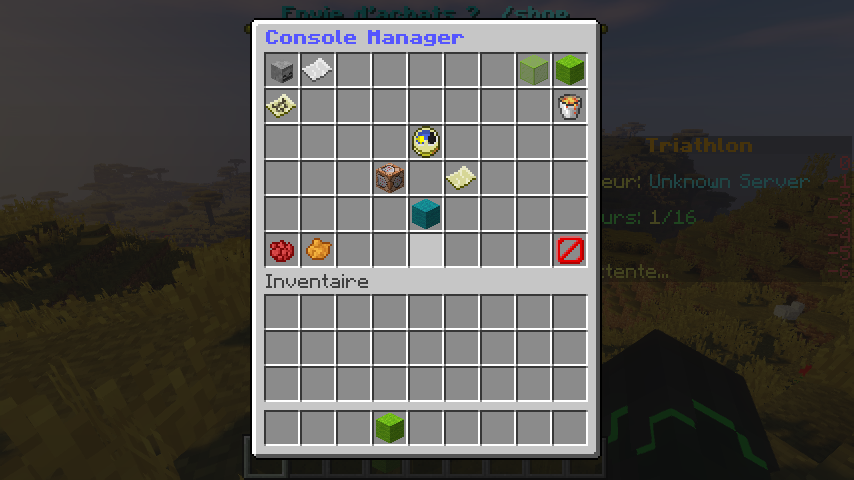
- manage: open graphical interface
- Usage: /console handle
- Aliases: m, manager, administer, admin
- Permission: console.admin
- config: puts the configuration in play
- Usage: /config console
- Aliases: c, cfg, configuration
- Permission: console.config.set
- reload: reload configuration, tasks and managers
- Usage: /console recharge
- Alias: r, rl
- Permission: console.config.reload
config.yml:
times:
# refresh times in ticks
refresh:
integers:
gui: 20
chat: 1
booleans:
tps: true
ram: true
ping: true
# loading times in seconds
loading:
timings: 180
debug: 10
BuildTools (Updater):
OS:
- Windows: Stable
- Mac OS: Not Tested
- Linux: Not Tested
- Raspbian: Stable
Versions: 1.8 to 1.13.1
Bungeecord:
Installation:
Place the file in the plugins folder and reload/restart
Commands:
- bungee-console : the only command of the proxy plugin. It is used to use the plugin
Bungee console arguments:
- show: View the output of the proxy console
- Usage: /bungee-console show
- Aliases: to see, to look, to look
- Permission: console.bungee.show
- send: execute the proxy command
- Usage: /bungee-console send <command without "/">
- Aliases: cmd, exe, command, execute
- Permission: console.bungee.send
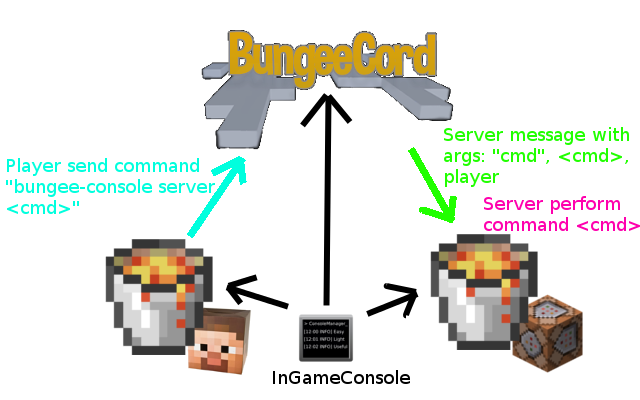
- server : create another server with a command
- Usage: /bungee-console server <server name> <command without "/">
- Aliases: server-cmd, server-exe, server-command, server-execute
- Permission: console.bungee.send
The In-game console Team


