
CobbleBet
2026-09-30_17.16.57.png
2026-09-30_17.17.02.png
2026-09-30_17.17.15.png
2026-09-30_17.20.59.png
Description
CobbleBet
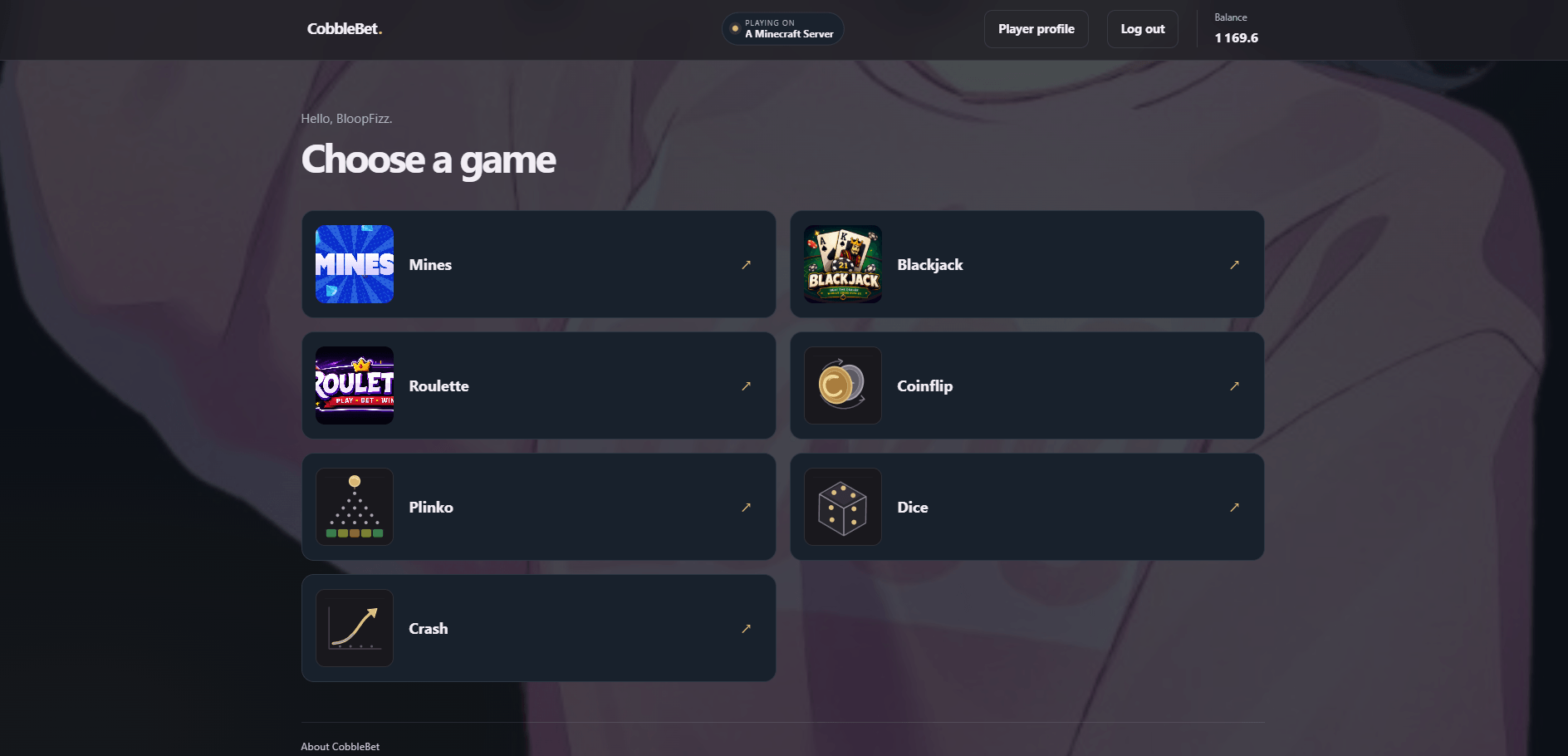
CobbleBet connects your Paper server economy to browser and in-world games. Players use /gamble to open a private game page, and wins or losses are applied to the economy already running on the server.
Players can start from Minecraft without creating a CobbleBet account. Account linking is available for players who want one profile across multiple servers, but it is optional.
Games
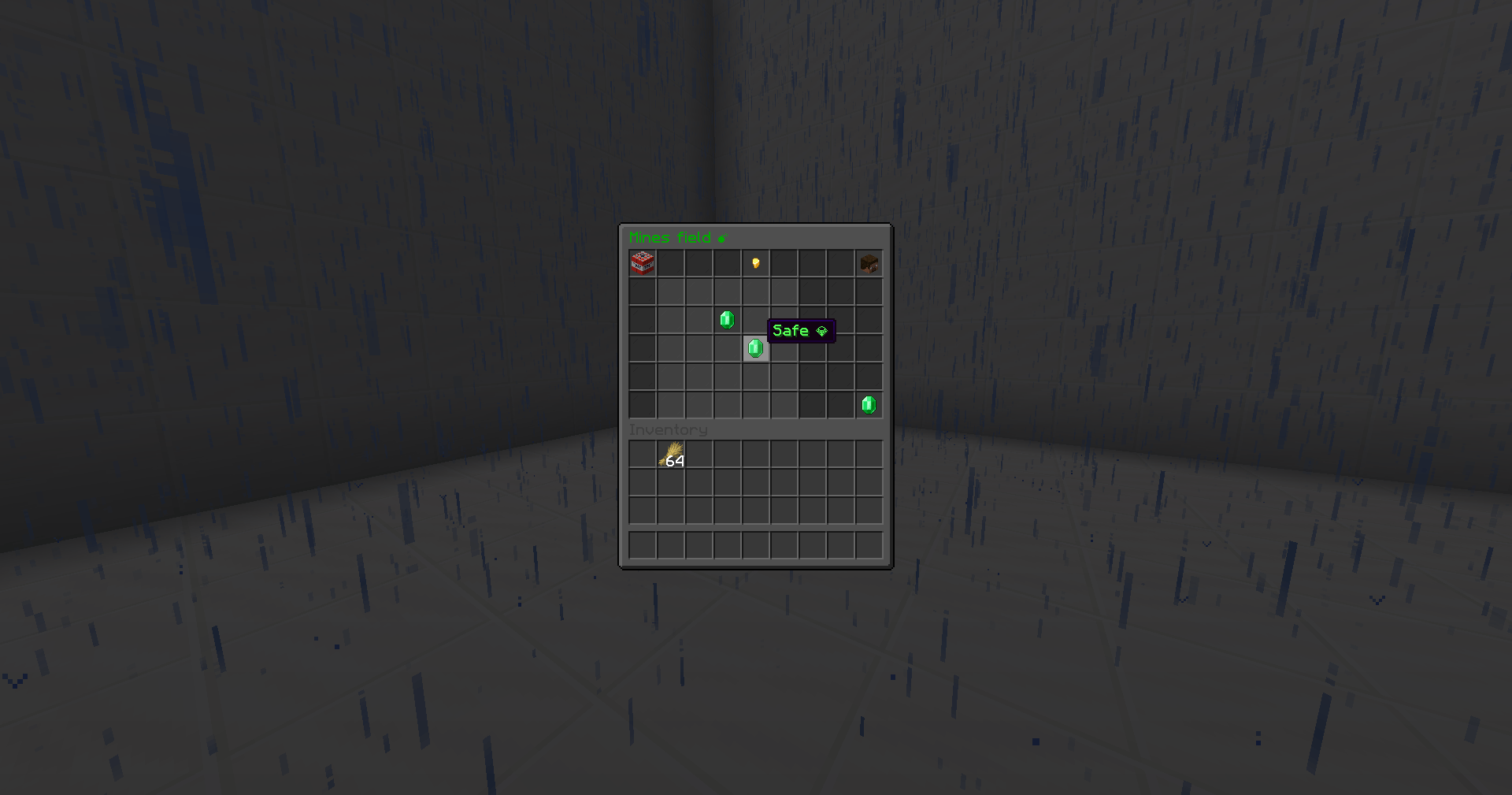
- Mines
- Blackjack
- Roulette
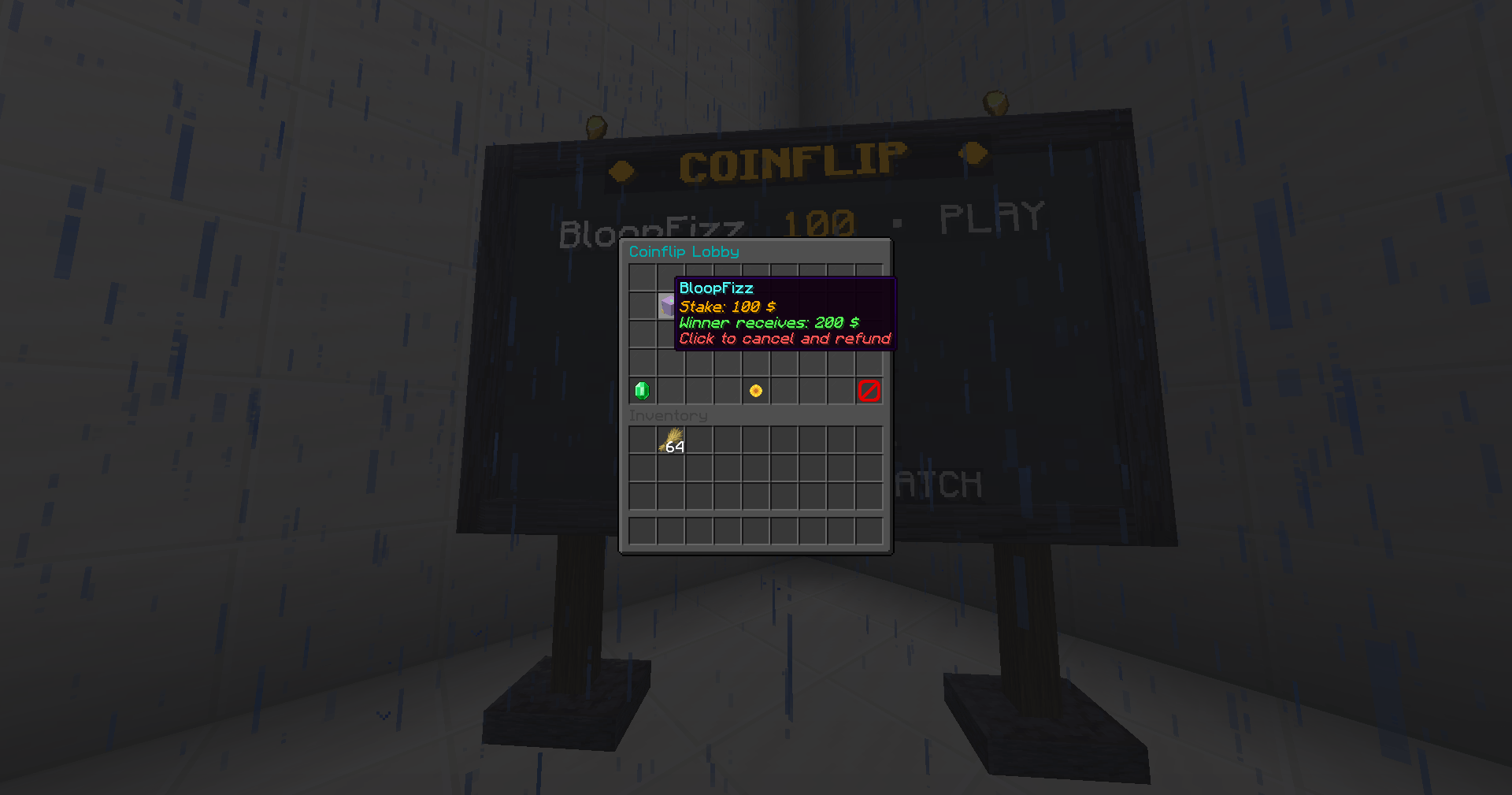
- Coinflip
- Plinko
- Dice
- Crash
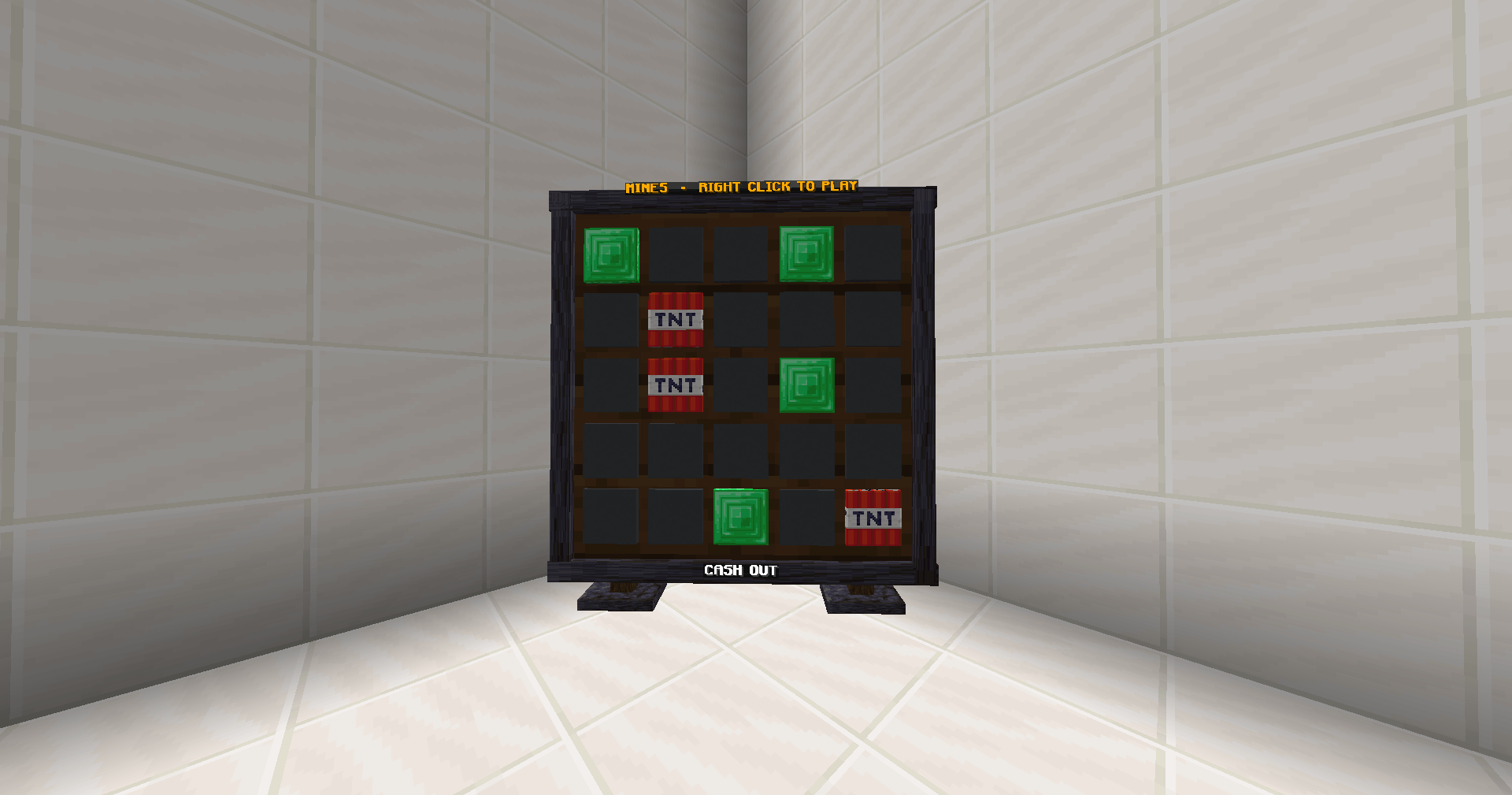
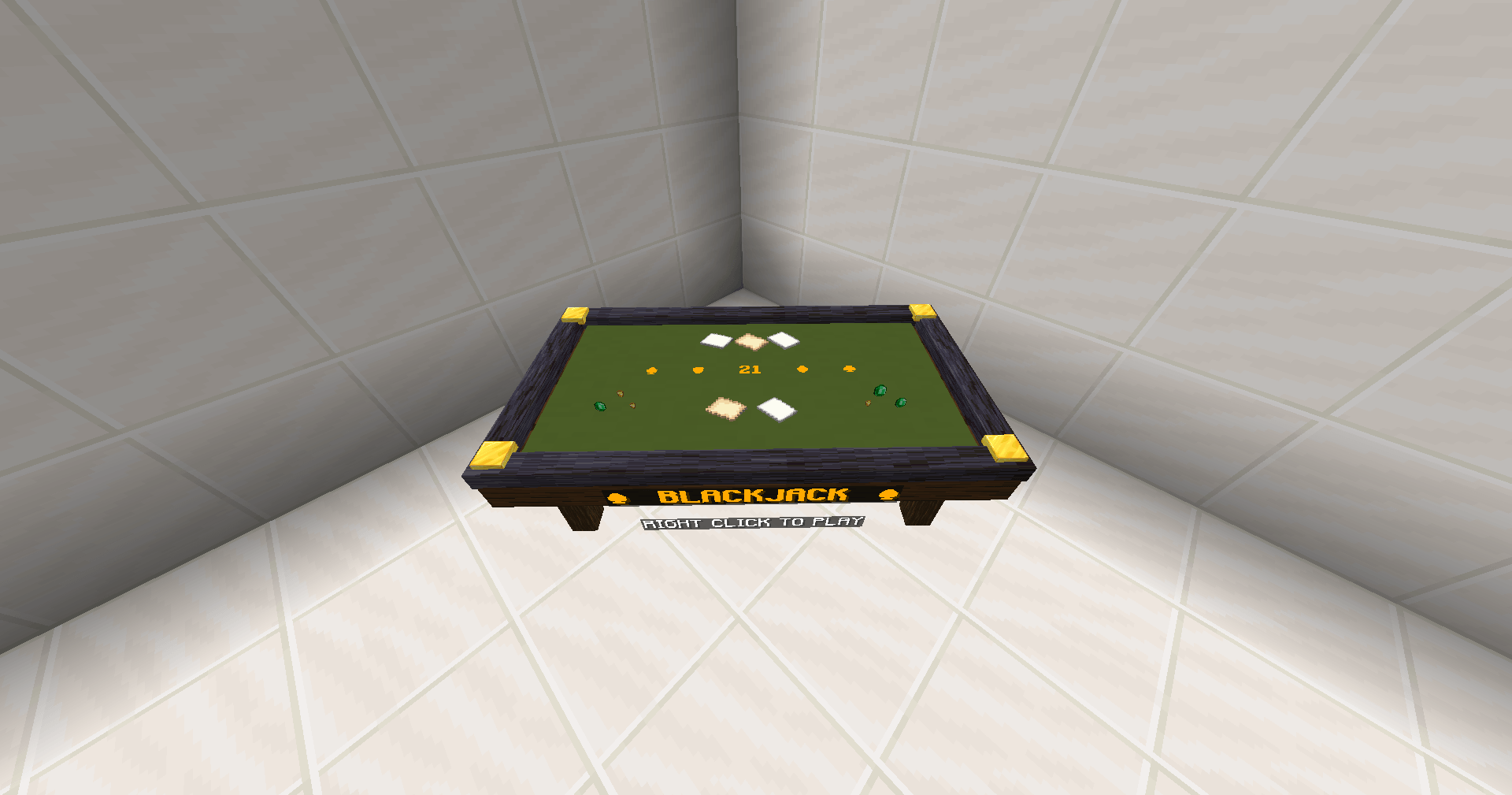
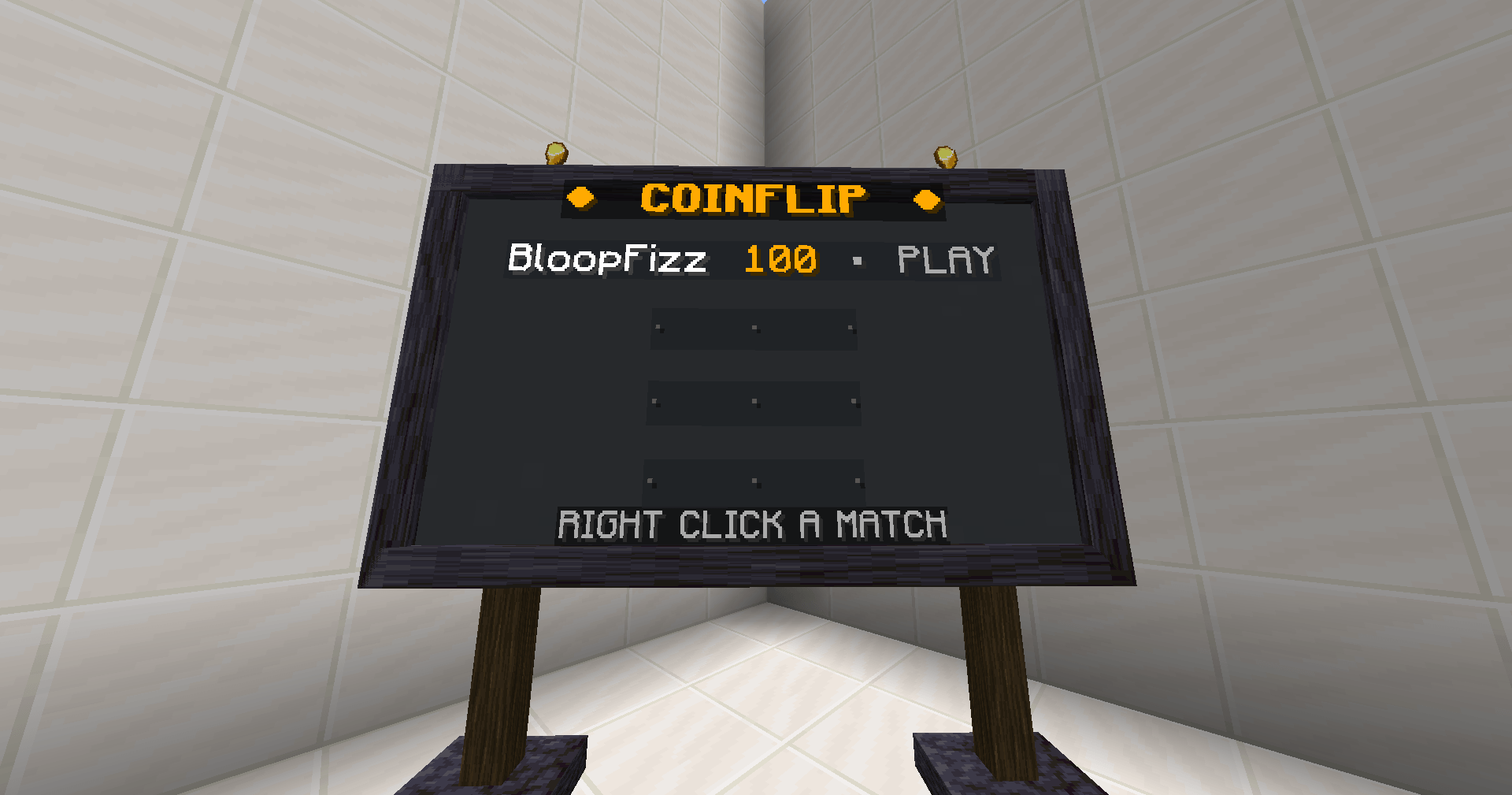
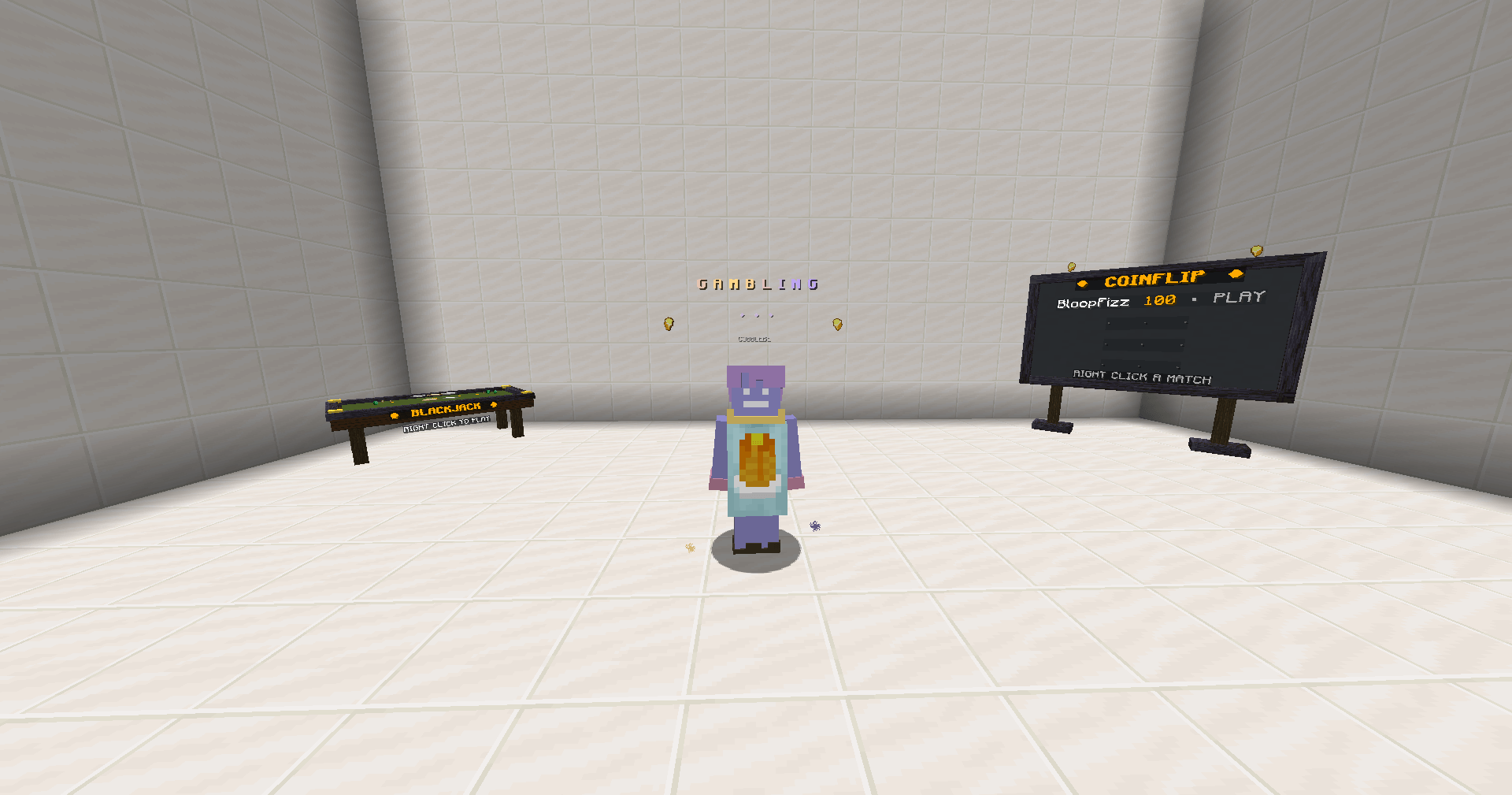
Coinflip, Mines, Blackjack, and Plinko can also be placed as physical game boards in the Minecraft world. Owners manage each board from the /cobblebet menu, including its position, rotation, style, and play mode where supported.
Server controls
- Vault or item-based economy
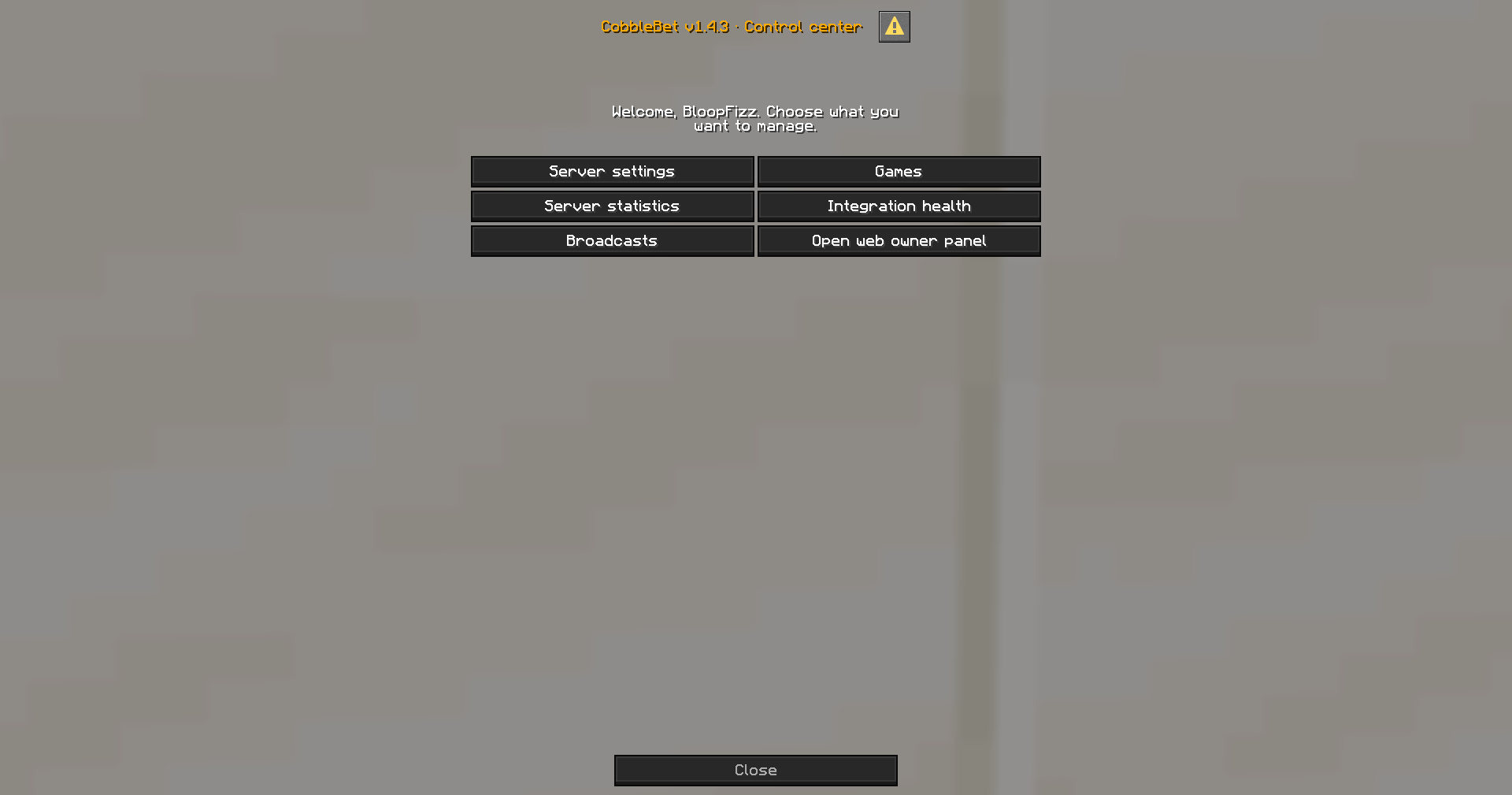
- In-game owner menus and a private web panel
- Individual game availability and extra house edge settings
- Coinflip stake limit
- Configurable command permission requirements
- Website themes, custom backgrounds, and maintenance mode
- Player animations and sounds
- Big-win broadcasts and optional /gamble reminders
- Automatic updates with an owner-controlled toggle
- Server statistics and game history
Settings are saved in the CobbleBet plugin folder and remain in place after restarts.
Requirements
- Paper 1.21.x
- Java 21
- Internet access to cobblebet.com
- Vault and a compatible economy plugin when using Vault mode
Vault is not required when CobbleBet is configured to use a Minecraft item as currency.
Setup
- Put the CobbleBet JAR in your server's plugins folder.
- Restart the server.
- Run /cobblebet as an operator.
- Select the economy type and review the game, permission, appearance, broadcast, and update settings.
- Players can use /gamble to start playing.
Main commands
- /gamble — opens the private game page
- /wallet — opens the player wallet
- /wallet link — generates an optional account-linking code
- /coinflip — opens the server's Coinflip lobby
- /mines — opens Mines
- /blackjack — opens Blackjack
- /cobblebet — opens server owner settings
- /cobblebet game — manages physical game boards
Links
CobbleBet Team
