


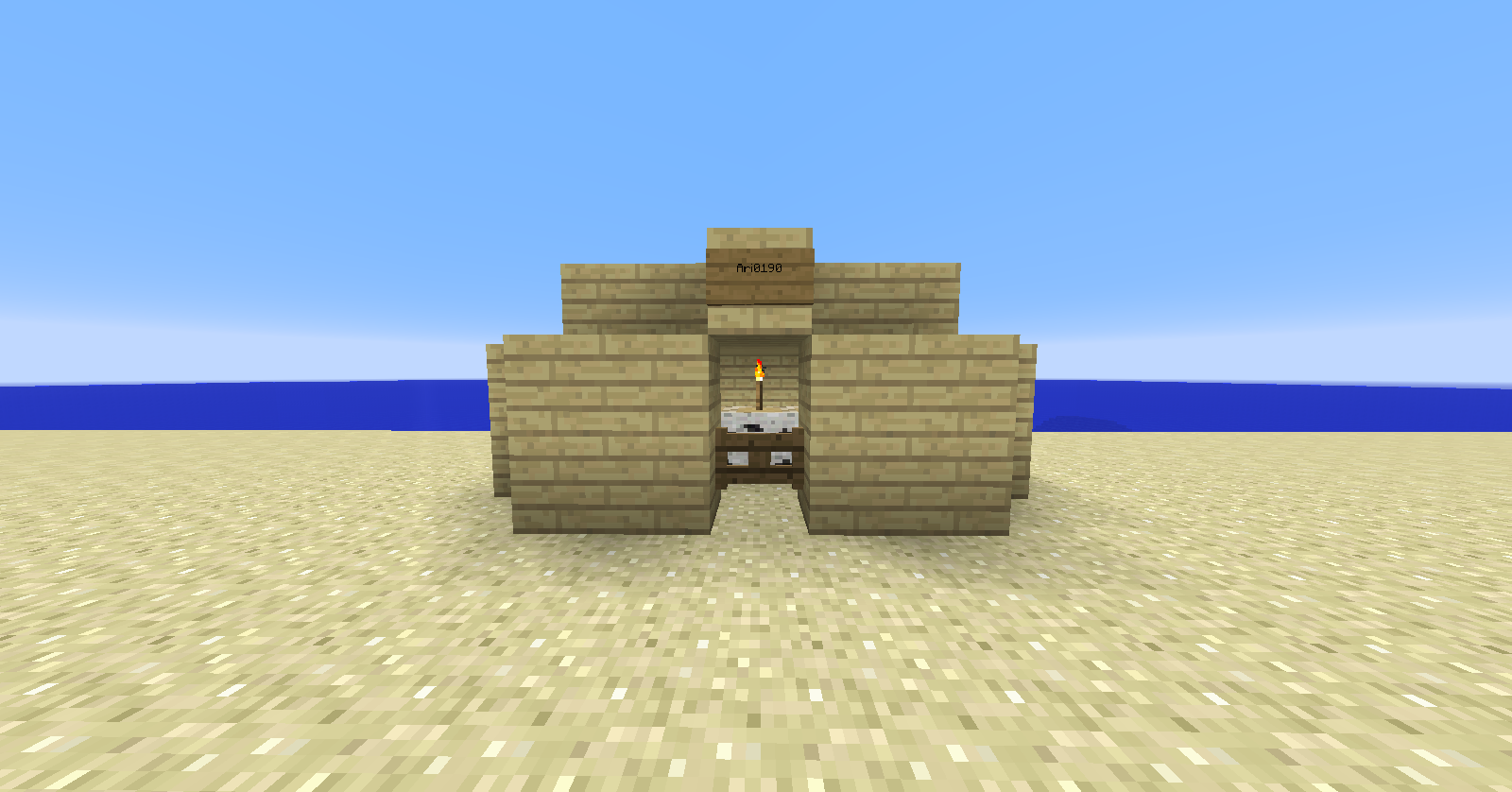
The front of a small camp.
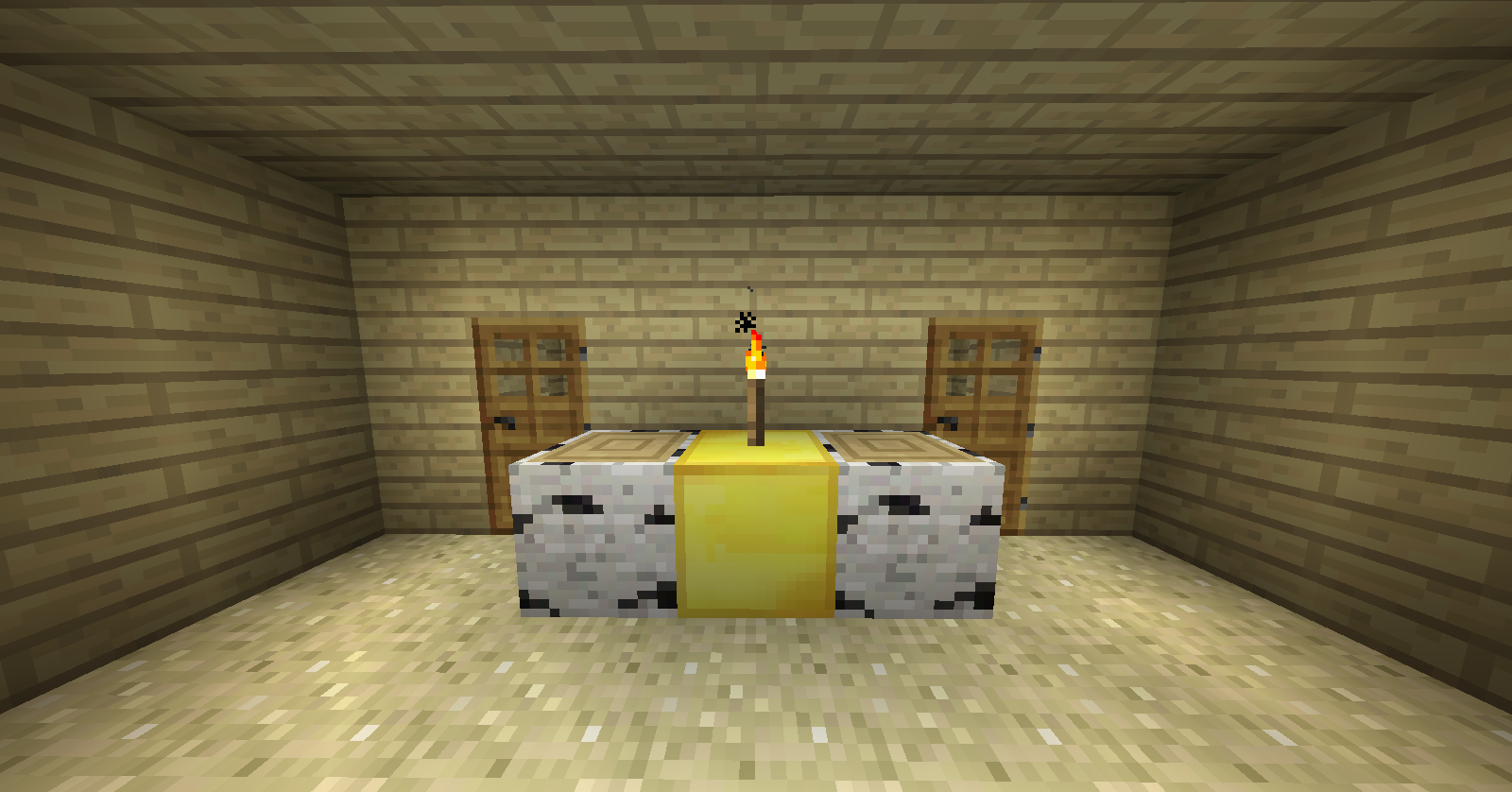
The inside of a large camp.
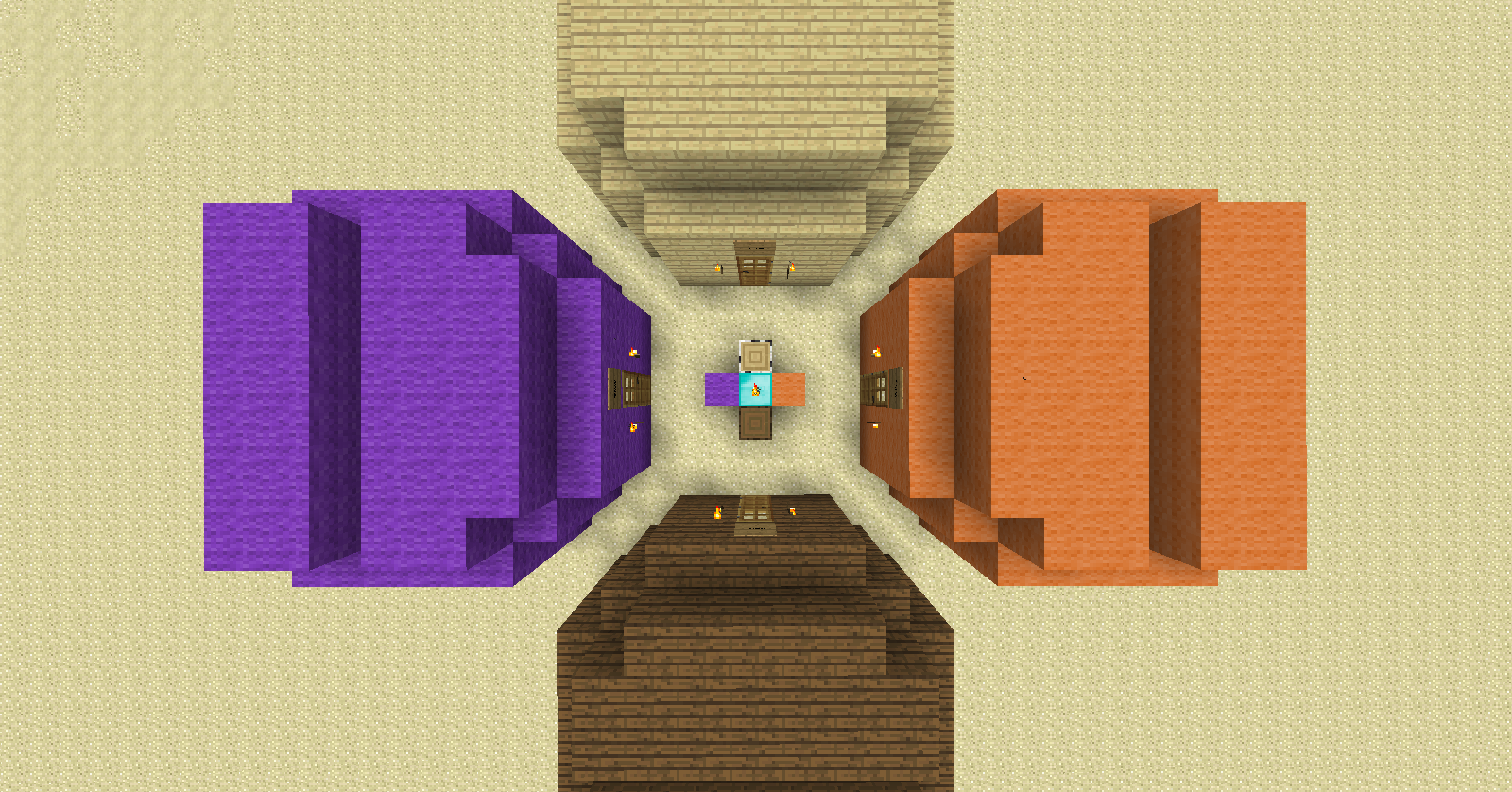
Top view of multiple large camps.
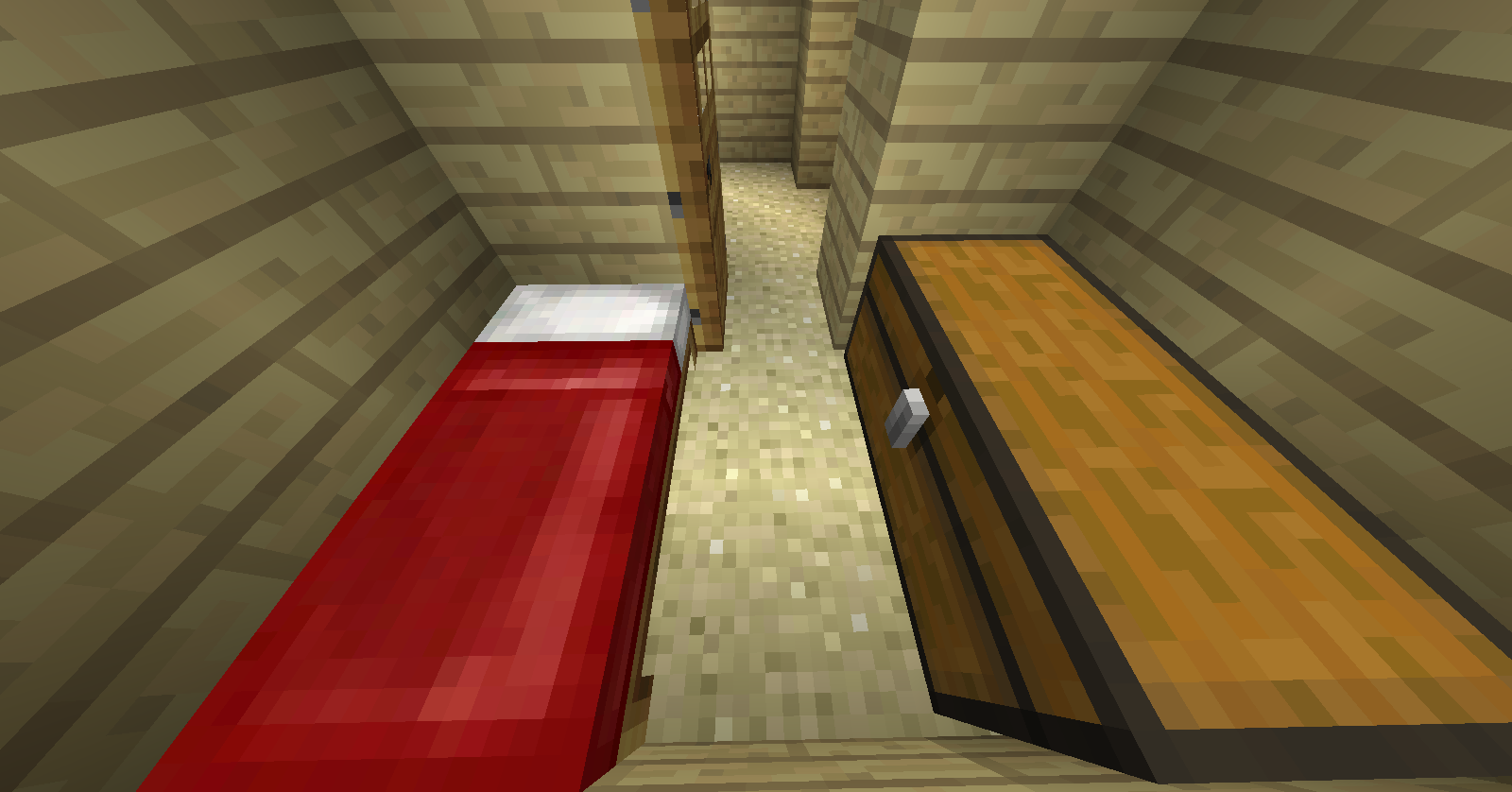
The inside of a large camp.
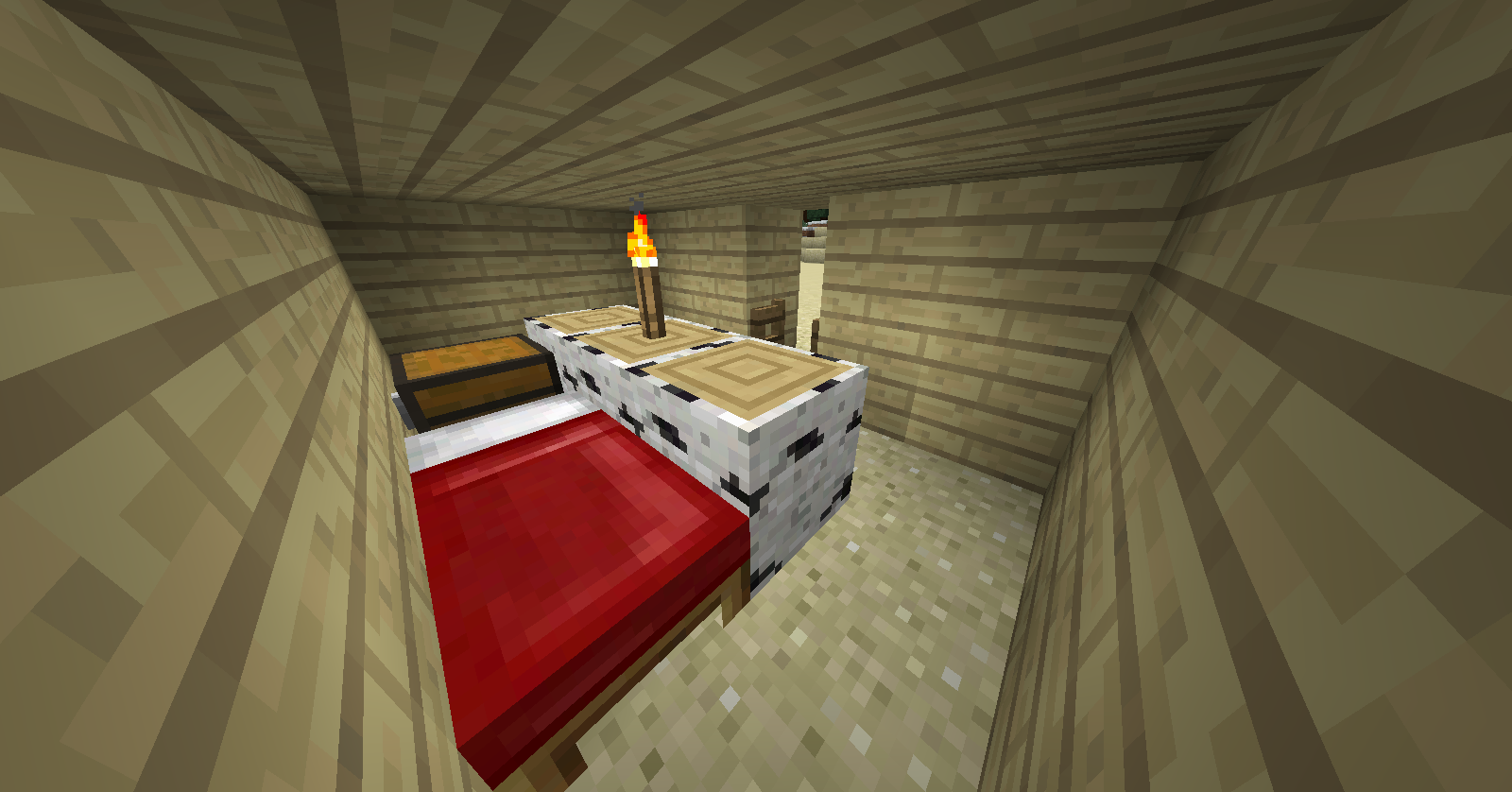
The inside of a small camp.
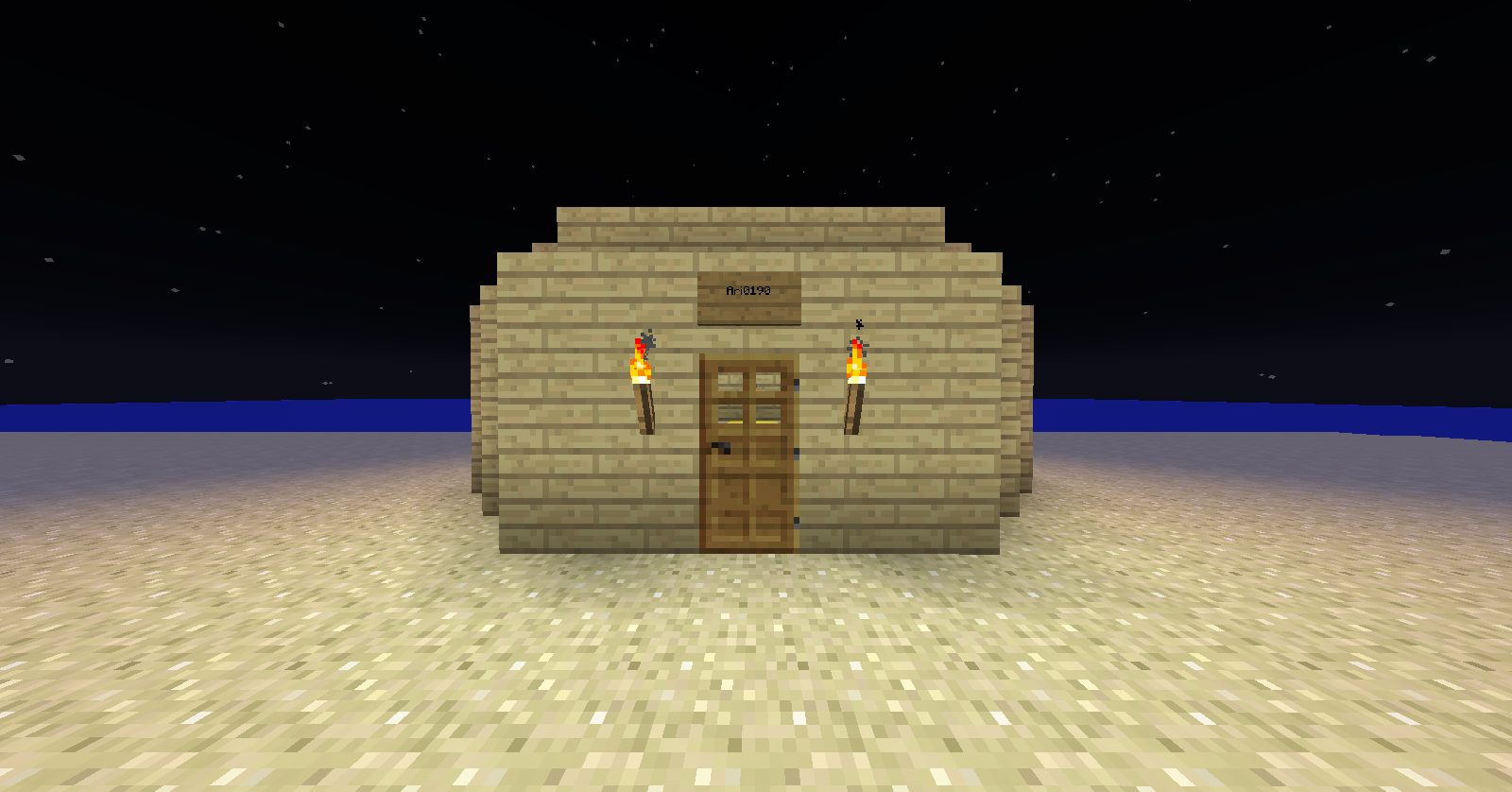
The front of a large camp.
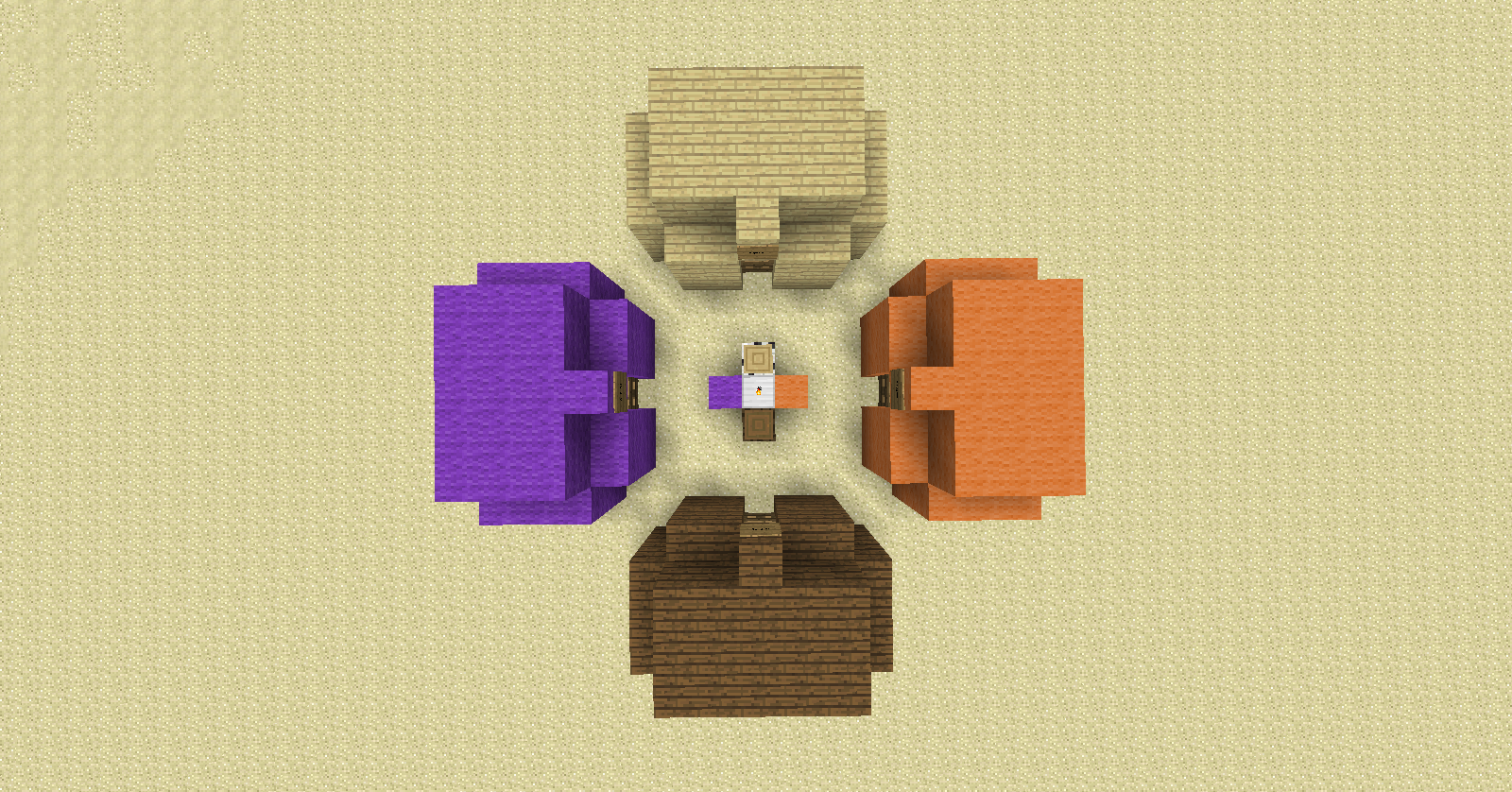
Top view of multiple small camps
Description
About
Camp Site is a plugin designed to let an individual create a campsite, using blocks and a torch.
To support further development download using http://sh.st/yUfMf
Features
- Create camps out of wood or wool.
- All wood types and wool colors are supported.
- Create a campsite from one of two different types.
- Create multiple camps at once.
- Camps disappear after being destroyed.
- Camps can only be destroyed by their creators.
- Set whether Ops are able to break any camp.
Options
The following options are available in the config.yml file:
| Option | Function |
|---|---|
| World <world name> | Sets the world that camps are able to be created in |
| ModBreak <true or false> | Sets whether Ops are allowed to break any camp regardless of ownership. |
Commands
| Command | Function |
|---|---|
| /csite_modbreak <arg1> | Sets whether Ops can break any camp |
| /csite_clear | Clears ownership and camp status of all camps |
Information and how to use the plugin
Setting up the Plugin
- Put the .jar file into your plugins folder and reload or start the server.
- Open the config.yml file in a text editing software (I use Notepad) and put the name of your world in the 'World' field.
- Reload the server and the plugin should be working.
Making Camps:
You must have a "core block" and "material blocks" in order to create a camp.
Camp Types:
- Small camp
- Large camp
Material Blocks:
- Logs
- Wool
Core Blocks:
| Block | Creates |
|---|---|
| Logs | Small camp |
| Wool | Small camp |
| Iron Block | Multiple small camps |
| Gold Block | Large camp |
| Diamond Block | Multiple large camps |
Camp Creation:
In order to create a single camp you place an appropriate core block down and then material blocks on either side of the core block resulting in a line of three blocks in a horizontal line. Placing a torch on top of the core block will create a camp around you.
To create multiple camps at once, you must either use an iron block or a diamond block as the core block. Place a material block adjacent to the core block in each desired direction per desired camp. Place a torch on top of the core block to create the desired camps.
Notes
This is my first plugin and I am hoping to update and add more features. If there is anything you would like to see just leave a comment and it might end up in the plugin.
Camp Site Team
