CameraPlugin
- By
Plugin to take amusement-park like photos in-game. Read Disclaimers before use
Disclaimers
>This Plugin Requires a Dedicated Camera Minecraft Account that is logged onto the server
>This Plugin Requires an open web port on your server and knowledge of network ports/networking
Info
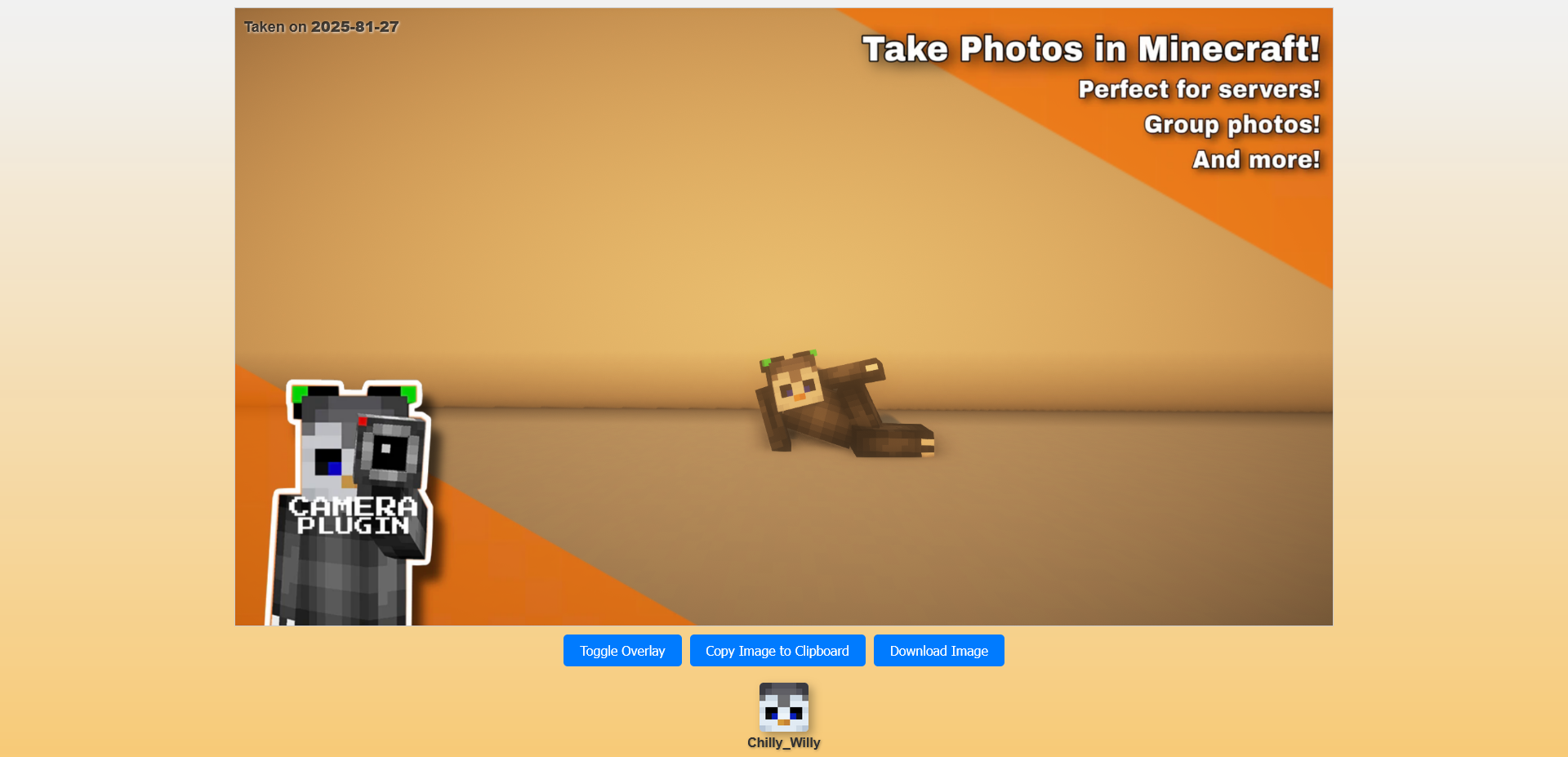
This is a plugin and mod combination I created to take in-game screenshots, sort of like an amusement park photo
depends on Camera Plugin Helper
Join my Discord for support
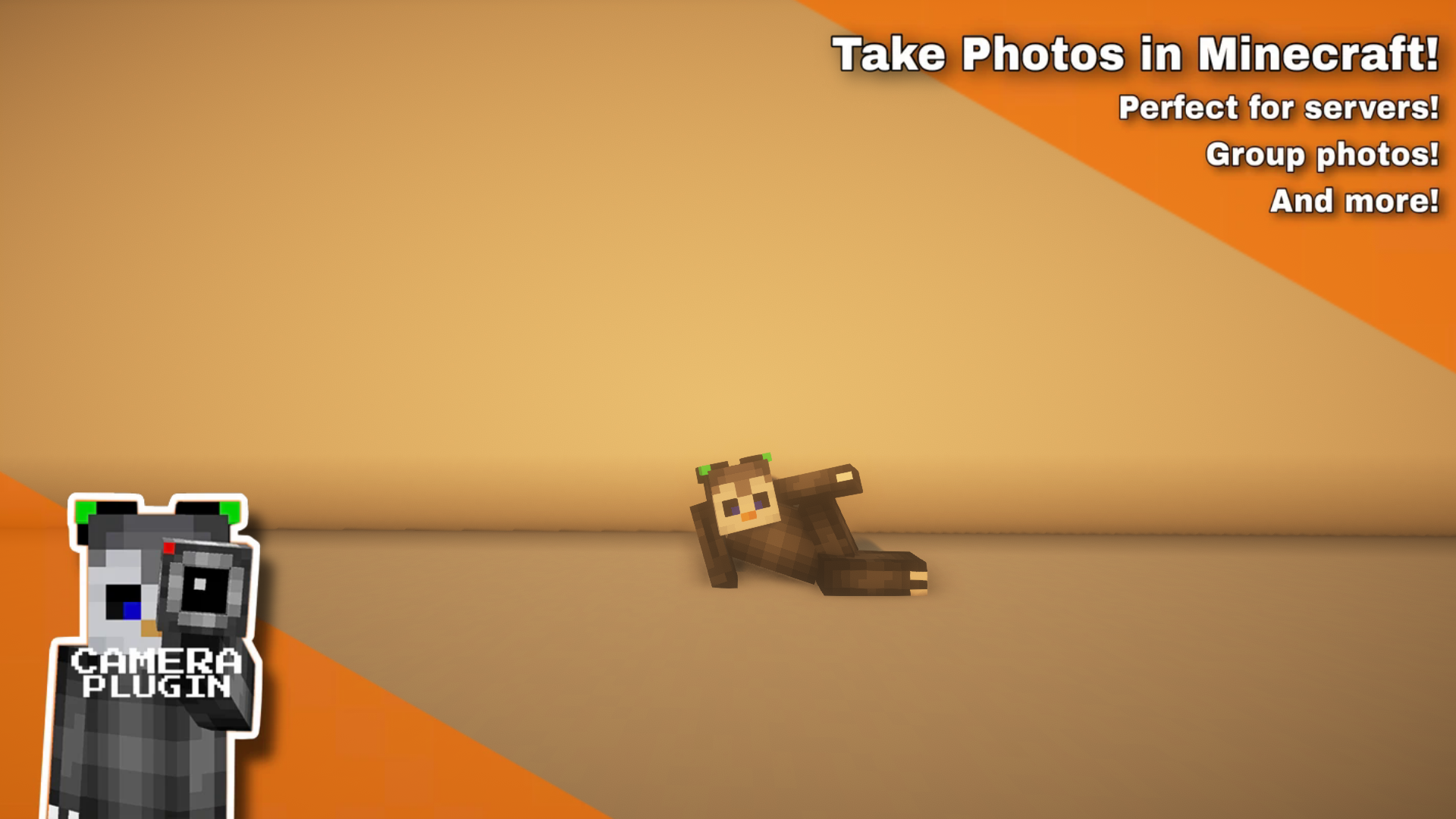
Photos
Usage
- Install the server plugin, make sure you have a free port to host the webserver (restart your server after you change the port)
- Make sure to modify the url, that is what is sent to the players to view. It should point to the port assigned below it
- Setup a minecraft account to autojoin the server and install the companion mod
- The companion mod doesn't handle auto joining/rejoining, you will need a separate mod
- make sure camera account has
camera.camerapermission node- You may have to run
/camera reload coreto get it to recognize the camera, it only checks on join and when reloading - Without the permission, the server won't recognize it as a camera that is able to be used
- (implemented to prevent anybody downloading the companion mod and saving images that aren't theirs)
- You may have to run
- run
/camera create (name)**if this doesn't work, make sure you have thecamera.adminpermission - run
/camera setup (name) camerato set where the camera will be- See more commands below, you can tweak the sense range, delay for camera to take image and the overlay image
- move to where players will stand to activate the camera and do
/camera setup (name) sense - whenever players walk near that location it will take a photo polls every 5 seconds
FAQ
- Where are my pictures stored (on the server)
- All taken photos are stored under plugins/Camera/data/public/images with their ID as the name
- Where do I put overlay images
- You can put overlay images under plugins/Camera/data/public/overlays with any name, it will auto scale/stretch to fit the image provided
- Can I edit the HTML to make it more my server
- Edit the file under plugins/Camera/data/web/web_image_page.html some HTML knowledge recommended
- The only variables you need to worry about in is {image1}, {image2} and {player_list}, they are replaced with links to the shoot image, overlay image and player list respectively
- Edit the file under plugins/Camera/data/web/web_image_page.html some HTML knowledge recommended
Command Usage (parentheses means required, square brackets means optional)
- /camera (setup | create | delete | rename | render | reload | overlay)
- /camera setup (name) (range | camera | timer | sense)
- /camera setup (name) range (range) Sets sensor range (how far it detects players in)
- /camera setup (name) camera Sets the camera location
- /camera setup (name) timer (timer) Sets default timer countdown
- /camera setup (name) sense Sets Sense Location (where camera checks for players to take photo)
- /camera setup (name) overlay (overlay filename) Sets image overlay, all stored in the data/public/overlays folder
- /camera create (name) [static] Creates Shot
- /camera delete (name) Deletes Shot
- /camera rename (name) (New Name) Renames Shot
- /camera render (name) [Countdown Timer] Manually Renders Camera Shot
- /camera reload Reloads Plugin
- /camera setup (name) (range | camera | timer | sense)
Permissions
- camera.admin
- Allows use of /camera command
- camera.camera
- Allows player to be a camera (if they have the companion mod installed)
CameraPlugin Team