
RemoteCheck
A plugin that allows to check player stats without connecting to the server!
- 842
- May 17, 2014
RemoteCheck
A plugin that allows to check player stats without connecting to the server!
- 842
- May 17, 2014


 Warning! If you're using version 1.3, your clients probably do not see the messages from the extra channels they join. This is to be fixed in 1.4!
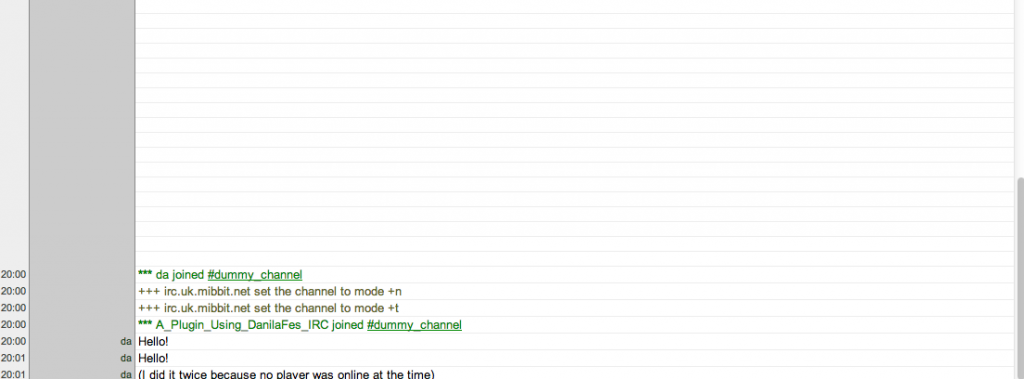
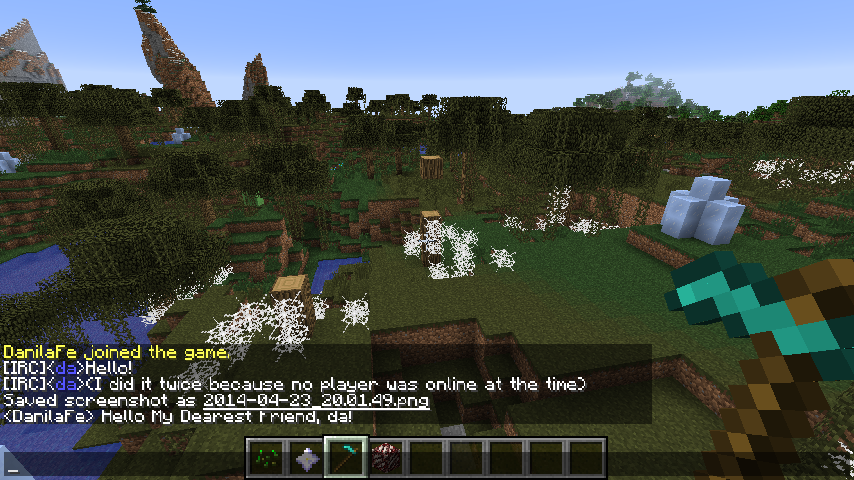
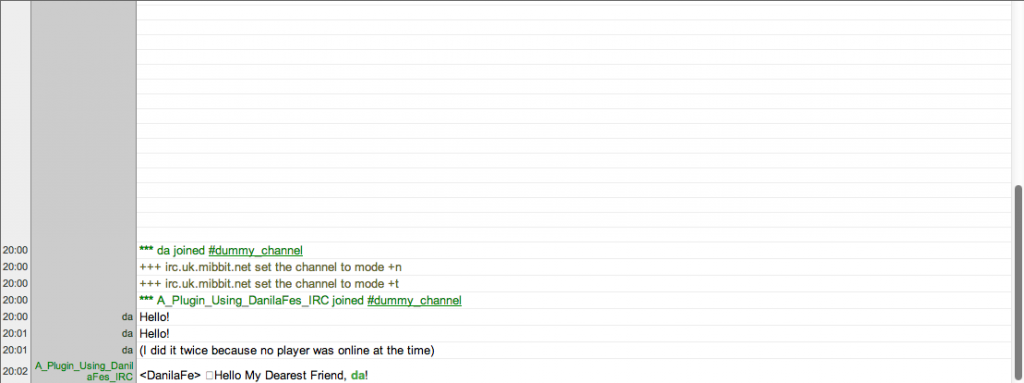
This plugin brings IRC into Bukkit servers! This plugin connects to the IRC server of your choice and allows your server's players to chat with people on the IRC channel, and vise versa! Whenever somebody in the IRC chat says something, their message will appear for all users on the server, and whenever one of your players says something, it will display on the IRC. Please note, that while the IRC nick is only one, chat messages will say which person on the server has said the message.
Warning! If you're using version 1.3, your clients probably do not see the messages from the extra channels they join. This is to be fixed in 1.4!
This plugin brings IRC into Bukkit servers! This plugin connects to the IRC server of your choice and allows your server's players to chat with people on the IRC channel, and vise versa! Whenever somebody in the IRC chat says something, their message will appear for all users on the server, and whenever one of your players says something, it will display on the IRC. Please note, that while the IRC nick is only one, chat messages will say which person on the server has said the message.
It's easy to set up - Run the plugin once the generate config files. Afterwards, stop the server and edit the config files to your liking! There are only four config options to choose from. The host, which would be the IRC server, irc.mibbit.net by default, the username, which would be the nick of your server in the IRC channel and the channel, which is, well, the channel of the IRC. The last one is the server password, used to allow people on the IRC execute server commands.
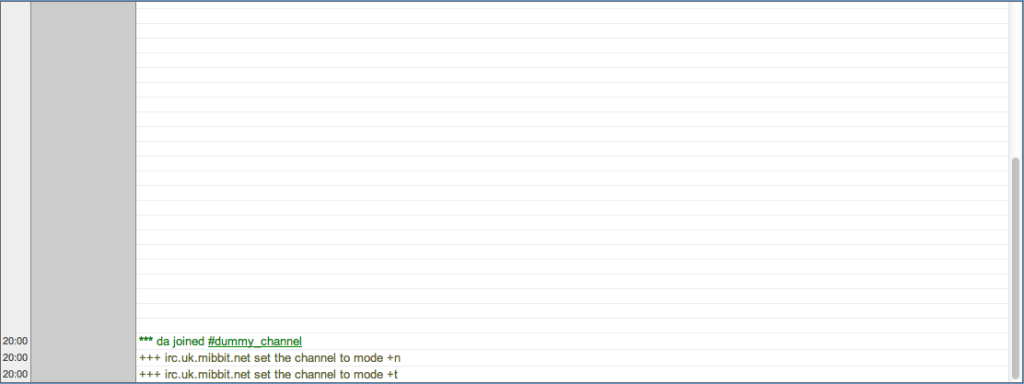

(It's me, for demonstration purposes)
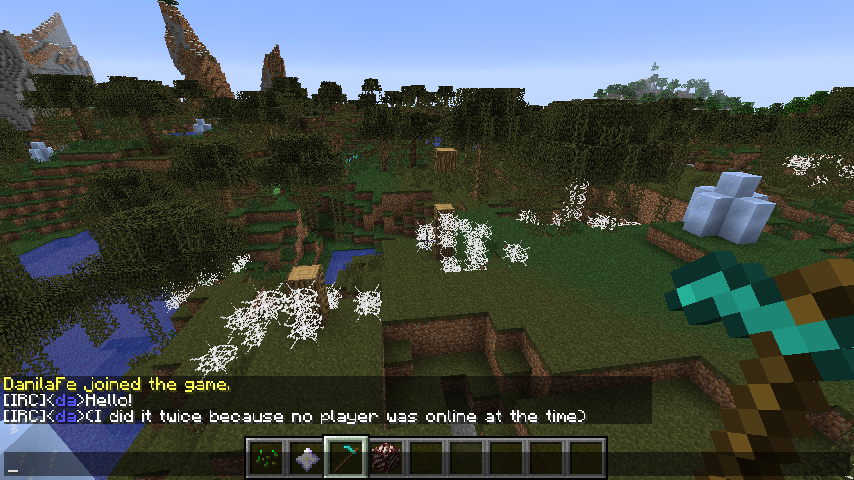
(It's me, in-game.)

A plugin that allows to check player stats without connecting to the server!
A plugin that allows to check player stats without connecting to the server!