


Blocks vs Zombies
- By
**
Description

ALPHA RELEASE ON: mc.CraftRealms.com
== Blocks vs Zombies Automated ==
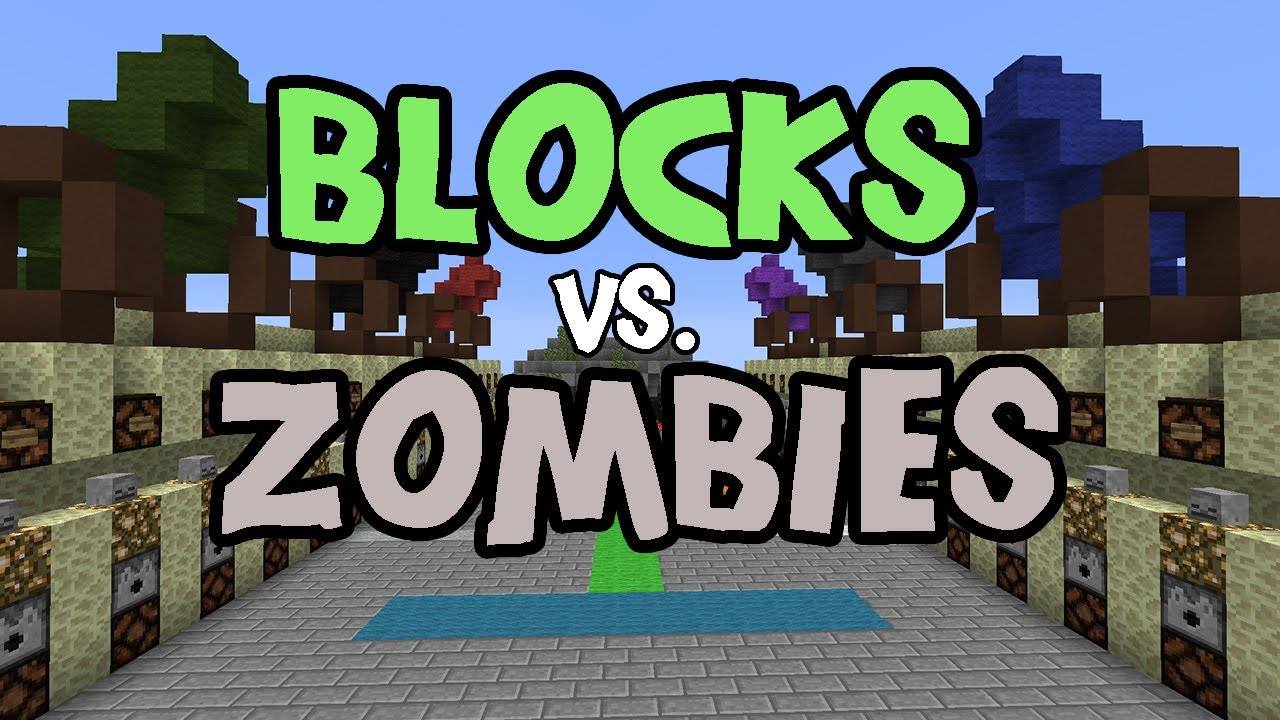
Ever played the Blocks vs Zombies map made by Sethbling and wished that there was a way to make this a minigame for your public server? Well look no further. This plugin will help you create multiple arenas using the map and it will do everything for you.
== Features ==
- Lobby
- Reset of Arena, Arrows, and Reloads crates with all the items the original map has when the game started
- Leader-Board
- Webstats
- Custom Chat per world
- Custom Preset amount of players per map
- Donor Kits
- Donor Connect on Full
- Donor ColorName
- Join/Leave Signs
- Map Protection
- BungeeCord Support
- Spectator (By Request)
- Spectator Sign
- Spectator SpawnPoint
- Custom Map
- Custom ZombieSpawns
- Custom Zombie Waves
- Custom Timer
- Custom Shop
- Better Point and Gold System.
- Gold is Directly placed in the Players inventory
- Change ScoreBored Colors.
- Custom Rewards on end of game if players win.
- Custom player loss of money if zombies win.
- Custom command run on end of game.
== TO DO ==
- Leader-Board
- Webstats
- Donor Kits
- Donor Connect on Full
- Donor ColorName
- BungeeCord Support
- Custom Map
- Custom ZombieSpawns
- Custom Zombie Waves
- Custom Timer
- Custom Shop
- Better Point and Gold System.
- Gold is Directly placed in the Players inventory
== REQUIREMENTS ==
2. Vault
3. WorldEdit
4. Multivers / Multiworld
5. Map Made by Sethbling
6. Command Blocks FOR NOW. This is for the Alpha versions.
I am working on having custom menu's for points and when right-clicking the villager there will be a custom chest-like menu where you can buy your stuff, and donors will be able to purchase better perks than members. All this and a TON more will be in the final release. For now you need sethblings original map with command blocks enabled.
== INSTALLATION ==
1. Put BvZ.jar into your /plugins Folder
2. Restart Server
3. Tweak around the Config to your liking.
- In-Game USE:
<required> [optional]
1. Load Sethblings Map in a NEW world. Make Sure its a new world because this world will spawn all zombies with special items,
2. Select the arena with WorldEdit and type: /bvz create <arenaname>
3. Set Zombie-Spawns: Use WorldEdit to select 2 points then type /bvz addzombiespawn <arenaname> You can have multiple spawns if needed.
4. Set Player Spawns /bvz setspawn <arenaname> Next The number of spawns you set will determine the number of slots.
5. Set Lobby /bvz setlobby This is a global lobby for all arenas. You should have signs here so players can join arenas again.
6. Repeat steps 1-5 For multiple Arenas. For now you cannot have 2 arenas on the same world. I will work on that soon.
- Join Signs
Line 1: [bvz]
Line 2: ArenaName
- Spectate Signs [Comming SOON]
Line 1: [bvz]
Line 2: ArenaName
Line 3: Spectate
== COMMANDS
== Members ==
/bvz - Help Menu
/bvz join - Teleports to Lobby Permission: bvz.member.join
/bvz join [arenaname] - Joins a game Permission: bvz.member.join.arenaname Players MUST have this permission to play the game
/bvz leave - Leaves game Permission: bvz.member,join
/bvz spectate <arenaname> Permission: bvz.member.spectate.arenaname
== VIP ==
Permission: bvz.vip,join.arenaname This allows a vip to join a game and it will kick the last NON-VIP player that joined.
Permission: bvz.vip.kit This allows a vip to use /bvz kit while in-game
Permission: bvz,vip,kit.kitname This allows a vip to use a specific kit
Permission: bvz.vip.points This allows a vip to gain 2x the points [or custom multiplier. Look in Config]
Permission: bvz.vip.gold This allows a vip to gain 2x the gold [or custom multiplier. Look in Config]
Command:
/bvz kit : bvz.vip.kit and bvz.vip.kit.kitname
== ADMIN ==
Permission: bvz.admin,createarena Allows for Creation of Arena, Spawns, and Lobby
Permission: bvz.admin.join Allows an Admin to join on Full even if arena is full of VIP
== DEV BUILDS ===
REMEMBER These Builds are NOT reviewed by the Bukkit Team in any way. USE AT YOUR OWN RISK.
LINK: http://mc.craftrealms.com:8080/
== NOTE ==
If you are a developer and want to Help in the process of creating this plugin the message me,
== Servers ==
ALPHA RELEASE ON: mc.CraftRealms.com
Big thanks to the Developer of Splegg for the code reference.
The Blocks vs Zombies Team
