


Logo image, not made by me
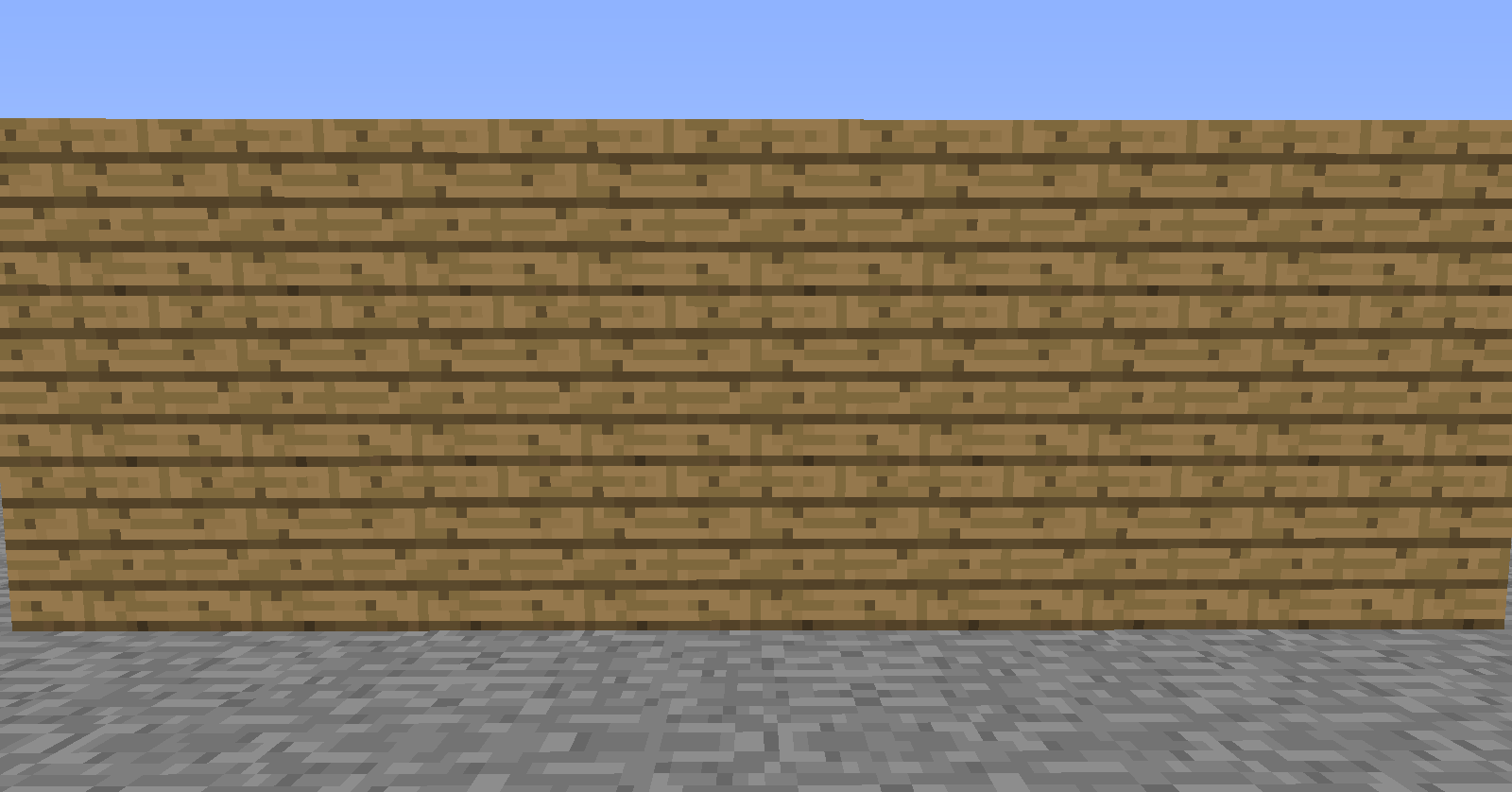
When the user does not have the required permissions
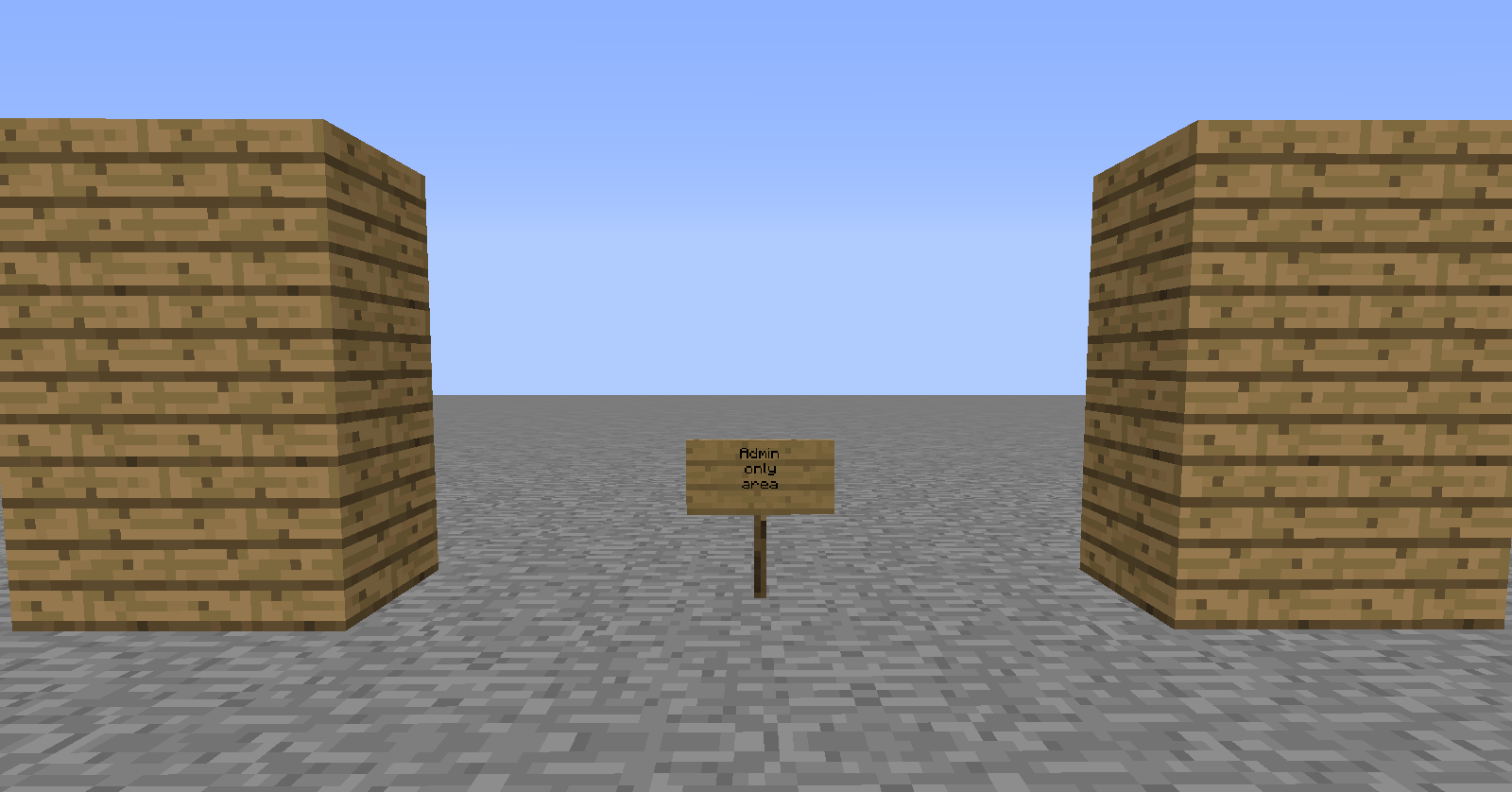
Image when the user has the rights
Description
BlockHider
Lets start with some basic information: this plugin hides blocks. That simple. It also makes redstone and rails related stuff invulnerable for water by the way.
This plugin requires ProtocolLib to function!
Command
  BlockHider:
    description: Hides rails and blocks
    permission: blockhider.hiderails
    permission-message: You have no permissions to do this
Permissions
  blockhider.hiderails:
    default: OP
Usage
The console will not be able to execute these commands!
- /BlockHider help
#Will show the help page of the plugin. - /BlockHider hiderails <material> [permission]
#Will hide the rails that you are looking at and any connected piece on the same height in the material that you selected. - /BlockHider hidesingle <material> [permission]
#Will do the same as hiderails but only for 1 block - /BlockHider hidearea <material> [permission]
#Will do the same as hidesingle but then for all blocks in your worldedit selection - /BlockHider fakearea [permission]
#Will turn all blocks in the worldedit selection in fake blocks while leaving the original blocks there. Not all data will be transferred! - /BlockHider unhiderails
#Will unhide all connected rails - /BlockHider unhidesingle
#Will unhide the block that you are looking at - /BlockHider unhidearea
#Will do the same as unhidesingle but then for all blocks in your worldedit selection
Permission based hiding
If you add a permission to the command then everybody WITHOUT that permission will see the hidden blocks.
Everybody WITH the permission will see the original block.
Current placeholders:
- NONE: to hide the block for everybody
- OP: To hide the block from everybody that is not OP
Images
The BlockHider Team

