This plugin allows you to set commands and messages to blocks.
This commands/messages will be executed, if the player touches/clicks on the block.
Features
- ... a console command to a block
- ... a message to a block
- ... a player command to a block
- If you add a BlockCommand with leftclick, it will be executed by touching the block
- If you add a BlockCommand with rightclick, it will be executed by clicking on the block
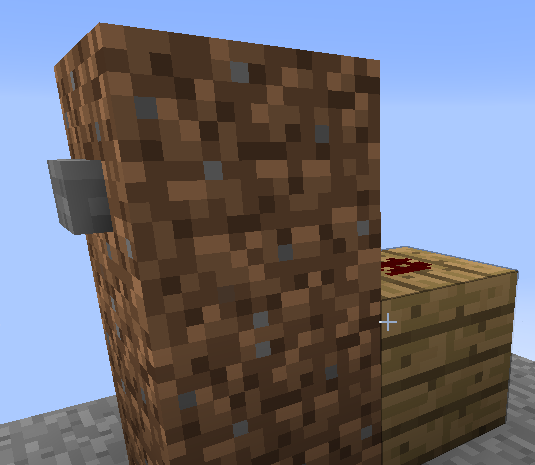
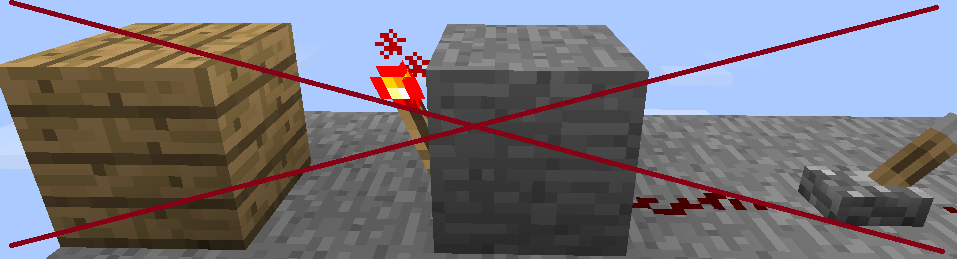
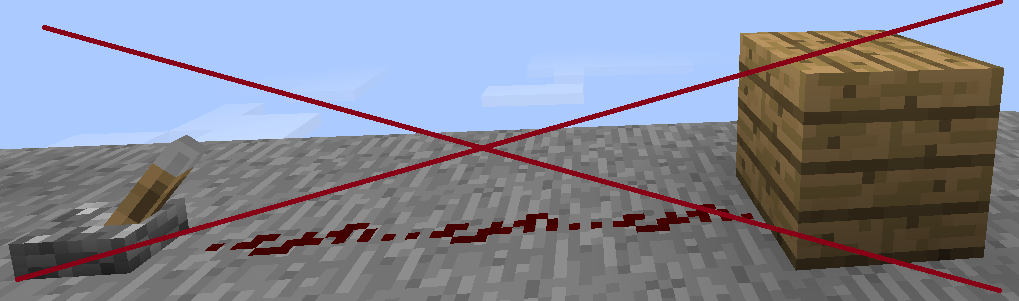
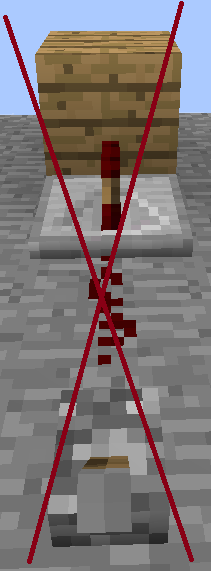
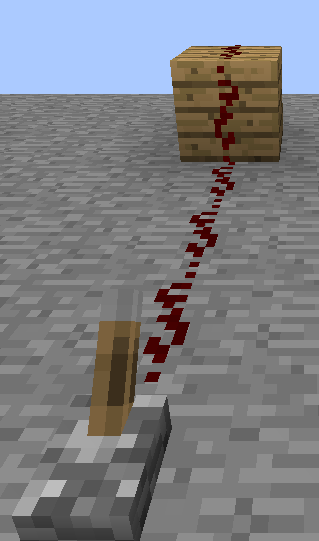
- If you add a BlockCommand with a configurable item (default = redstone), it will be executed by redstone
- You can add a player variable %player% to your message/command
- If you wrote the command, you are in add-mode and can add the command/message to infinite blocks
- Multiworld support
- Permissions support
- You can remove a BlockCommand with a configurable item (default = bone) in Add-Mode
Commands
- /bc add <msg/cmd/pcmd> <text>
- /bc stop
Permissions
- BlockCommand.add
- BlockCommand.touch
- BlockCommand.click
How to use - example
- just type /bc add msg Hello %player%
- Then click on the floor (rightclick)
- type /bc stop
- now if you walk on the floor, you get the message "hello <your name>"
- type again /bc add msg lol
- take a bone in your hand
- leftclick on the block you have clicked before
- type /bc stop
- now the block is normal again