Animated Frame
- By
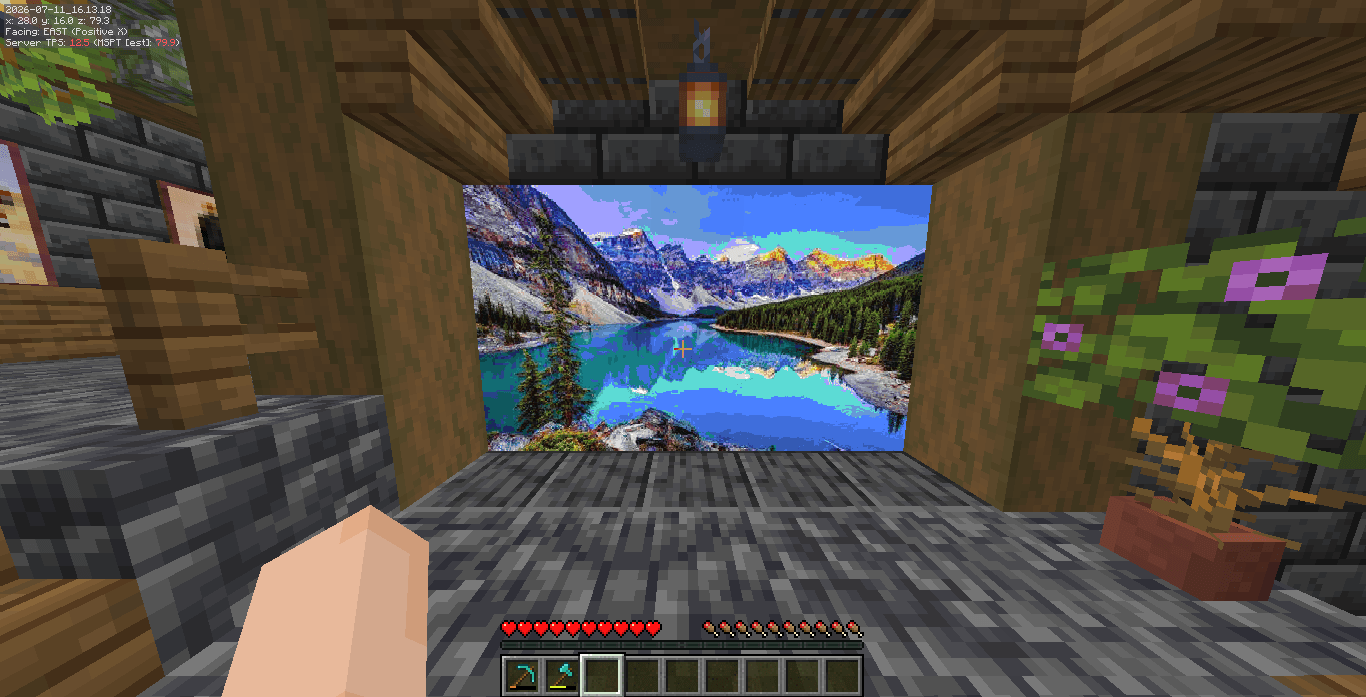
Screenshot 2026-07-11 161324.png
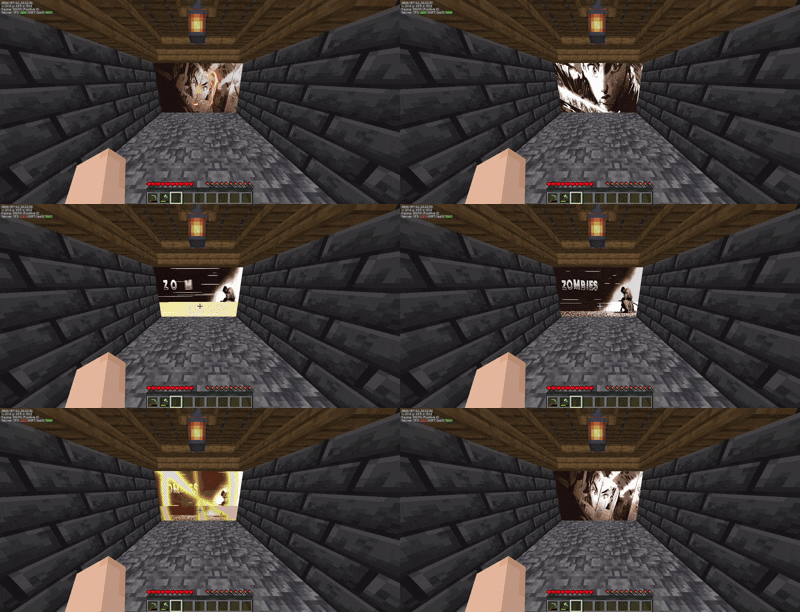
record.gif
Description
AnimatedFrames
AnimatedFrames is a lightweight, fully optimized Spigot/Paper plugin that lets you put custom images and animated GIFs directly into your Minecraft world. Just grab a URL from the internet, type a command, and click a wall to instantly build a massive, working cinema screen!
🌟 Features
- No Hard Drive Space Required: It streams the images and GIFs directly from URLs, meaning your server doesn't bloat up with downloaded files.
- Buttery Smooth 20 FPS: We completely bypassed the native Minecraft map limits. Animations run at a perfectly smooth 20 frames per second using a custom asynchronous renderer that won't lag your main thread.
- Multiplayer Synced: Every player sees the exact same frame of the GIF at the exact same time.
- Auto-Saving: Don't worry about server restarts. Everything you place is saved to a local database and instantly pops back up when the server comes back online.
📷 Preview
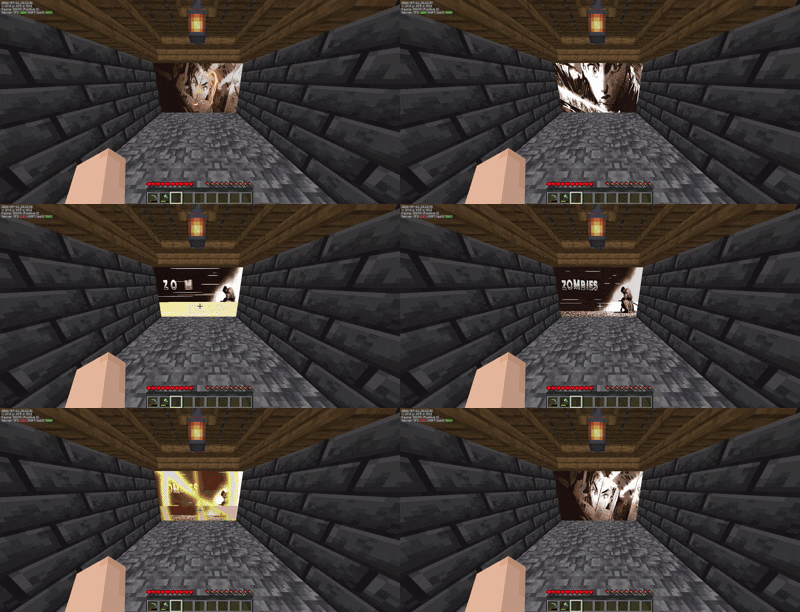
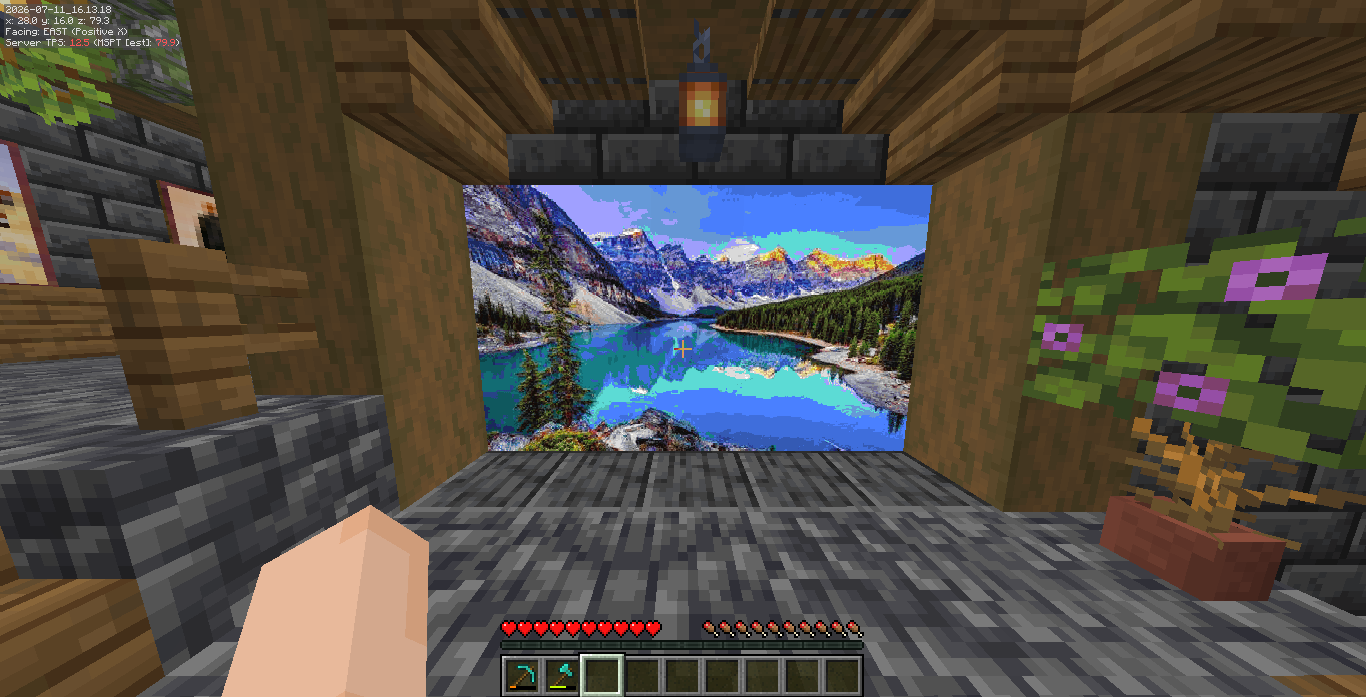
⌨️ Commands & Permissions
The main command is /animatedframes (or you can just use the short alias /af).
All commands come with built-in Tab Completion to make things easy.
/af create <url> <scale>Enters placement mode. Just look at a wall and Right-Click to spawn the image! The scale is how many blocks wide/tall it will be (e.g.10makes a 10x10 wall). Permission:animatedframes.create/af deleteEnters deletion mode. Right-click any image you've placed to remove it from the world. Permission:animatedframes.delete/af delete near <radius>Quickly wipes all images within a specific block radius of where you're standing. Permission:animatedframes.delete/af infoRight-click an image to see its exact resolution, URL, and memory usage. Permission:animatedframes.info/af stopallStops and clears all active animations on the server immediately. Permission:animatedframes.admin
⚙️ How to use
- Find any direct link to an image or GIF (like a Discord attachment link or Imgur direct link).
- Type
/af create <your-link> 5 - Right click the bottom-left corner of the wall where you want it to appear.
- Enjoy the show!
Animated Frame Team