


Amethyst Runeworks
- By
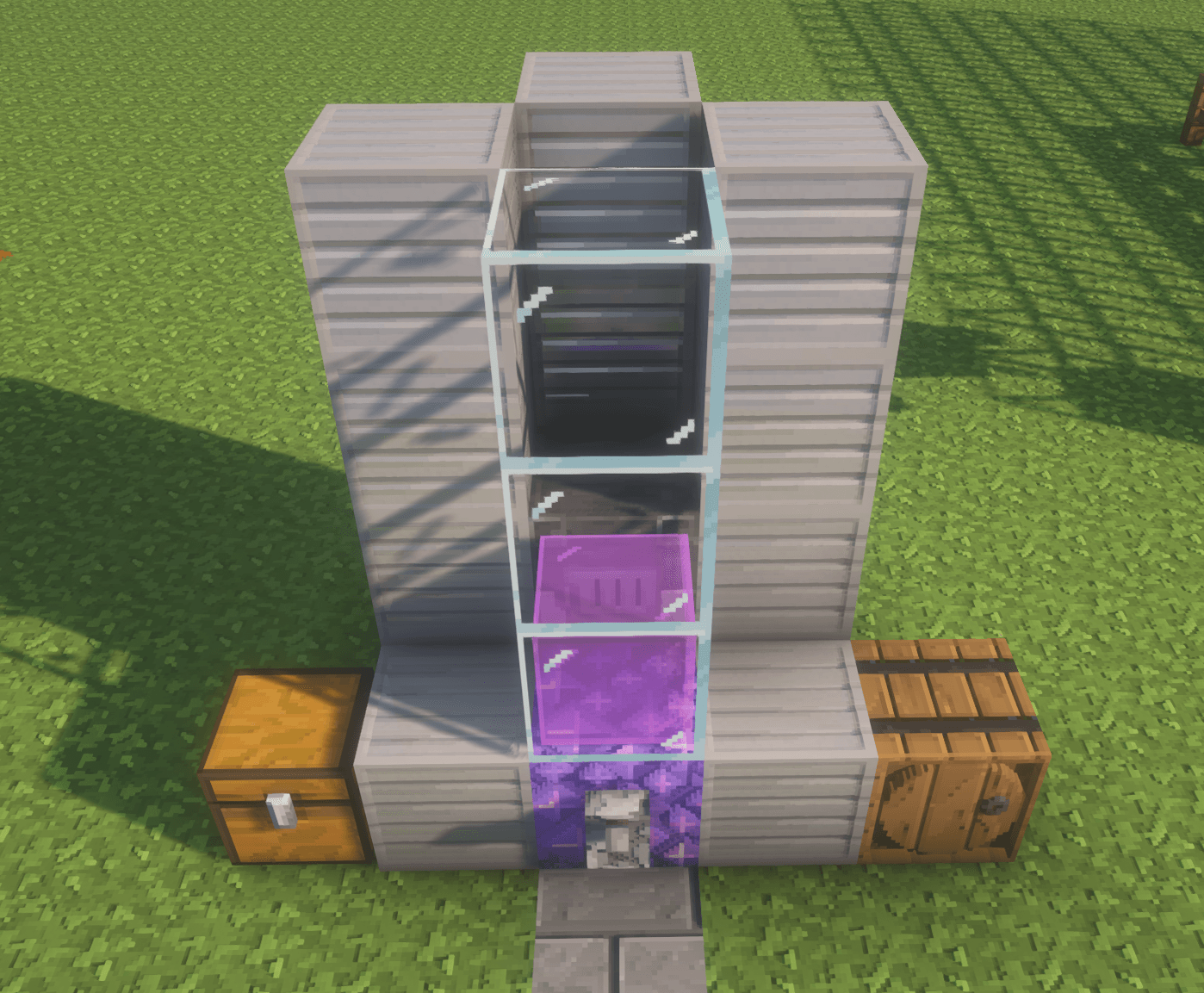
blast furnace.png
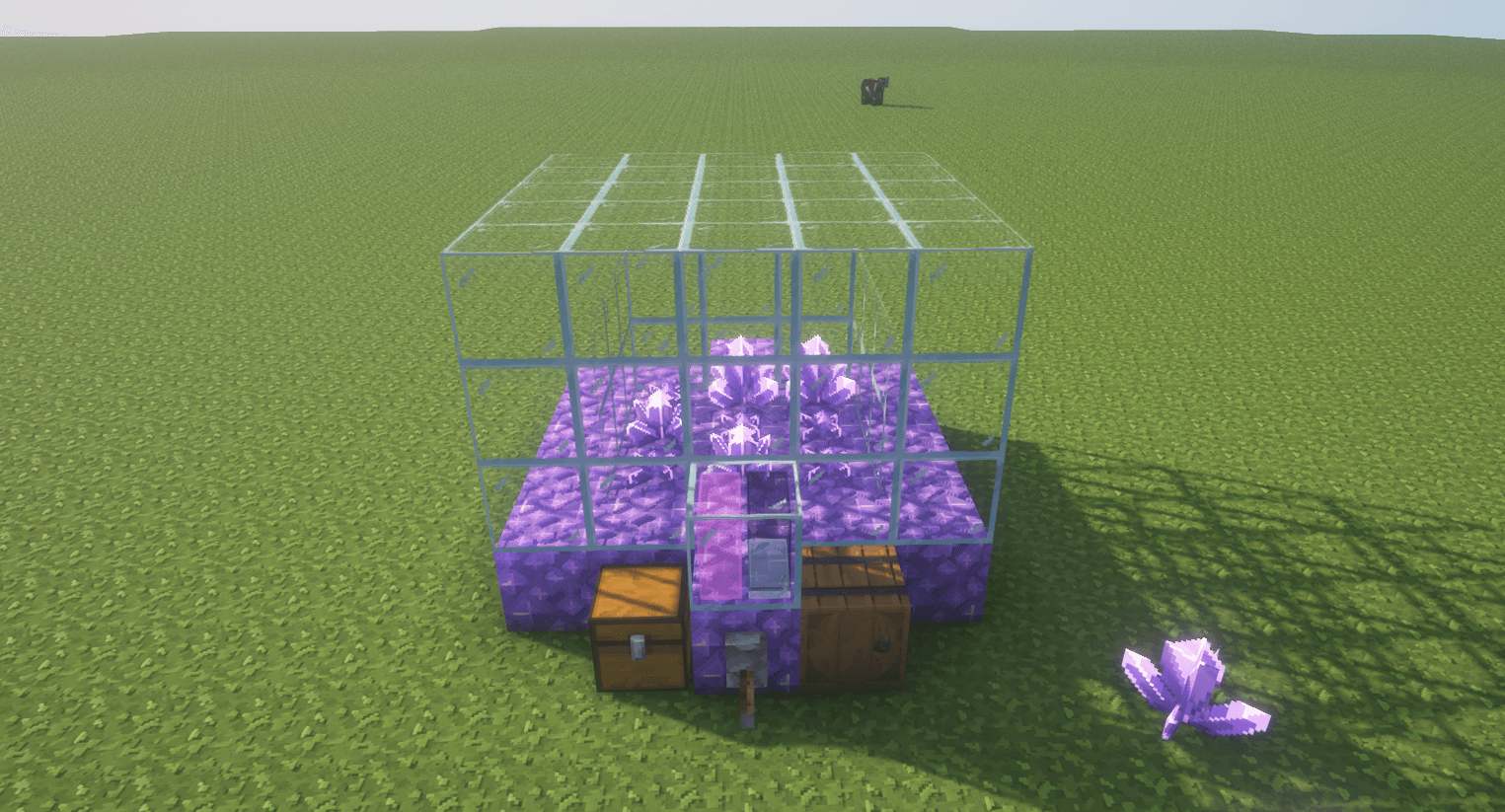
crystal incubator.png
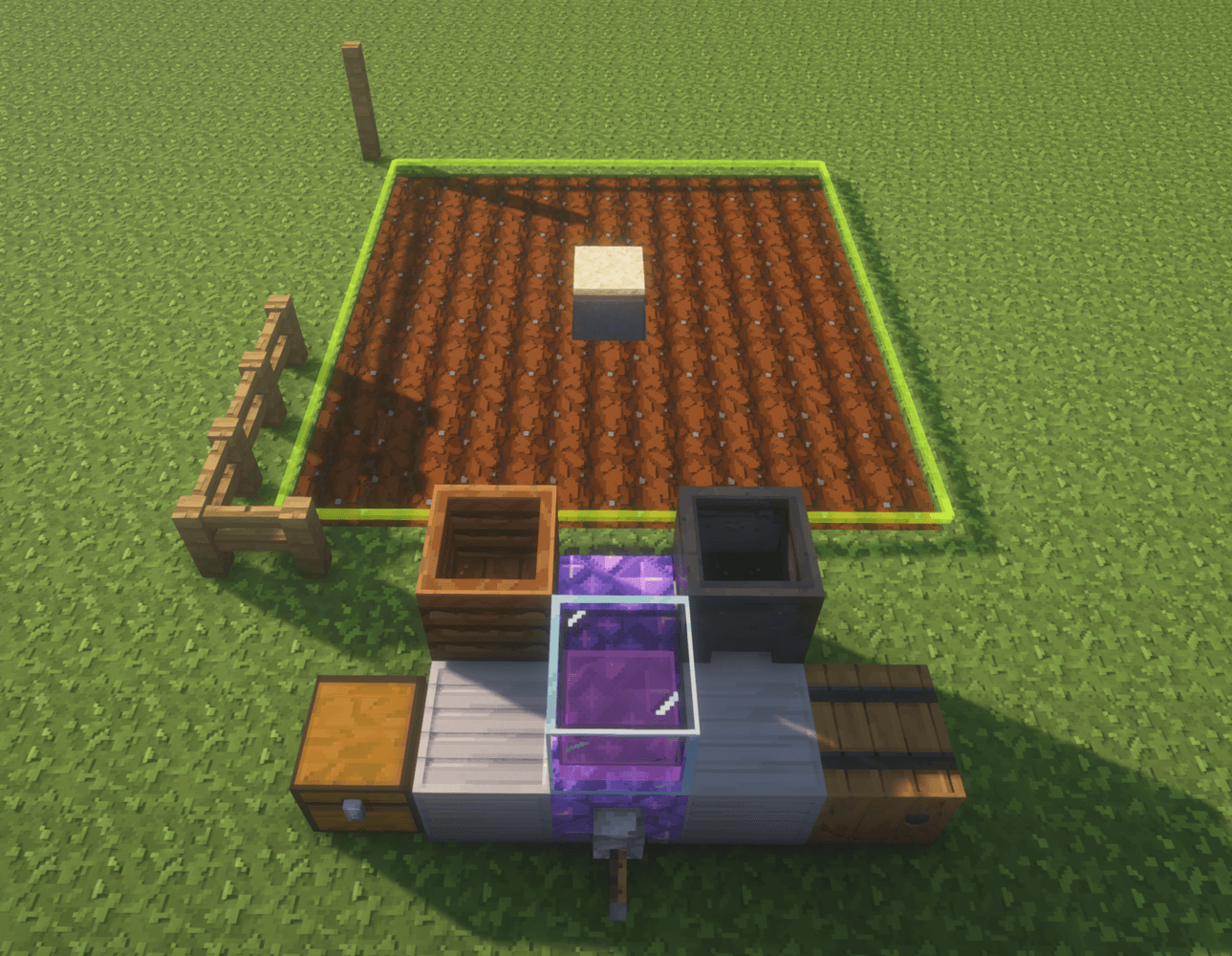
harvester.png
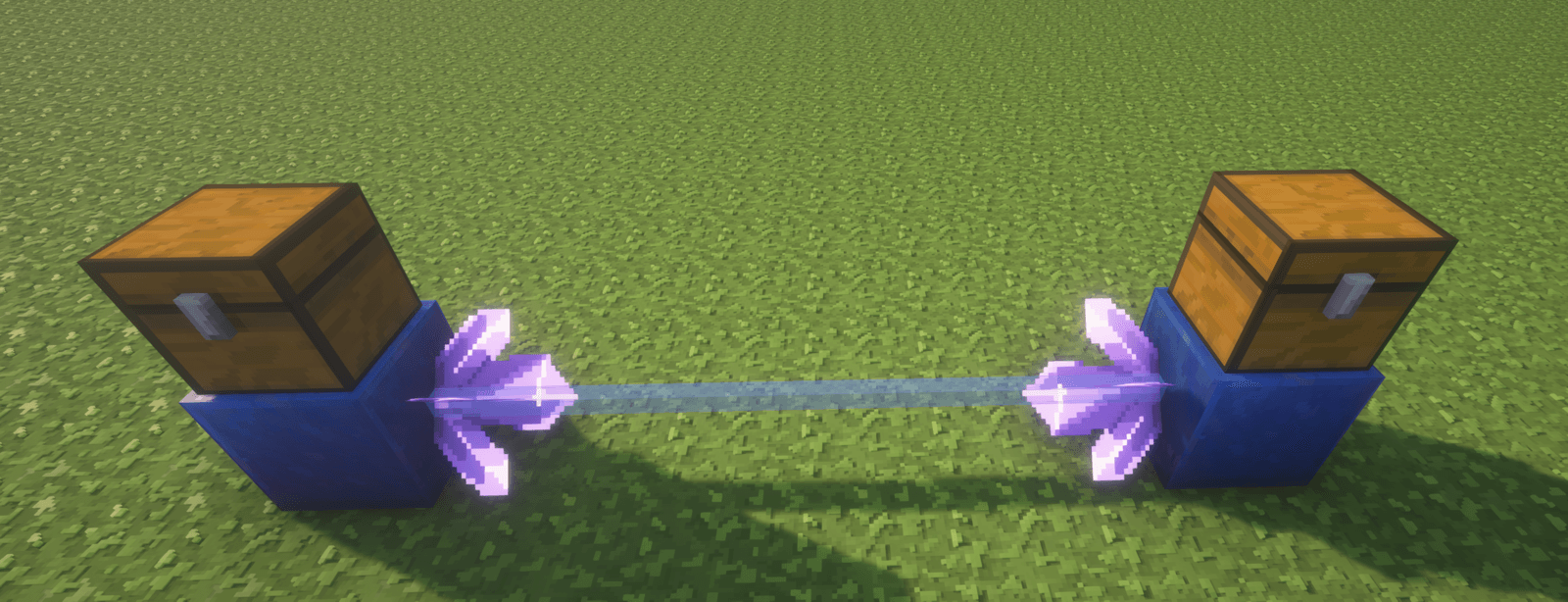
item connection.png
Description
Short description
Build machines from ordinary Minecraft blocks to automate farming, mining, smelting, and item transport. Server-side plugin; no client mod required.
Amethyst Runeworks
Build useful machines in your Minecraft world from familiar blocks. Watch them work, connect them with crystals, and grow from one small setup into an automation network.
Explore the wiki: Getting started · Interactive 3D build plans · Videos and media
Start with a geode
- Find a full amethyst geode. Collect its amethyst blocks and crystal clusters. A complete geode should provide enough amethyst for your first machine; the wiki shows the other blocks you need. Leave budding amethyst in place so it can grow more crystals.
- Build a Crystal Incubator. It is optional, but recommended for a steady supply of crystals for energy connections and item movement. Break harvested clusters into shards; four shards craft into an amethyst block.
- Choose your next machine. Follow its 3D build plan, add the tool or supplies it needs, and turn its lever on. Use
/arw guidefor recipes and/arw inspectif a build is not recognized.
Grow & gather
Crystal Incubator
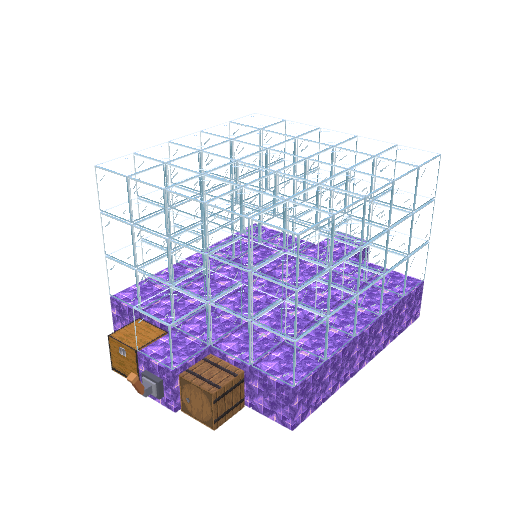
Grows amethyst crystals in a glass chamber using water and power.
Harvester
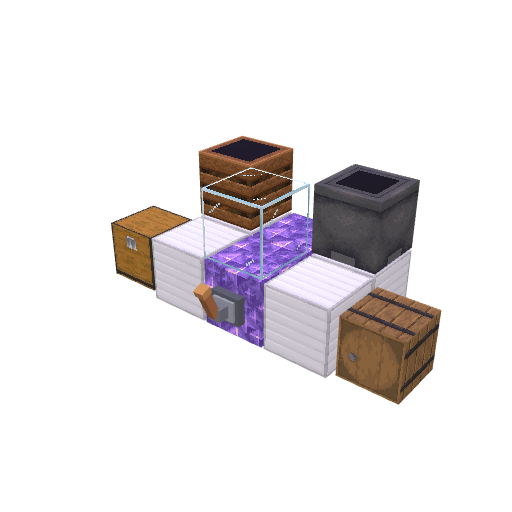
Plants and collects crops in automatic, replant, or harvest-only mode.
Fertilizer
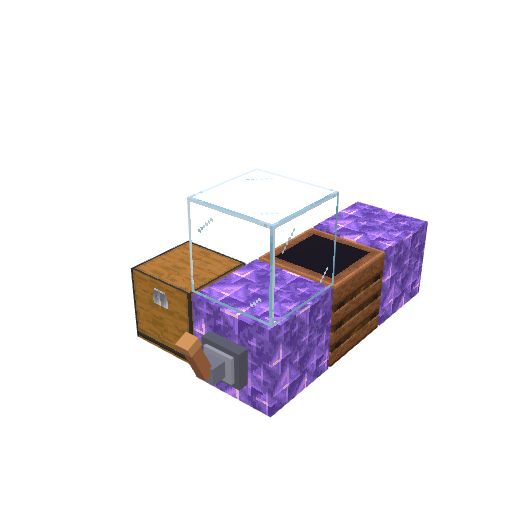
Turns one bone meal into ten crop growth actions.
Lumber Cutter
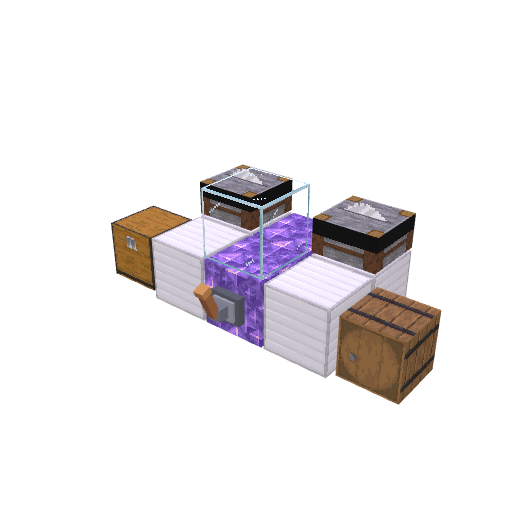
Cuts a complete tree and replants a sapling.
Fluid Pump
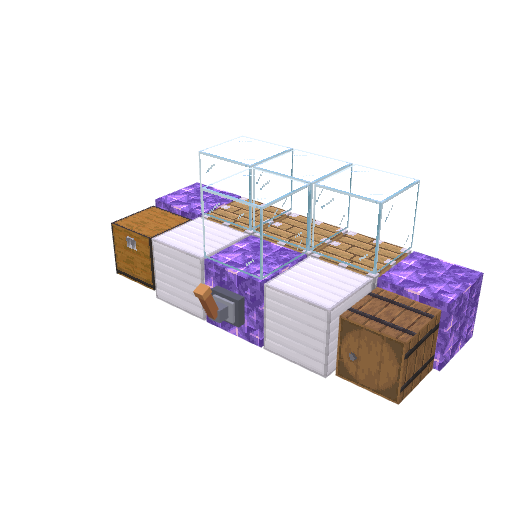
Fills buckets from water, lava, or full lava cauldrons.
Mine & process
Quarry
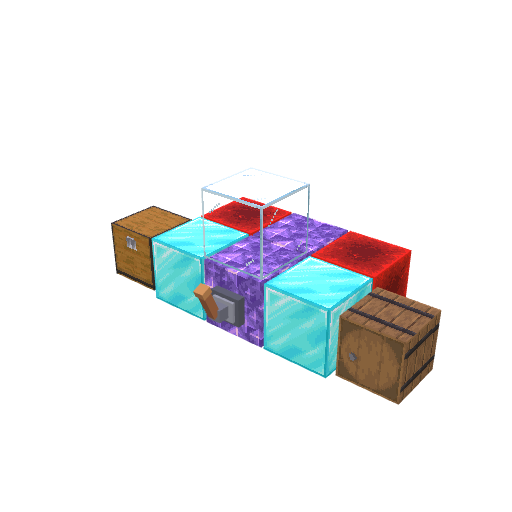
Mines inside a closed redstone boundary using a pickaxe; better tools work faster.
Blast Furnace
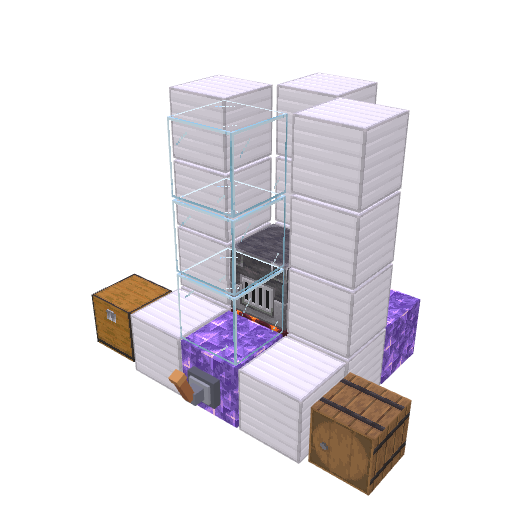
Smelts ordinary furnace inputs and doubles supported ores and raw metals.
Power & defence
Generator
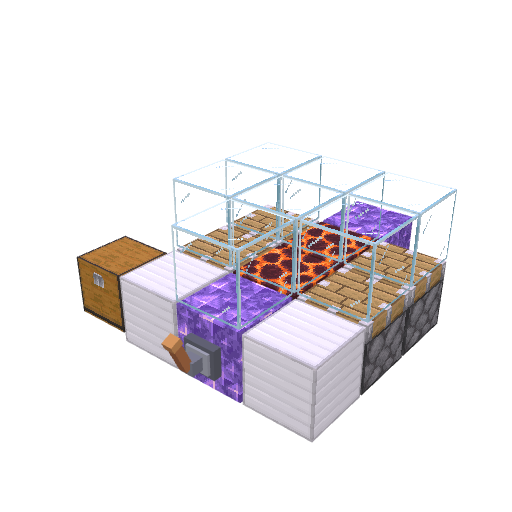
Burns fuel to make resonance for connected machines.
Network Battery
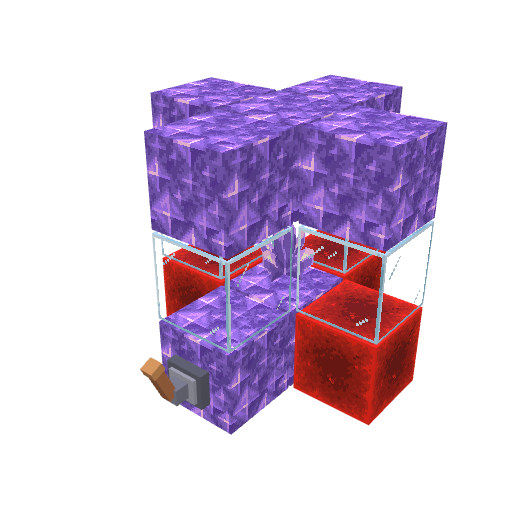
Stores spare resonance and supplies it when machines need power.
Magma Tower
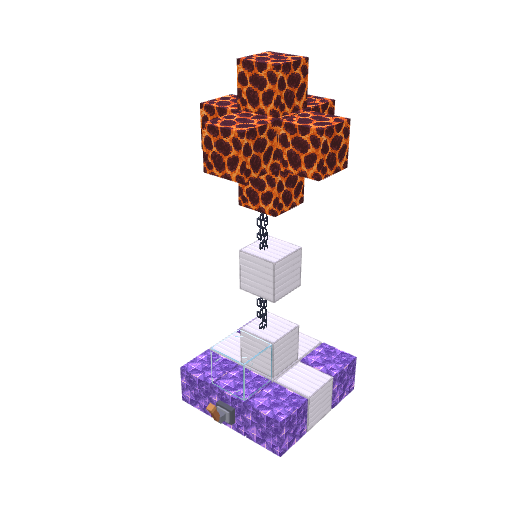
Fires a crystal beam at hostile mobs and sets them on fire.
Lightning Tower
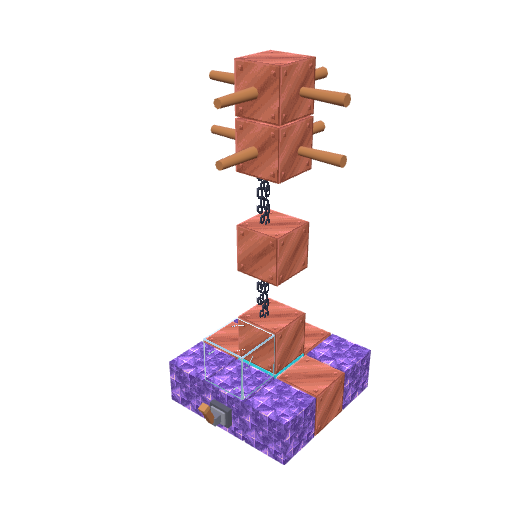
Charges up before striking hostile mobs.
Connect your machines
Amethyst carries energy. Link a generator, battery, and machines with facing crystals. See energy connections.
Lapis carries items. Crystal ports move items between connected containers and can filter item types or keep a chosen amount in stock. See item transport.
Server setup
Amethyst Runeworks is a server-side plugin for Minecraft Java Edition 26.3 and Java 25. Players need no client mod or resource pack. Paper and CraftBukkit 26.3 are the tested server targets. Place the JAR in the server's plugins folder and restart.
Early development / alpha: Features and recipes may change. Back up an existing world and plugin data before installing or updating.
Amethyst Runeworks Team
