


AegisGuard | Modern Land Protection & Economy
- By

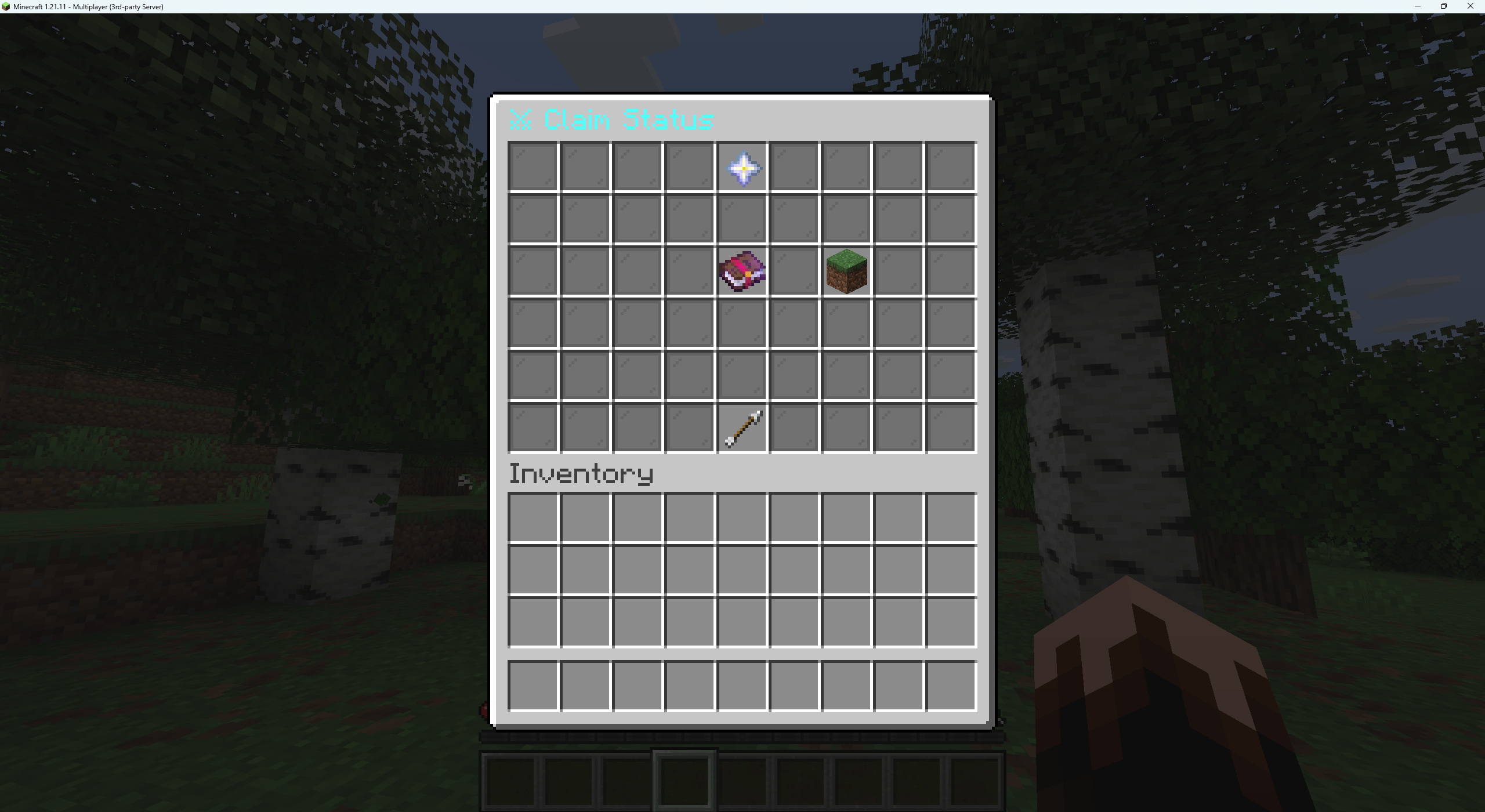
This is where you check the status of your claim's blessings
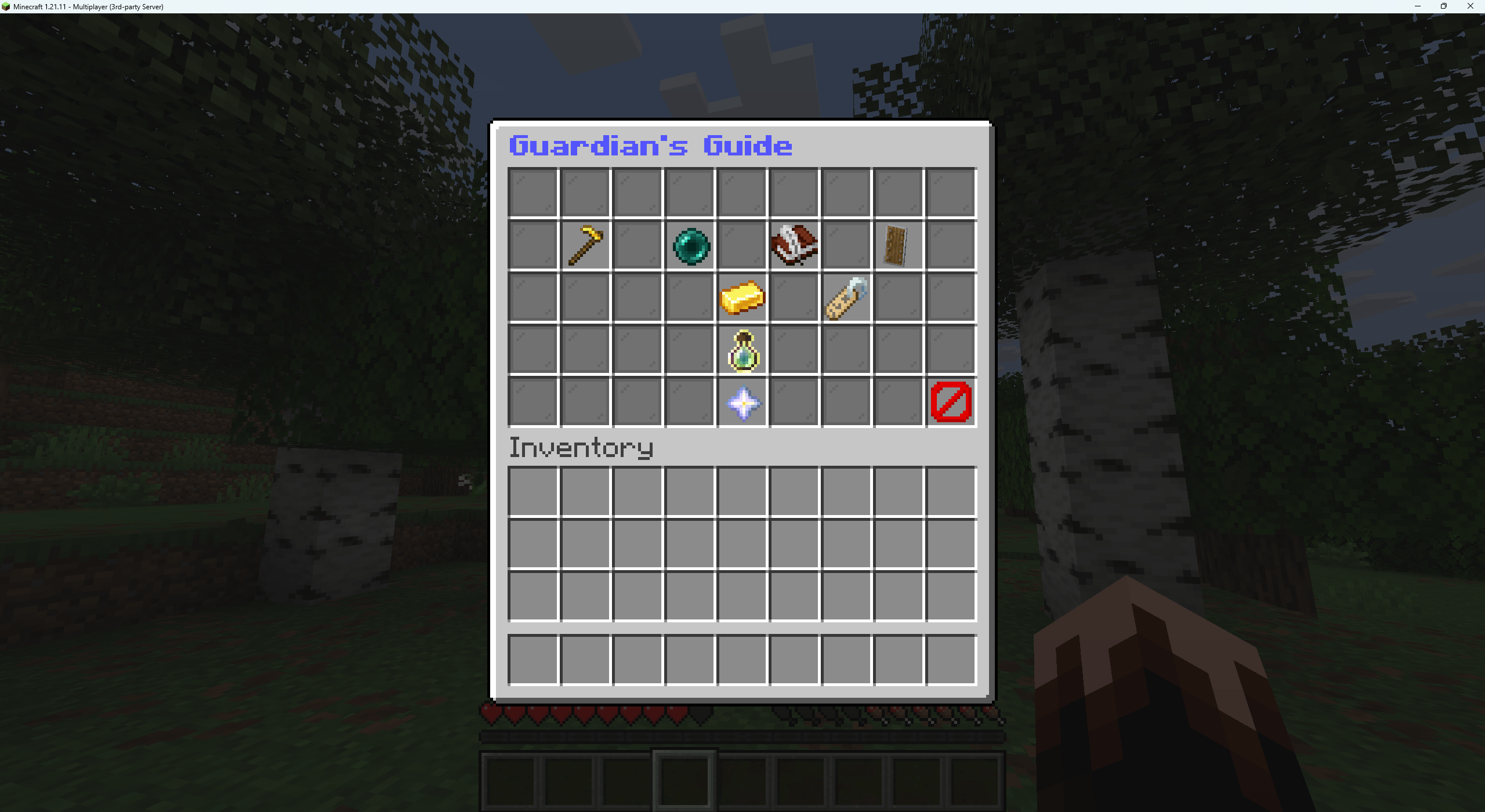
This is the guardian guidebook
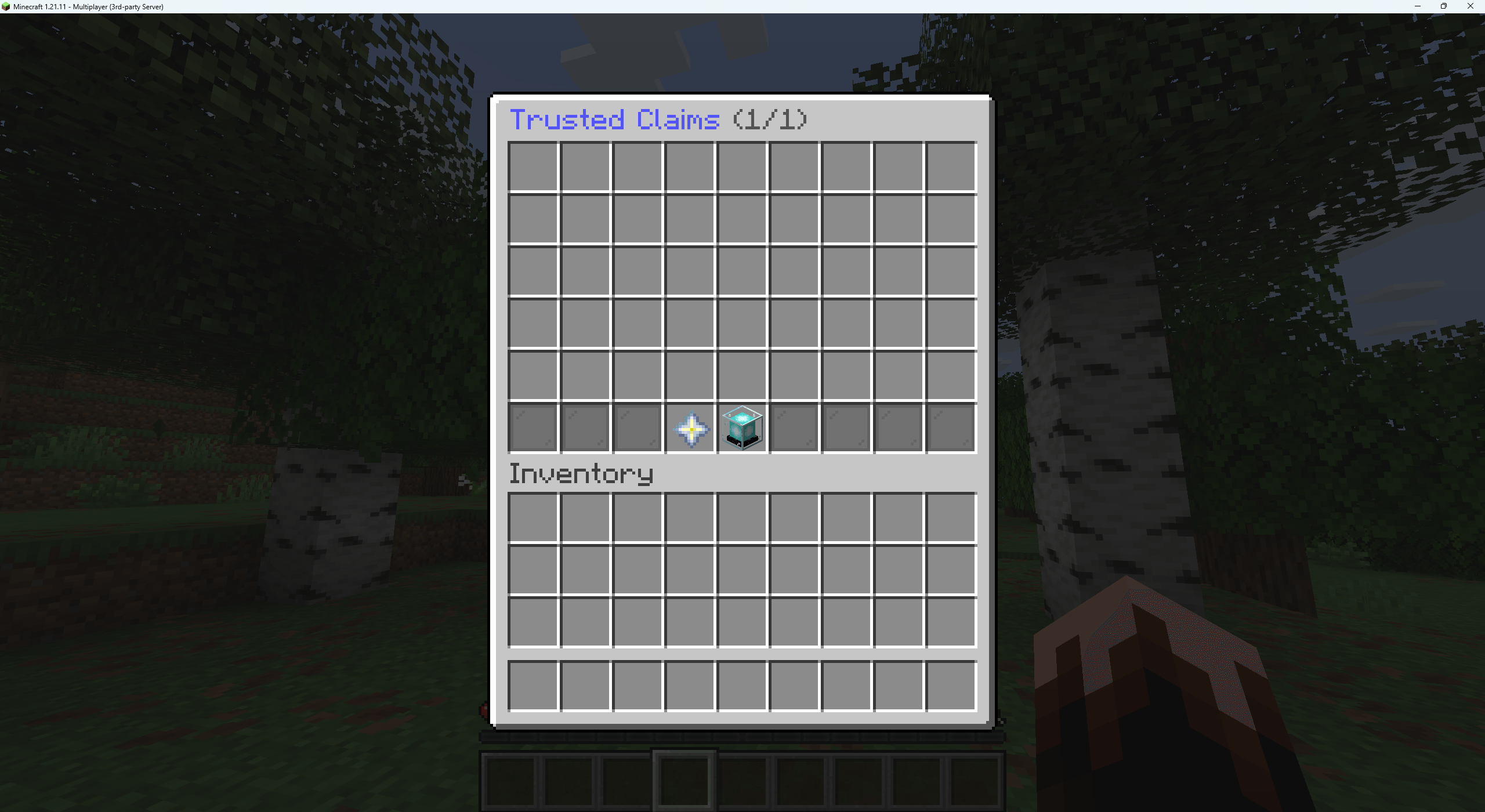
This is where you can teleport to trusted claims of your friends or server plot locations
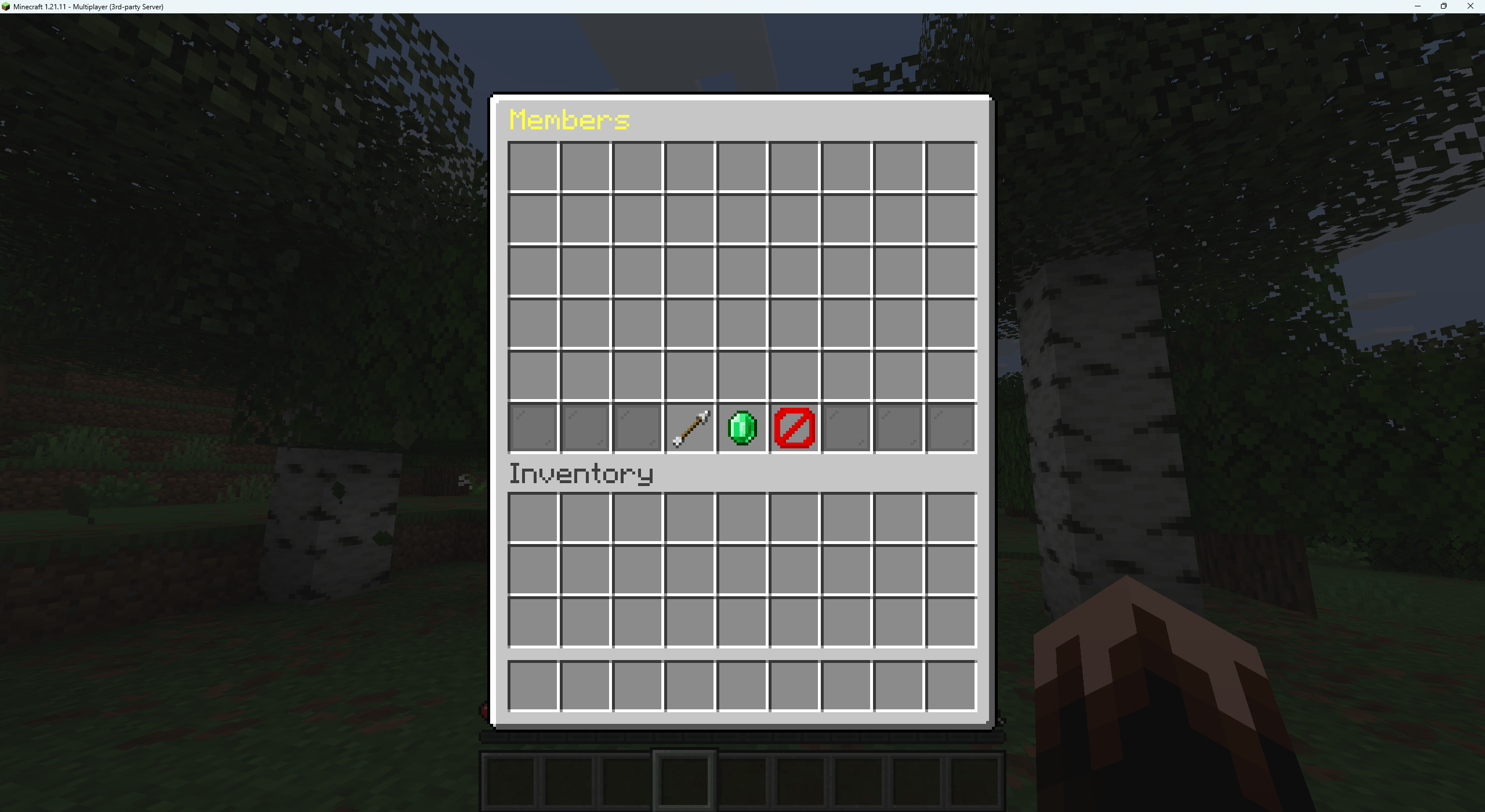
Inside this member's menu this is where you add people to your trusted plot so that they are able to build on your claim.
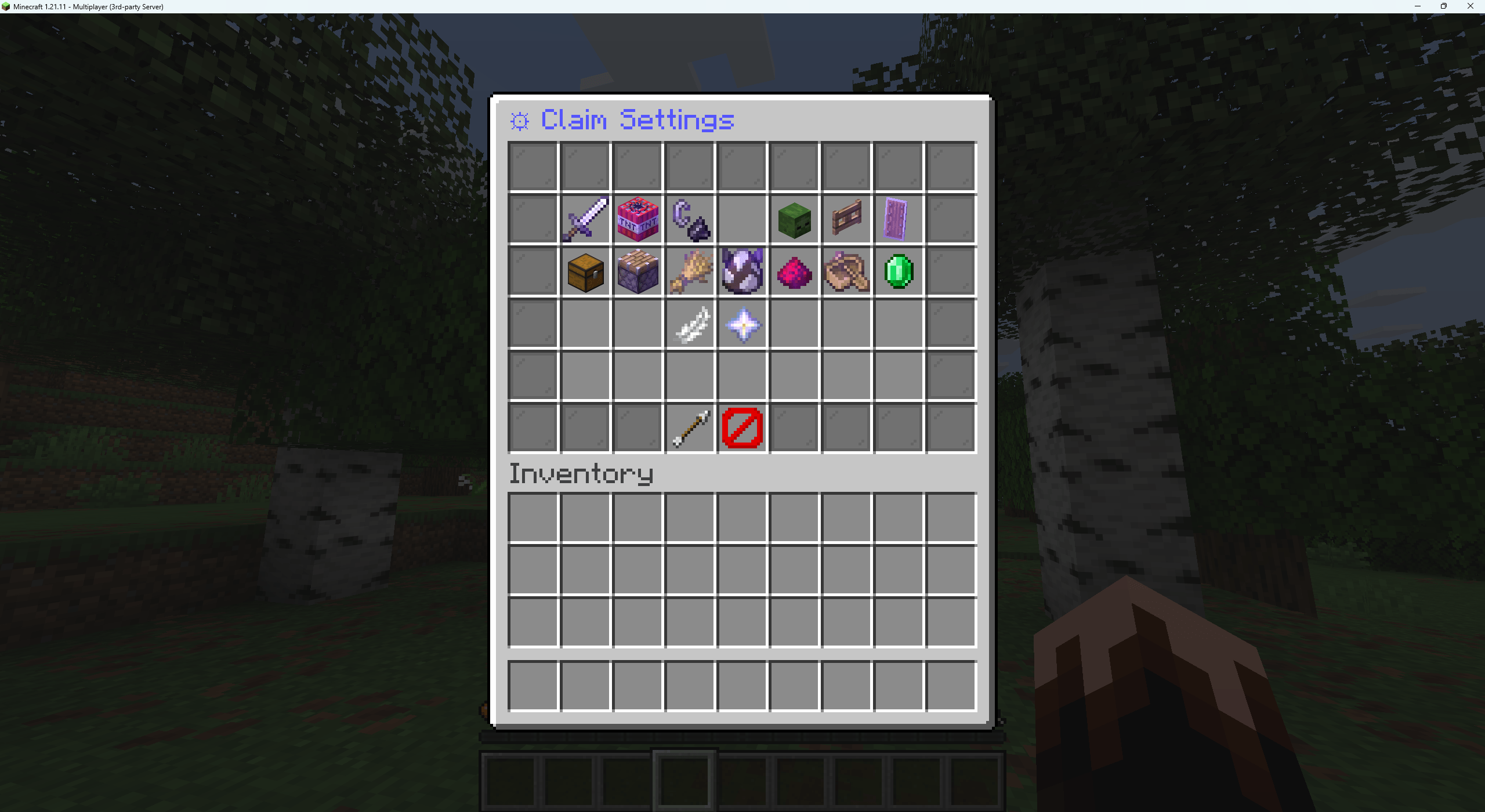
In this menu this is where you modify your plot protections
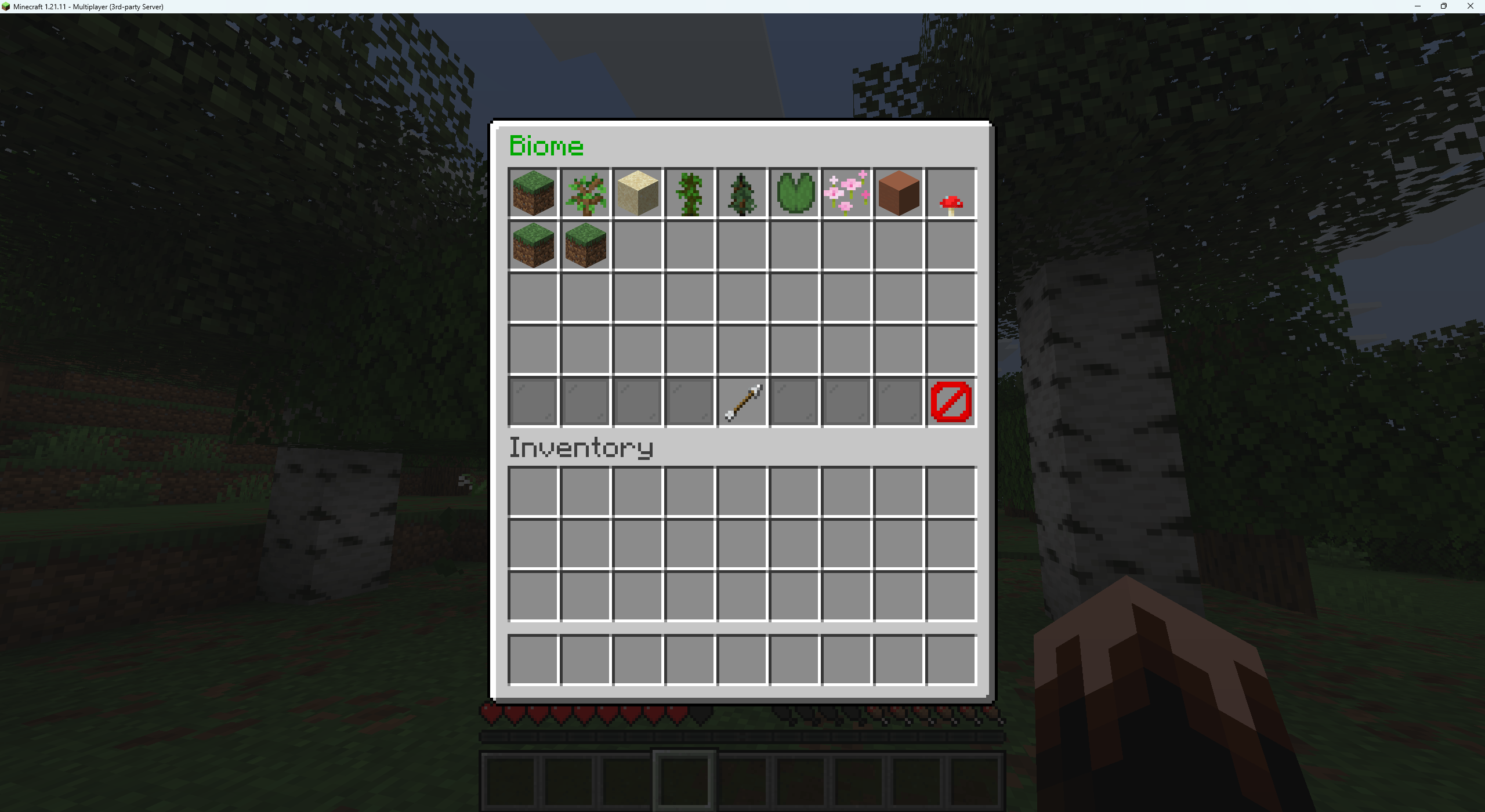
In the biome menu, this is where you get to choose a visual only skin to your plot to make this activate you will have to log out and log back in to make the ground colour change and things like that it's just a visual effect.
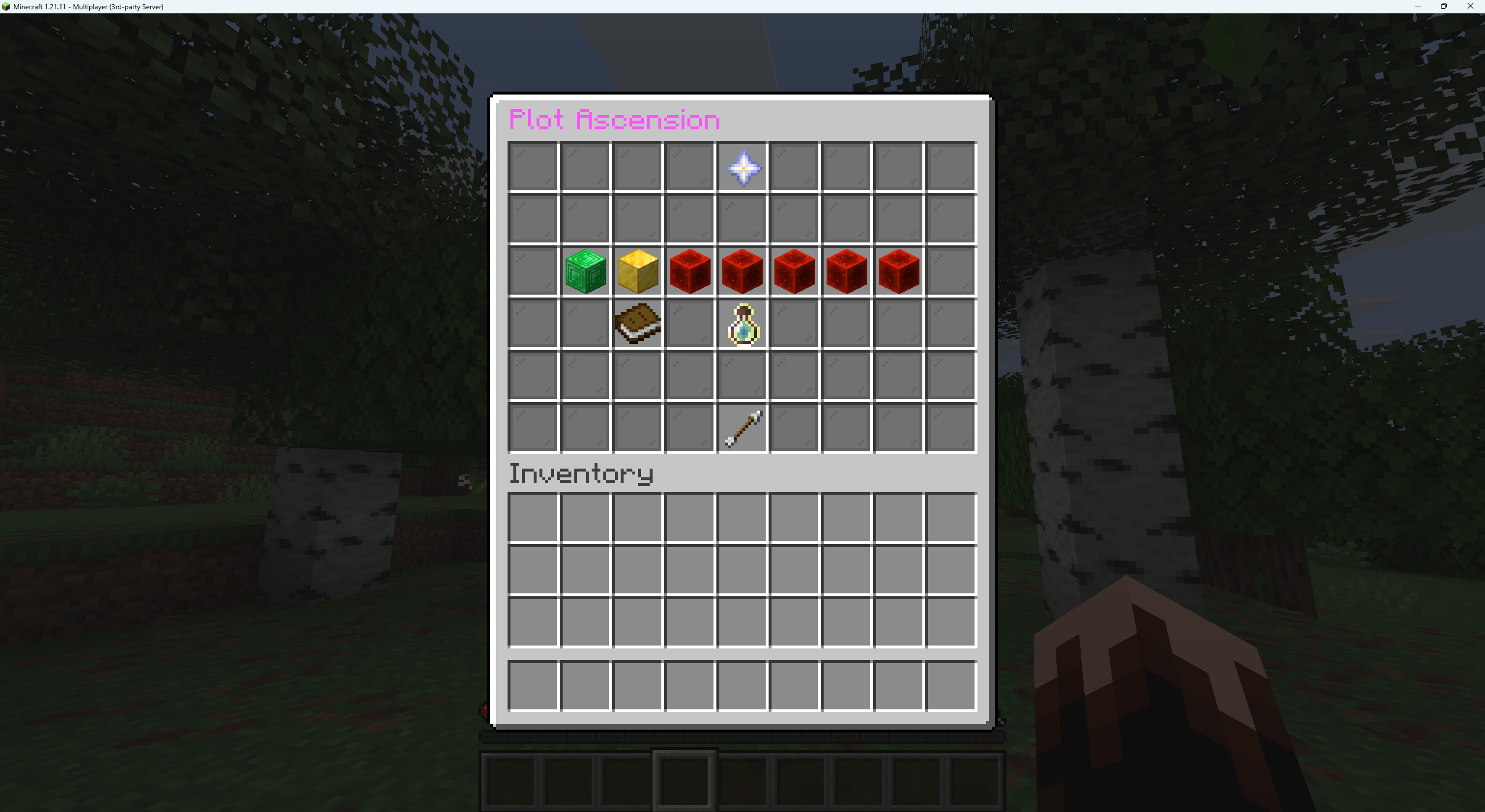
This is where you upgrade your plots skills abilities that would enable you and your trusted members to gain faster building digging faster speeds night vision and so on and so forth.
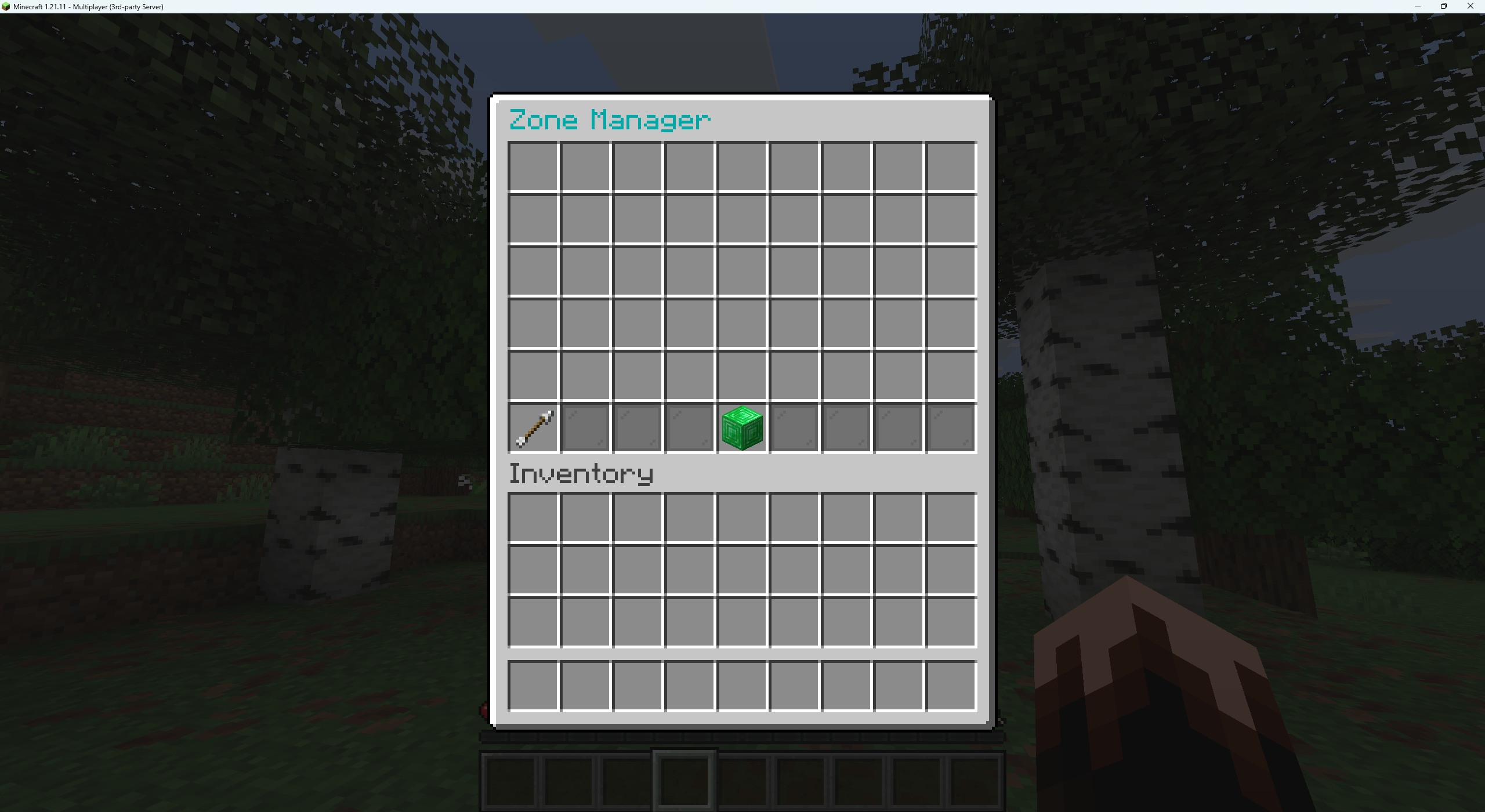
This menu is where you create custom zones inside your own plot but you must first select one position in the other to create a new custom zone inside your own plot.
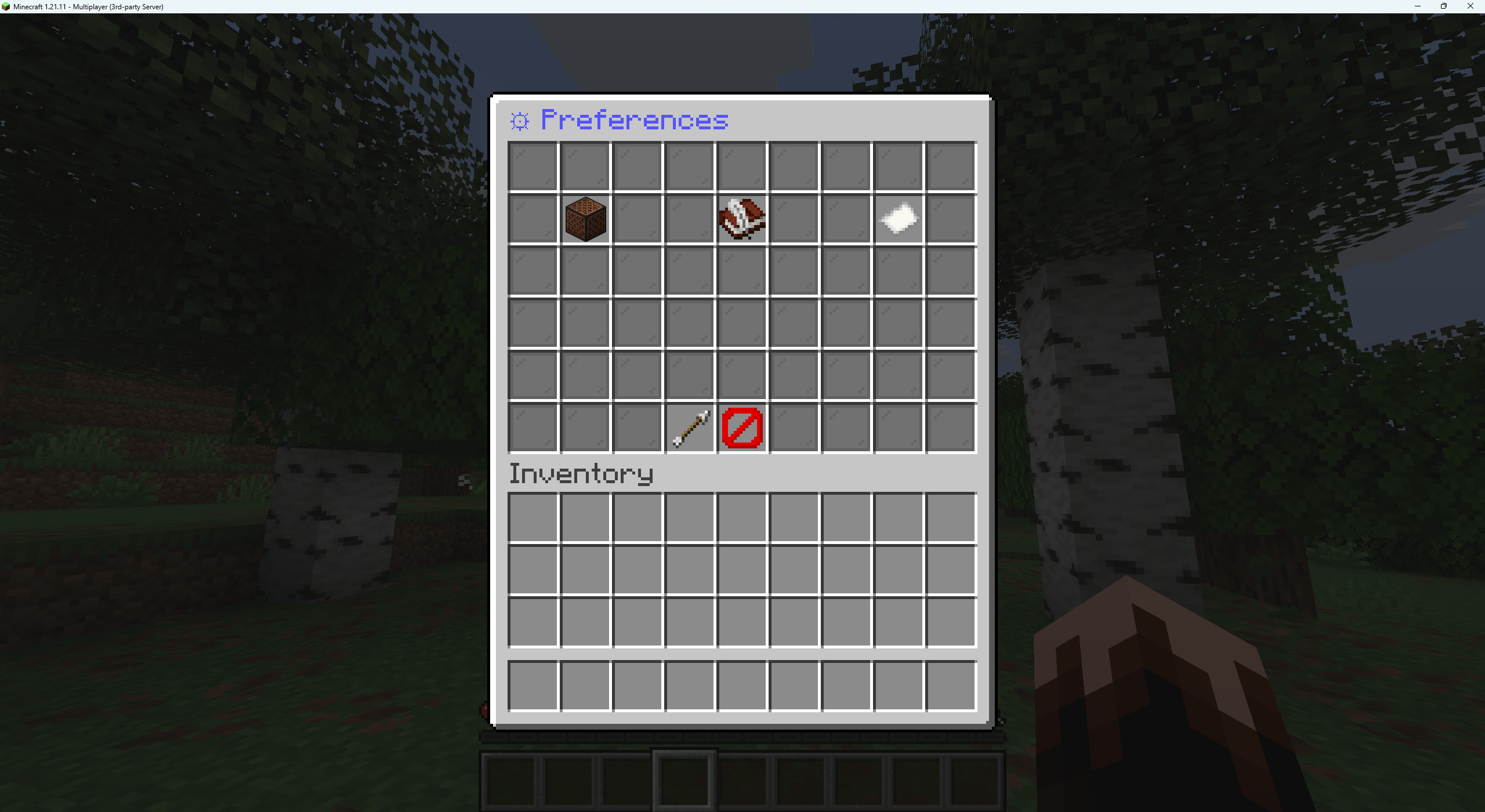
In the Preference menu this is where you can enable sound or disable menu sounds change the languages from Old English Hybrid English or Modern English.
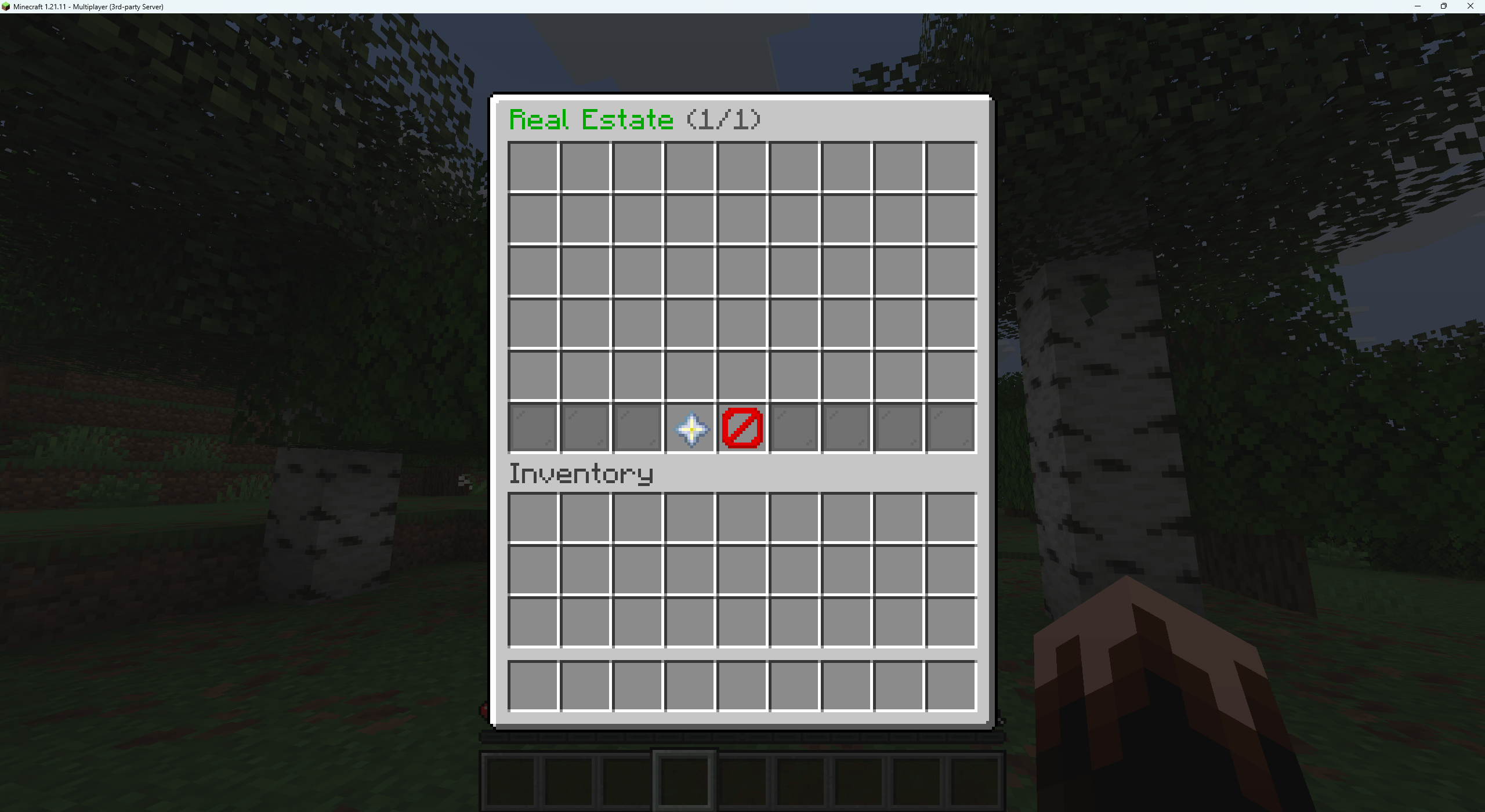
This is the auction menu where your plots go up for auction if you do not play your upkeep But that can be disabled in your settings ,config file
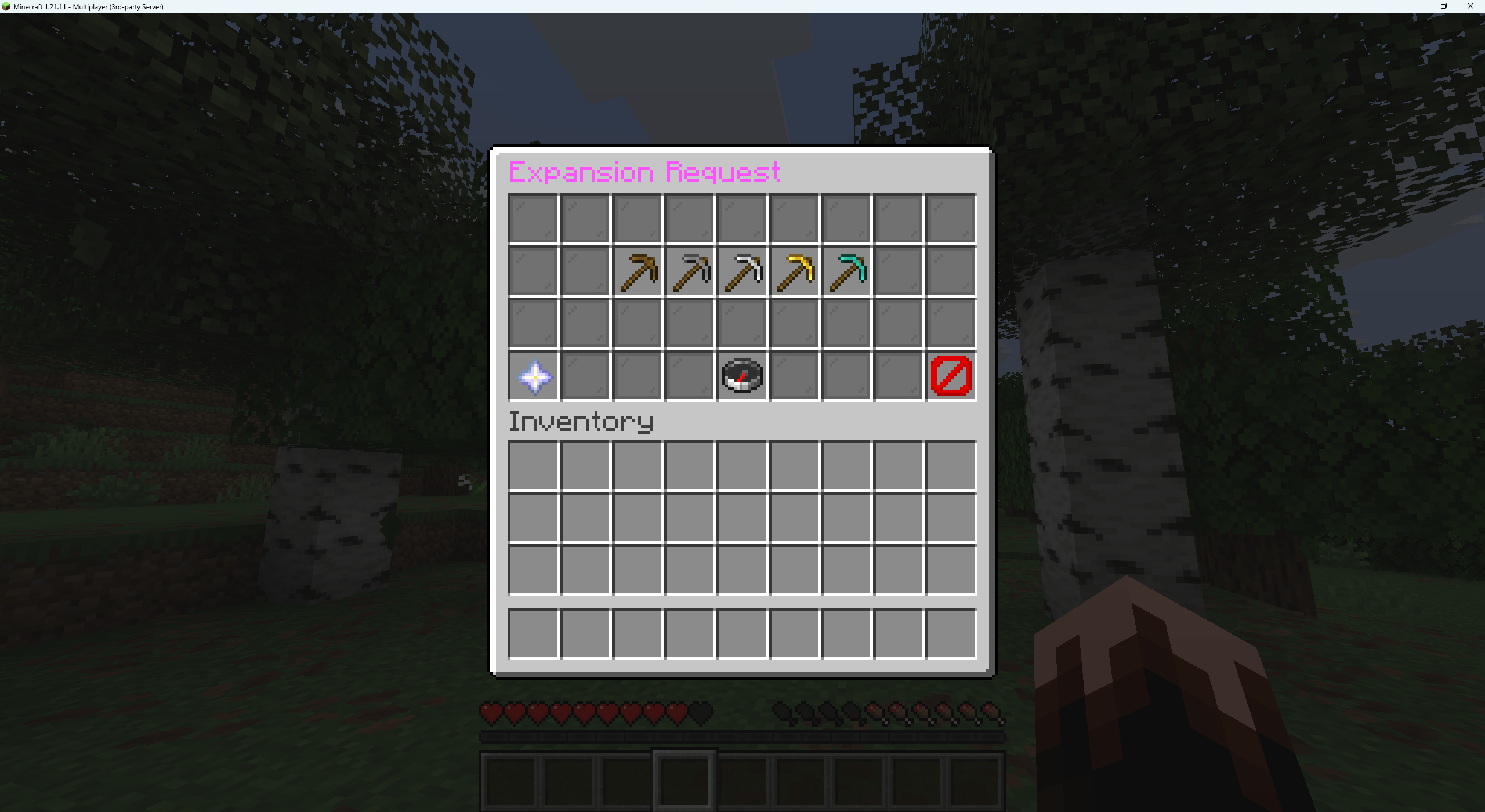
In the Expansion Request menu this is where you request to an admin that you like to increase your plot size
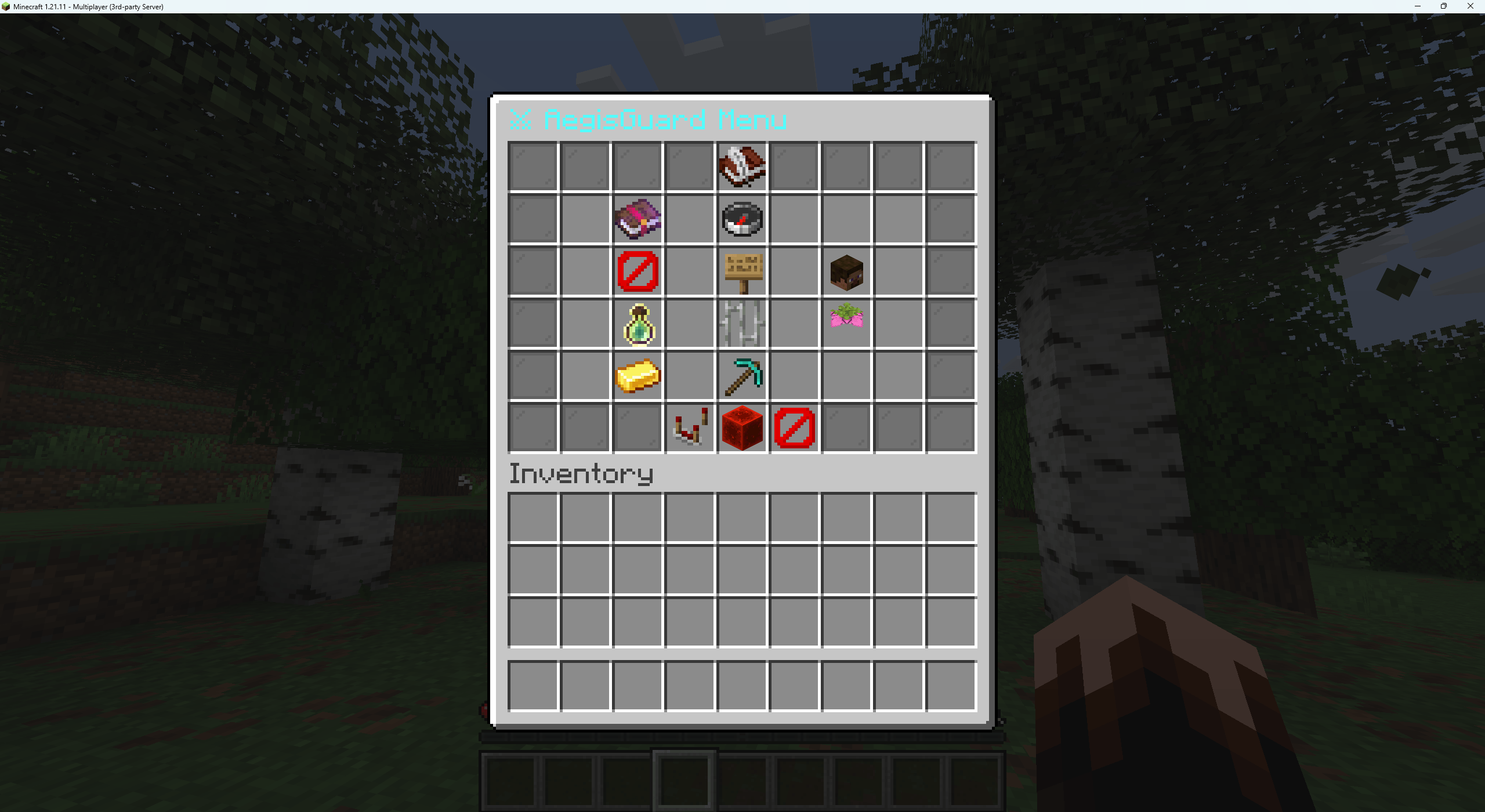
Main AegisGuard Menu
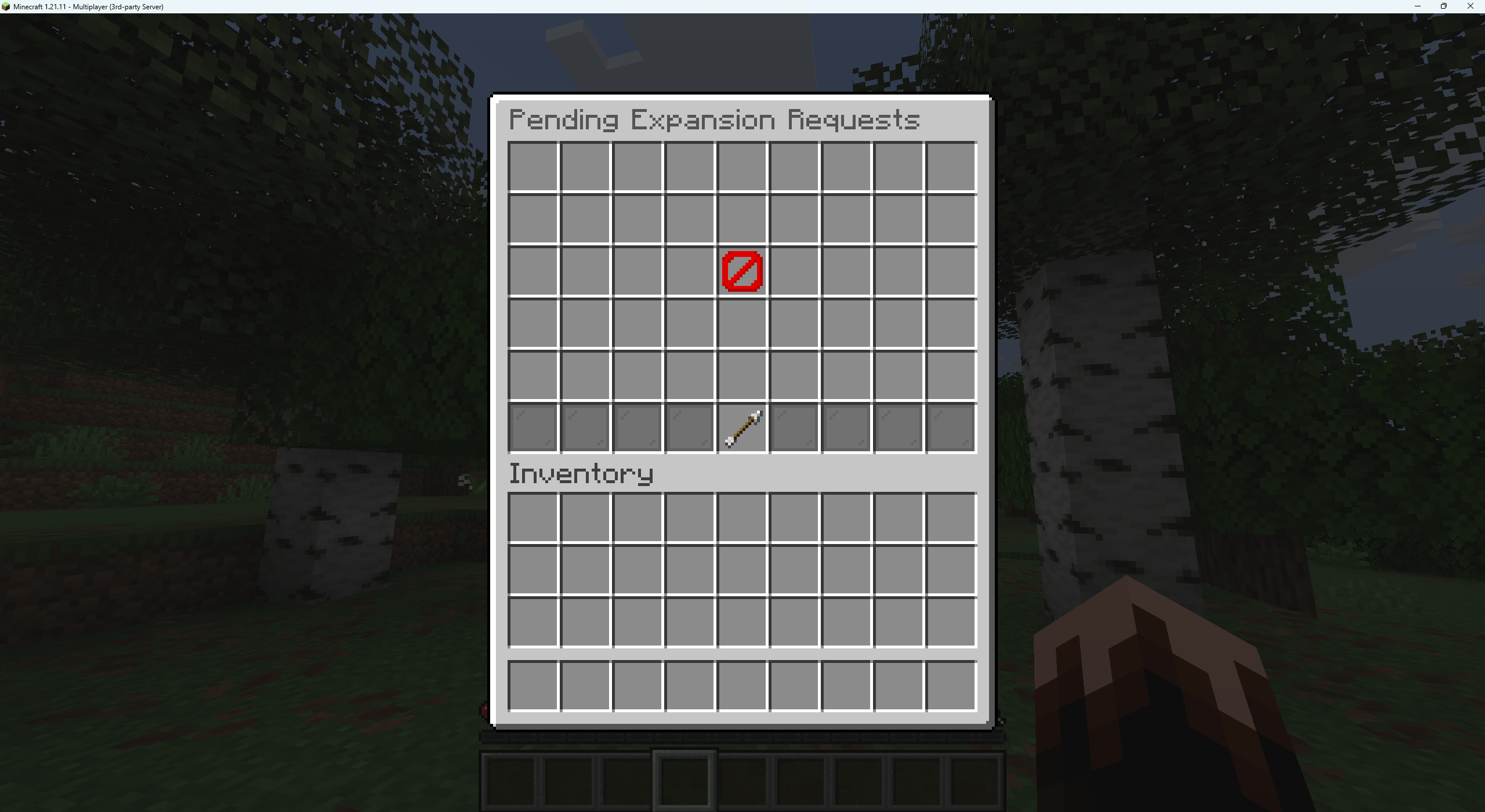
in the Pending Expansion request menu this is where all admin see all active requests to expand land admins can either approve or den plot expansions.
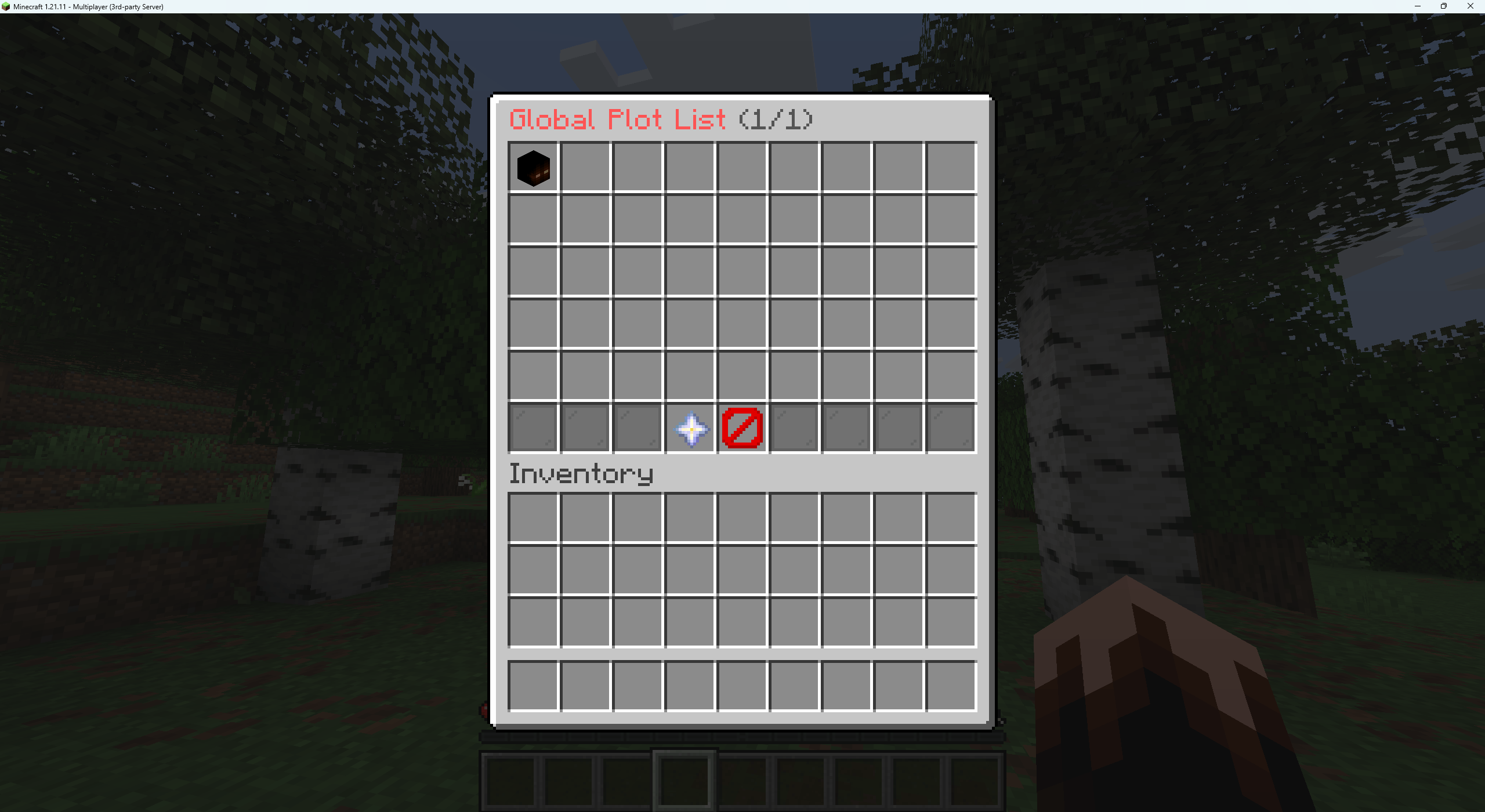
in the global plot list menu All admins get to see all active plots on the server they can either delete or teleport to said plots in this menu.
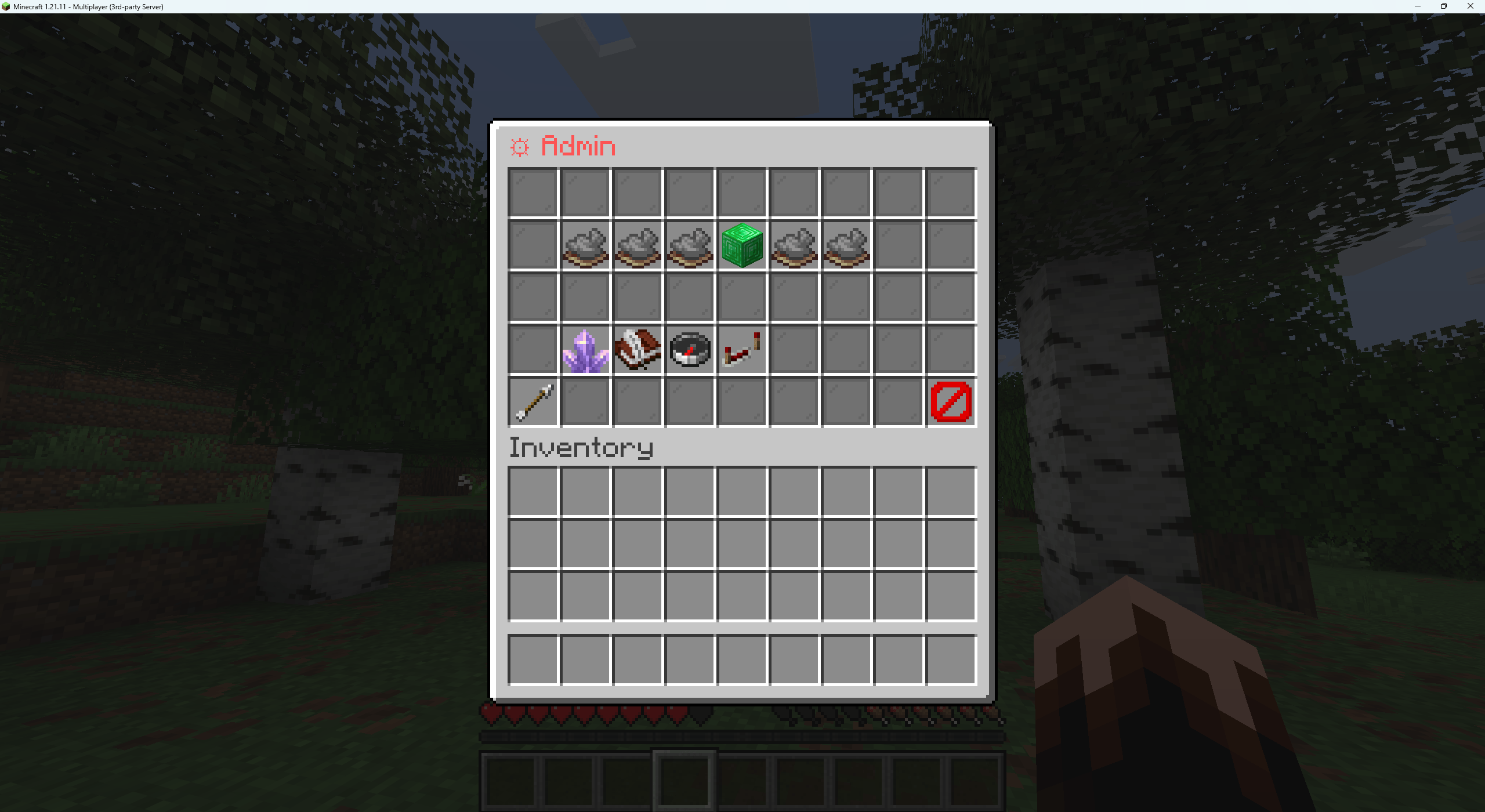
In the admin menu this is where you get to see all existing plots on the server and the reload config file toggle and plenty more options.