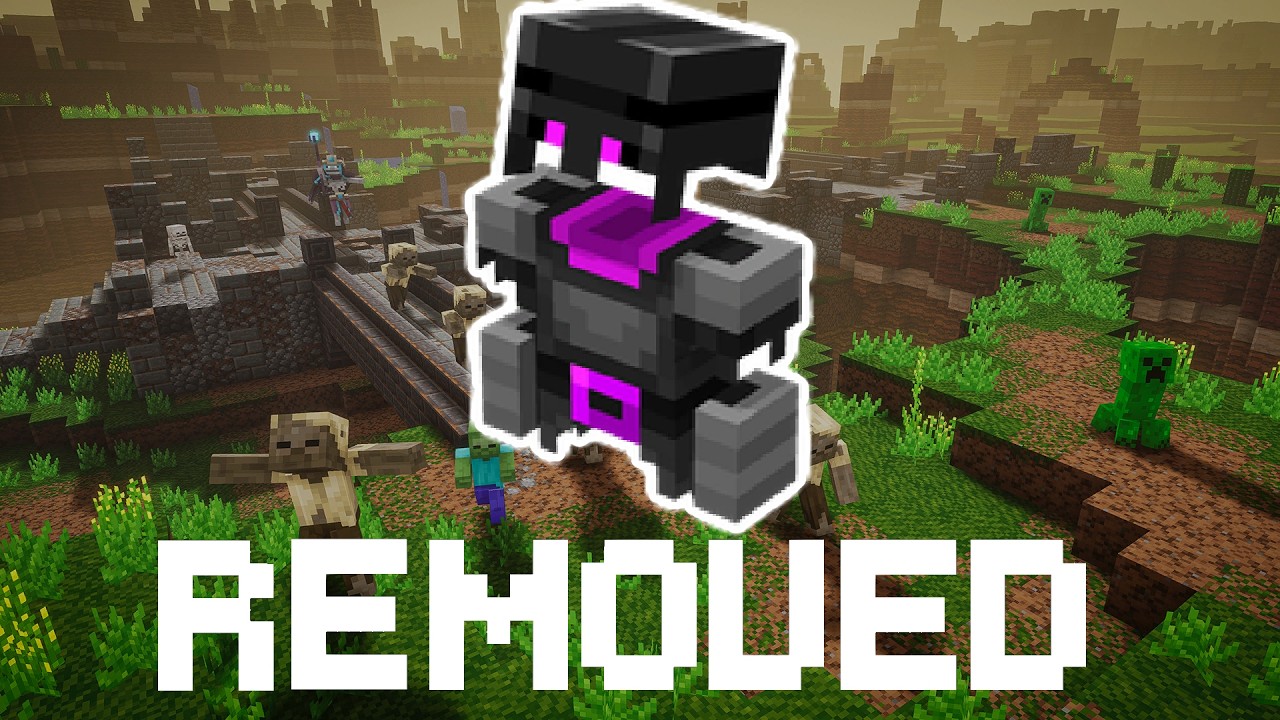
Ender Armor
- By
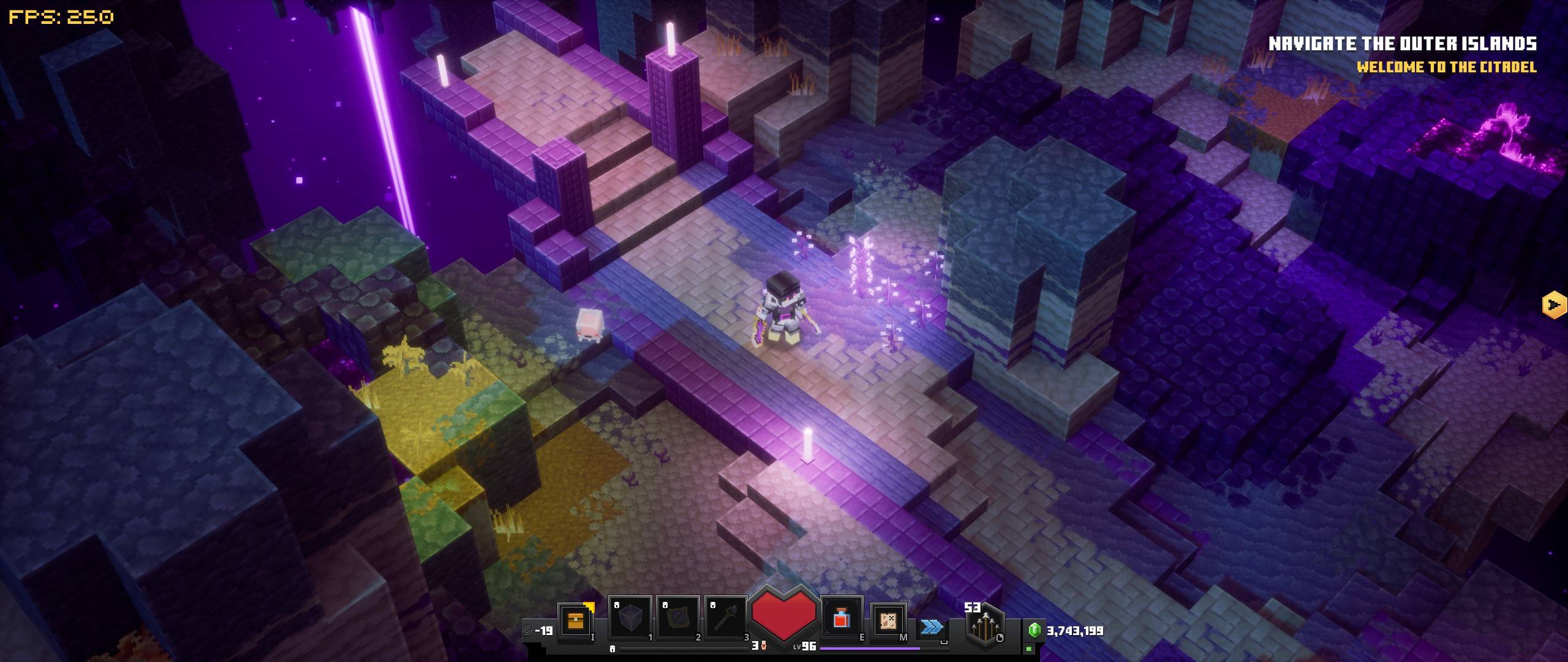
20261009172844_1.jpg
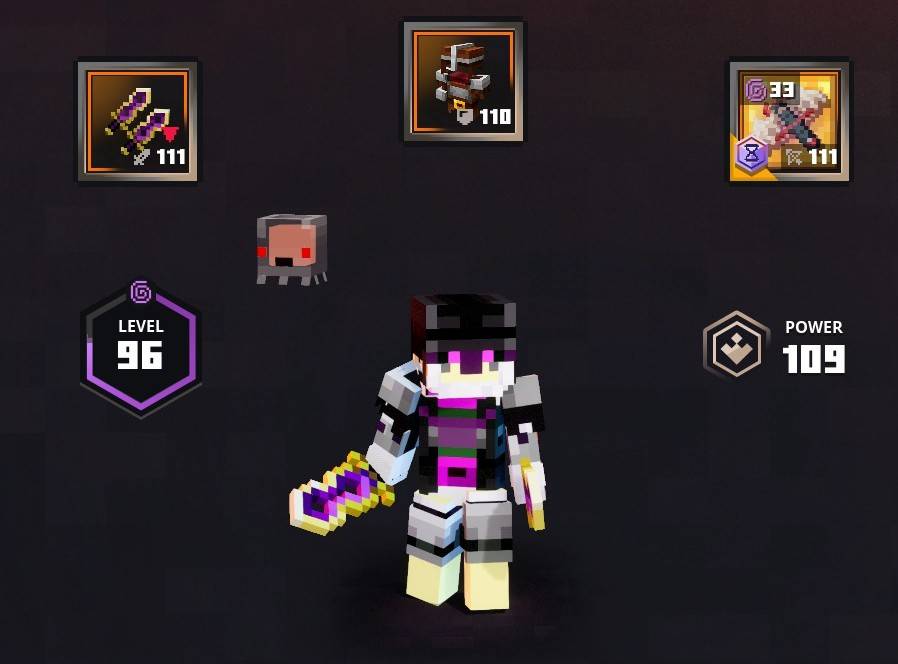
20261009172847_1.jpg
Description
Installation instructions and Requirements
Like Always back up your save before doing anything with mods!
Required Mod: MCDSaveEdit By CutFlame on Nexus Mods
Link: https://www.nexusmods.com/minecraftdungeons/mods/76
Other save editors may work but this is the one I used and know works.
Visually Required Mods:
Ender Armor mod By TheFDuck on Both Curseforge and Nexus Mods
Custom Skins Loader Mod By DokucraftTSC on Curseforge
Link: https://www.curseforge.com/minecraft-dungeons/mods/custom-skins-loader-mod
Follow The install steps for your Custom skin loader first before adding the Ender armor mod/.pak
Then add only the EndArmor_P.pak to your Mods folder.
Boot up your Save Editor and select the save you want to edit. Then ether add the Guards Armor or select
the armor in you inventory, make it unique. You can change the gear value to your level in game here also.
In its ability's section add:
-Damage Absorption
-Increased Arrow Bundle Size
-Teleport chance
Then save your changes and close the save editor.
In the files there is a image called EnderArmor_Skin_Temp.png This is a template for your custom skin to
add to a skin. You can do this by hand or by layering the image on top of your skin in something like Krita.
Without doing this the armor will not look correct!
After your skin is made follow you choice of Skin Loaders mod guide to adding it to the game.
When launching the game simply change your skin to the new one and equip the armor.
Ender Armor Team