YashGameplay's Main UI
## The Base for Your Custom Minecraft Bedrock UI
**YashGameplay's Main UI** is a custom Minecraft Bedrock interface designed to serve as the foundation for compatible anime UI packs, animated menus, and other character-themed interface add-ons.
Instead of requiring a completely different interface framework for every theme, this pack provides a consistent base that allows compatible UI add-ons to use the same core menu system.
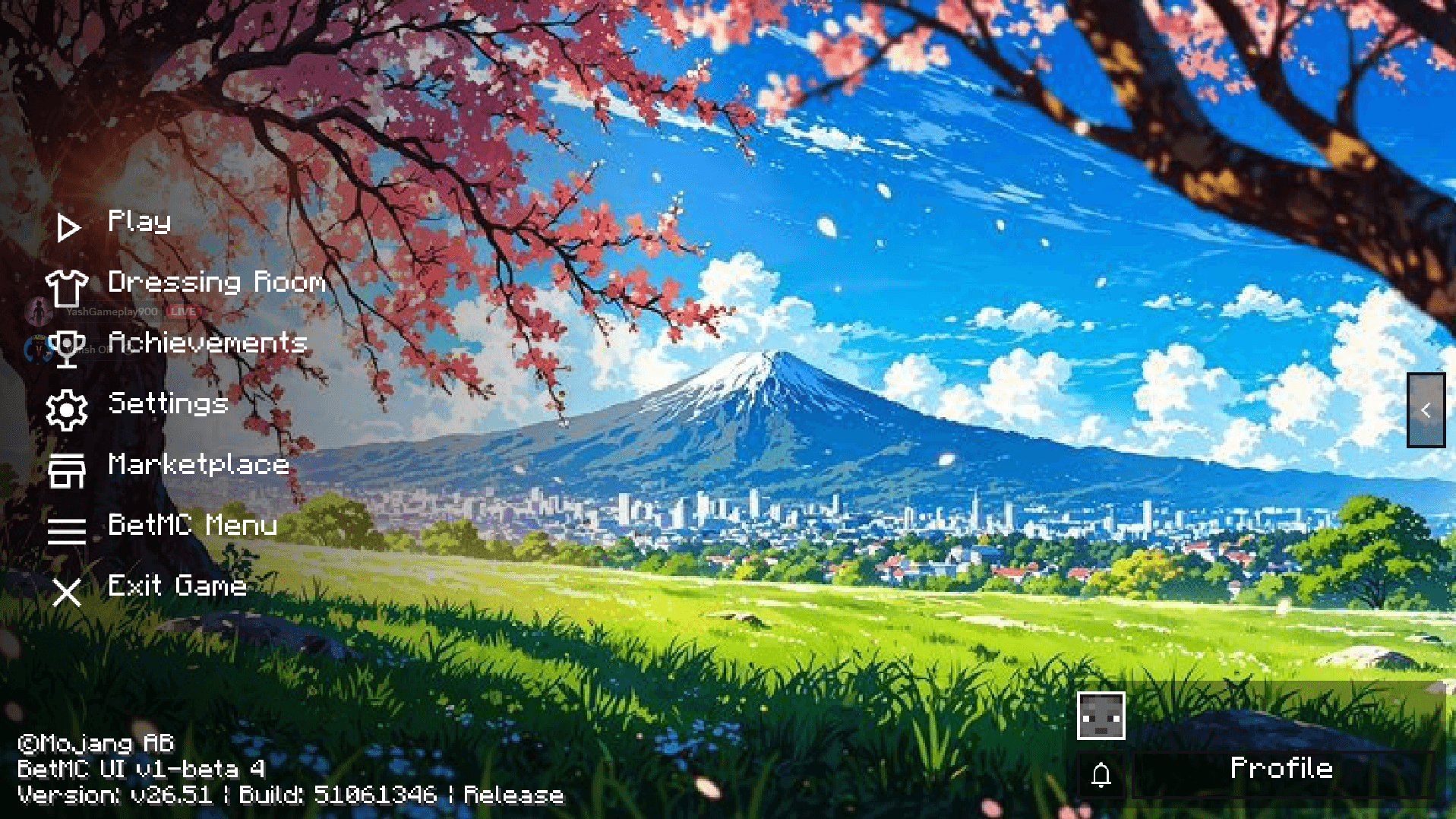
It also features a redesigned main menu with custom navigation icons, an organized layout, and a clean visual presentation that gives Minecraft PE a more personalized appearance.
## A Fresh Minecraft Main Menu
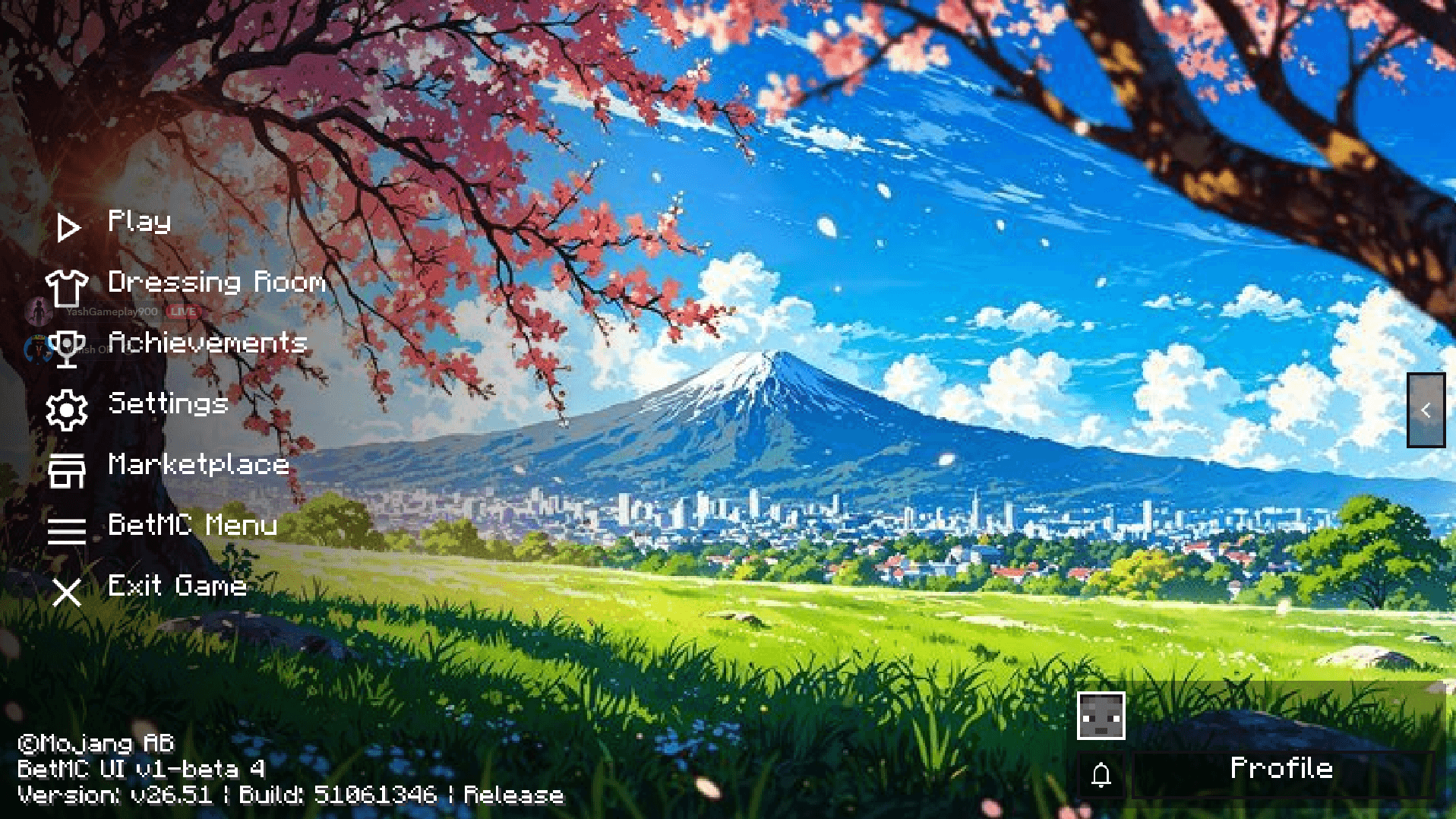
The interface features a streamlined side-menu layout that keeps important Minecraft options easy to access while leaving plenty of space for custom backgrounds.
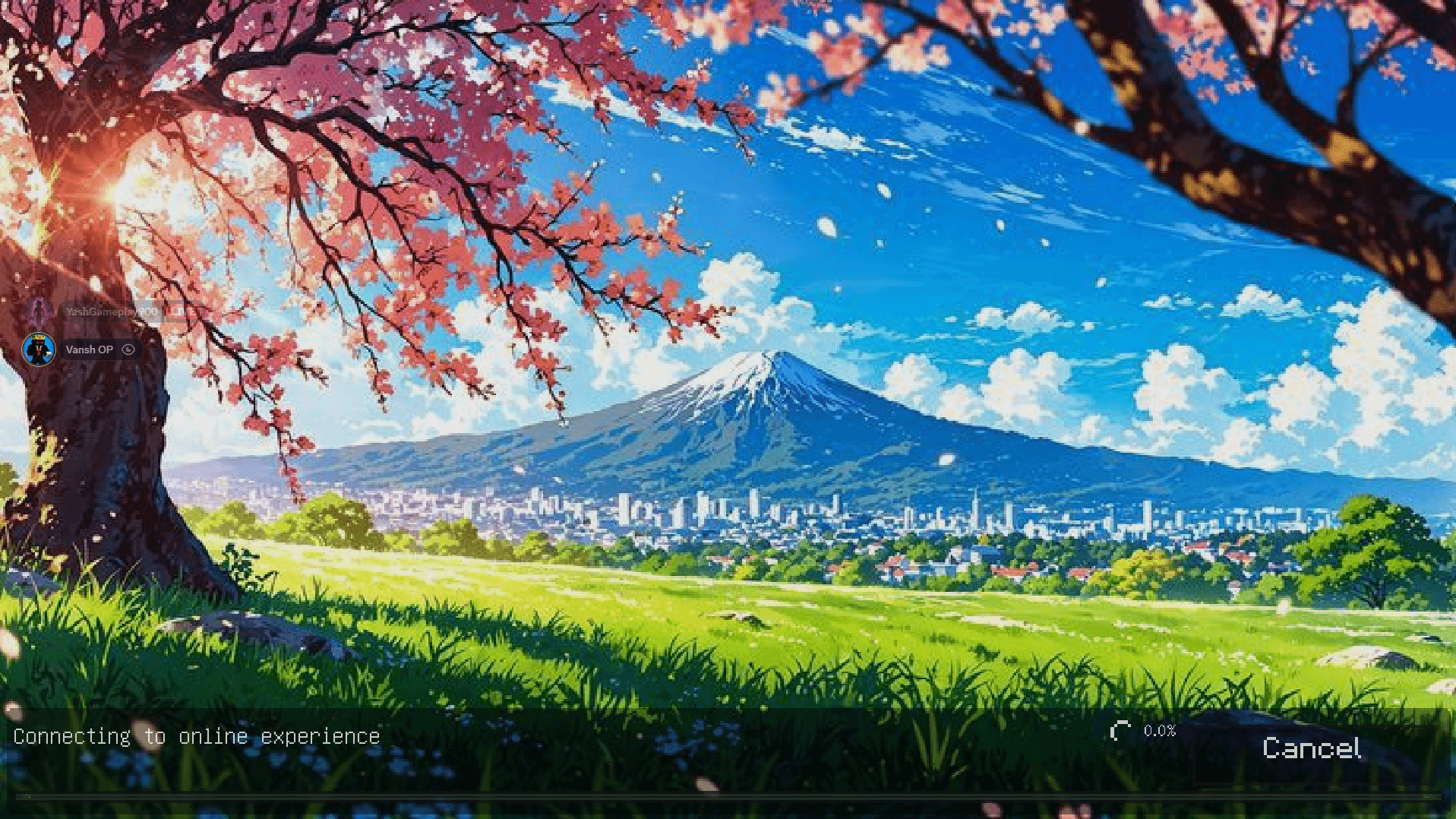
The showcased design features a beautiful Japanese-inspired landscape with cherry blossoms, a bright blue sky, green fields, and Mount Fuji, creating a scenic atmosphere behind the interface.
The menu combines familiar Minecraft functionality with a distinctive custom GUI, making it suitable for players who enjoy modifying the appearance of their game.
One core interface, multiple compatible themes, and a cleaner way to customize your Minecraft Bedrock experience.
## Main UI Features
Custom Minecraft Bedrock Main Menu
Clean Side-Menu Navigation
Redesigned Menu Icons
Custom GUI Layout
Dedicated Custom Menu Access
Background-Focused Interface Design
Base Support for Compatible UI Add-Ons
Anime and Character Theme Compatibility
Organized Menu Presentation
Minecraft Bedrock and MCPE Interface
## The Foundation for Compatible UI Packs
YashGameplay's Main UI is especially useful for players who enjoy switching between different Minecraft interface themes.
Compatible anime UI packs and animated menu add-ons can use this pack as their base, allowing you to change the visual appearance of Minecraft while maintaining a consistent underlying interface.
Whether you prefer anime characters, aesthetic backgrounds, animated menus, or other custom GUI designs, YashGameplay's Main UI provides the foundation needed by supported add-ons.
## How to Use With UI Add-Ons
Download and import **YashGameplay's Main UI**.
Download and import your preferred compatible UI add-on.
Open **Minecraft Settings → Global Resources**.
Place the custom UI add-on **ABOVE YashGameplay's Main UI** in the resource pack list.
Activate both packs and enjoy your customized interface.
**Important:** This is the base UI. For compatible add-on themes, keep YashGameplay's Main UI enabled underneath the selected add-on.
## Designed for Minecraft Bedrock & MCPE
YashGameplay's Main UI is intended for players looking for a more customizable Minecraft interface without making ordinary menu navigation unnecessarily complicated.
The structured layout keeps important options recognizable while providing space for character artwork, animated backgrounds, and other visual customizations offered by compatible packs.
It is particularly suitable for players who regularly use **Anime UI Packs, Custom Minecraft Menus, Animated UI Add-Ons, Aesthetic GUI Packs, and Character-Themed Resource Packs**.
## Search-Relevant Pack Information
YashGameplay Main UI
YashGameplay Minecraft UI
Minecraft Bedrock UI
MCPE Main UI
Minecraft UI Base Pack
Minecraft Anime UI Base
Custom Minecraft GUI
Minecraft Animated Menu Base
Minecraft Bedrock Interface
Minecraft PE UI Pack
Custom Minecraft Main Menu
Anime UI Add-On Base
Bedrock Resource Pack
These terms reflect the pack's main purpose: providing a custom Minecraft Bedrock interface and the underlying base required for compatible UI themes.
## One Main UI, Multiple Visual Styles
YashGameplay's Main UI brings together a clean menu layout, custom navigation, and support for compatible interface add-ons in a single resource pack.
Use it as the foundation for your favorite compatible anime and animated UI packs, or enjoy its custom main menu for a refreshed Minecraft Bedrock experience.