





Boosted FPS (Optimized Performance)
- 1.0M
- Texture Packs
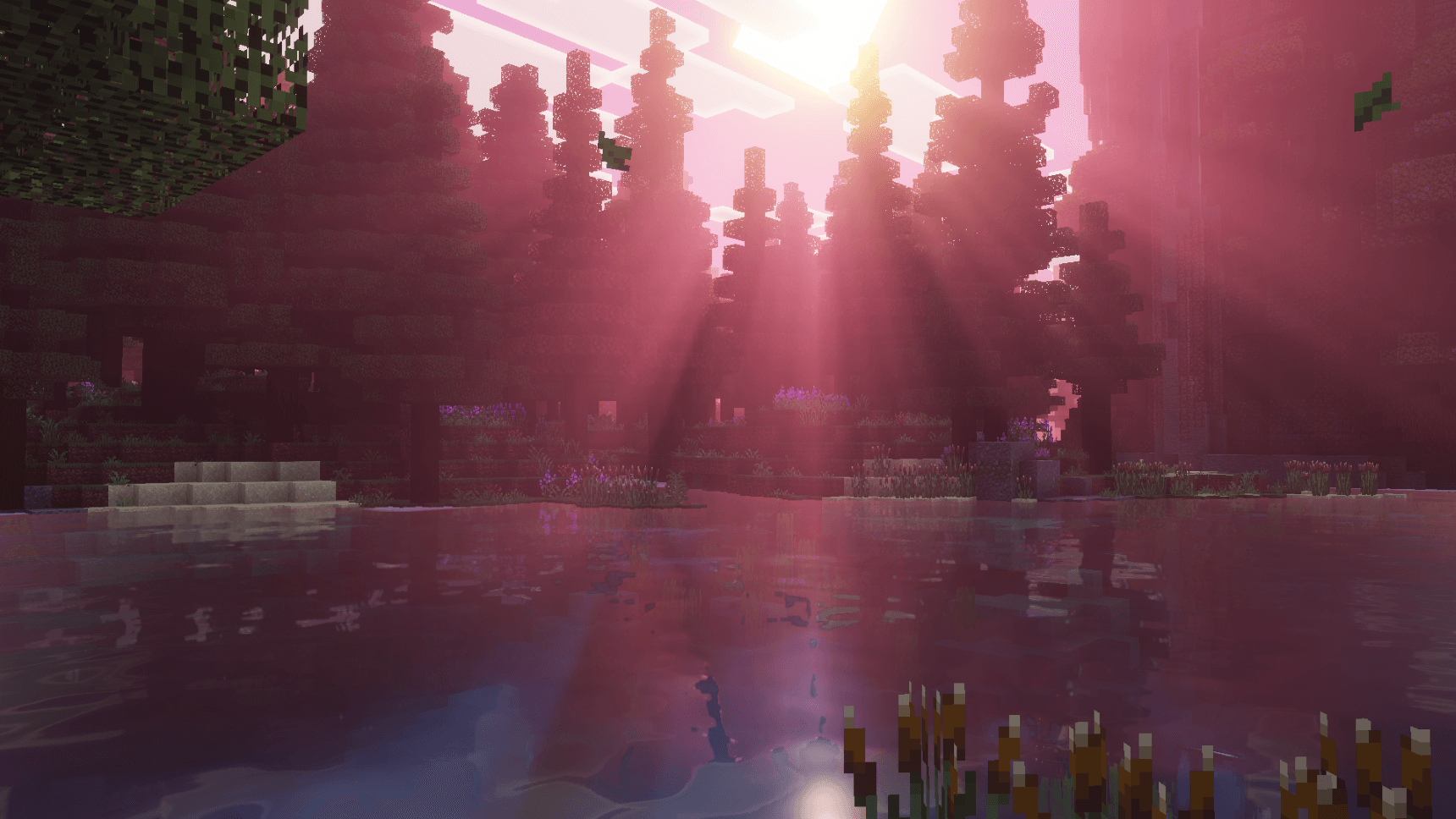
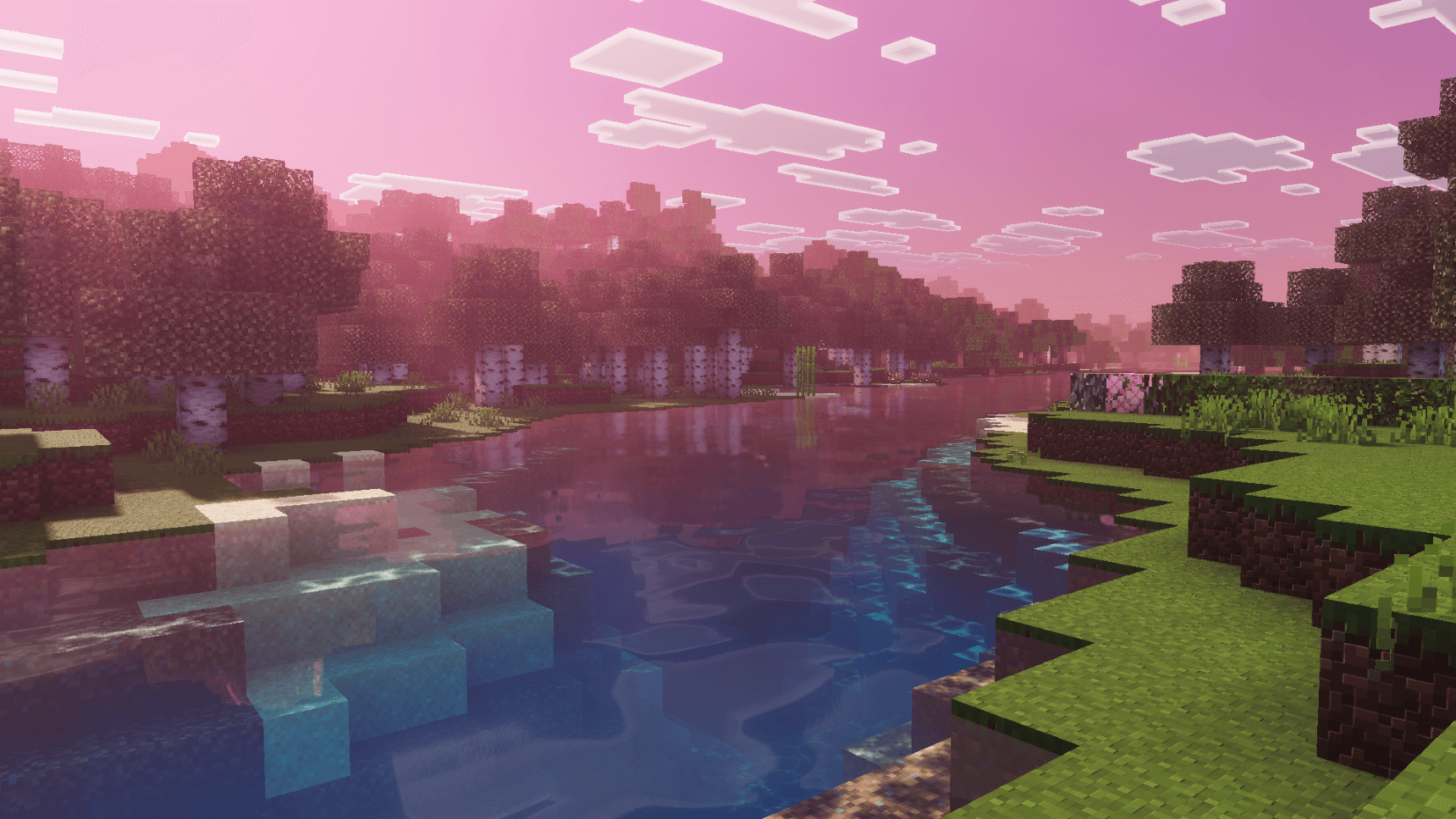
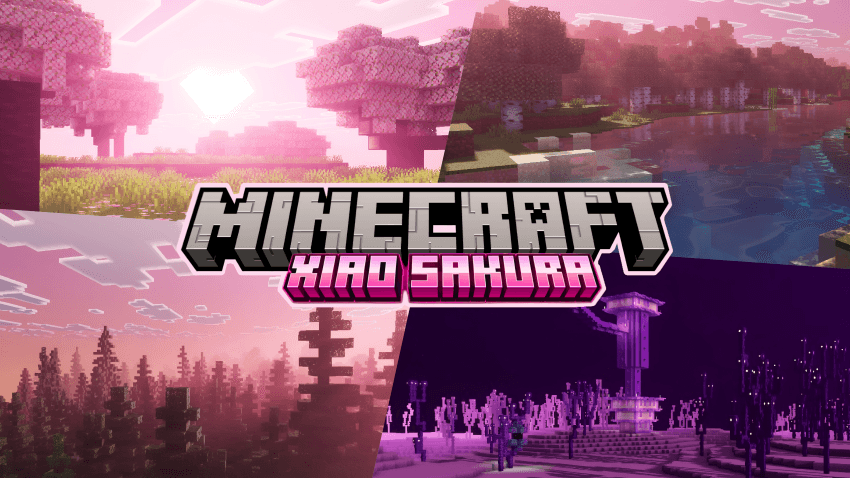
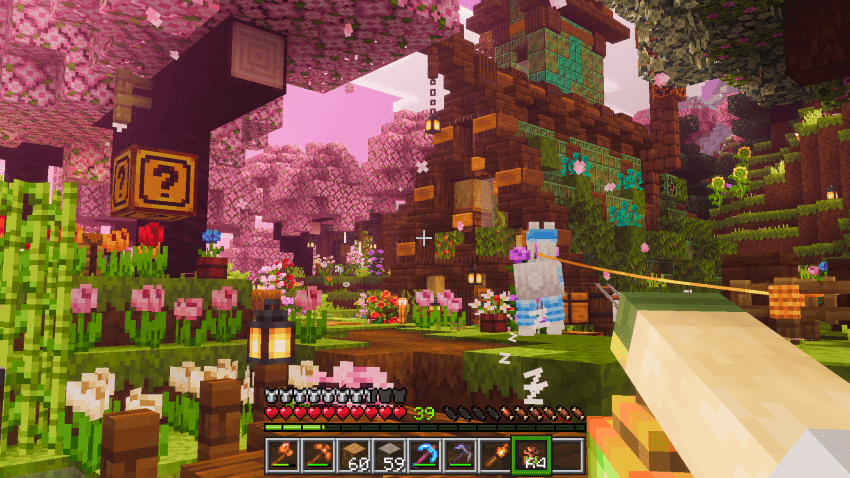
Lightweight FPS-boosting texture pack designed to improve performance on low-end devices without sacrificing clean visuals. Perfect for smooth gameplay in the latest version of Minecraft Bedrock.
- 1.0M
- October 19, 2026
Dark Souls Visuals
- 203.3K
- Texture Packs
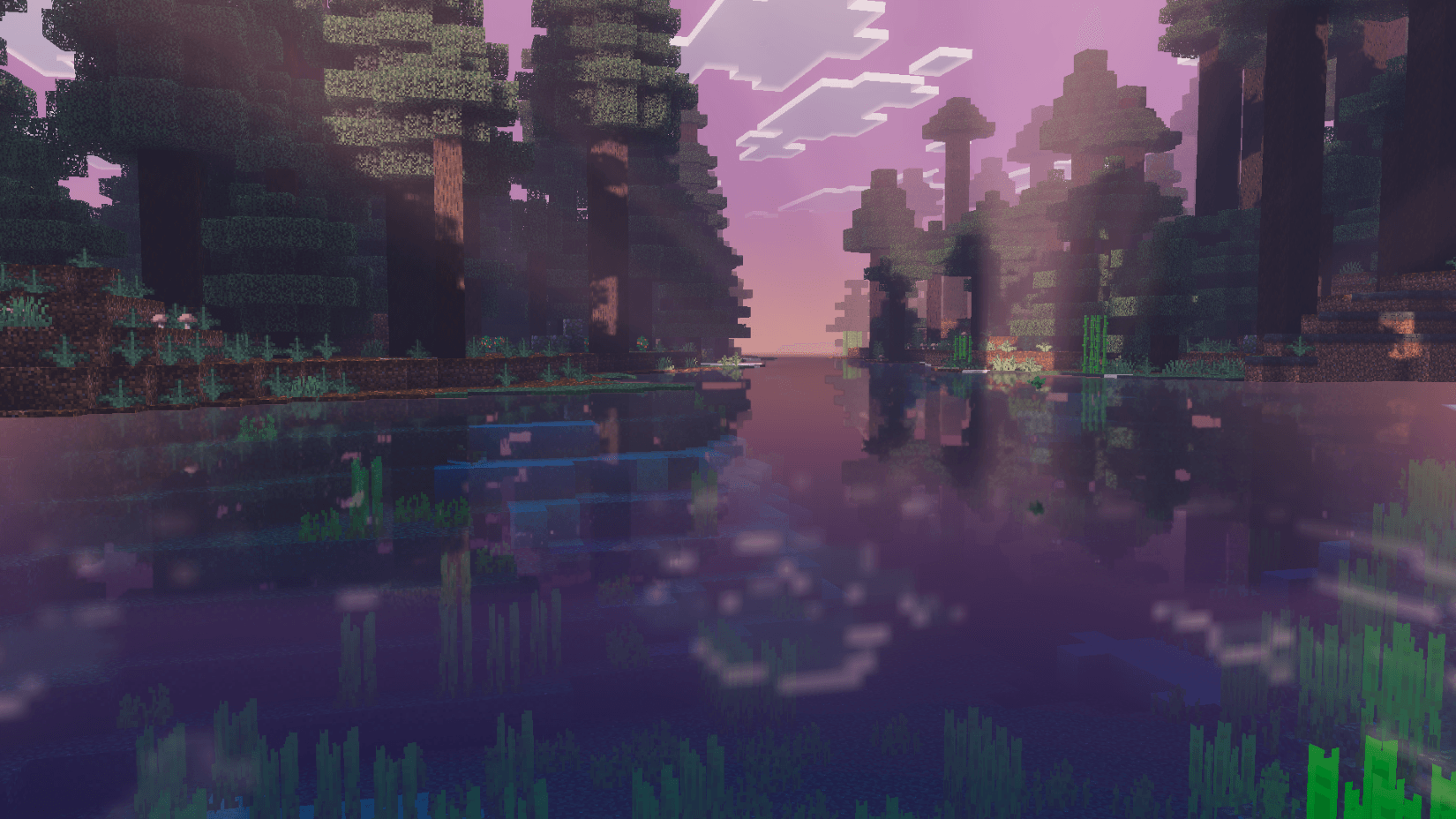
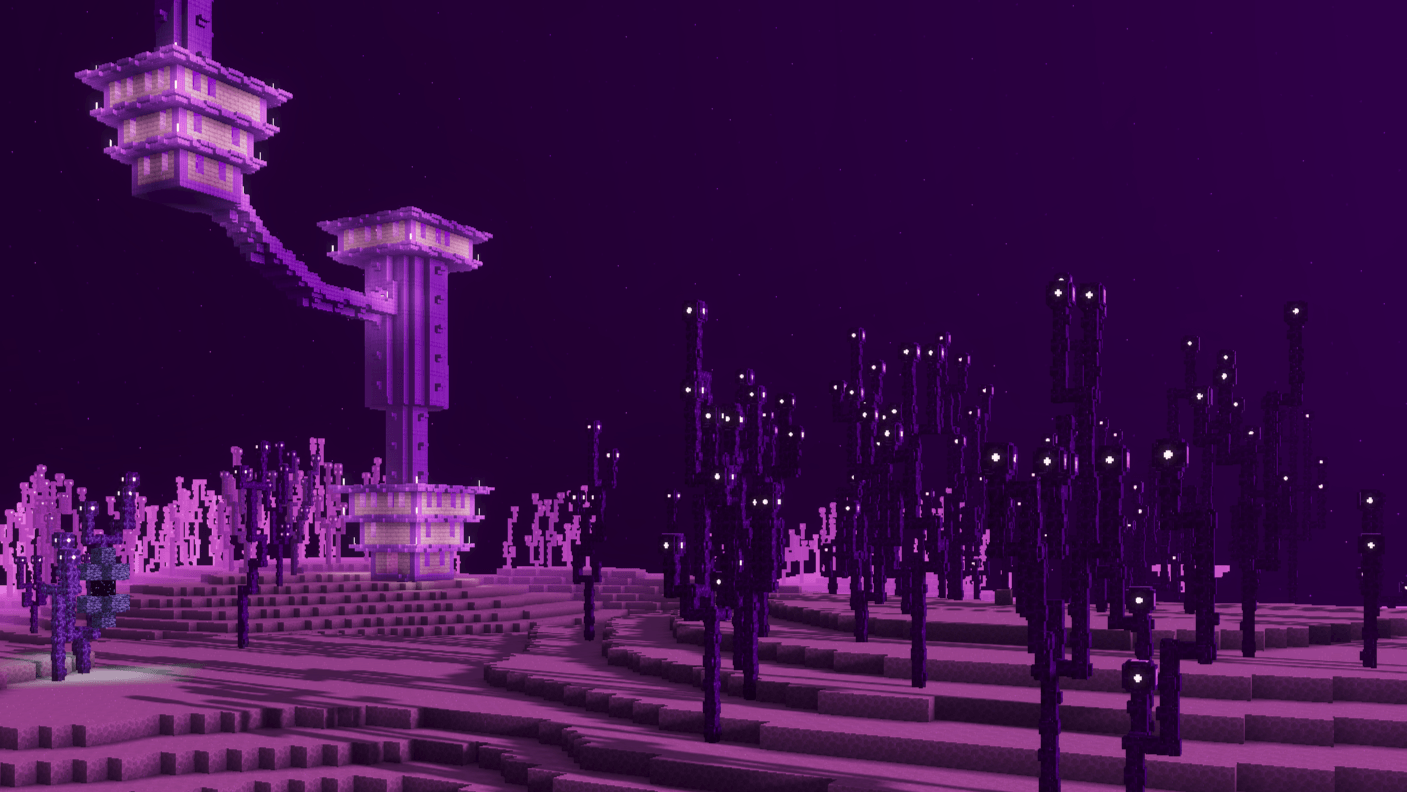
Dark Souls Visuals is a Vibrant Visuals Pack for Minecraft Bedrock inspired by the fantasy world from Dark Souls, where every biome tells a story of a dying age.
- 203.3K
- October 19, 2026
FPS Optimizer | FPS Boost Official
- 2.0M
- Texture Packs
FPS Optimizer is a FPS Boost improves performance by reducing lag, optimizing textures, and tweaking visuals. Get smoother gameplay and higher FPS on low-end to high-end devices while keeping Minecraft’s original look.
- 2.0M
- October 9, 2026

Boosted FPS (Optimized Performance)
- 1.0M
- Texture Packs
Lightweight FPS-boosting texture pack designed to improve performance on low-end devices without sacrificing clean visuals. Perfect for smooth gameplay in the latest version of Minecraft Bedrock.
- 1.0M
- October 19, 2026
Dark Souls Visuals
- 203.3K
- Texture Packs
Dark Souls Visuals is a Vibrant Visuals Pack for Minecraft Bedrock inspired by the fantasy world from Dark Souls, where every biome tells a story of a dying age.
- 203.3K
- October 19, 2026
FPS Optimizer | FPS Boost Official
- 2.0M
- Texture Packs
FPS Optimizer is a FPS Boost improves performance by reducing lag, optimizing textures, and tweaking visuals. Get smoother gameplay and higher FPS on low-end to high-end devices while keeping Minecraft’s original look.
- 2.0M
- October 9, 2026