Wayfarer's UI Dark
A dark interface in your color, a new loading screen with the menu panorama, a clean pause menu, and popular community tweaks.
IMG_0832.PNG
IMG_0833.PNG
IMG_0834.PNG
IMG_0835.PNG
Description
Wayfarer's UI Dark
A dark interface in your color, a new loading screen with the menu panorama, a clean pause menu, and popular community tweaks. Made for the Classic interface; touch works too.
Features
- 8 colors: purple, blue, cyan, green, red, orange, pink and gray. The color tints the whole dark interface, the menus and the loading screen.
- New loading screen: the menu panorama drifting slowly in the background, the loading title with a spinner at the bottom left, and a wide progress bar with percentage when the game reports progress.
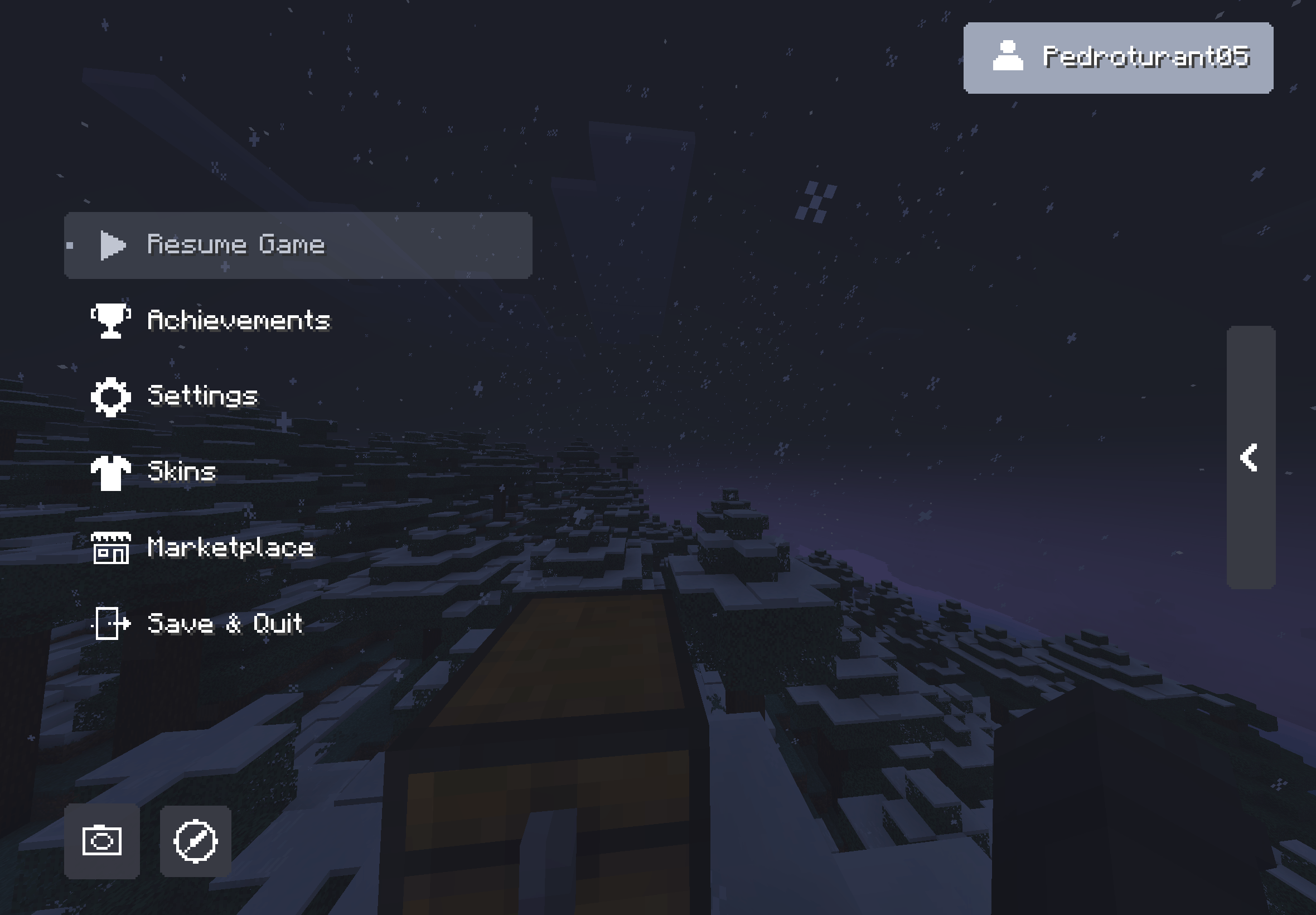
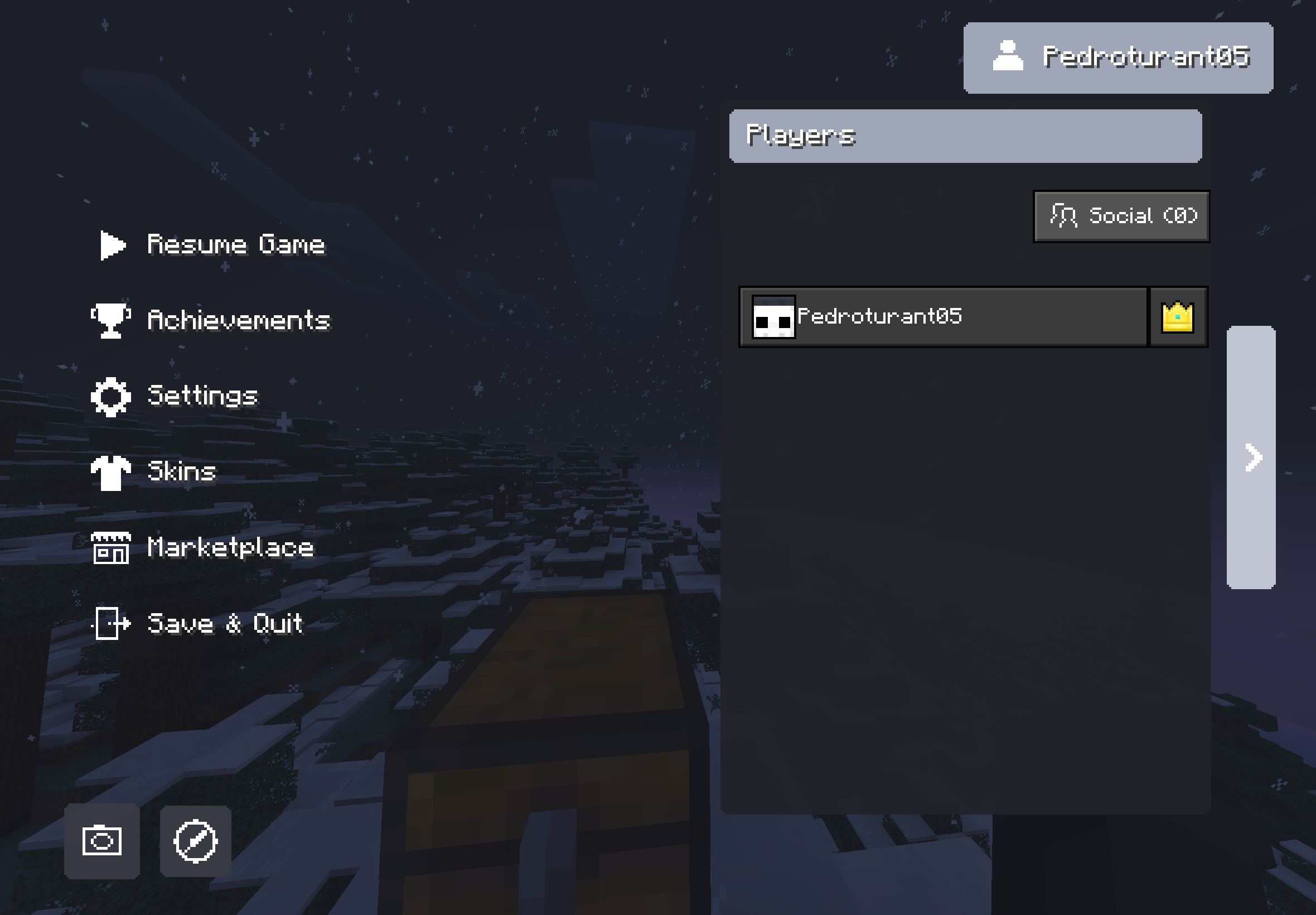
- New pause menu: a clean button list with icons (Resume, Achievements, Settings, Skins, Marketplace, Save & Quit), your name at the top, a side tab with the player list, and a screenshot button.
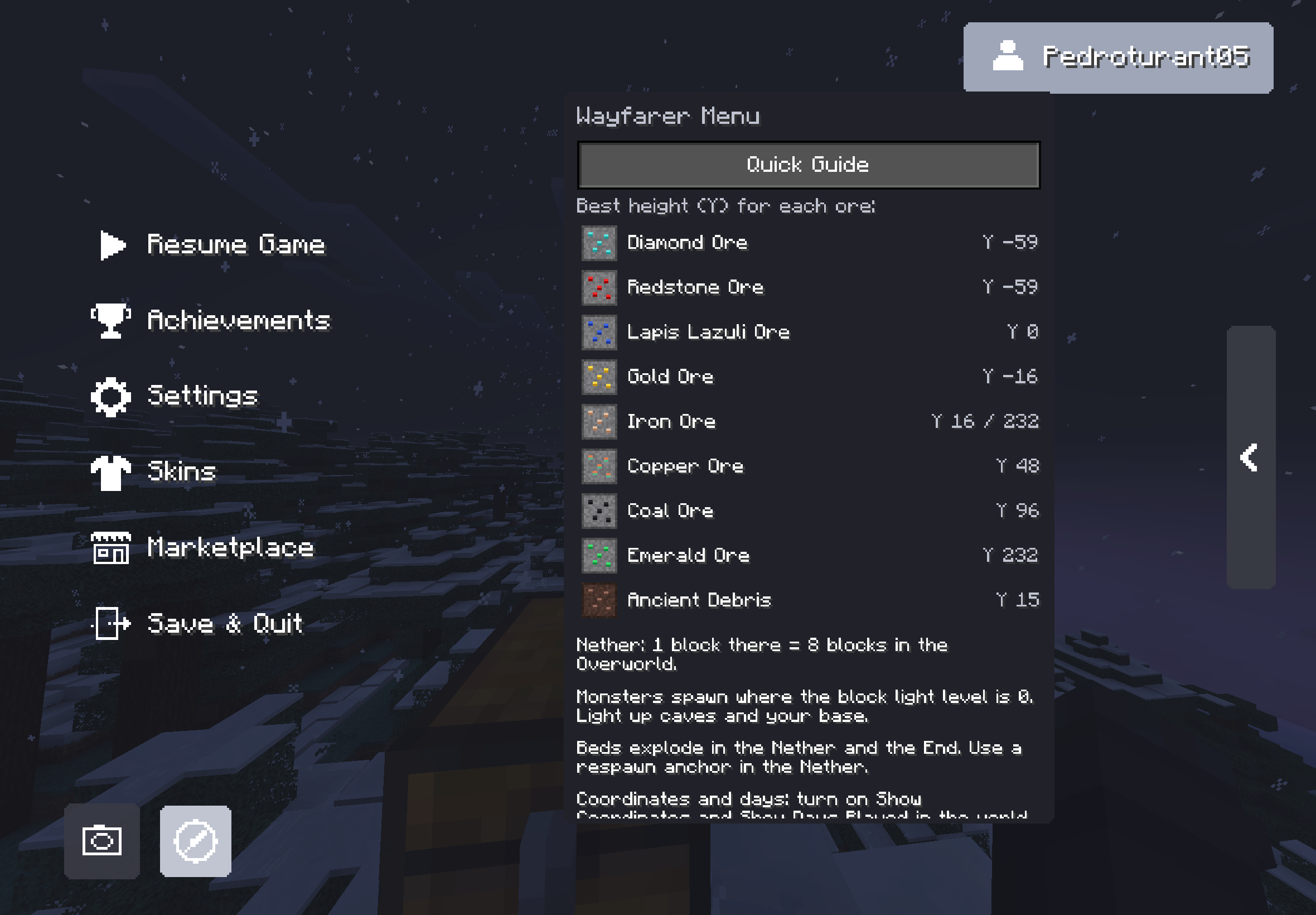
- Wayfarer Menu (button next to the screenshot button): a quick guide with the best height for every ore, Nether travel, mob spawning and beds, plus more shortcuts and credits.
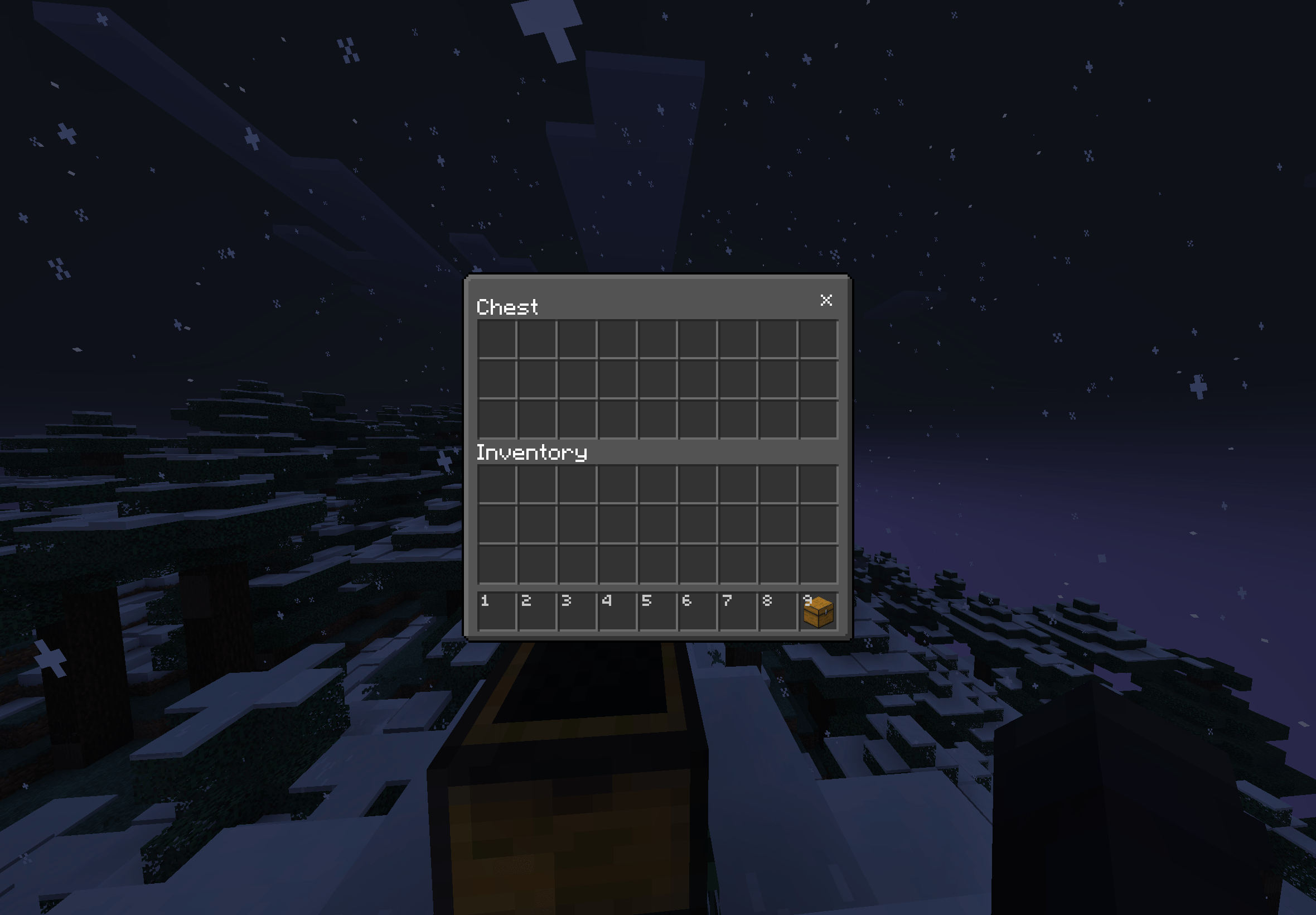
- Dark UI on inventories, containers, buttons, tabs, slots and menus.
- Community tweaks: numbered hotbar, quick crafting button, trading helper, brewing guide, hunger preview, Arabic numerals for enchantments, redstone level of each music disc, chat tweaks, translucent tooltips.
- Block tweaks ("Full" options): glass doors and trapdoors, golden crown, directional hoppers and observers, sticky piston sides, compass lodestone, clean redstone dust, visible tripwires, crop and amethyst markers, low fire, low shield, see-through pumpkin.
- Options (gear icon in Global Resources): pick a color, with ("Full") or without ("UI only") the block tweaks.
- Languages: all 29 Bedrock languages.
Prefer a light look? See Wayfarer's UI Bright.
Inspired by community UI packs such as Deesse UI (not affiliated).
Credits
Credits:
Vanilla Tweaks: https://vanillatweaks.net/
Bedrock Tweaks: https://bedrocktweaks.net/
Bedrock Tweaks is not affiliated or made by Vanilla Tweaks. This is a fan made learning project developed by DrAv0011.
Descrição (Português)
Interface escura na sua cor, nova tela de carregamento com a panorâmica do menu, menu de pausa limpo e ajustes pedidos pela comunidade. Escolha a cor e as opções no ícone de engrenagem em Recursos globais. Em 29 idiomas.
Wayfarer's UI Dark Team