A lightweight texture pack that optimizes the game to run smoother, better, and cleaner. Optimizes particles, flipbooks, and many other blocks! Recommended for low-end devices that can't run Minecraft smoothly.
Features :
- Disables most flipbook textures: Turns many moving textures completely static.
- Fast loading screen: Fixes the stuck on loading screen bug when switching dimensions by removing the dimension switching screen.
- Faster fancy leaves: Fancy leaves use their opaque textures, keeps your custom opaque leaves texture!
- 2D spyglass: Keeps your custom spyglass item texture!
- Optimized Smooth Lighting: Requires Smooth Lighting to work, if not then optimizations for Smooth Lighting won't apply, don't worry since Smooth Lighting isn't required for Vanilla Optimizations to work.
- Optimized mip-mapping: Optimizes rendering far blocks
- Reduced random block rotations: This disables random block rotations like grass blocks, netherrack, bedrock, and many more!
- No fog (kinda)
- Static enchantment glint (Well, this changes the enchantment glint texture)
- Particle remover (Customizable with subpacks!):
- Default: No particles removed
- Light: 44 particles removed
- Balanced: 96 particles removed (doesn't remove potion particles)
- Aggresive: 172 particles removed
Recommendations and notes :
You can edit this pack for personal uses, but don't steal or redistribute this pack! (Vanilla Optimizations is CurseForge and MCPEDL only.)
Recommended for low-end devices that lags in Vanilla Minecraft Bedrock! If you want to use a texture pack like Bare Bones, just place them under Vanilla Optimizations!
You should play on the minimum settings that you can handle, like setting the render distance to 5 chunks. It'll help performance alot more than FPS Boosters can do!
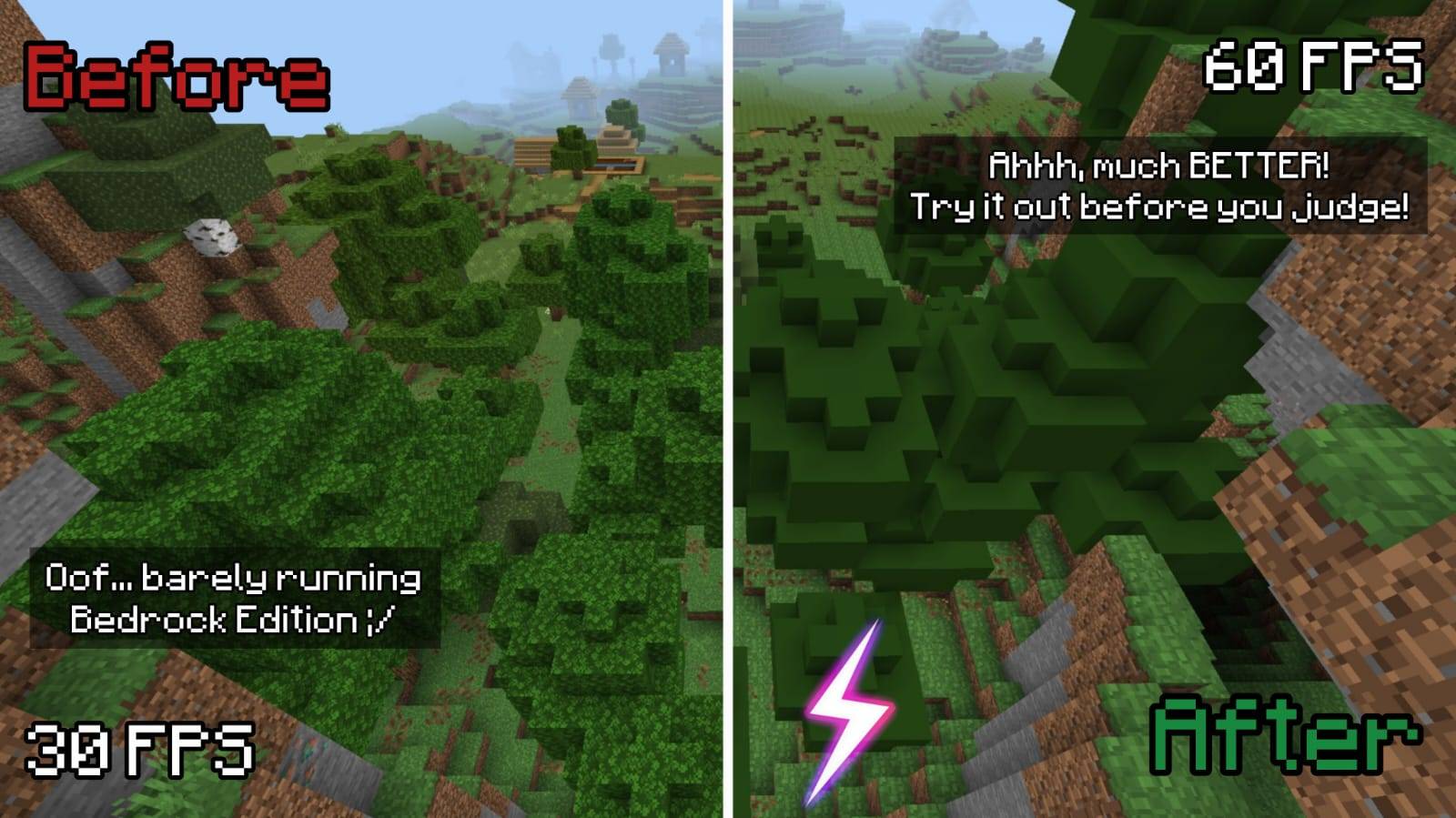
The thumbnail on top of the page (2nd image) is just clickbait lol but it may give different FPS depending on your device.
Current version: v1.7.8
Q&A:
- How does it work? Vanilla Optimizations uses JSON to optimize how the game renders things, many of these are unnoticable.
- Is Vanilla Optimizations required for normal gameplay? No, you can choose to use this when you're lagging in the base game. Or if you really hate particles and other fancy stuff...
- What Minecraft Bedrock version is this compatible with? Compatible with versions 1.21.120+
- Is this compatible with other texture packs like Actions & Stuff? Yes, Vanilla Optimizations doesn't change entity animations/models anyway.
- Why isn't Vanilla Optimizations updating? It's probably because I've settled with the newest version, you can comment on this page to share what you think of this pack! But remember, this is not a heavy QoL type texture pack.