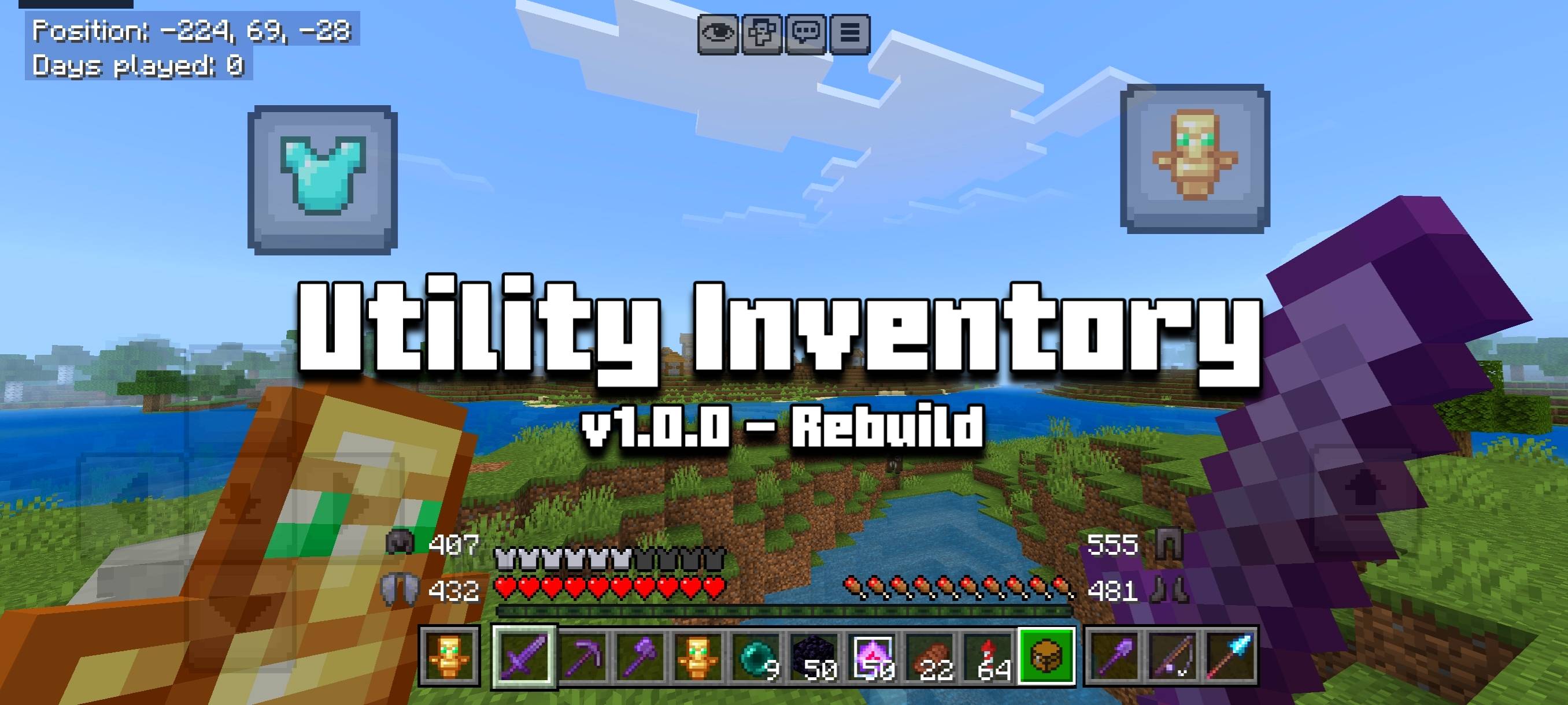
Utility Inventory is a powerful texture pack that uses inventory overlay to add various QoL features such as armor durability display, tools cycler, etc. to the HUD screen.
Creator: @ItzRiyo157
Discord Server: https://discord.gg/n35gR2PXMb
Want to support my work? Feel free to support me using the link below. <3
https://ko-fi.com/itzriyo157
Important Notices:
- Use at YOUR RISK! Using this pack may get you banned from any servers because of the some features in this pack.
- This texture pack only works on touch devices. However, if you're not using a touch device, this pack will still work but with fewer features.
- I recommend you to watch the showcase video about this texture pack for explanation with gameplay.
How to Use?
- It's that easy! Just make sure you're inside a world. After that, press the inventory button and your Utility Inventory will be activated.
Features:
- Inventory Move, ability to move your player while you are using inventory.
- Armor Durability Display, this shows your armor durability to HUD.
- Offhand Slot, this shows item from your offhand to HUD.
- Offhand Swap, ability to move item from offhand slot to your inventory by double-pressing Offhand Slot.
- Slot Cycler, ability to move items from your hotbar to your inventory by simply double-pressing your hotbar.
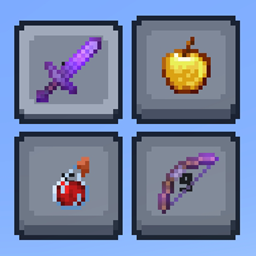
- Tools Cycler, Adds an extra hotbar for tool items from your inventory to HUD.
- Fast Totem Button, Added new button to HUD to quickly move totems from your inventory to your offhand.
- Elytra/Chestplate Swapper Button. Added new button to HUD to quickly swap chestplate armor from the chestplate slot to elytra and vice versa.
- Extra Slot (Hack Feature), Adds 4 extra slots to inventory panel.
- Arrow Dupper (exploit a bug).
Subpacks:
- Inventory Overlay Mode (Only Support Touch), default subpack.
- Default Inventory Mode, this subpack makes Utility Inventory not use inventory overlay, this makes it compatible with mouse & keyboard users but only has Fast Totem button, Elytra/Chestplate swapper button and Armor Durability Display features in inventory screen.
Questions:
- How does the Extra Slots feature work? They're essentially crafting input slots. You can store items in crafting input slots, but if you close your inventory (which means turning off Utility Inventory), the items from the Extra Slots (crafting input slots) will go into your player inventory, or be dropped if your player inventory is full.
- How do you even duplicate arrows using just a texture pack? Well, it uses a bug I discovered while testing this pack. Here's how: make sure Utility Inventory is enabled and you have a bow and arrows (you can have as many arrows as you want, as long as they only fill 1 inventory slot), then open the inventory panel, charge your bow, while your bow is charging, move your arrows to Extra Slot, then unmount your bow and you can take arrows from your bow without using arrows from Extra Slot.
- Why can't I open the chest screen, villager trade screen, and so on when this pack is activated? I don't know, it's a bug from Minecraft that I can't fix (it's impossible to fix). You can disable this pack if you want to open those screens.
- Where can I ask questions about this pack? You can ask questions on my Discord server.
Credits:
- Thanks to @T1M0THY for the original idea and fast totem button idea.
Terms Of Use:
You are ALLOWED to:
- Modify this pack only for personal uses.
- Make a review about this pack, as long as you put original download link in description (Curseforge or Mcpedl).
You are NOT ALLOWED to:
- Use or claim my codes from this pack without my permission.
- Distribute the modified pack to public.
- Redistribute this pack to other sites (9minecraft, modbay and etc.)
- Share links that are not from original sources (Curseforge or Mcpedl).