3rd Person Name-Tag Visibility
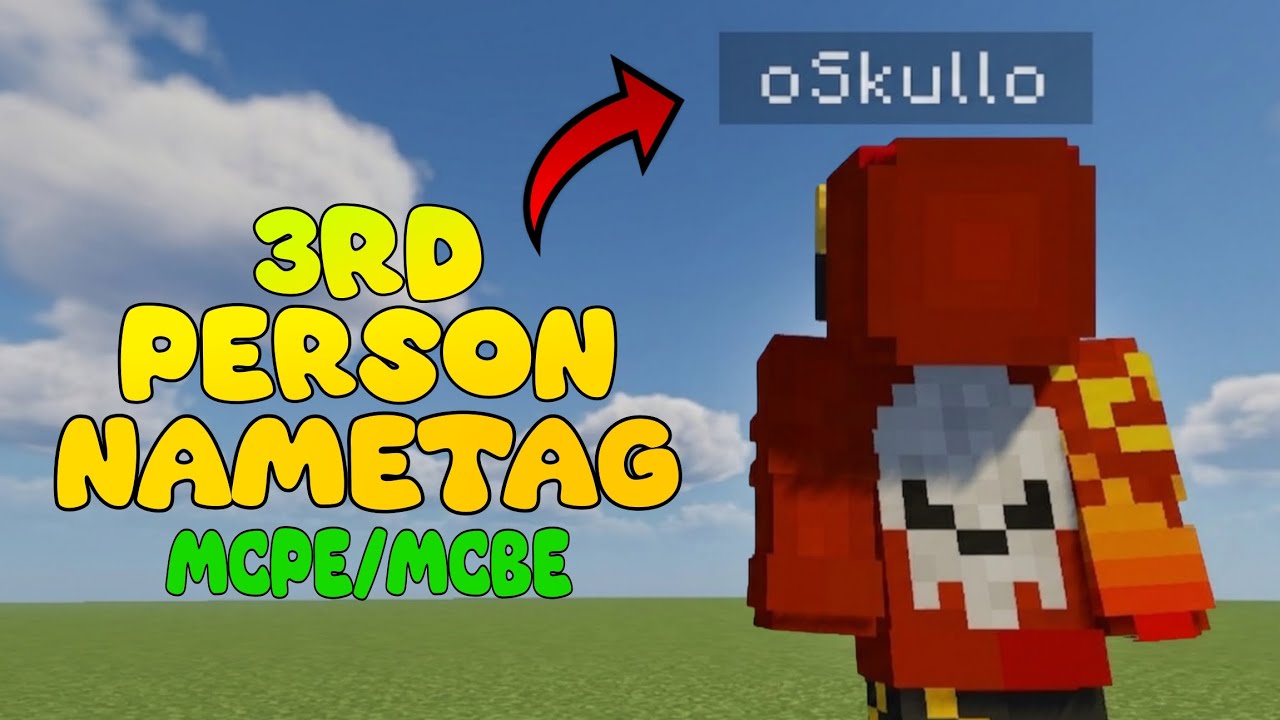
Ever wanted to see your own name-tag while running around in third-person view? Whether you are recording a video, snapping the perfect screenshot, or just want to admire your character, this lightweight UI tweak has you covered!
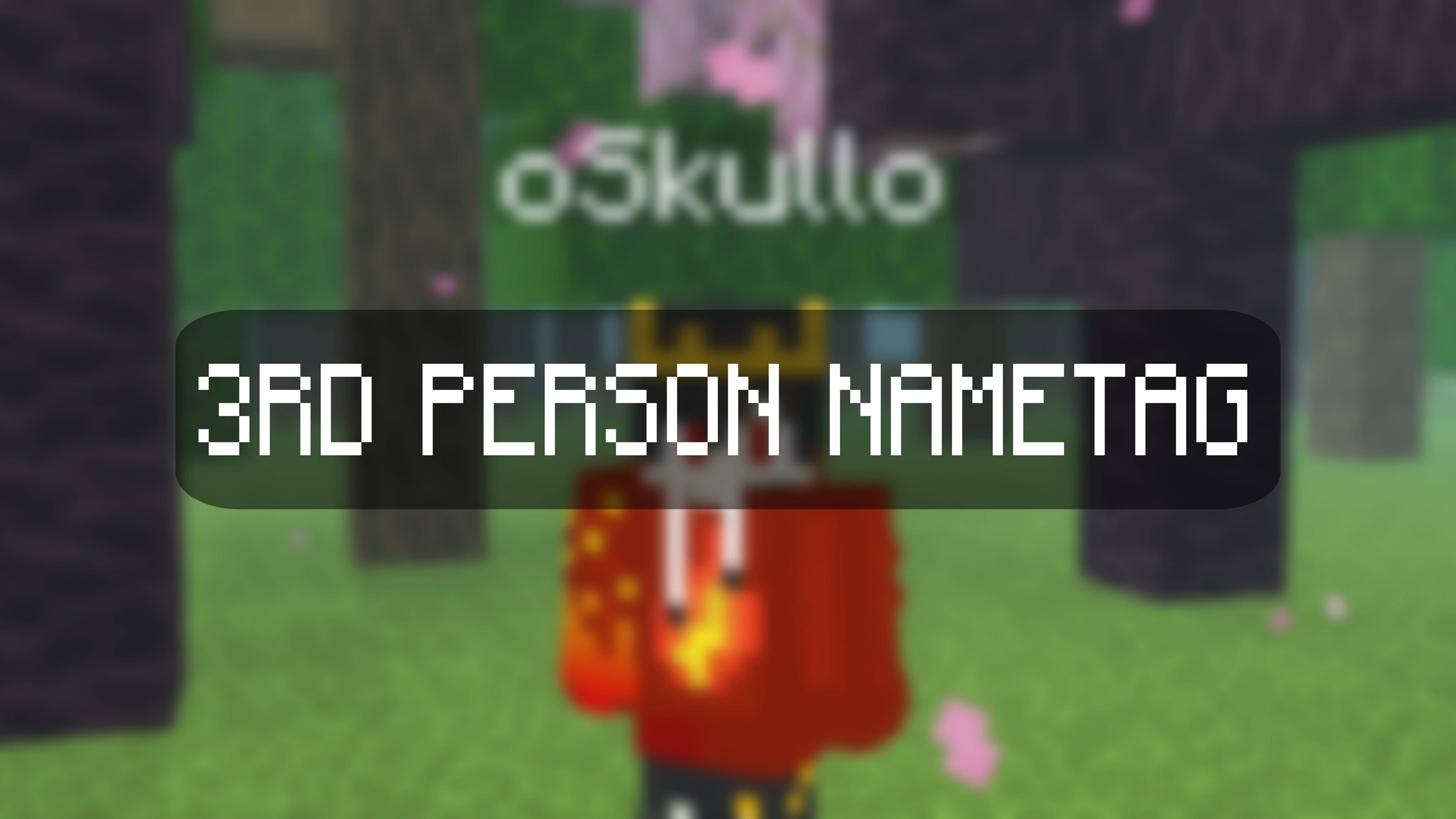
Normally in Minecraft Bedrock Edition, your own name-tag disappears when you switch out of first-person. This pack changes the internal UI files to keep your name perfectly rendered and visible above your head in both third-person back and third-person front perspectives.
🌟 Features
Self Name-Tag Visibility: Fully enables your personal name-tag to render flawlessly whenever you switch to a third-person camera angle.
Clean & Minimalist: Built with clean aesthetics in mind. It blends seamlessly with the vanilla game without adding any unnecessary clutter to your HUD.
Content Creator Essential: Ideal for recording intros, outros, or cinematic gameplay shots where you want your username clearly displayed.
Multiplayer Ready: Works flawlessly on servers like The Hive, making it a great addition for BedWars mains or casual PvP matches.
📱 Compatibility
This pack is carefully built using JSON UI modifications and is incredibly lightweight. It is fully compatible with the RenderDragon engine and works smoothly across all devices, including mobile (Android/iOS) and Windows.
🎥 Support the Creator!
I put a lot of work into making clean, optimized UI tweaks and mods! If you enjoy this pack, be sure to check out my YouTube channel, oSkullo, for more Minecraft Bedrock content, technical mods, and gameplay.
Subscribe here: https://youtube.com/@oskullo?si=ysYvsxZucCeJgZk_
Discord For Help: https://discord.gg/GCjpMvyUA9
⚠️ Terms of Use
You are absolutely free to use this pack in your YouTube videos, streams, or TikToks! I just ask that you provide credit by linking back to this MCPEDL page or my YouTube channel.
Please do not re-upload this .mcpack to other websites, Discord servers, or apps.
Please do not steal the JSON code or claim this project as your own.
Enjoy the pack, and let me know in the comments if you have any feedback!
⚙️ Custom Configuration Website
Want to customize exactly how your name-tag looks? I have built a dedicated configuration website where you can easily tweak the pack settings to fit your exact style before downloading!
How to use the Config Website:
Visit the Site: Go to my official config website: https://oskullo-yt.github.io/3rd-Person-NameTag-Config/
Customize Your Tag: Use the simple interface on the site to adjust the settings (such as text, colors, or positioning) to exactly how you want it.
Download Your File: Once you are happy with the preview, click the download button to get your personalized config file.
Apply to Minecraft: Import the downloaded file into Minecraft just like a normal pack, and your custom 3rd person name-tag will be ready to go!