Srkuls's Custom Shields
- By
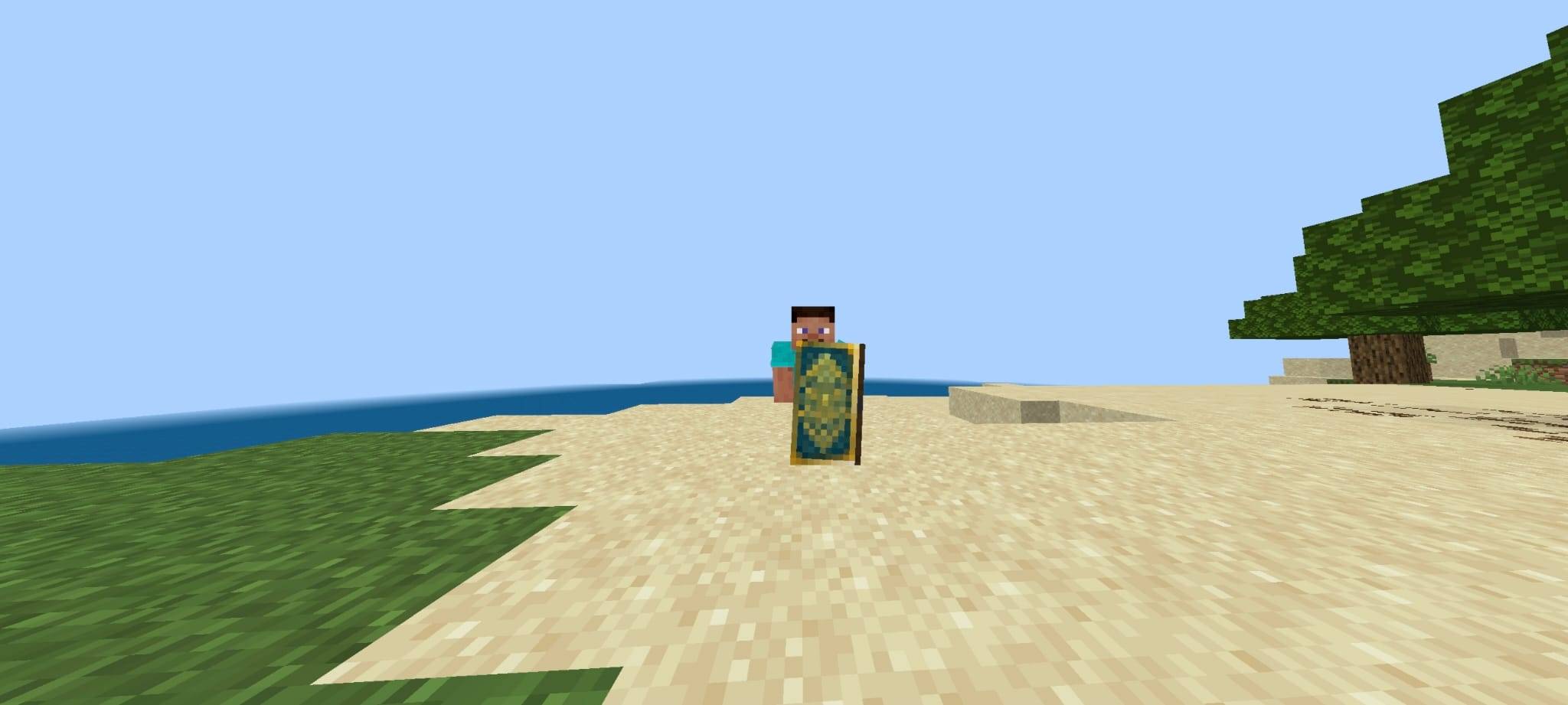
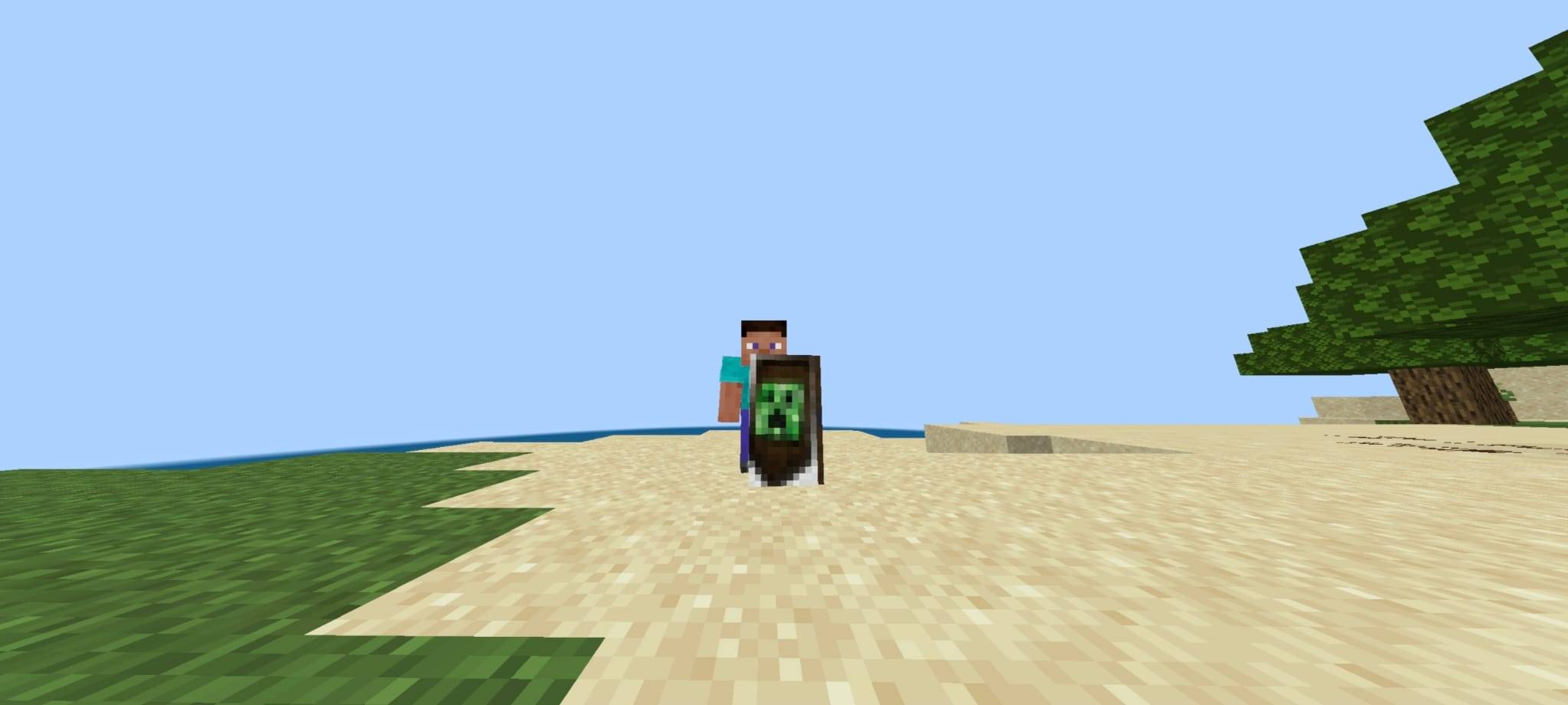
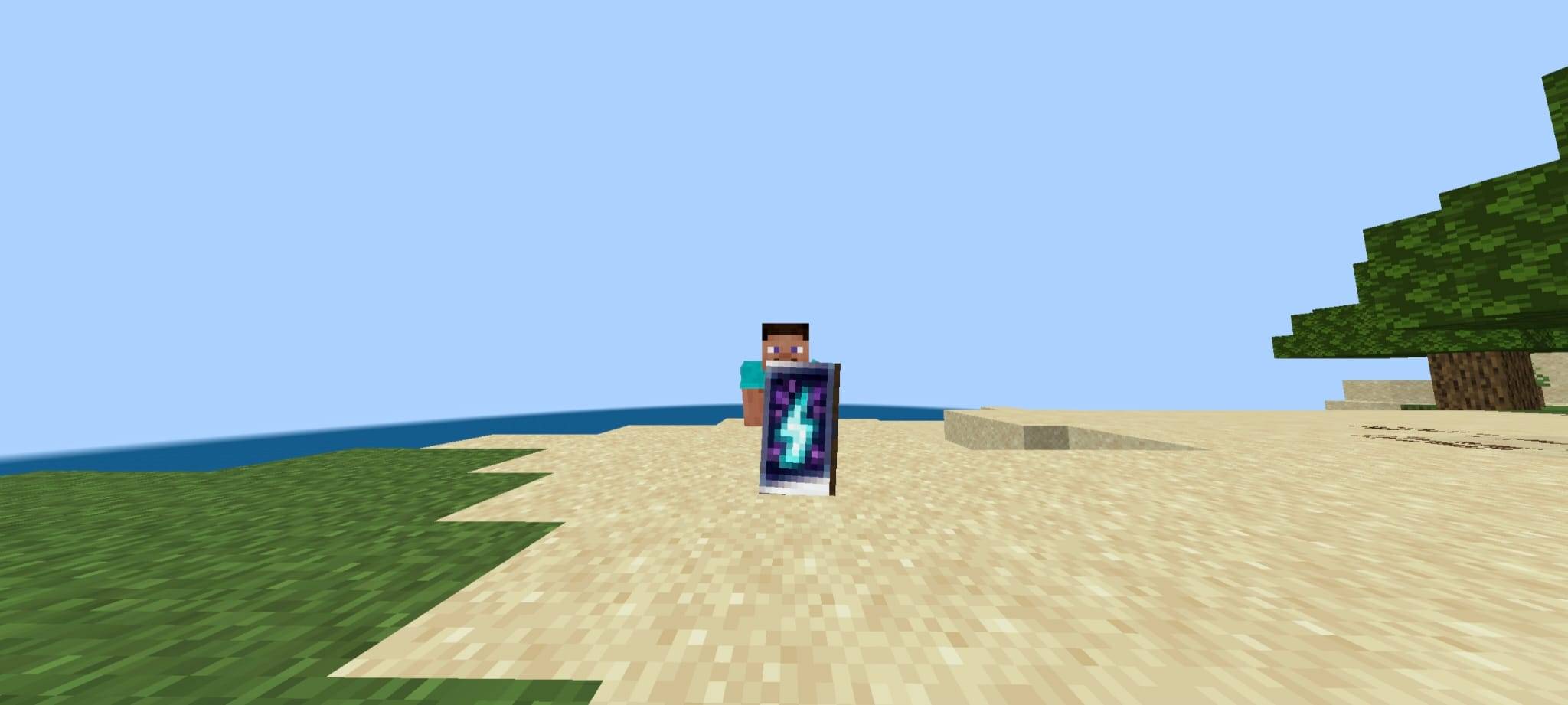
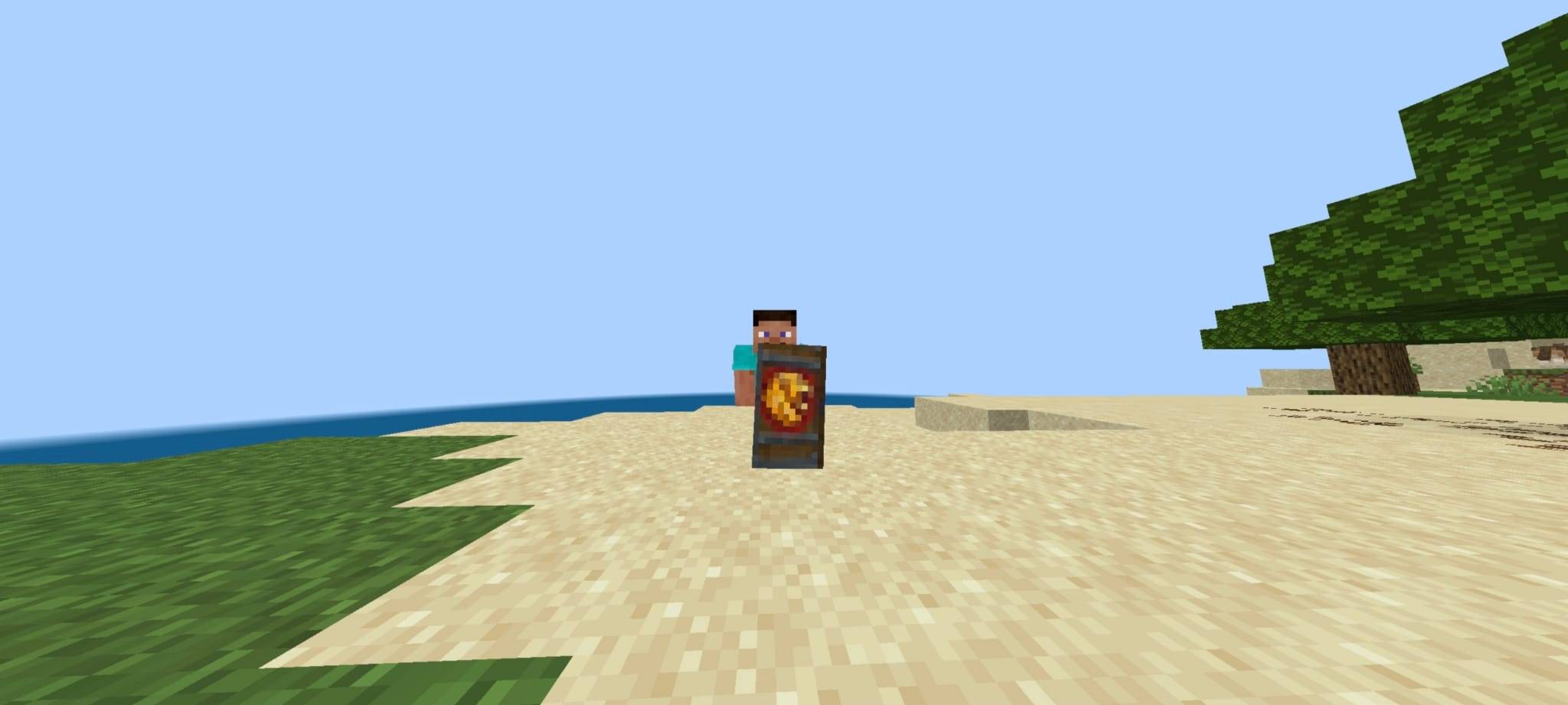
Srkul's Custom Shields gives your Minecraft shields a stunning makeover! Includes 5 unique variants (Golden Geometric, Royal Lion, Creeper Wood, Cosmic Lightning) seamlessly selectable via in-game pack slider settings.
WhatsApp Image 2026-07-20 at 22.39.21 (1).jpeg
WhatsApp Image 2026-07-20 at 22.39.20 (1).jpeg
WhatsApp Image 2026-07-20 at 22.39.20.jpeg
WhatsApp Image 2026-07-20 at 22.39.21.jpeg
ChatGPT Image Jul 20, 2026, 10_30_00 PM.png
Description
🛡️ Srkul's Custom Shields
Transform your ordinary Minecraft shields into legendary defensive gear! Srkul's Custom Shields is a high-quality resource pack for Minecraft Bedrock & Java that introduces 5 beautifully crafted shield variants in a single pack.
No need to install multiple packs — simply use the in-game subpack slider in the Resource Pack settings to select your favorite design!
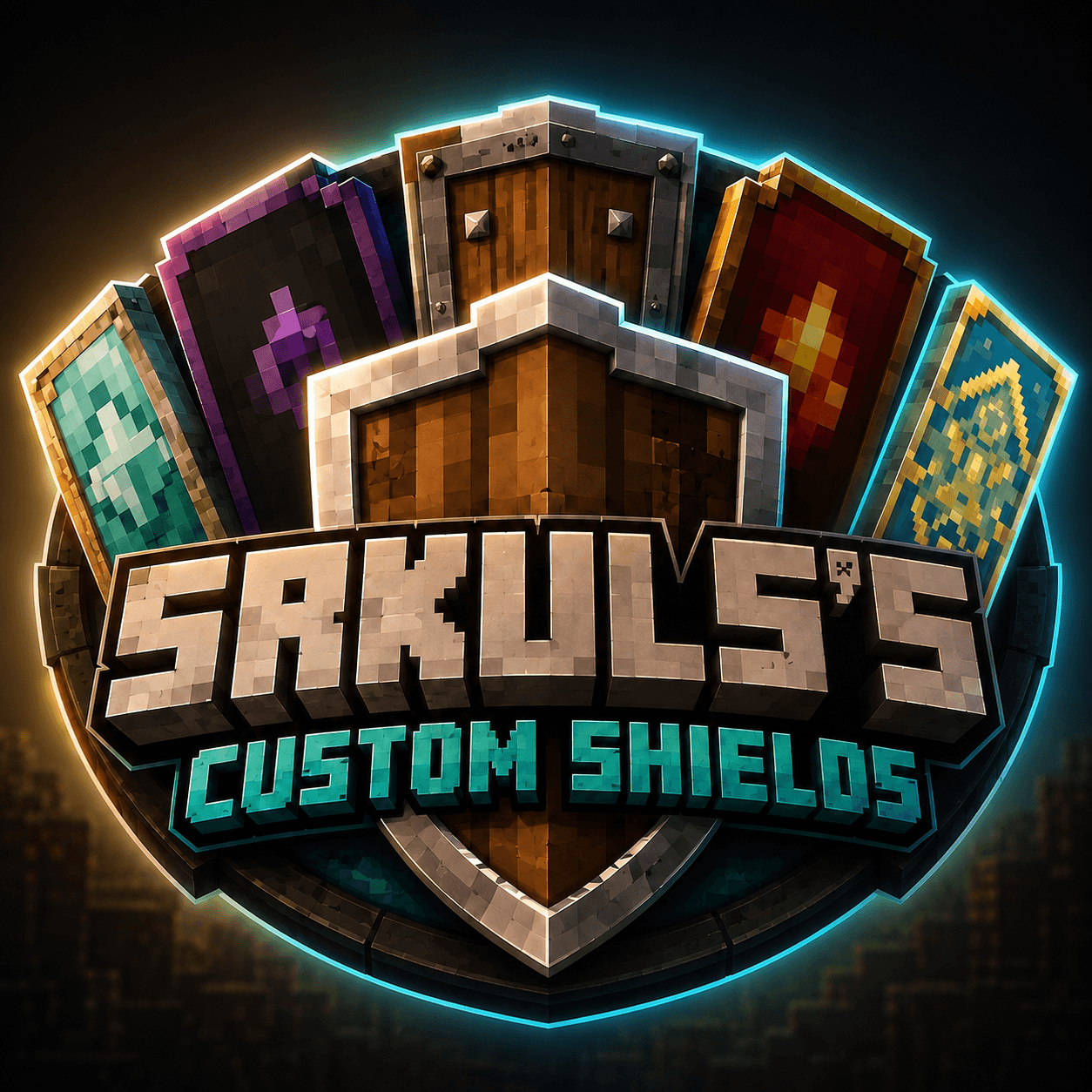
> ⚠️ **Disclaimer / Note on Logo Artwork**:
> Please note that the main logo artwork is promotional/concept art designed for display purposes.
🌟 Key Features
- 4 Unique Shield Variants: Ranging from regal royal emblems to dark fantasy cosmic effects.
- In-Game Subpack Slider: Easily switch between designs anytime without leaving your world.
- Detailed Textures: Custom front emblems, realistic wood-grain backs, and metallic rims.
- Vanilla Friendly: Maintains standard shield geometry for seamless performance and compatibility.
⚔️ Included Variants
- 🛡️ Default Minecraft Shield — The classic vanilla appearance for when you want the original look.
- 🪙 Golden Geometric Shield — Sleek, modern geometric patterns embedded with radiant gold accents.
- 🦁 Royal Lion Shield — A majestic lion crest fit for kings and valiant warriors.
- 🌲 Creeper Wooden Shield — Hand-carved dark oak wood with an iconic Creeper face emblem.
- ⚡ Cosmic Lightning Shield — Mystical dark cosmic energy pulsing with vivid lightning strikes.
⚙️ How to Change Variants
- Go to Settings → Global Resources (or Resource Packs in World Settings).
- Activate Srkul's Custom Shields.
- Click the ⚙️ Gear Icon (Subpack Settings) on the pack.
- Drag the slider to choose your preferred shield variant.
- Close settings and enjoy your custom shield!
📋 Compatibility
- Minecraft Version: 1.20+ (Bedrock Edition & Java compatible setups)
- Multiplayer: Works on servers and realms! (Only visible to you if installed locally, or visible to everyone if installed as a world resource pack).
TIP
Feedback & Suggestions: Have an idea for a new shield design? Feel free to leave a comment!
Srkuls's Custom Shields Team