58029e9f-a70e-4d6c-a6bf-a80857e4966b.png
Description
🎵 Spotify Player for Minecraft Bedrock
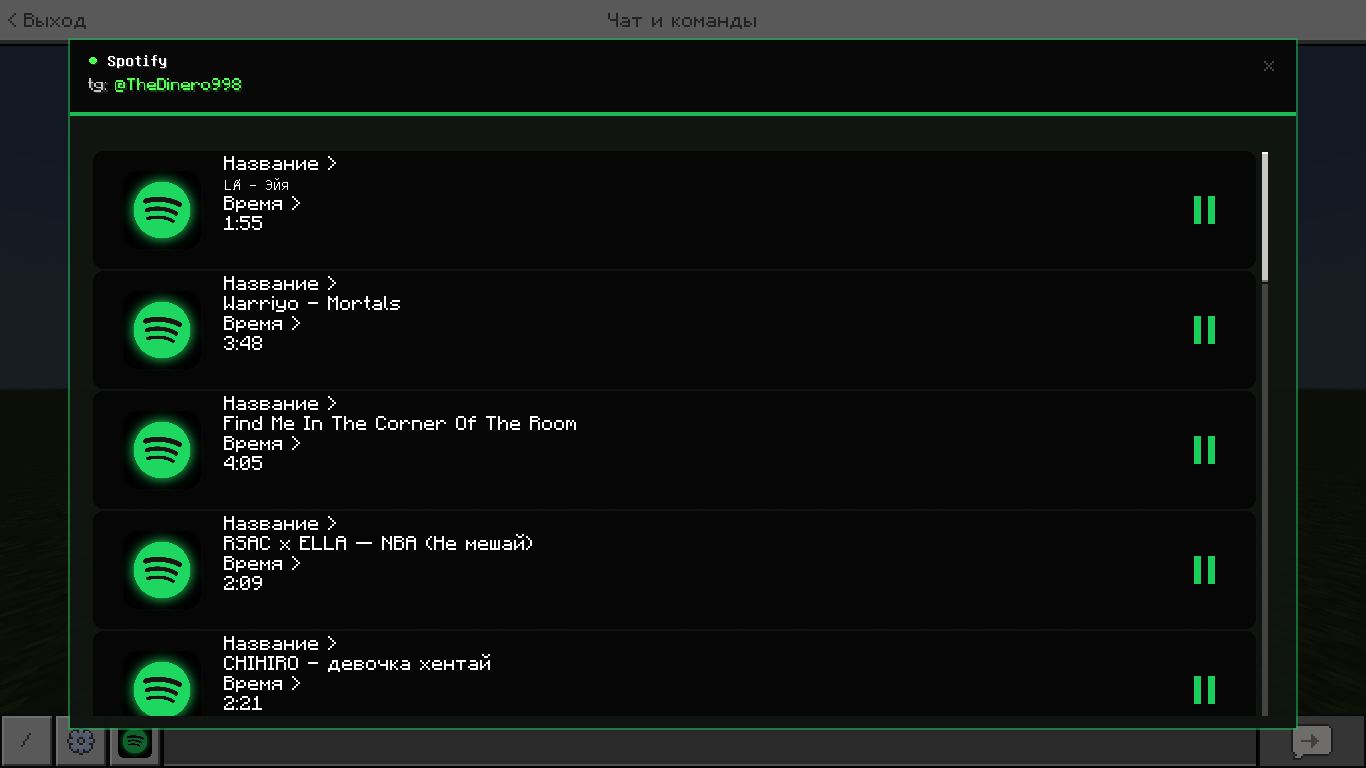
Listen to your favorite music directly in Minecraft! This pack adds a sleek, Spotify-inspired music player to the game, allowing you to listen to tracks without minimizing Minecraft.
✨ Features
- Clean Spotify UI: A familiar dark-themed interface designed specifically for Minecraft Bedrock.
- Built-in Playlist: Comes with a list of popular tracks ready to play.
- Easy Controls: Easily play, pause, and switch between songs.
🎮 How to Use
- Download and install the Resource Pack.
- Activate the pack in your world settings.
- Open the chat and use the special button to open the Spotify interface.
- Select any track from the list and press Play!
Created by @TheDinero998
Spotify MCBE Team