
Shrimp's Distinct Potions: BE
Gives every potion it's own new and improved custom texture!
- 740
- September 20, 2026
Shrimp's Distinct Potions: BE
Gives every potion it's own new and improved custom texture!
- 740
- September 20, 2026

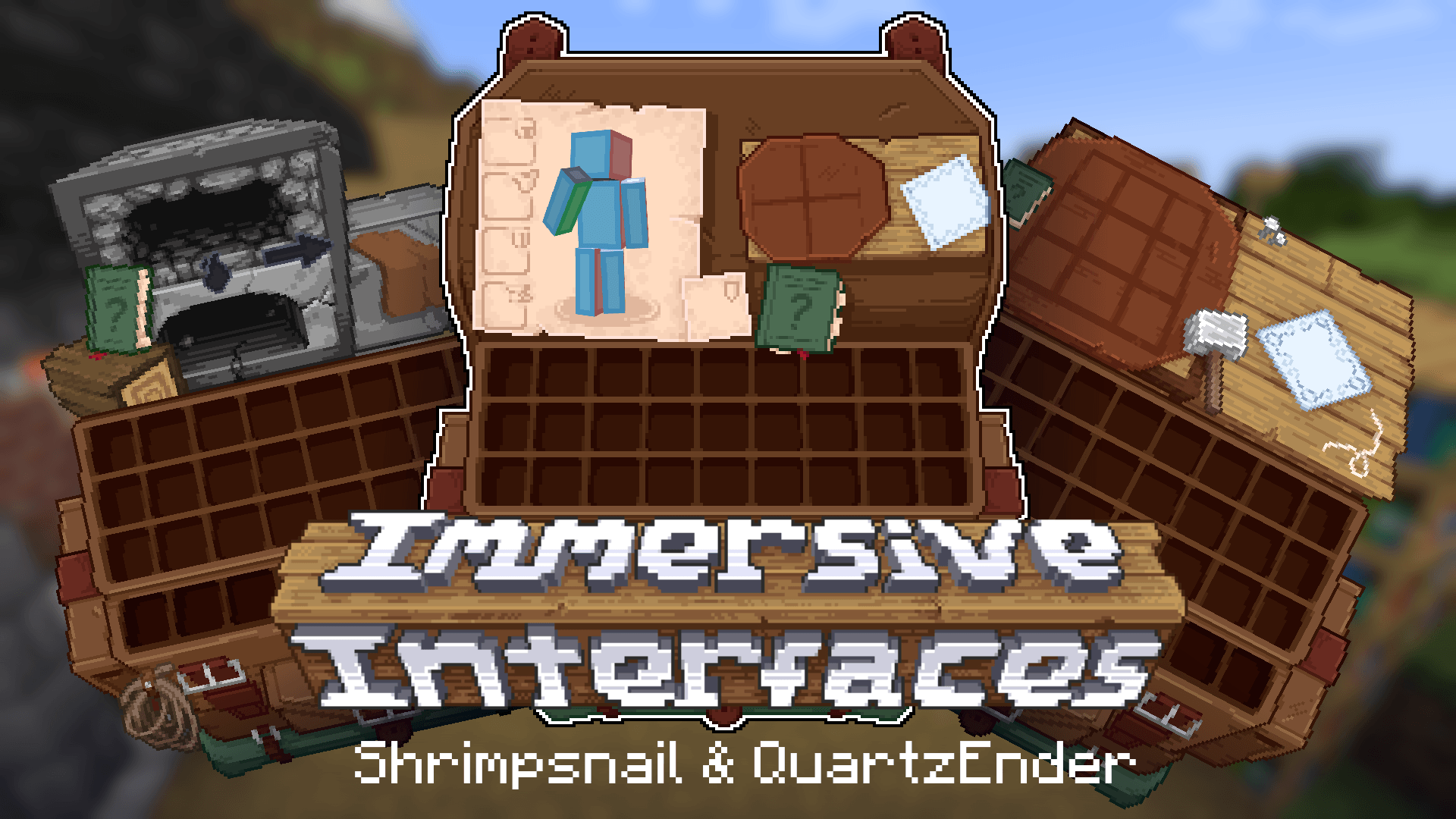
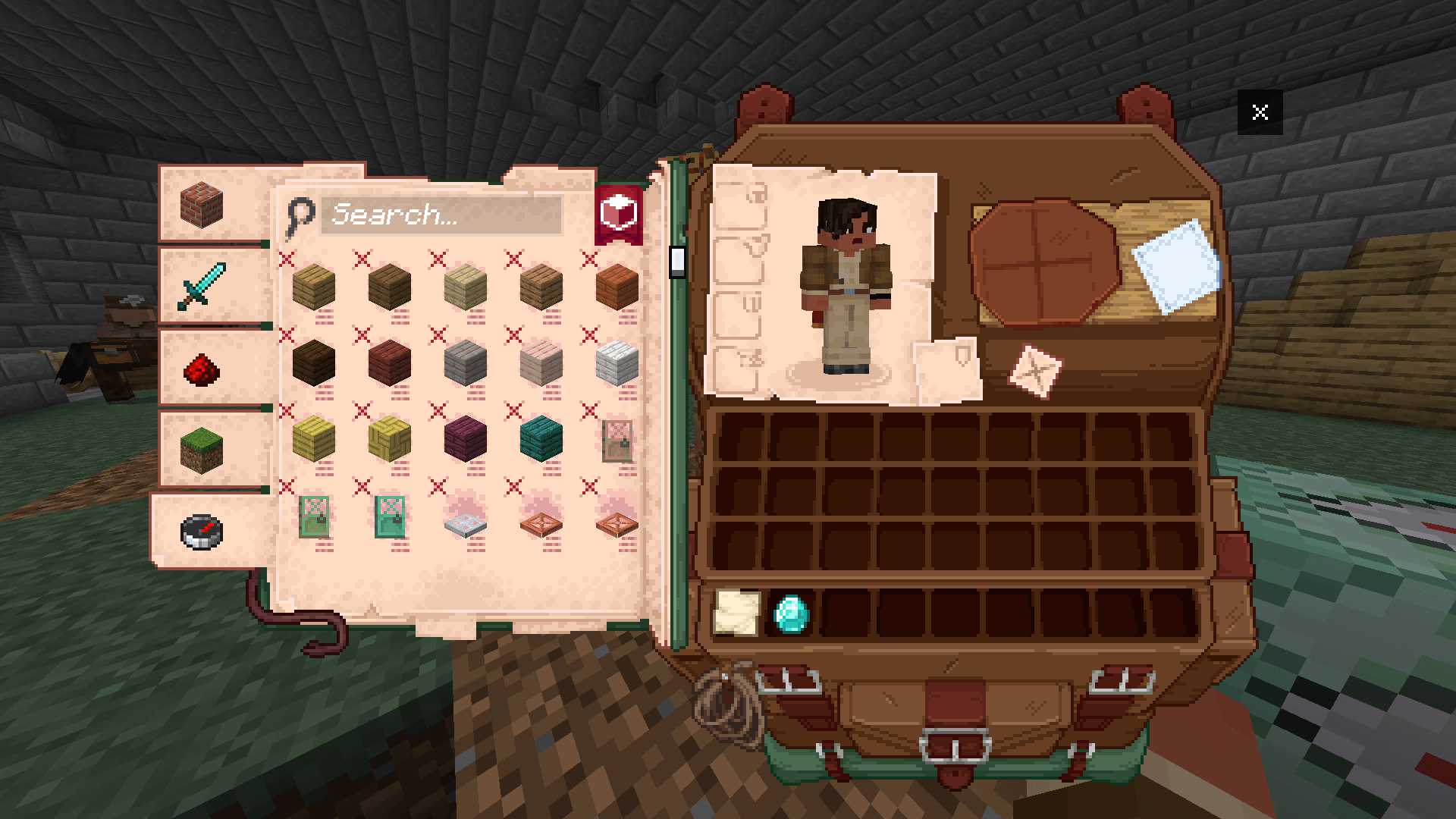
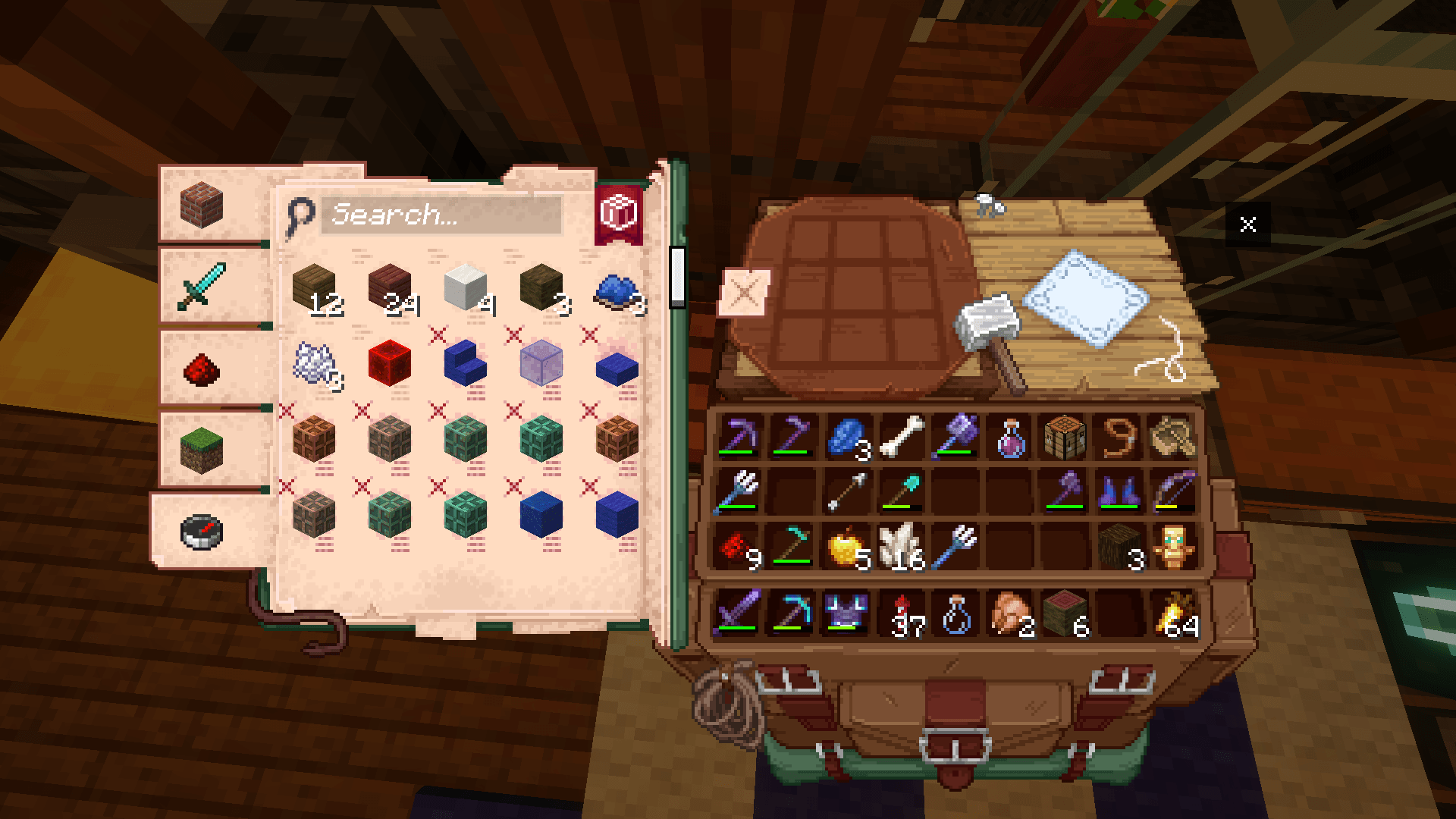
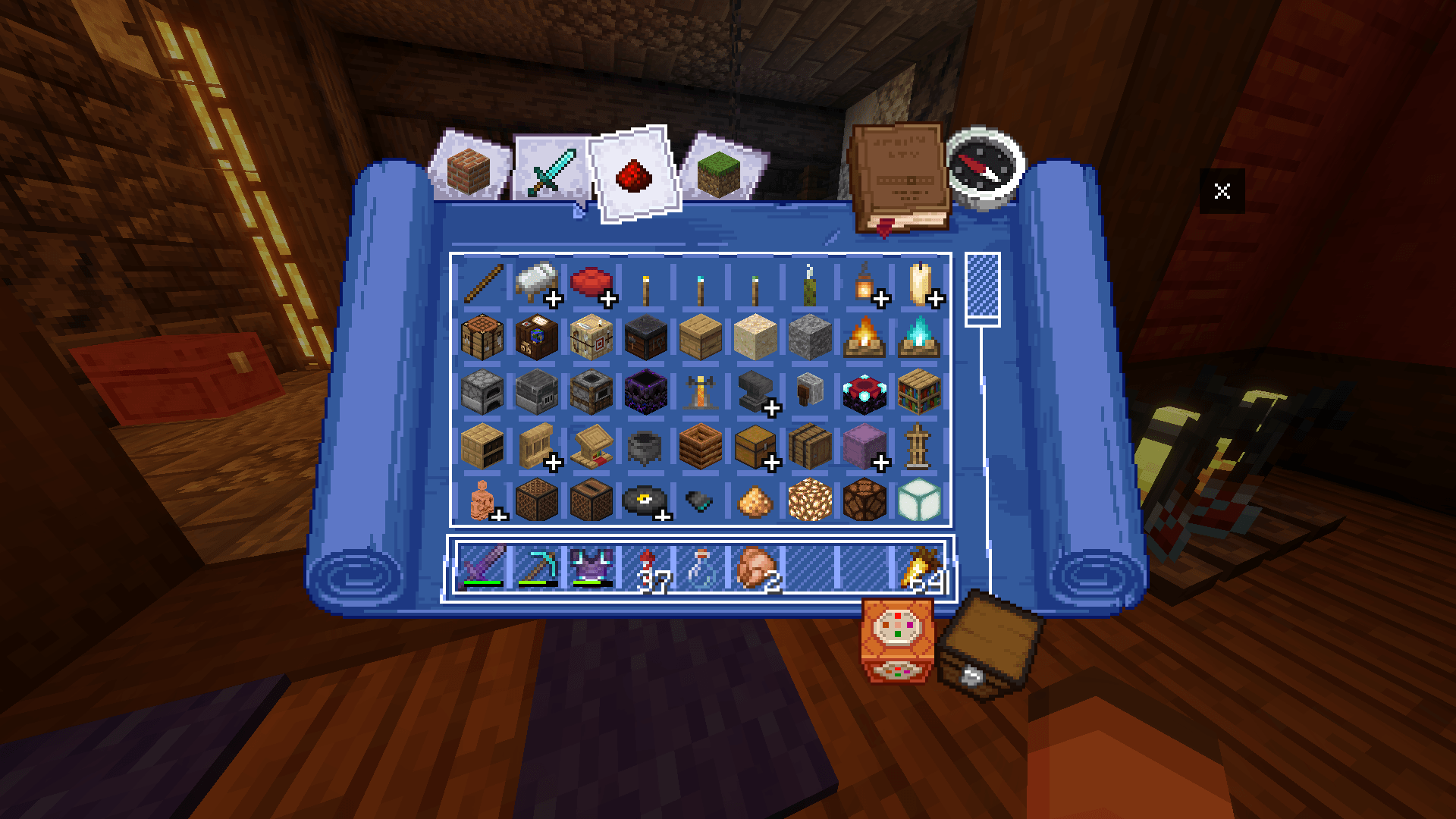
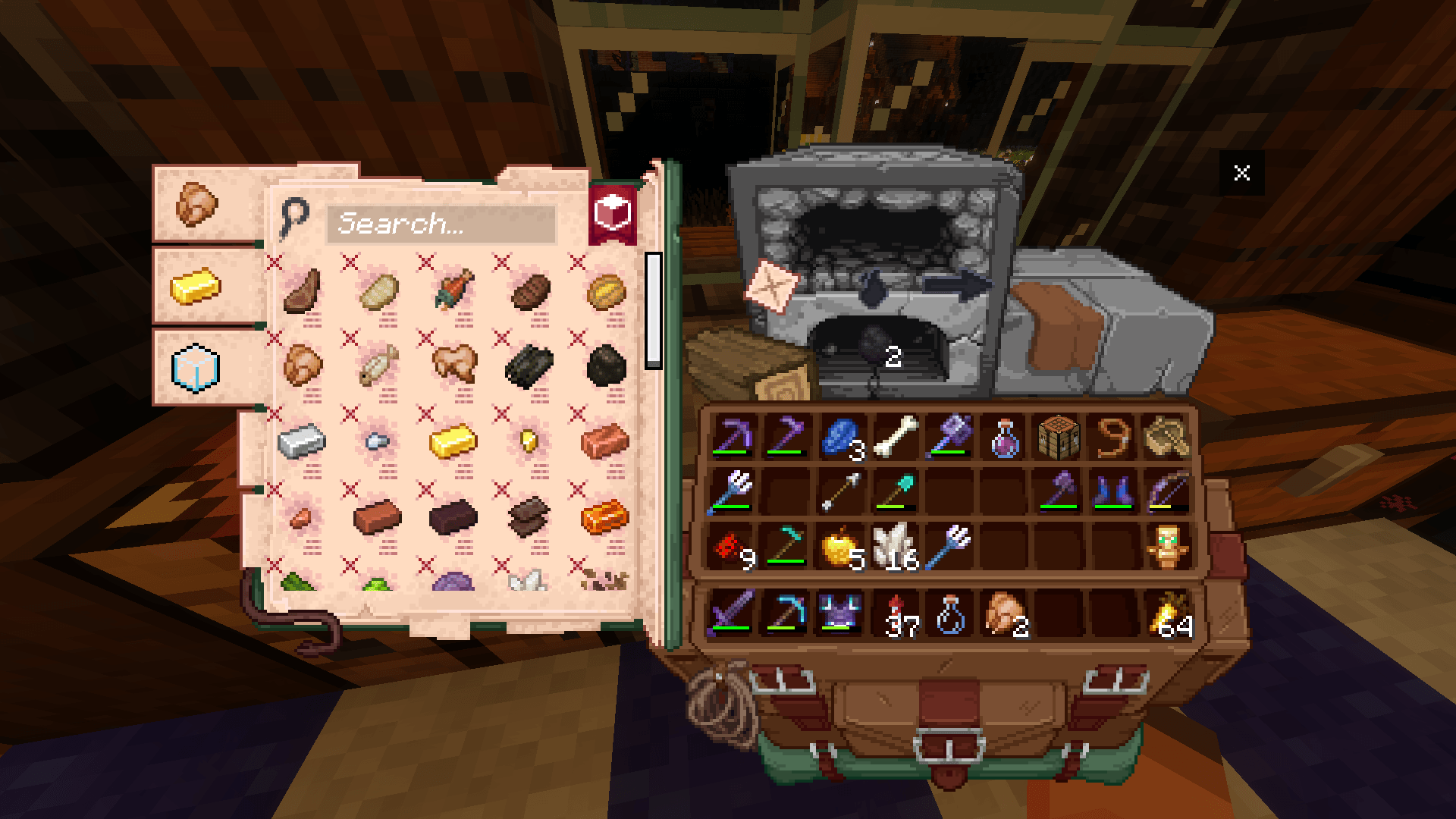
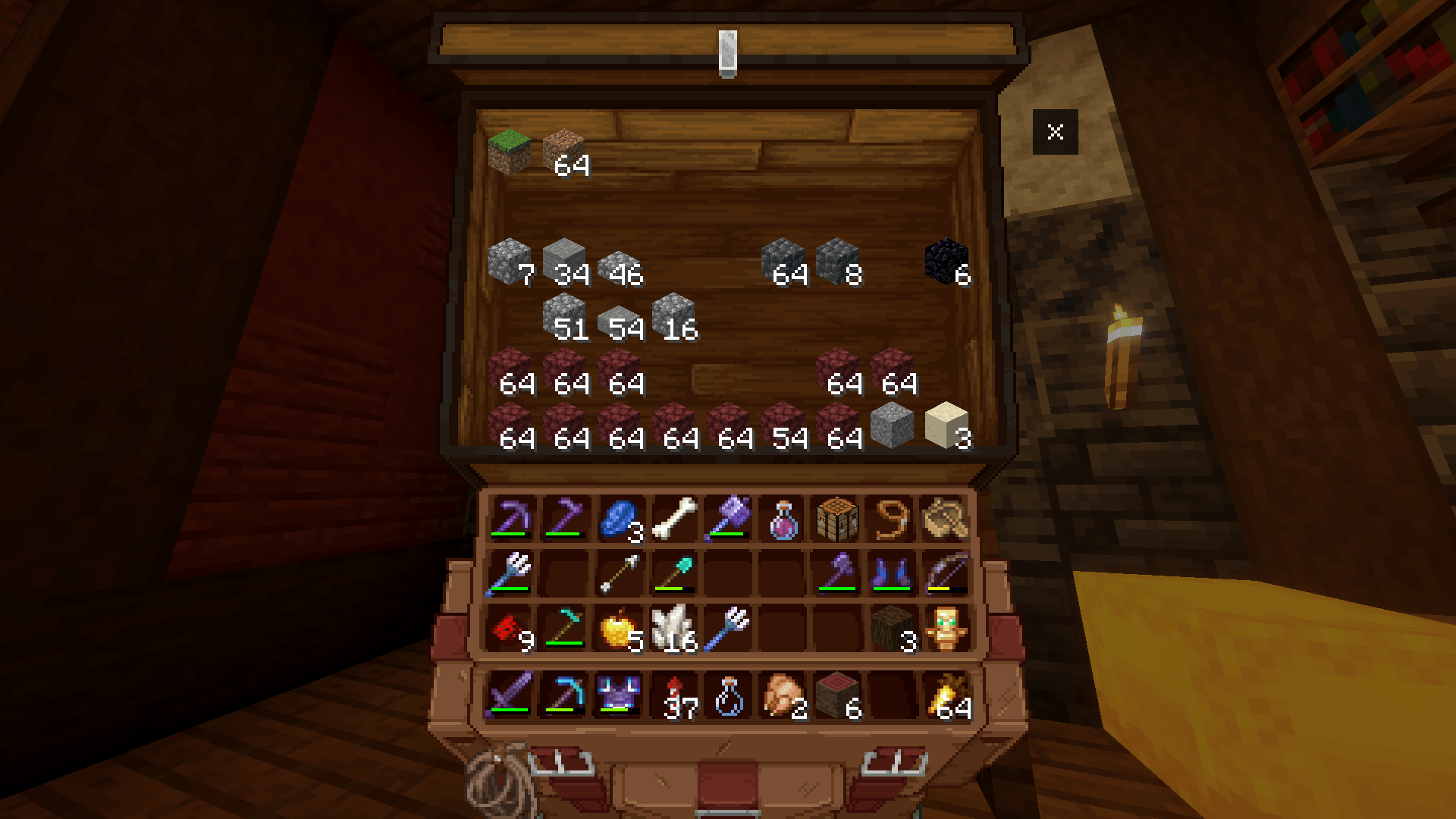
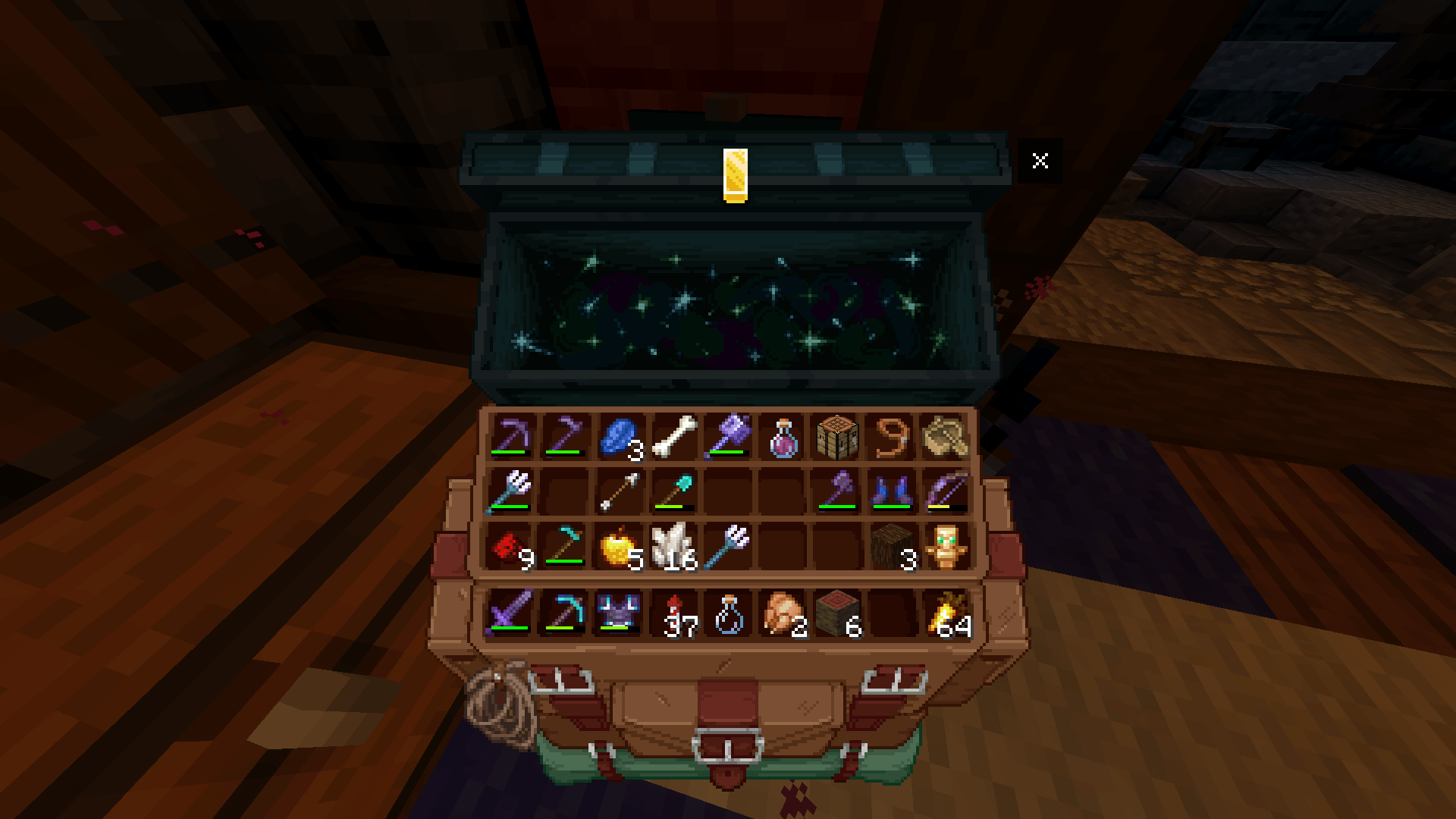
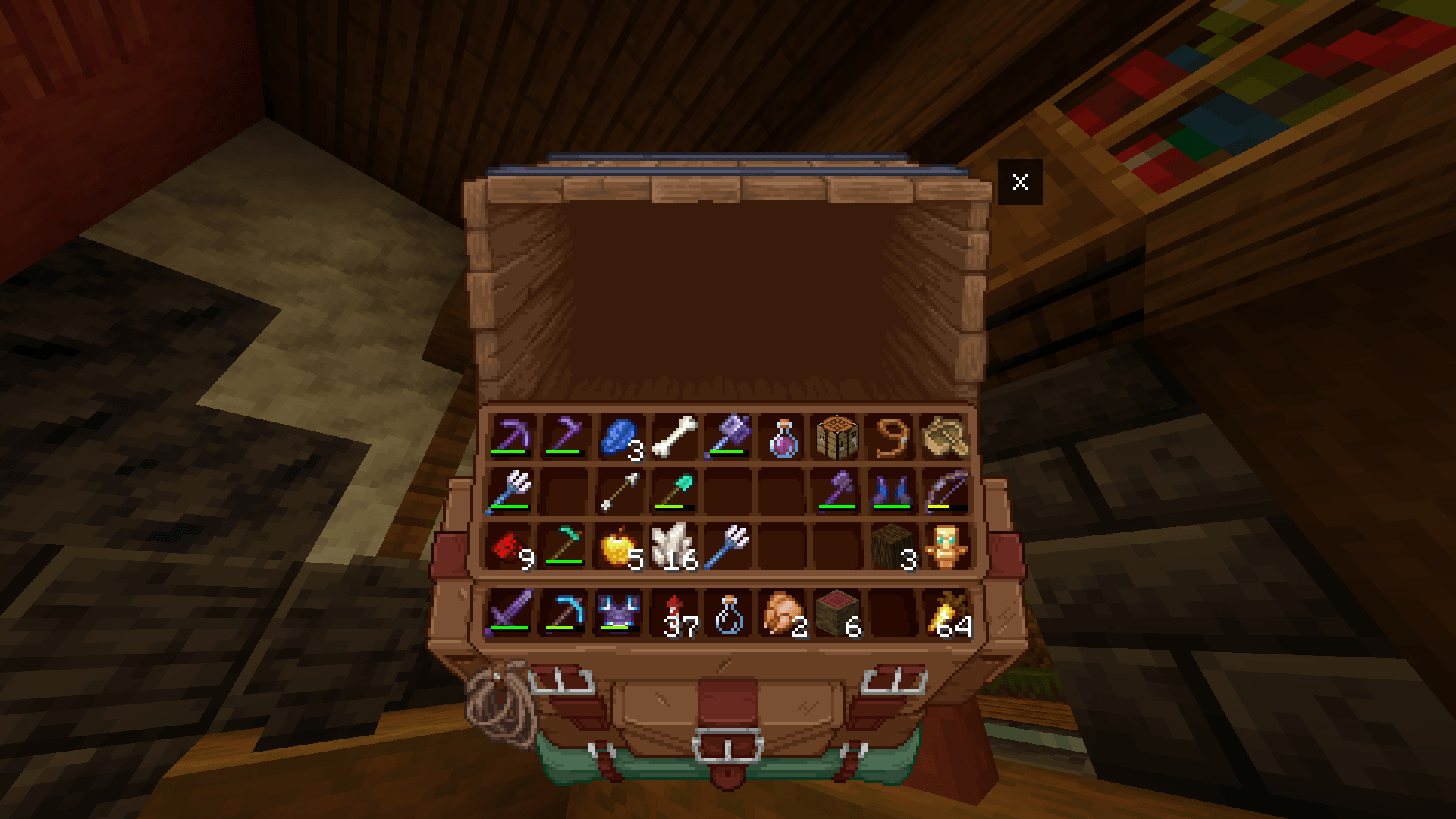
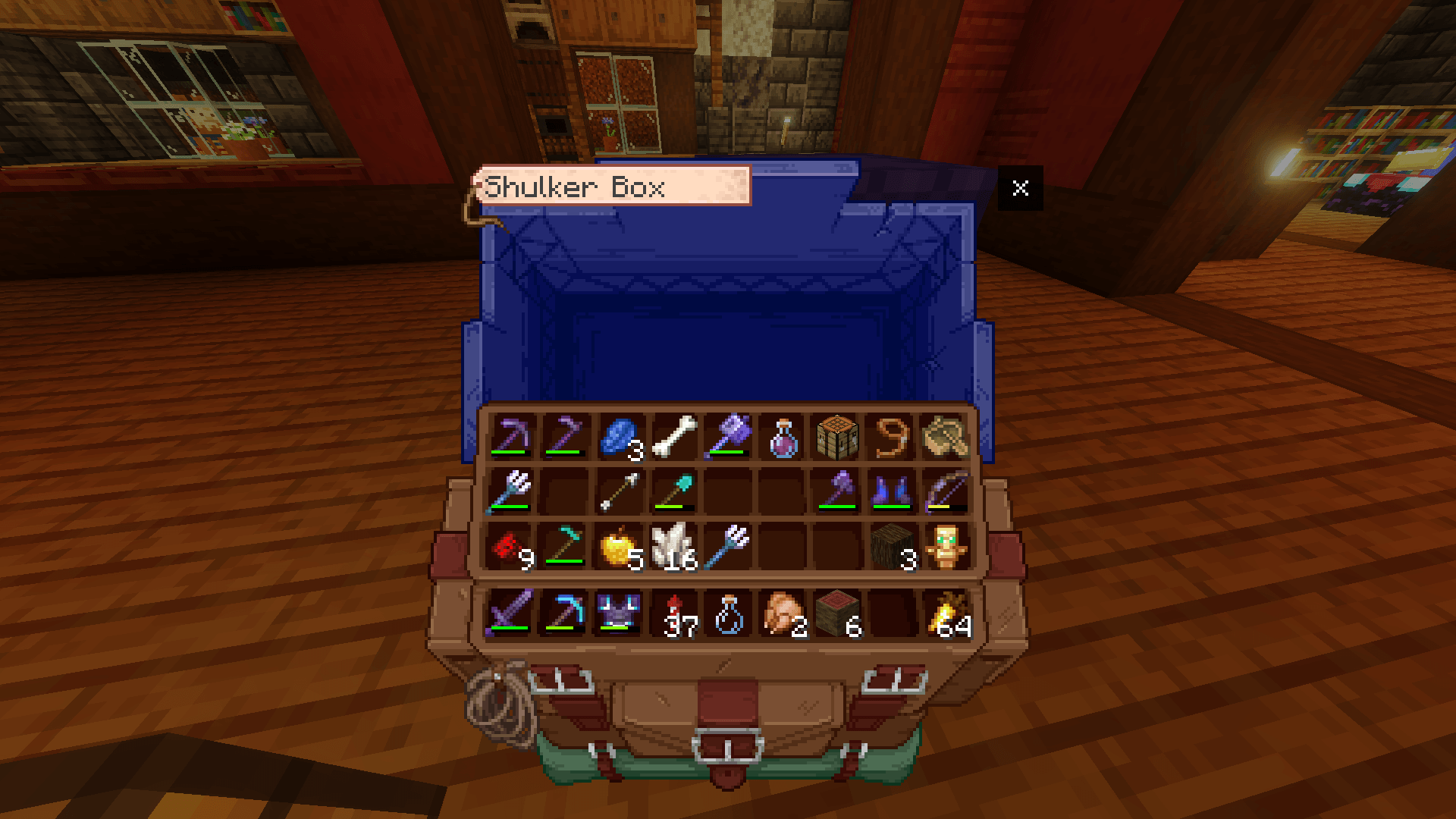
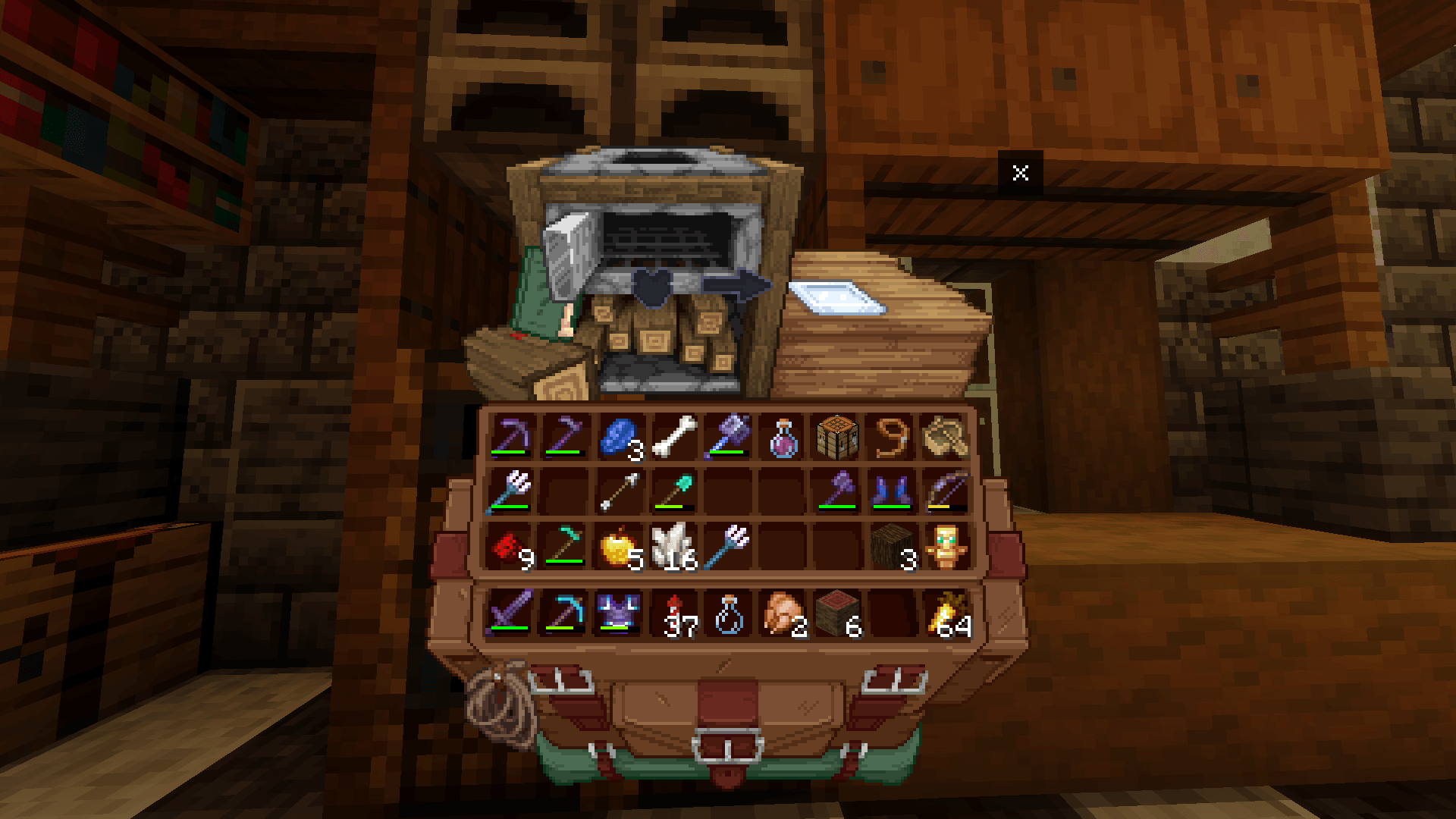
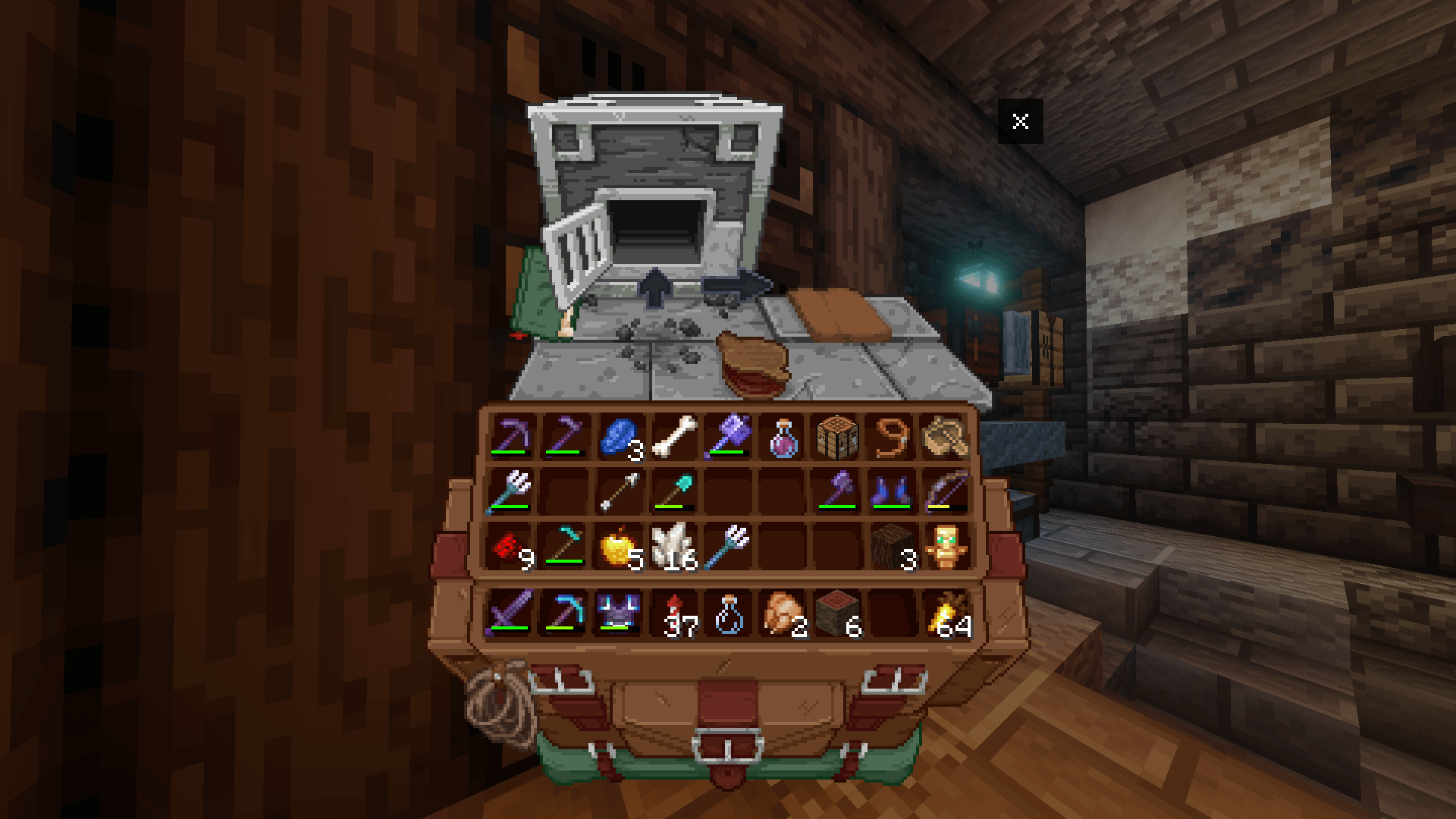
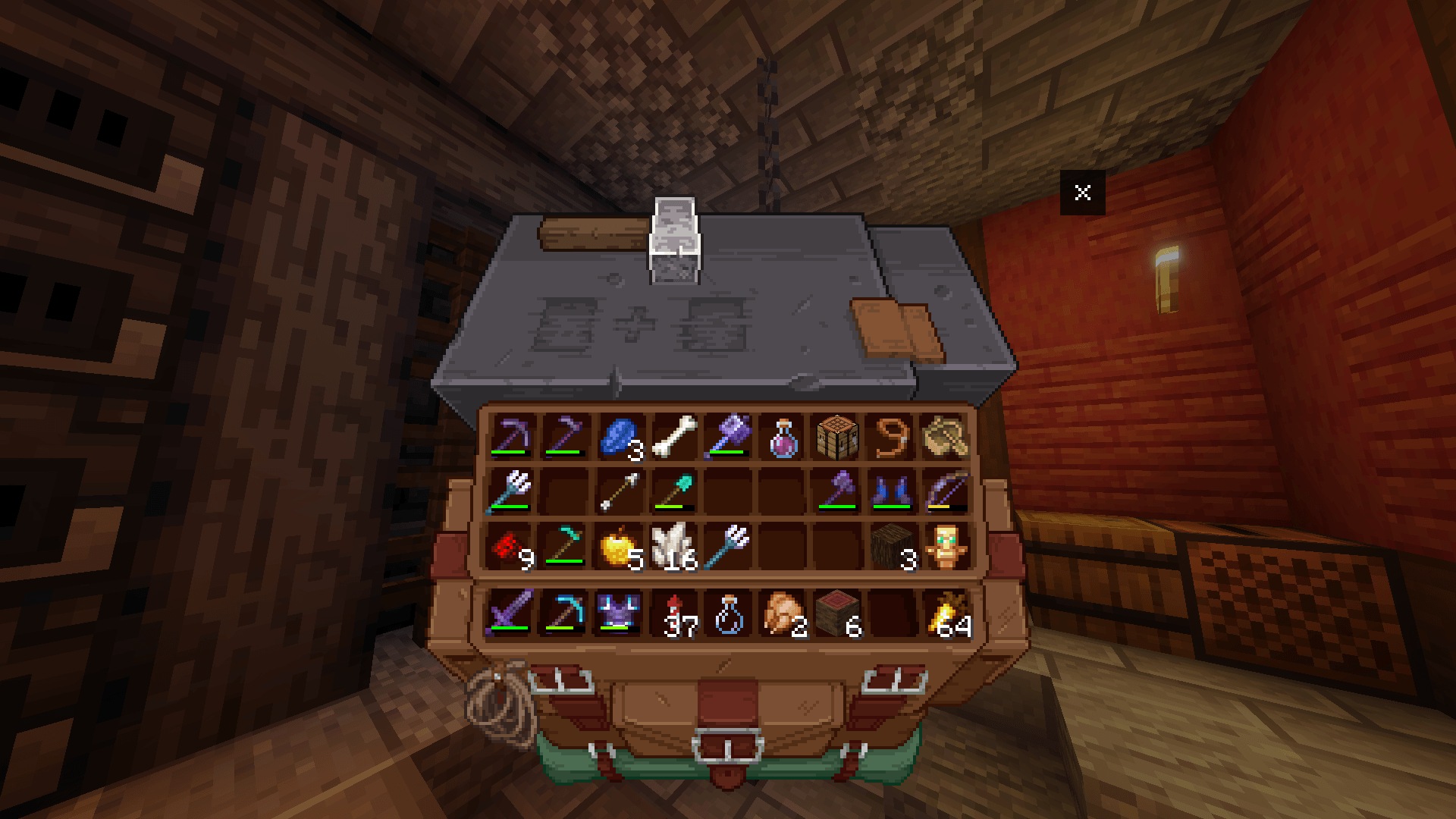
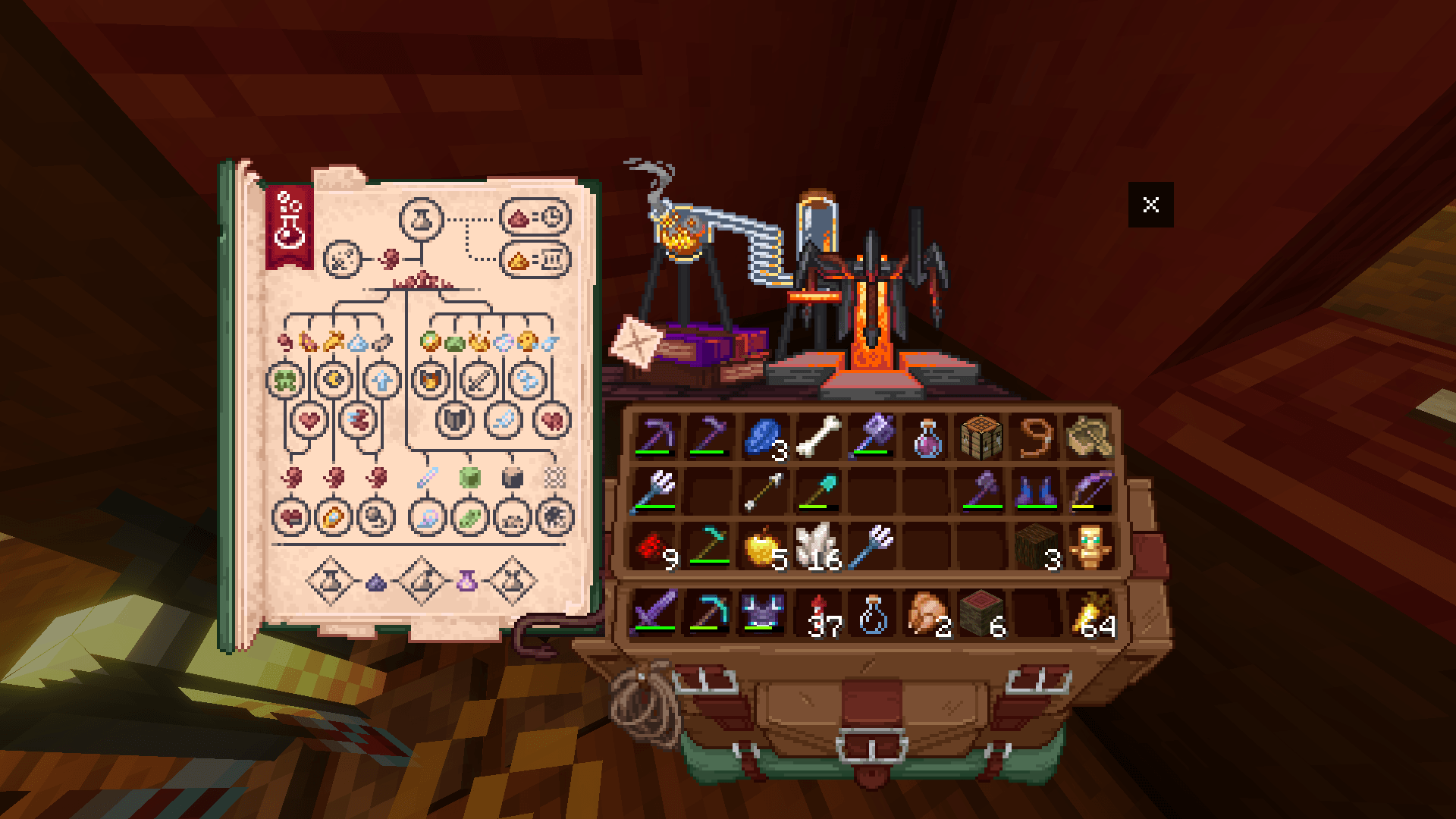
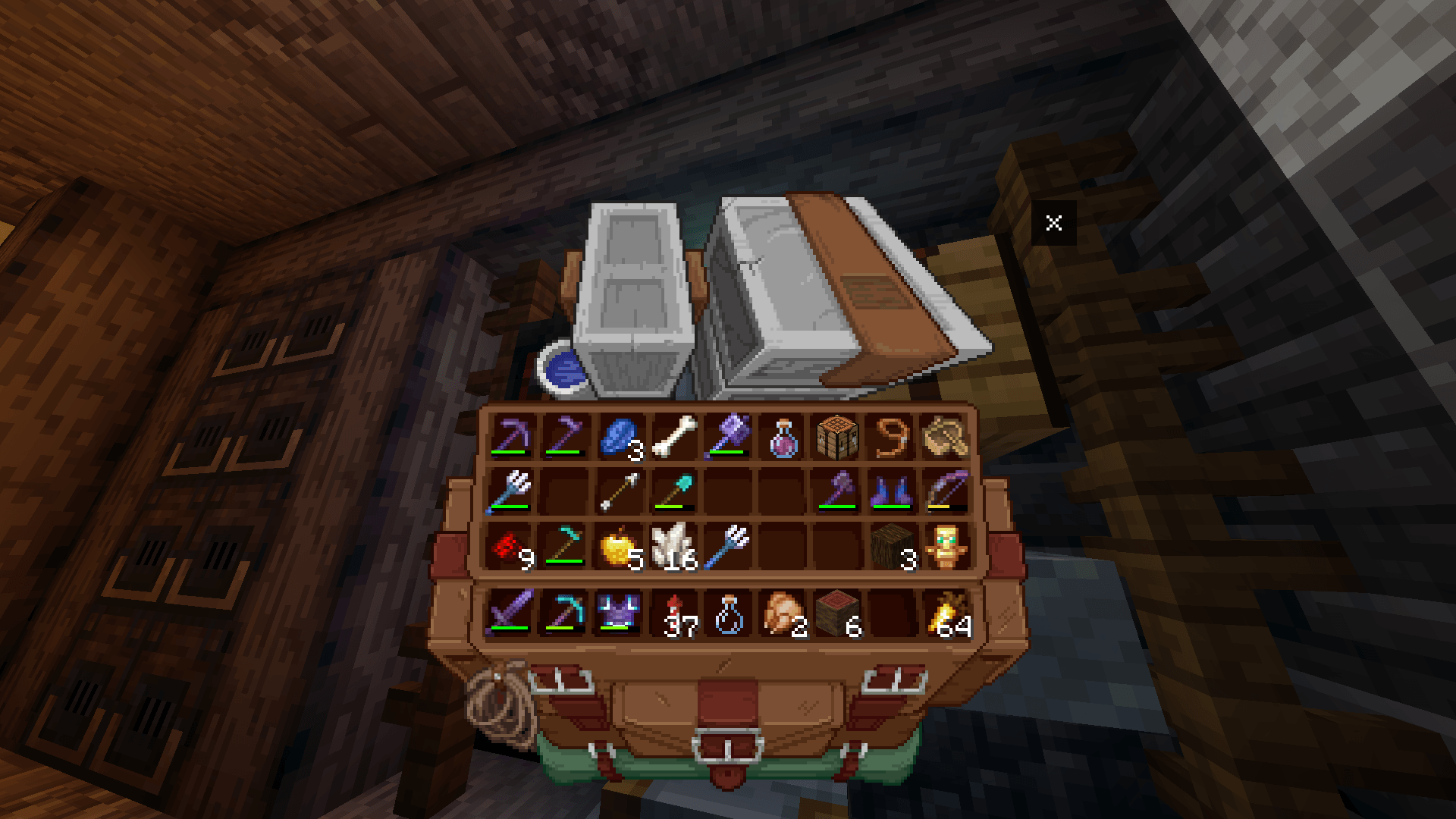
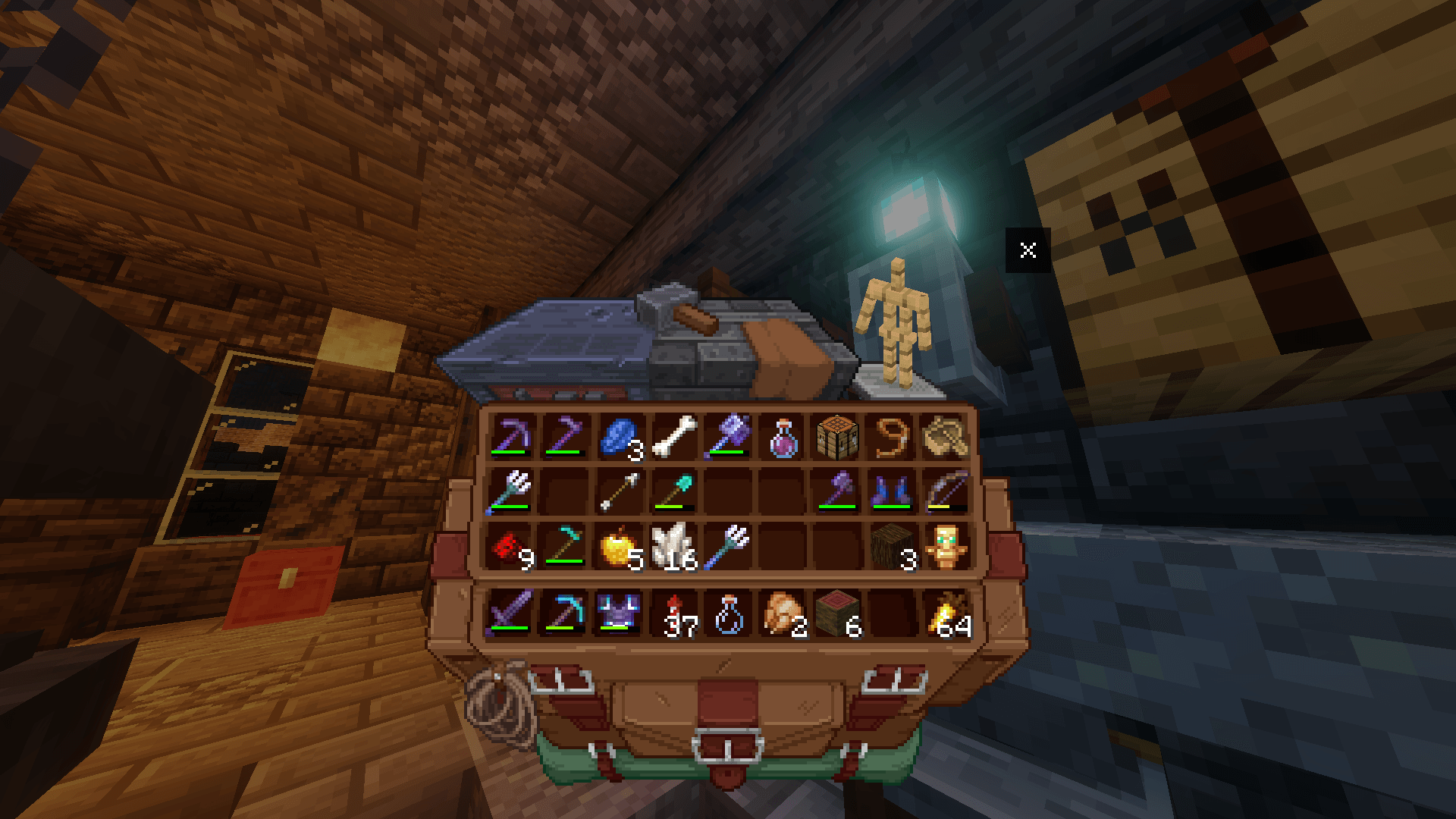
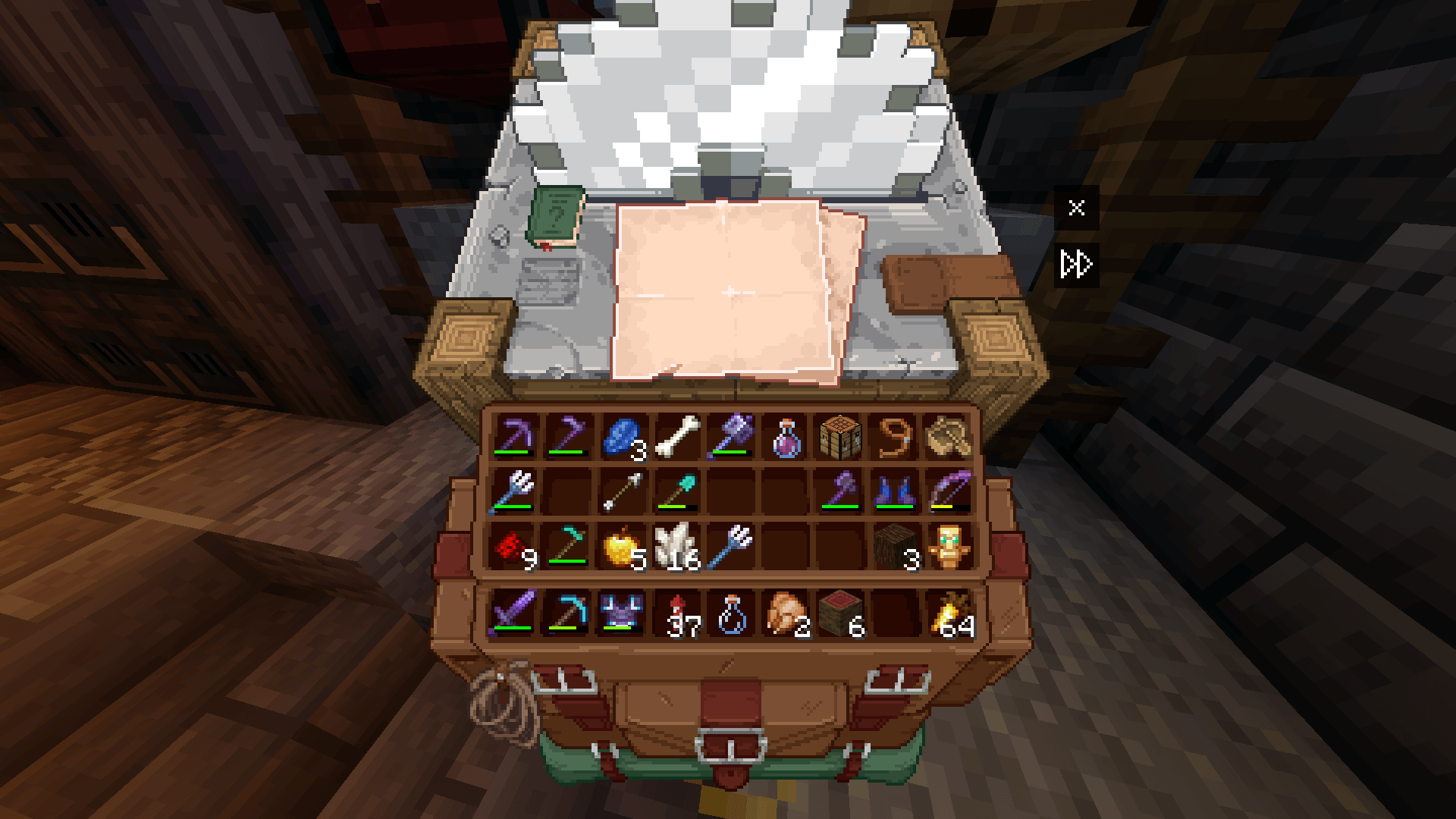
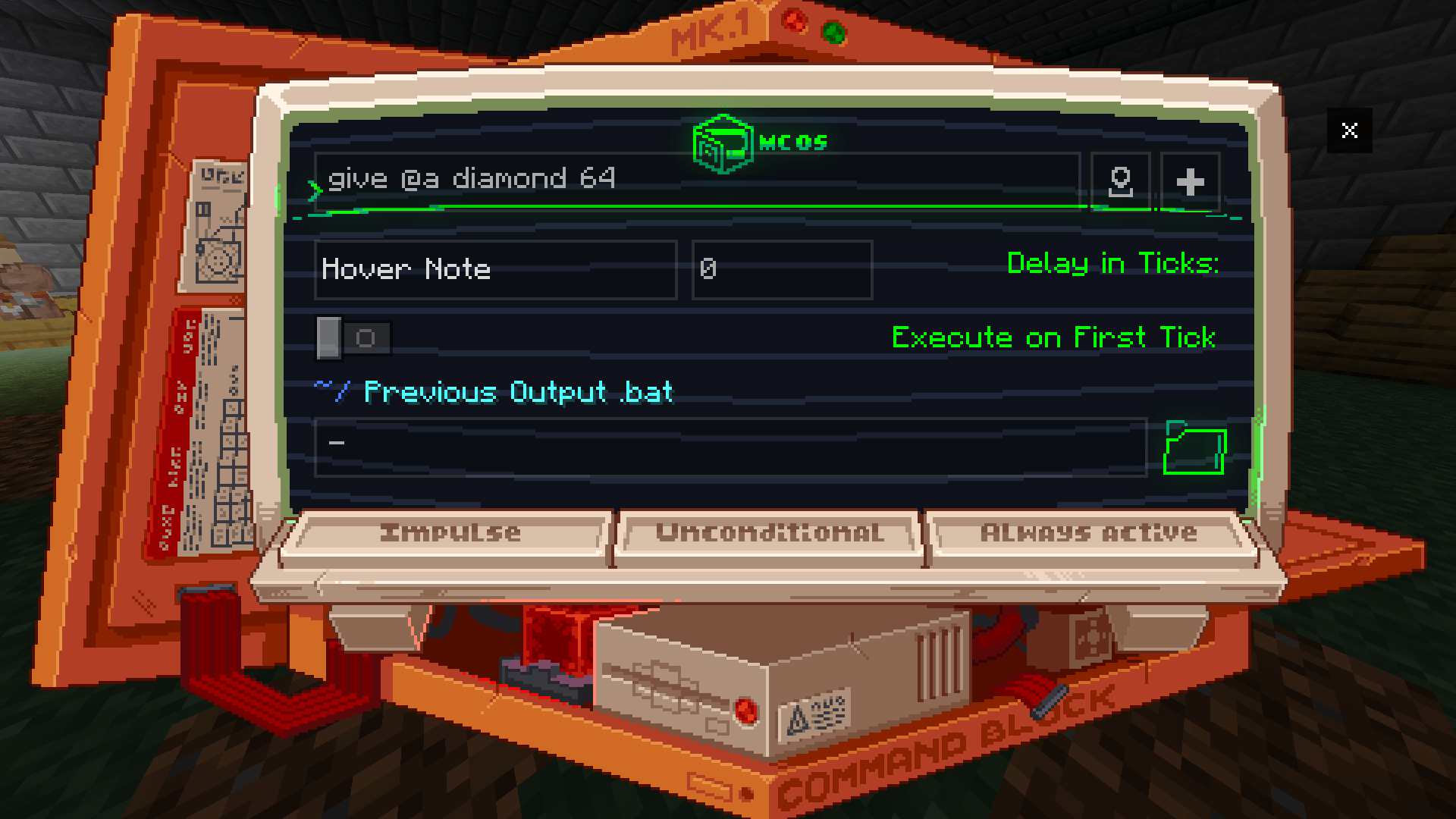
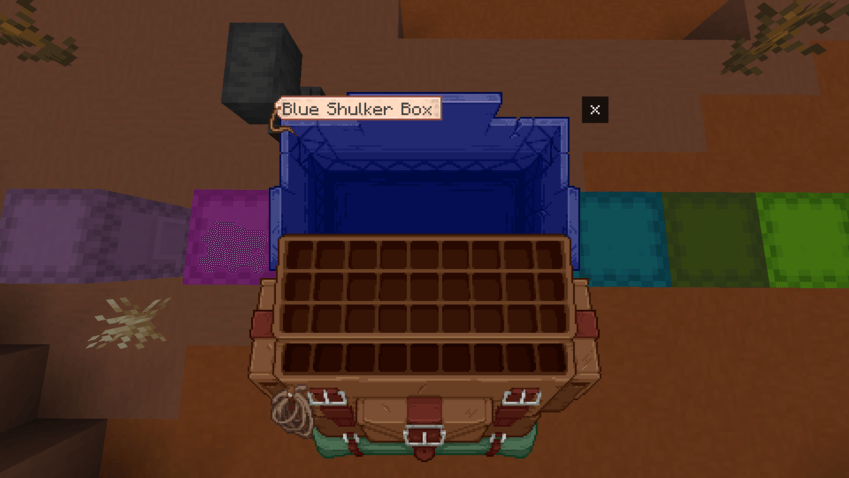
This resource pack revamps the grey boxes you're always looking at into something with a bit more personality, with small pixel art scenes of what you're looking at. Now available on Bedrock edition, by Shrimpsnail and QuartzEnder.
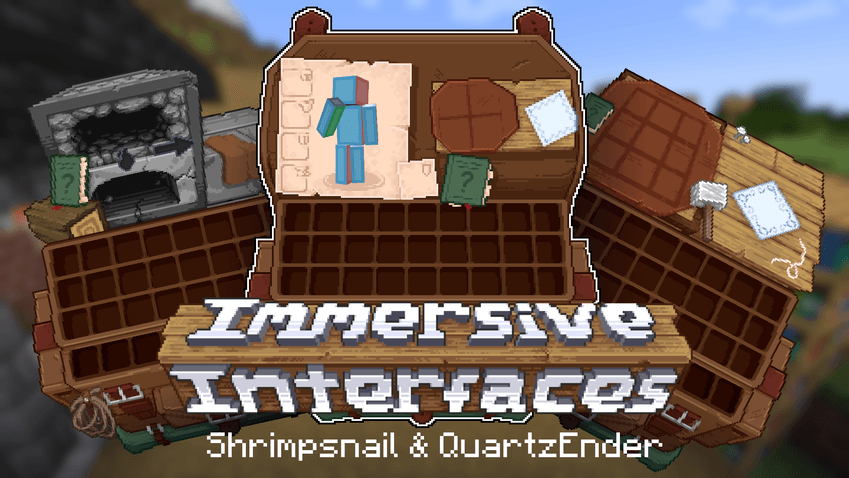


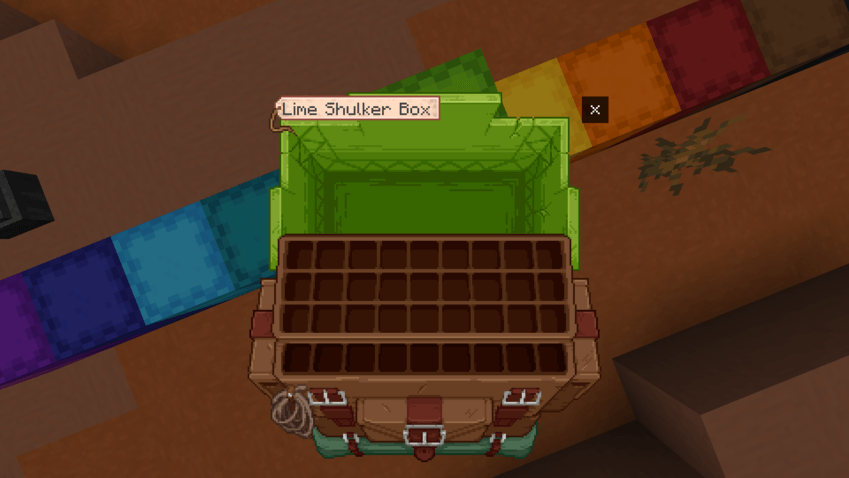
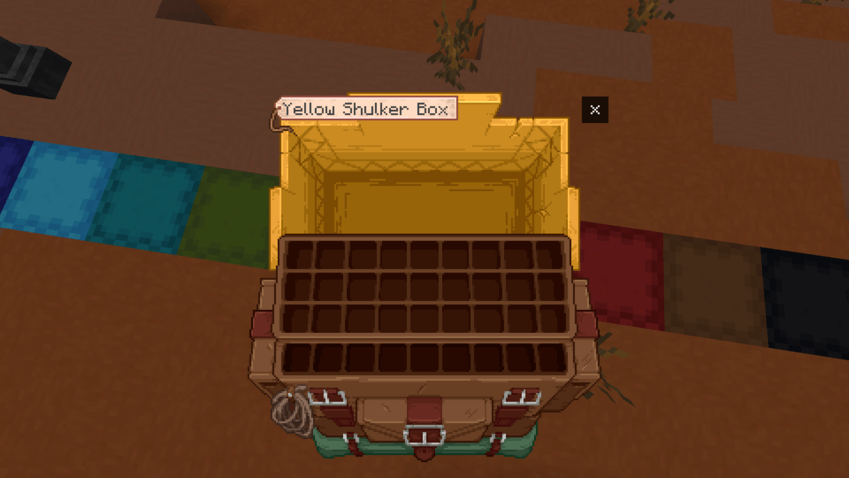
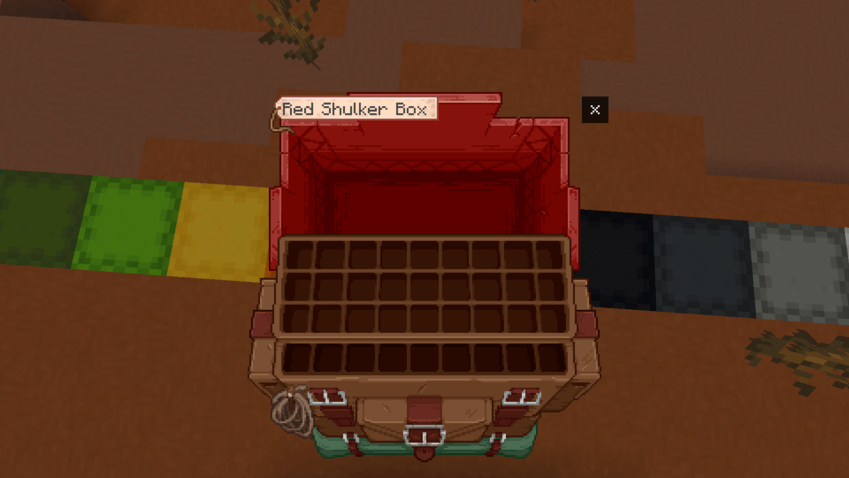
Due to Bedrock Edition's limitations, shulker boxes' screens do not automatically inherit their colour. In order to colour shulker boxes, you can either rename them manually with the anvil or download a script to do that automatically. We'll first go the renaming method first. Add one of these prefixes to your shulker box's name. The text doesn't necessarily need to be 'Shulker Box', it just needs to start with one of the prefixes, otherwise it will display the default colour. Here is the full table. Some colours have multiple colour codes:
Black: §0§r or §j§r
Blue: §9§r or §1§r
Brown: §n§r
Cyan: §3§r or §s§r
Grey: §8§r
Green: §2 or §q
Light Blue: §b§r
Light Grey: §7, §h or §i§r
Lime: §a§r
Magenta: §5§r
Orange: §p§r, §6§r or §v§r
Pink: §d§r
Purple: §u§r
Red: §c, §4 or §m§r
White: §f§r
Yellow: §e§r or §g§r


Gives every potion it's own new and improved custom texture!
Gives every potion it's own new and improved custom texture!