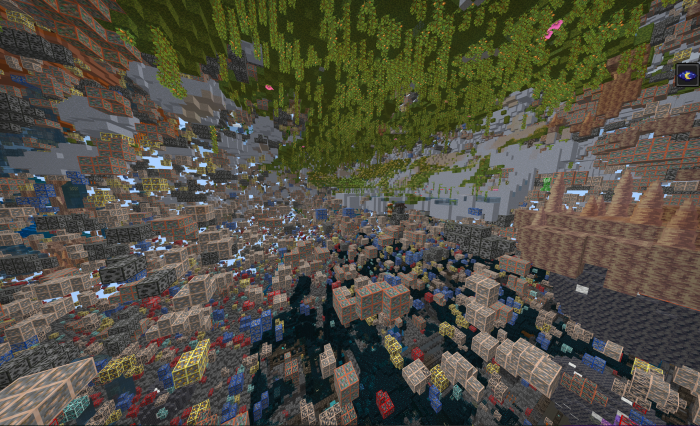
Advanced customizable X-Ray (works in all dimensions)
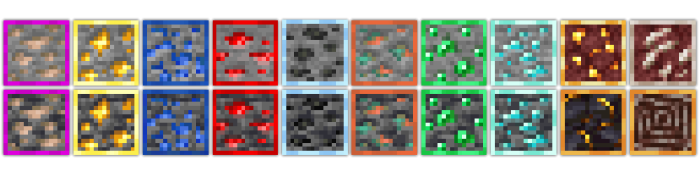
High-contrast outlined ores
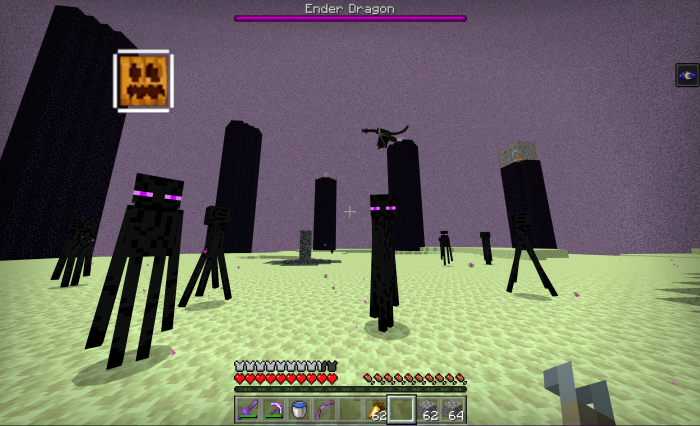
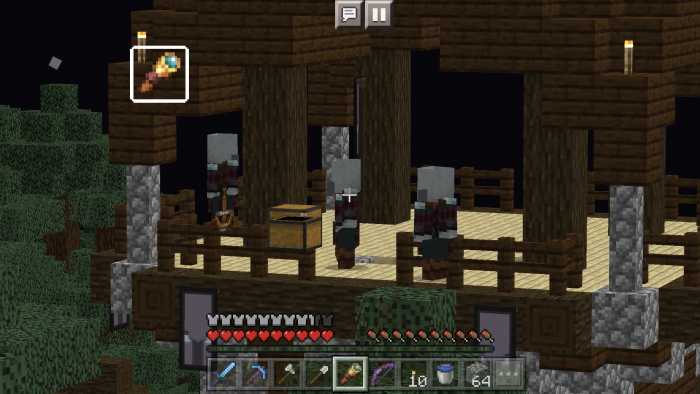
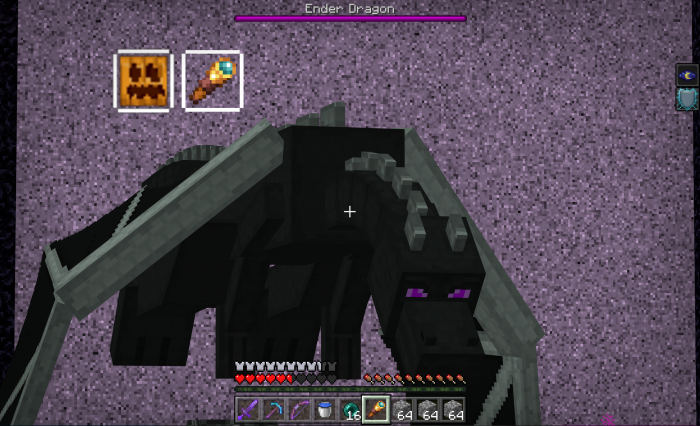
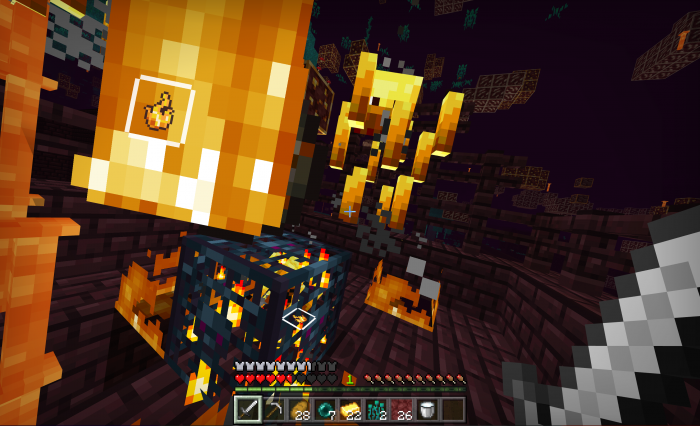
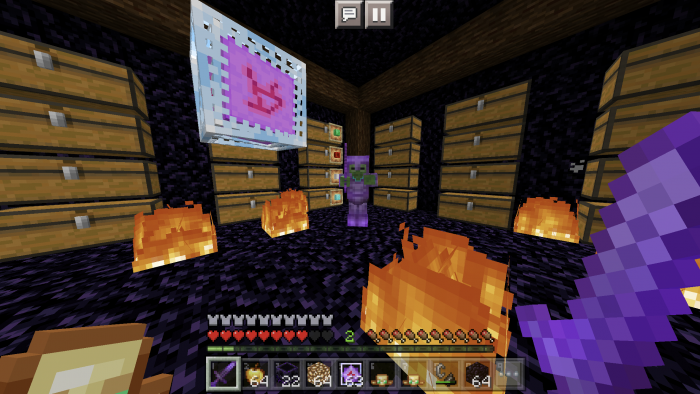
Pumpkin, spyglass, and burning indicators
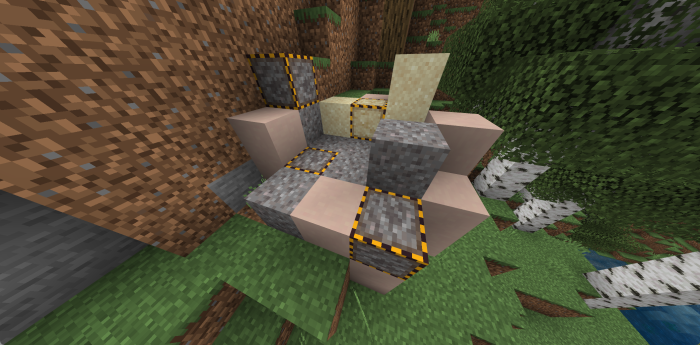
Suspicious sand and gravel indicators
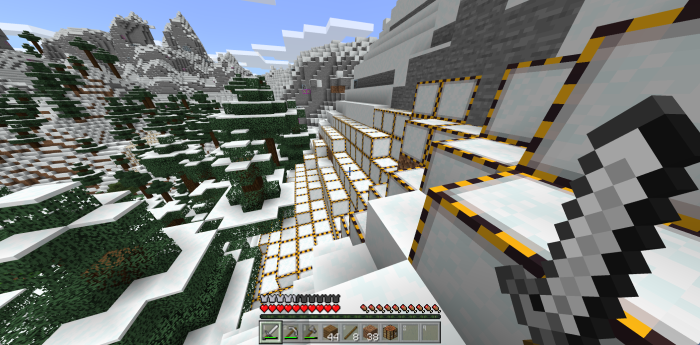
Powdered snow indicator
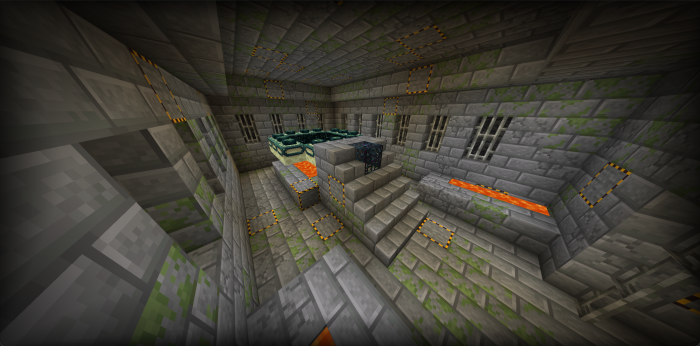
Infested stone and deepslate indicators
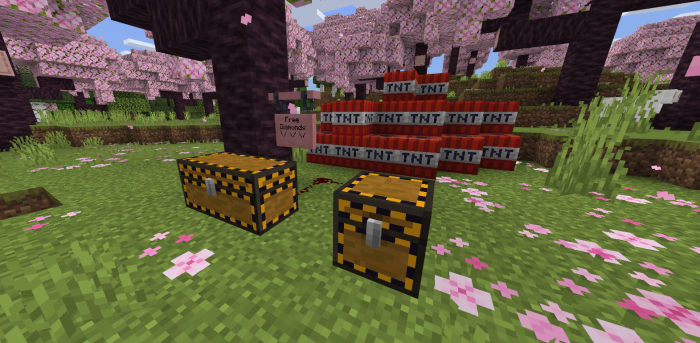
Trapped chest indicators
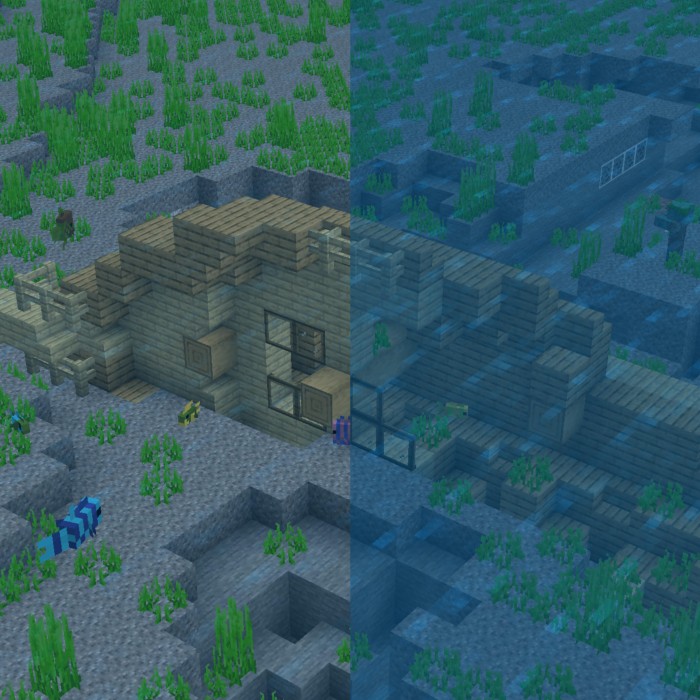
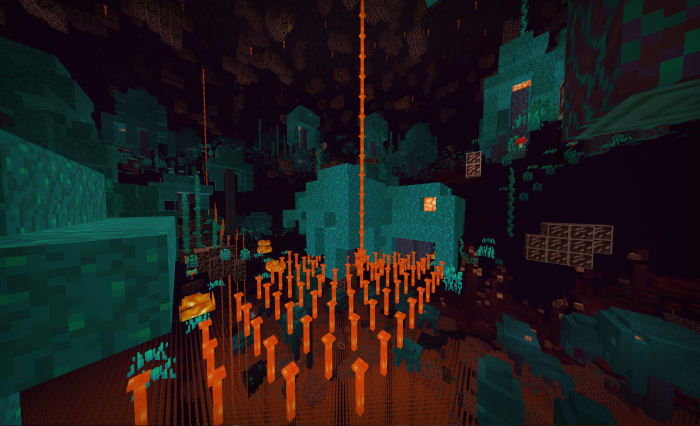
More transparent rain, water, lava, and snow
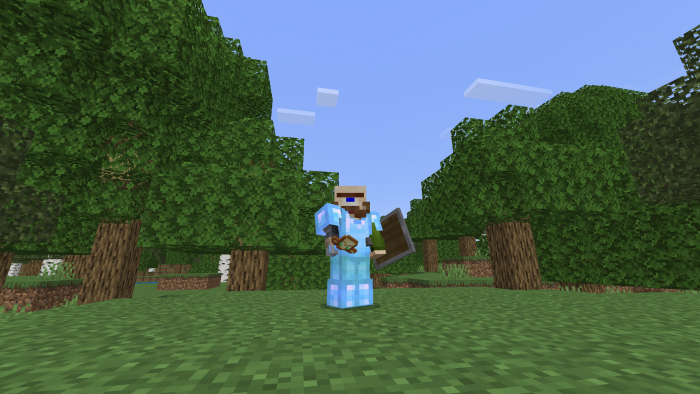
Lower shields, totems, and fire overlays
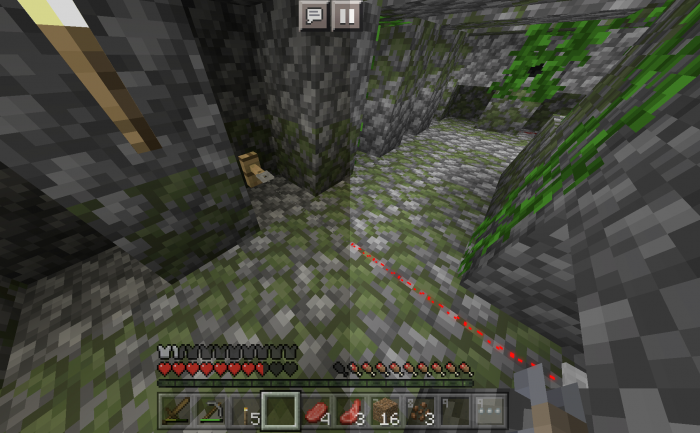
Brighter, easier-to-see tripwires
Ore Illuminator
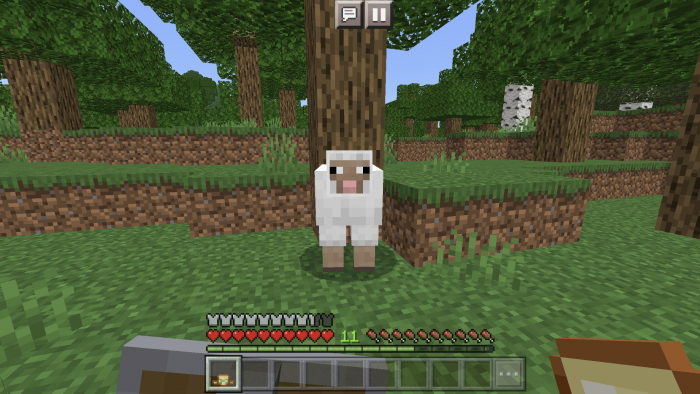
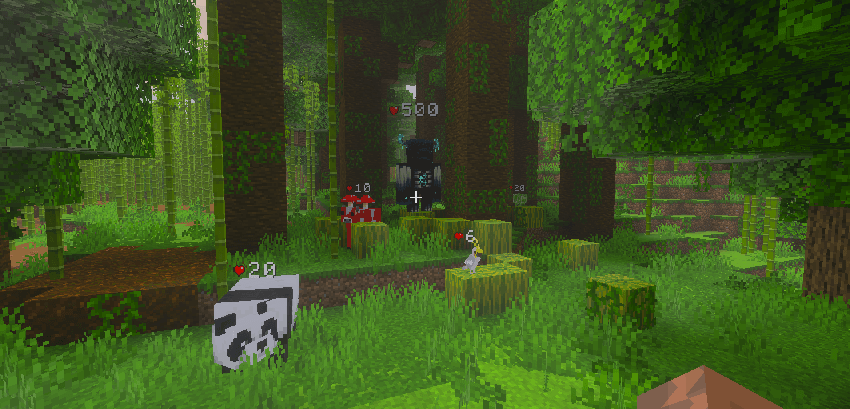
Health Indicator
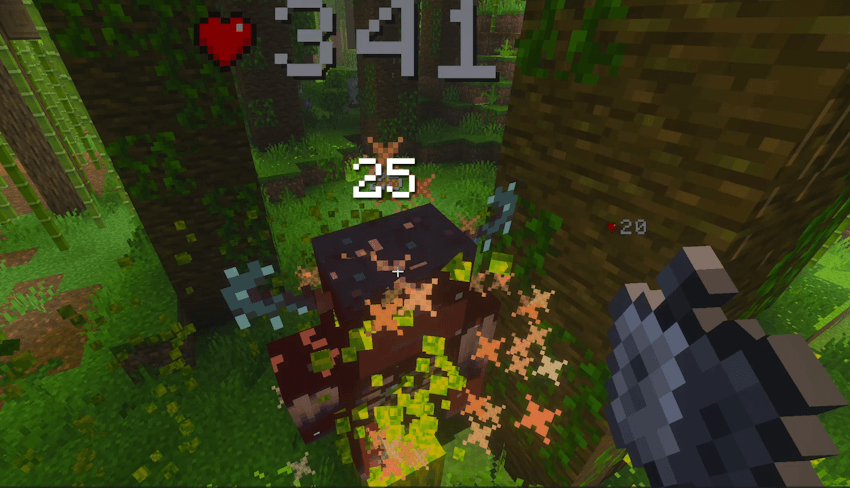
Damage Indicator
Plus many other small quality-of-life tweaks!
Watch the feature showcase video on YouTube.
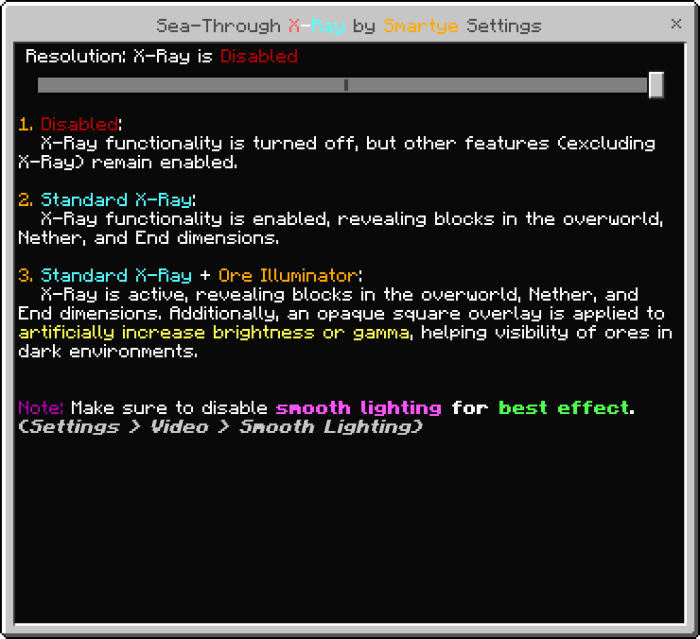
X-Ray Setup
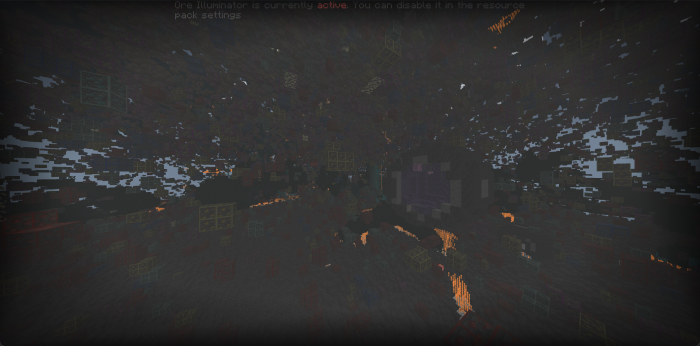
If the pack is installed correctly, this notification should appear at the top of your screen.
How to use X-Ray on servers — watch this video.
How to activate Sea-Through X-Ray in Worlds
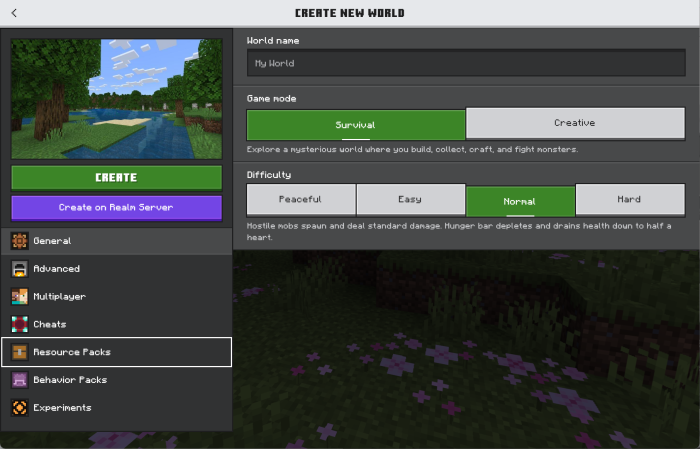
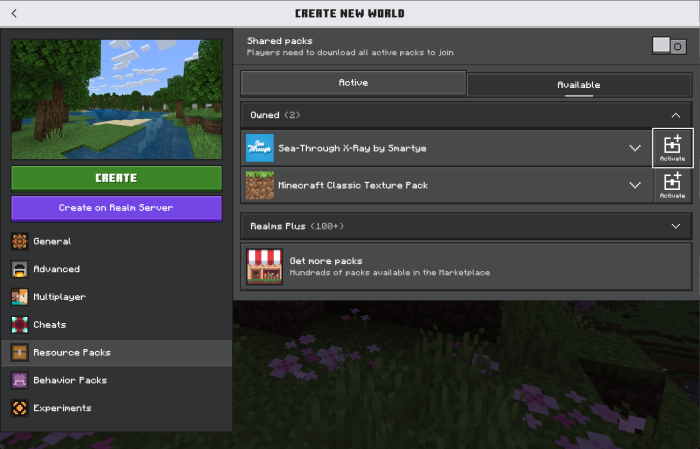
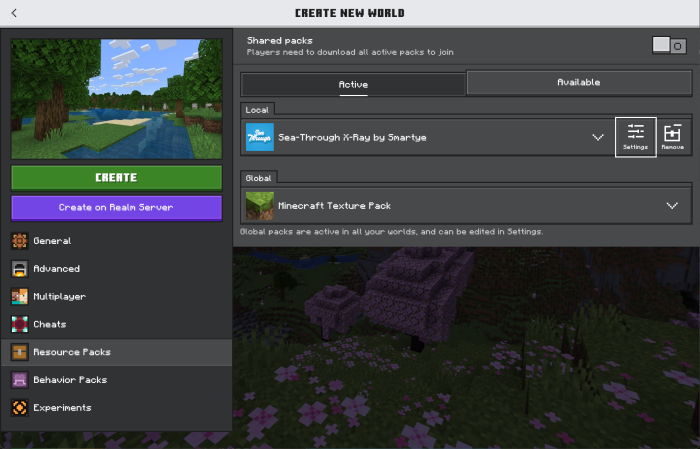
To activate Sea-Through X-Ray in Worlds using the new World Settings menu:
Open the World Settings screen > click Resource Packs > open the Available menu > select Sea-Through X-Ray > click Activate > open the Active menu > select Sea-Through X-Ray > click Settings > choose your X-Ray Version.
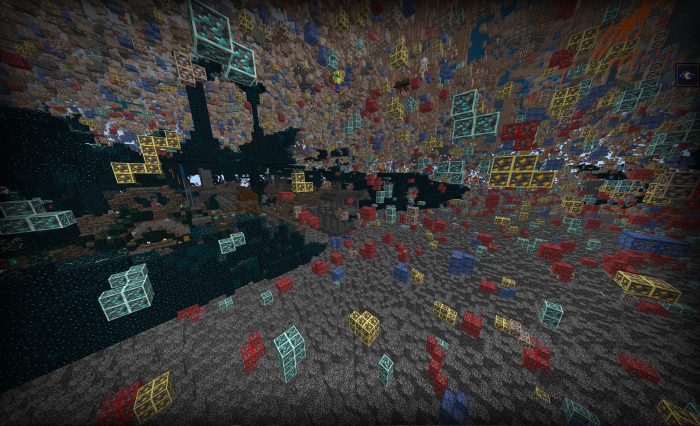
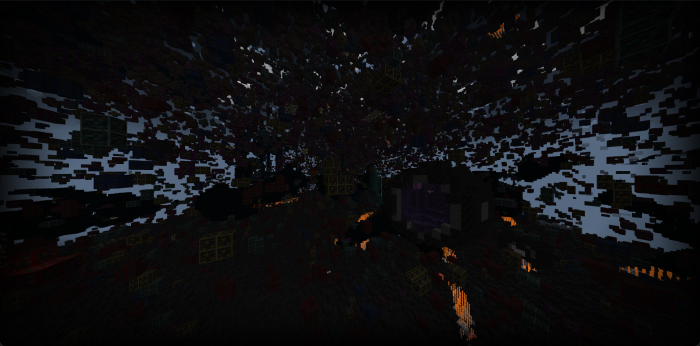
X-Ray Results
Turn off Smooth Lighting and use Night Vision Potions for better visibility in dark areas.
Other Features
High-Contrast Outlined Ores
Makes ores easier to spot.
Pumpkin Indicator
When wearing a pumpkin, the full pumpkin overlay is removed and a small pumpkin icon appears in the upper-left corner. This is useful when traveling in the End.
Spyglass Indicator
When using a spyglass, the spyglass overlay is removed and a small spyglass icon appears in the upper-left corner.
The Pumpkin, Spyglass, and Burning indicators can all appear at the same time.
Burning Indicator
When you are on fire, the fire overlay is removed and a small burning icon appears in the upper-left corner.
Suspicious Sand & Gravel Indicators
Suspicious sand and suspicious gravel are marked with barricade tape on all sides, making them easier to find.
Powdered Snow Indicator
Powdered snow is marked with barricade tape on all sides, making it easier to spot before you fall in.
Infested Stone & Deepslate Indicators
Infested stone and infested deepslate are marked with barricade tape on all sides, making them easier to avoid while mining.
Trapped Chest Indicators
Trapped chests, including double trapped chests, are marked with barricade tape on all sides so they are easier to identify.
Translucent Rain, Water, Lava, and Snow
Improves water clarity.
Replaces lava’s block shape with end rods for better visibility.
Lowered Shields, Totems, and Fire Overlays
Lowers shields, totems, and fire overlays so they take up less space on your screen.
Brighter Tripwires
Changes tripwires to a bright red color, making them much easier to see.
Before and After:
Ore Illuminator
For best results, turn off Smooth Lighting before using the Ore Illuminator.
Alternative methods for infinite night vision may exist, but many require modifying Minecraft’s game files and may not work on every device.
Comparison: Standard X-Ray vs. Standard X-Ray + Ore Illuminator.
Health Indicators for Mobs and Players
Shows health indicators for mobs and players.
Damage Indicator
Instantly shows how much damage you deal to players and mobs.
A clean visibility upgrade for survival and exploration. Highlights hard-to-spot blocks, improves weather and fluid clarity, and reduces intrusive first-person overlays so hazards, loot, and your screen are easier to read.
Clear combat information at a glance. Adds health indicators and accurate damage popups to mobs and players, making fights easier to track without changing gameplay balance.
A clean visibility upgrade for survival and exploration. Highlights hard-to-spot blocks, improves weather and fluid clarity, and reduces intrusive first-person overlays so hazards, loot, and your screen are easier to read.
Clear combat information at a glance. Adds health indicators and accurate damage popups to mobs and players, making fights easier to track without changing gameplay balance.