

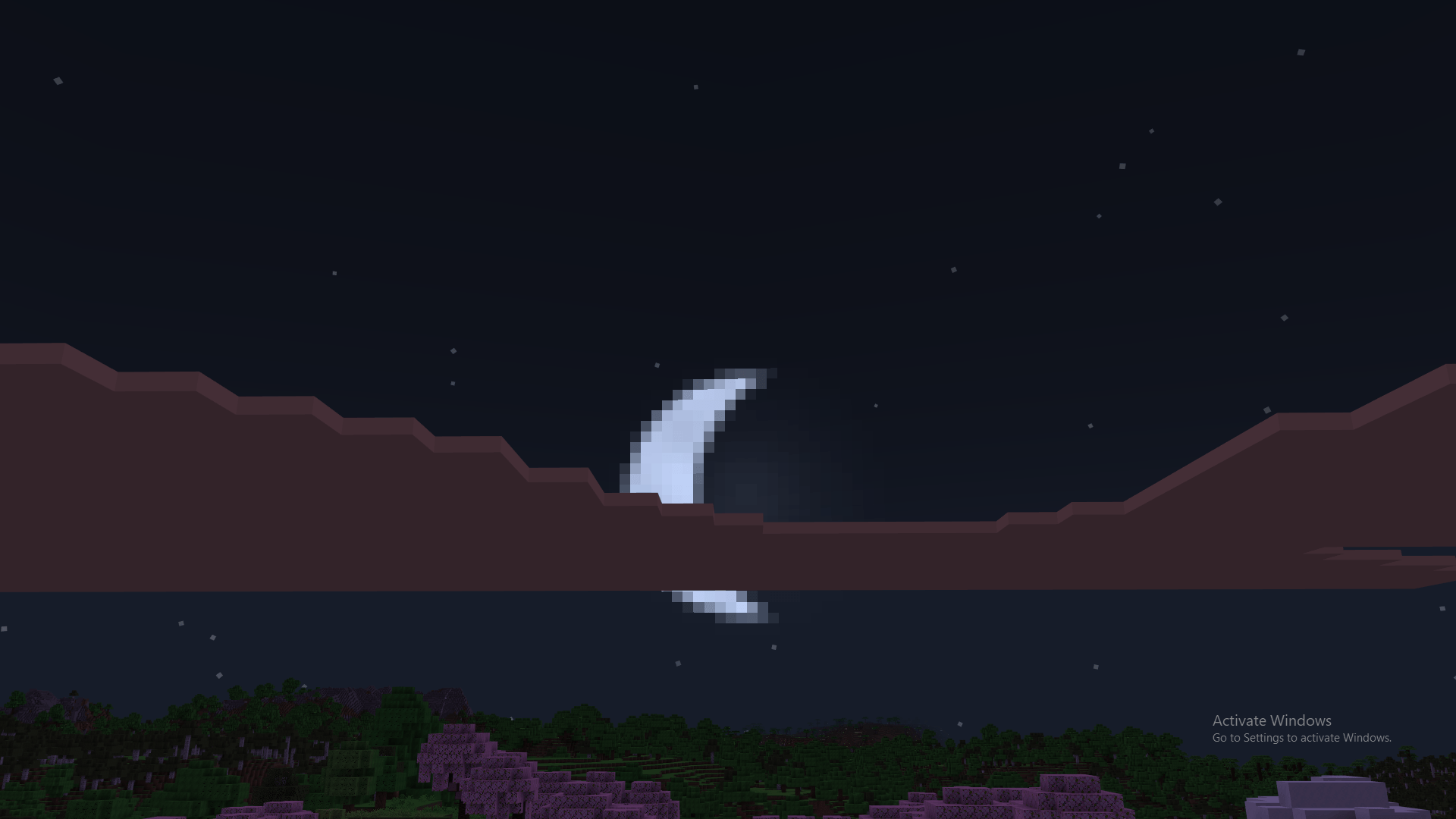
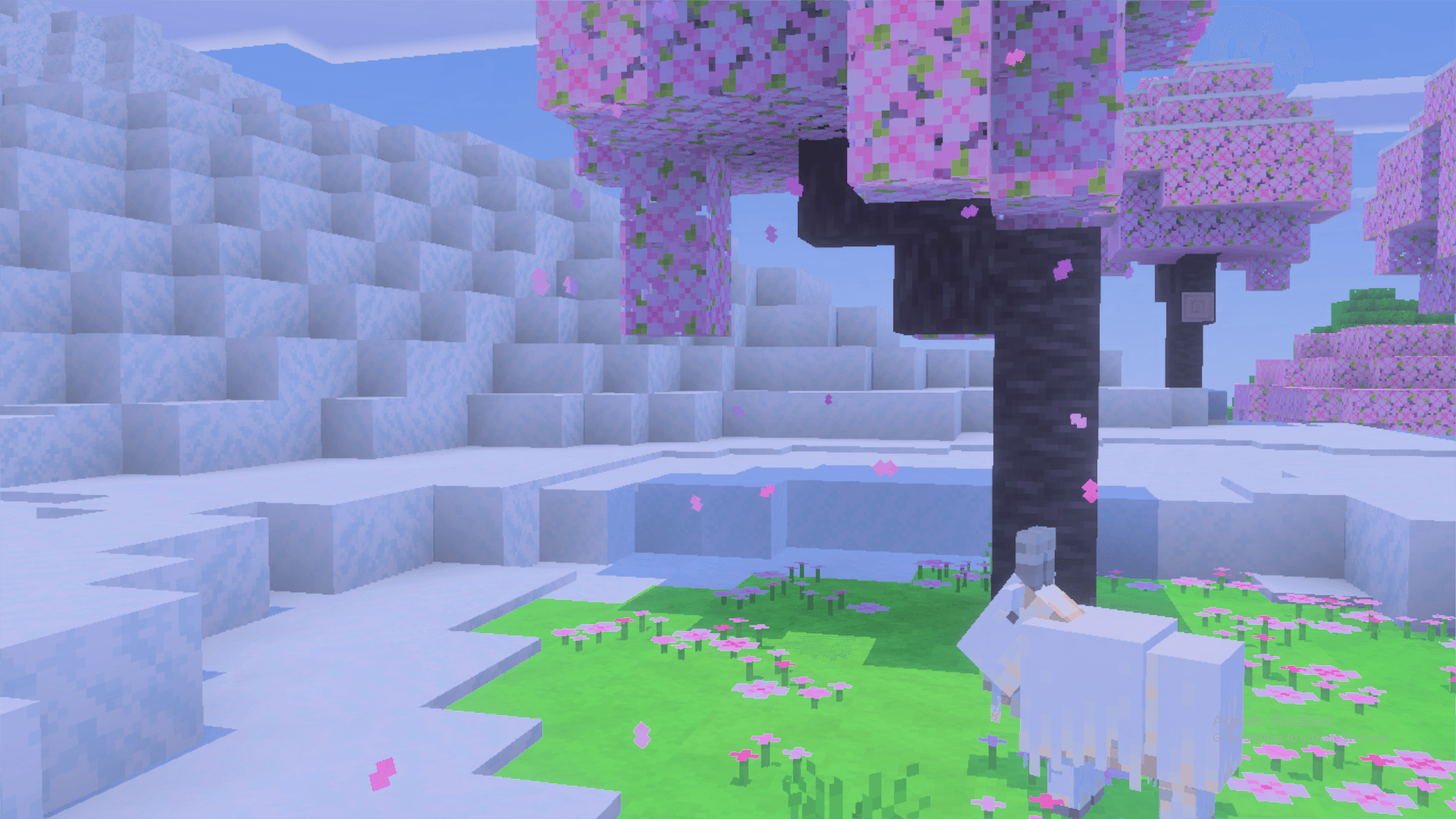
Ultra Realistic Shader
- 9.4K
- Texture Packs
Realistic sky, sun, moon, fog, water, color grading, biomes + PBR blocks
- 9.4K
- November 16, 2026
Clean outlined ores
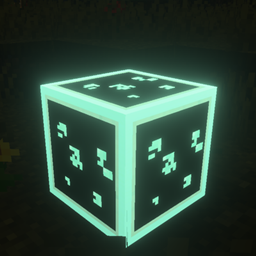
Clean Outlined Ores is a Minecraft Bedrock texture pack that adds clean, visible outlines to ore blocks, making them easier to spot while mining. It supports regular and deepslate ores, helping players find valuable resources faster.
- 713
- November 11, 2026
Best Leaves
- 1.3K
- Texture Packs
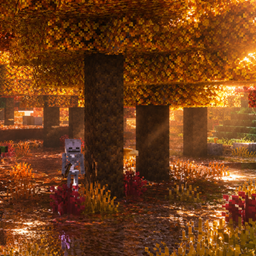
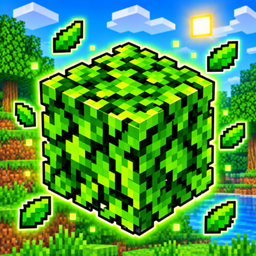
"Best Leaves" is a Minecraft Bedrock resource pack by Pikacraft (v1.0.0, needs engine 1.21.80+) that makes leaves denser and more lifelike, with subpack options for flat ("clock"), 3D ("4D"), and "3D Autumn" styles.
- 1.3K
- November 8, 2026

Ultra Realistic Shader
- 9.4K
- Texture Packs
Realistic sky, sun, moon, fog, water, color grading, biomes + PBR blocks
- 9.4K
- November 16, 2026
Clean outlined ores
Clean Outlined Ores is a Minecraft Bedrock texture pack that adds clean, visible outlines to ore blocks, making them easier to spot while mining. It supports regular and deepslate ores, helping players find valuable resources faster.
- 713
- November 11, 2026
Best Leaves
- 1.3K
- Texture Packs
"Best Leaves" is a Minecraft Bedrock resource pack by Pikacraft (v1.0.0, needs engine 1.21.80+) that makes leaves denser and more lifelike, with subpack options for flat ("clock"), 3D ("4D"), and "3D Autumn" styles.
- 1.3K
- November 8, 2026