


OreUi Exporter
- By


What's new
📄 Changelog
[Version 1.0.0] - Initial Release 🚀
Welcome to the official release of OreUI World Exporter! This first version has been designed to fix one of the most common headaches in recent versions of Minecraft Bedrock: the missing map export button in the new interface.
🛠️ What's New and Added
Export Button Enabled: The interface configuration file has been modified to force the "Export World" button to appear in each map's edit menu.
Native OreUI Design: The button uses the correct visual styles, borders, and official fonts of the new Bedrock interface engine, maintaining the game's harmony.
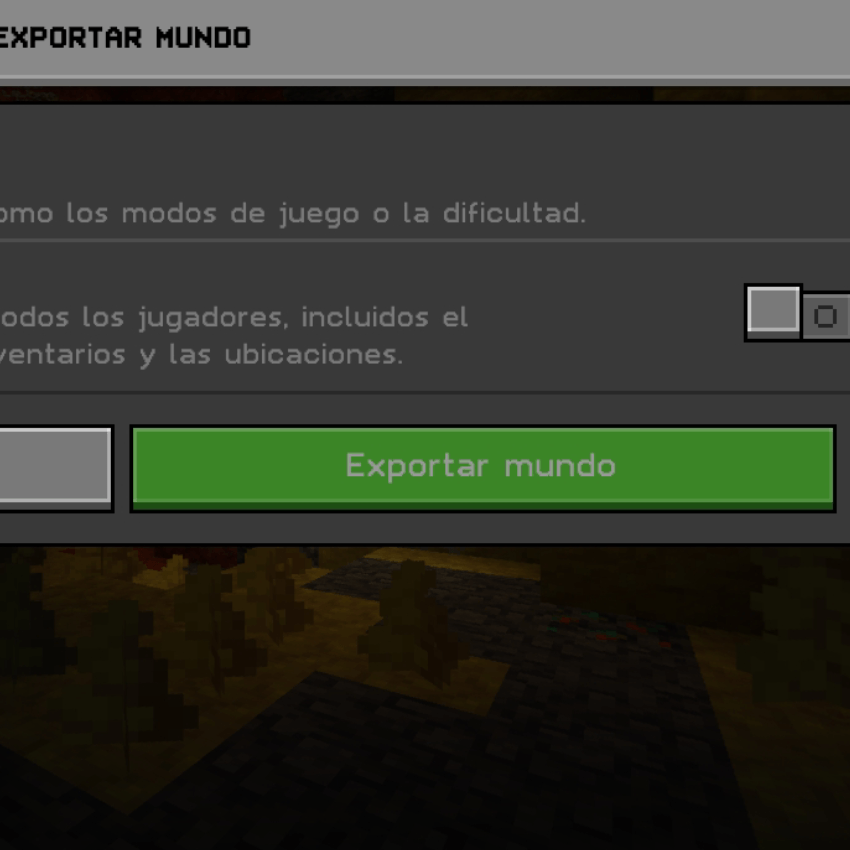
.mcworld File Generation: Full compatibility for packaging your worlds directly in the standard Minecraft format so you can easily share or back them up.
🔧 Optimizations and Adjustments
Clean Code: Redundant lines of code were removed from the UI's .json files to ensure the package is extremely lightweight and doesn't cause lag when navigating menus.
Layer Priority: Configured to overlap the base interface without conflicting with other aesthetic textures.
📌 Release Notes
This is the first public build. If you find any menus where the button is misaligned or missing due to a recent Minecraft update, please report it so it can be fixed in version 1.0.1.
(EXPORT FUNCTIONAL WORLD )
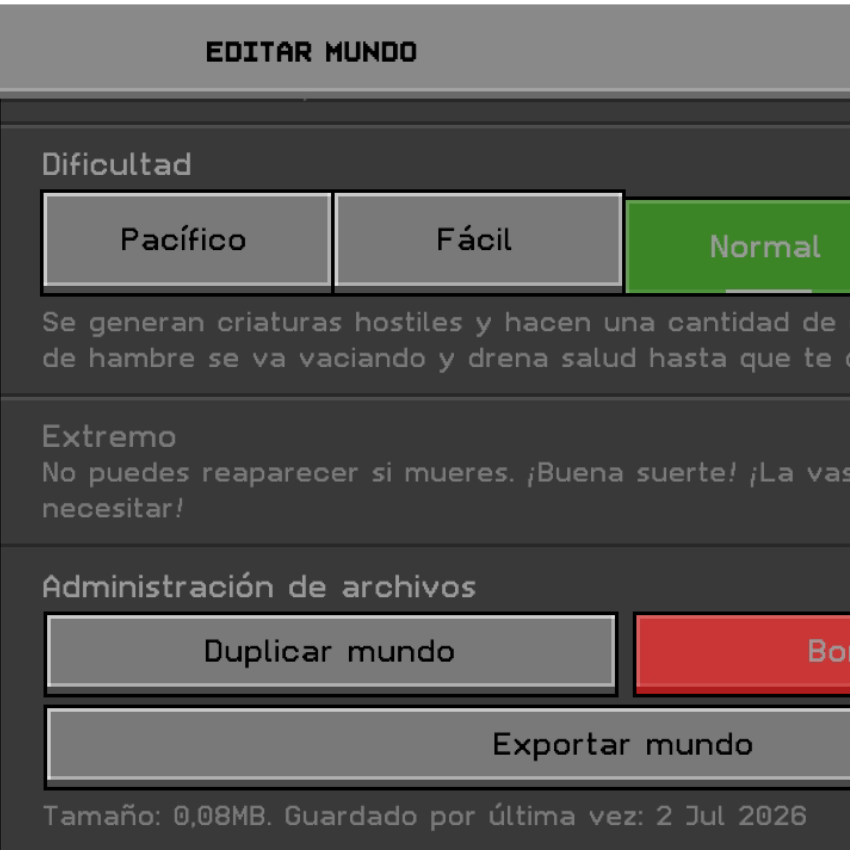
(EXPORT WORLD FUNCTIONAL WINDOW )
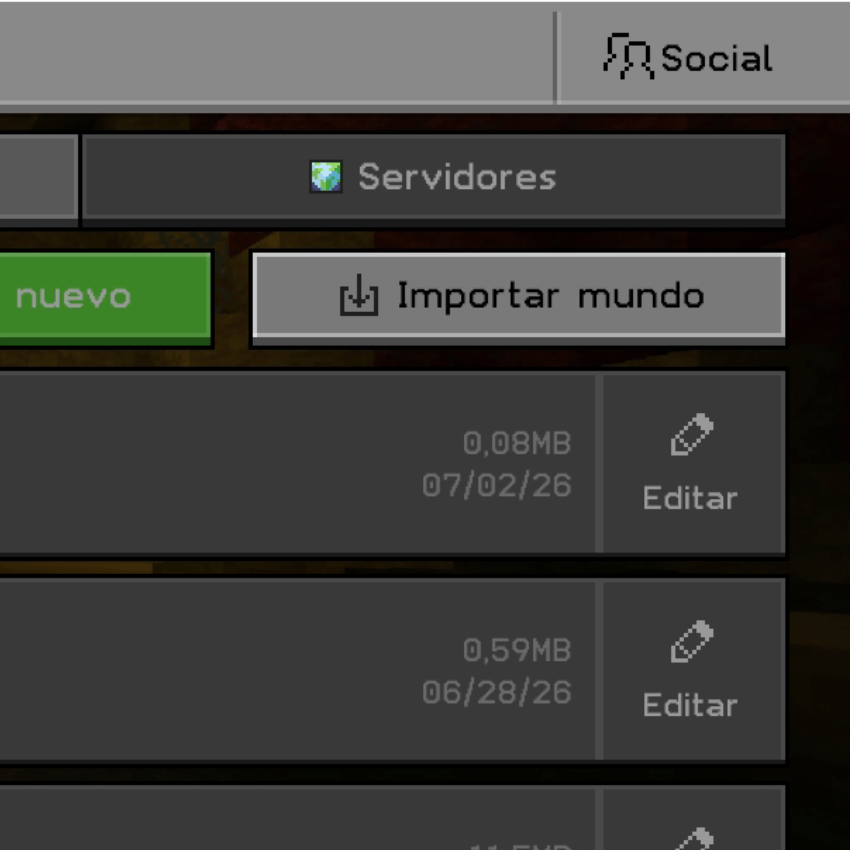
(IMPORT NON-FUNCTIONAL WORLD )
This mod has no additional files