




Leaves Lite - Enhanced Foliage
Refresh Minecraft forests with detailed 64×64 leaves, species-specific foliage patterns, soft cherry blossoms, and colorful seasonal trees—no behavior pack required.
- 18
- October 19, 2026

Glass Lite: Modern
Clean, minimalist glass textures for Minecraft Bedrock! Enjoy borderless glass, subtle reflections, all 16 stained glass colors, and improved transparency.
- 24
- October 19, 2026

Ores Lite – Enhanced Ores & Resource Blocks
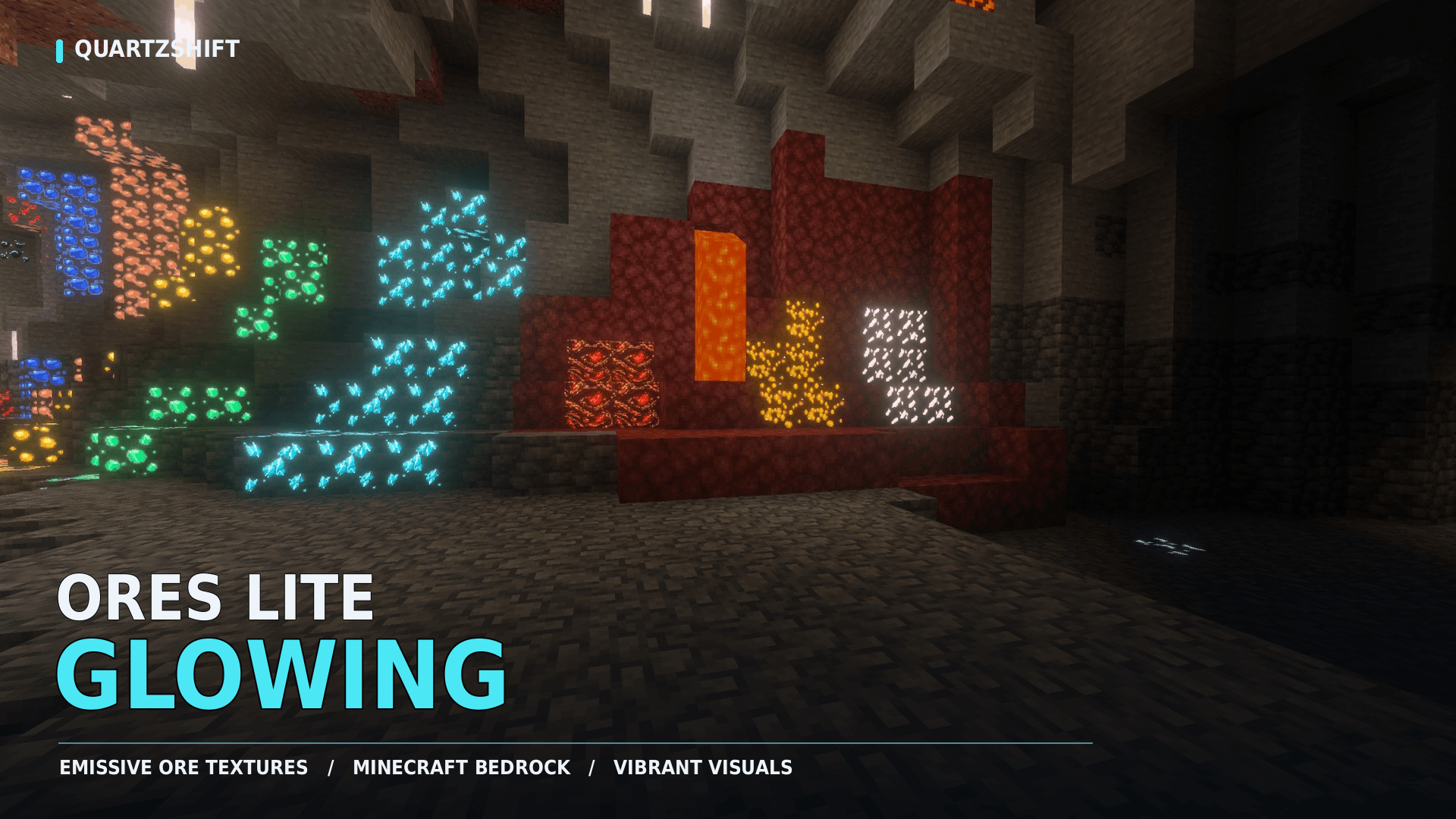
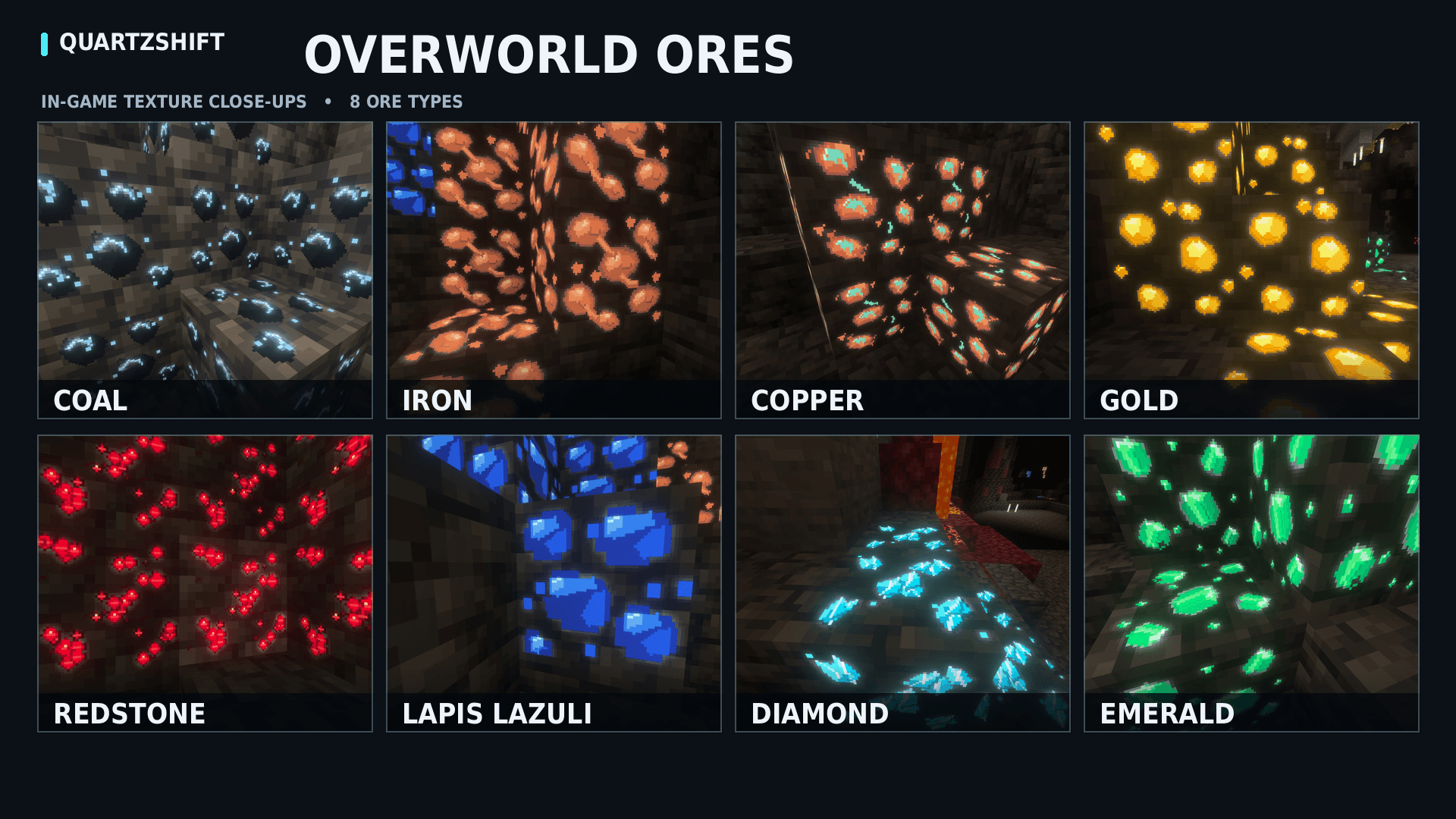
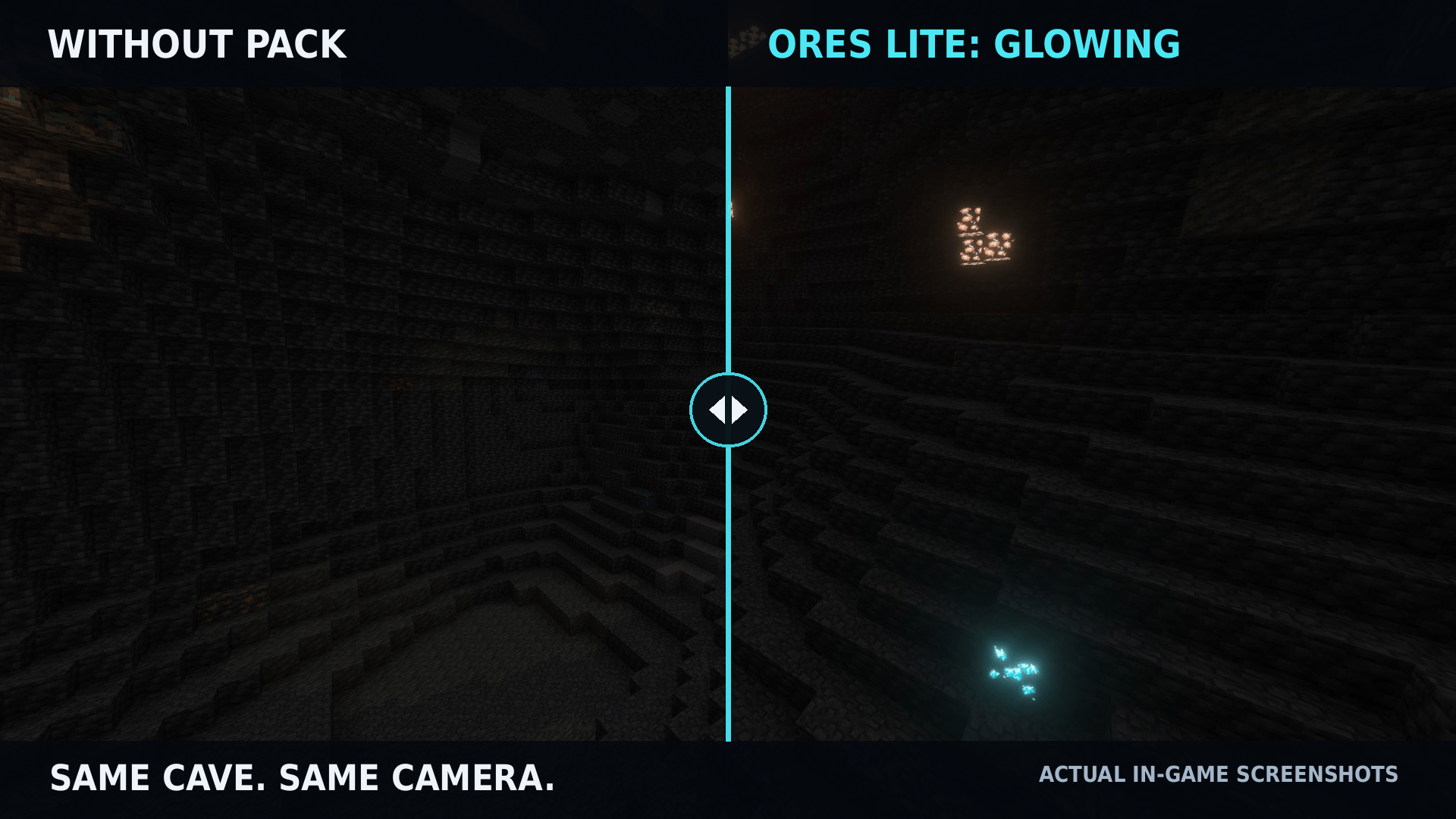
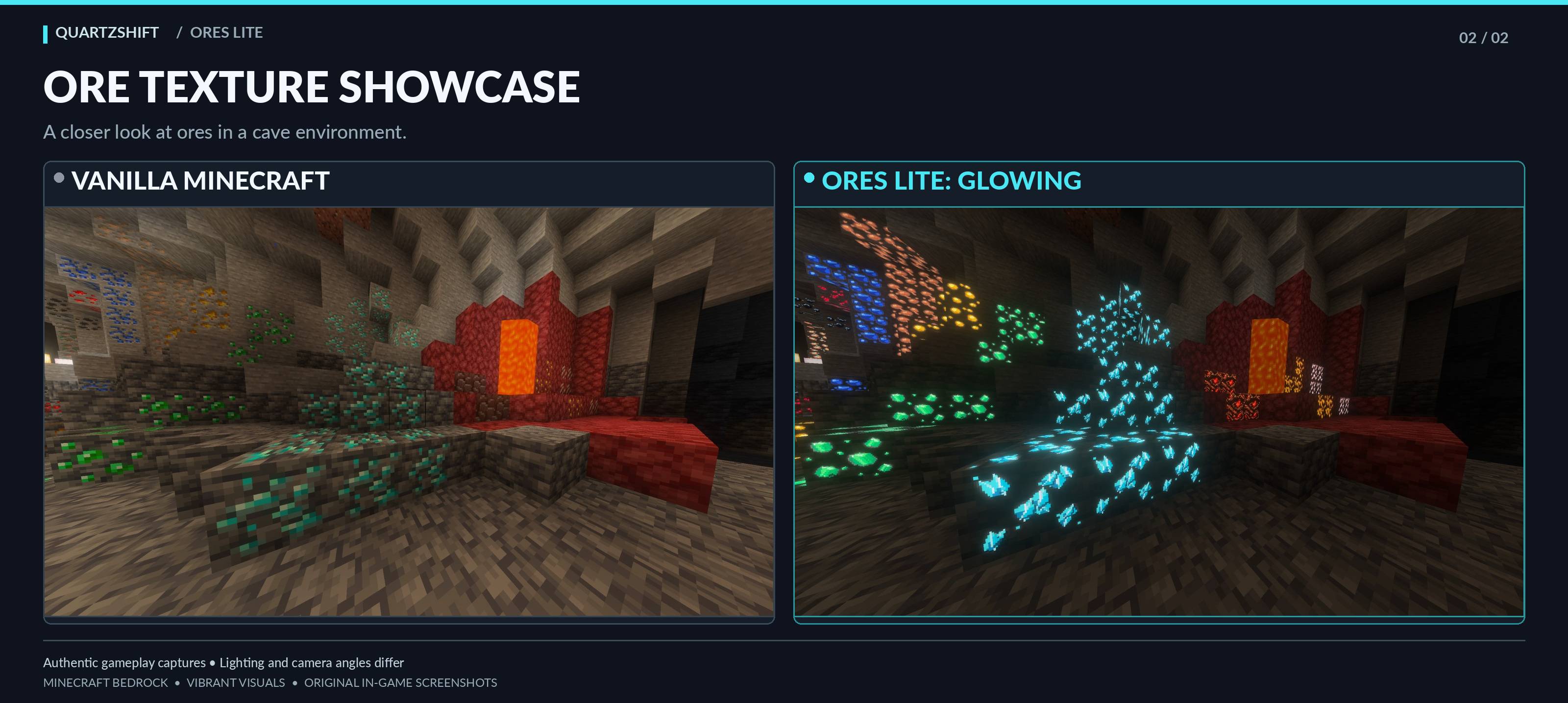
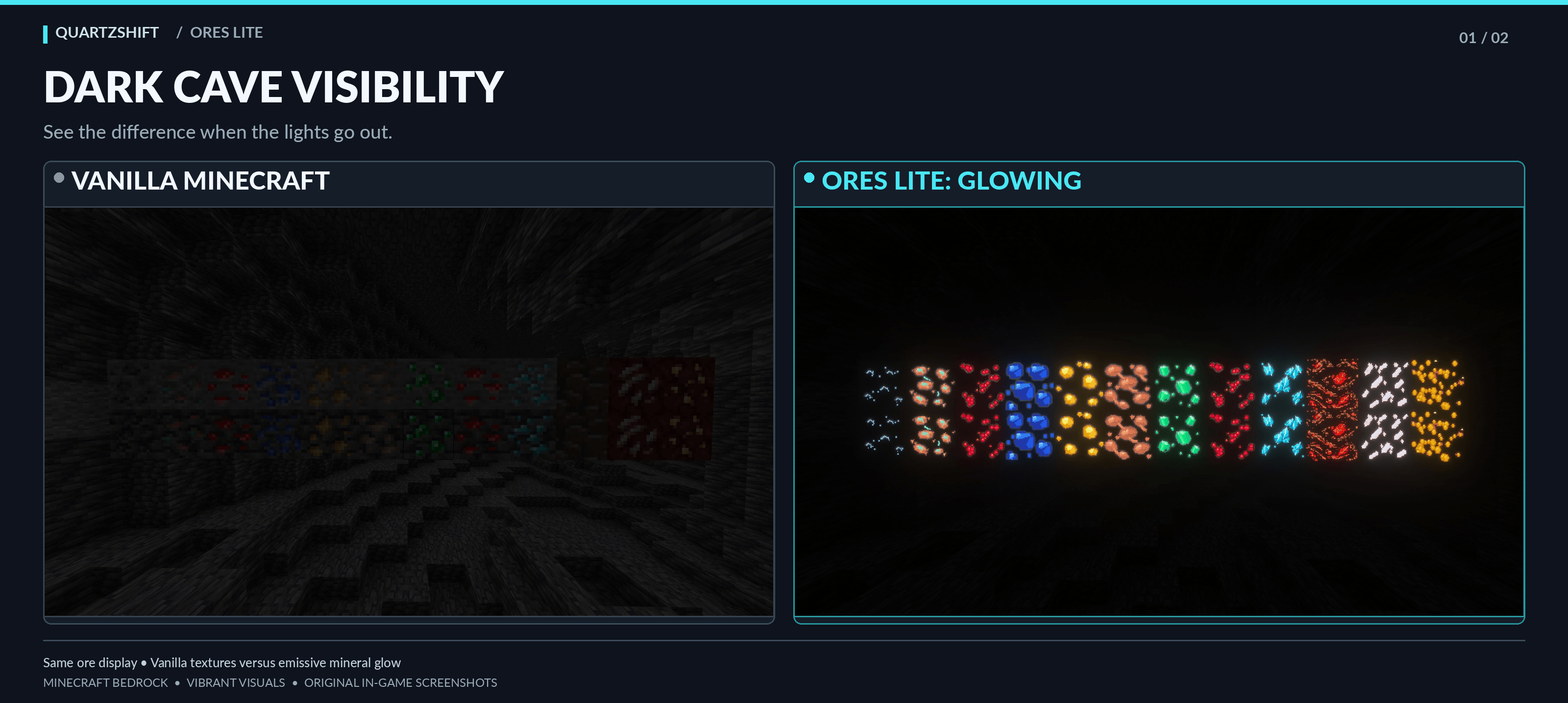
Discover detailed 64x ores, natural crystal formations, refined resource blocks, and subtle item improvements while preserving Minecraft's vanilla style.
- 10
- October 19, 2026

Glass Lite: Vibrant - Borderless Glass
Borderless glass textures with vibrant stained-glass colors, improved transparency, and support for all glass types in Minecraft Bedrock.
- 25
- October 18, 2026
Leaves Lite - Enhanced Foliage
Refresh Minecraft forests with detailed 64×64 leaves, species-specific foliage patterns, soft cherry blossoms, and colorful seasonal trees—no behavior pack required.
- 18
- October 19, 2026
Glass Lite: Modern
Clean, minimalist glass textures for Minecraft Bedrock! Enjoy borderless glass, subtle reflections, all 16 stained glass colors, and improved transparency.
- 24
- October 19, 2026
Ores Lite – Enhanced Ores & Resource Blocks
Discover detailed 64x ores, natural crystal formations, refined resource blocks, and subtle item improvements while preserving Minecraft's vanilla style.
- 10
- October 19, 2026
Glass Lite: Vibrant - Borderless Glass
Borderless glass textures with vibrant stained-glass colors, improved transparency, and support for all glass types in Minecraft Bedrock.
- 25
- October 18, 2026