promotional bannermobile promotional banner

Offhand Lighting

Adds dynamic lighting to Minecraft Bedrock Edition, with automatic offhand torches, lanterns, and support for a wide variety of light sources. Achievements Enabled ✅
MCPEDL

MCPEDL

1 (1).png

1 (1).png

2.png

2.png

Description

Offhand Lighting

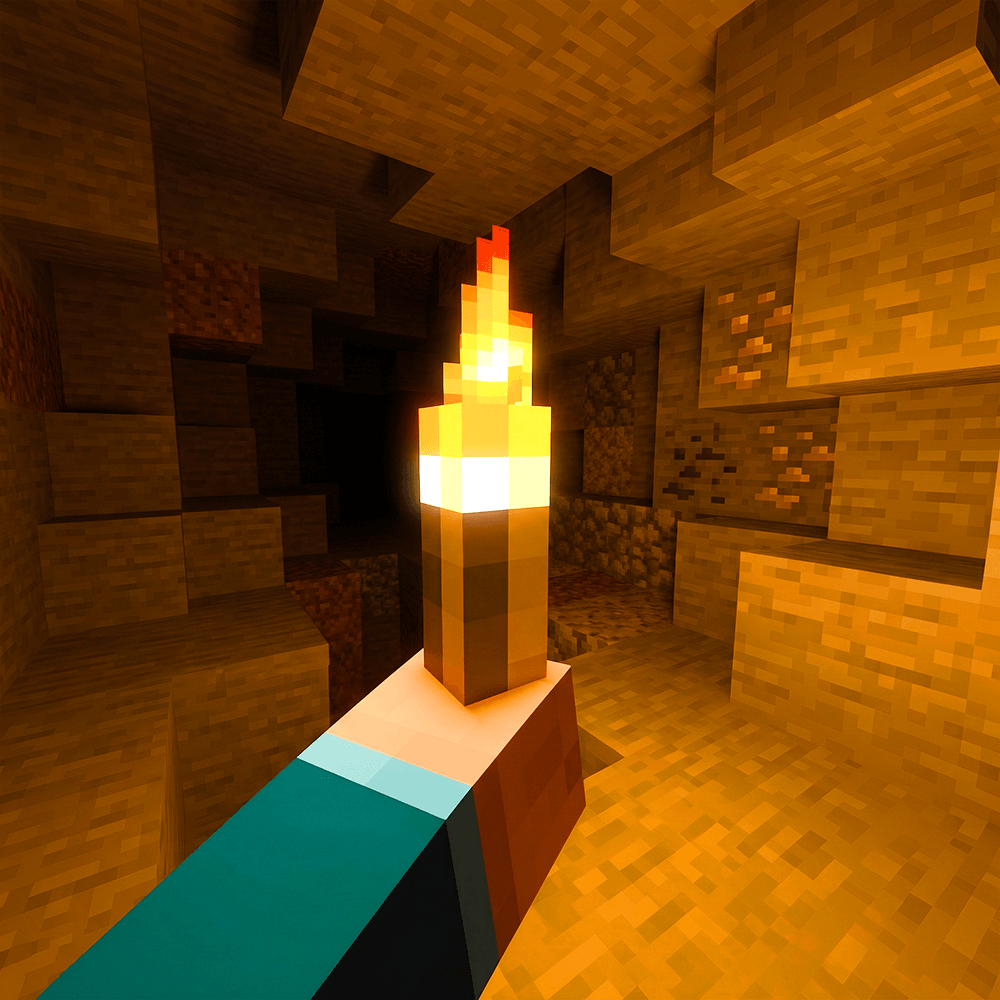
Ever wished you could carry a light source without constantly placing torches? Offhand Lighting brings dynamic lighting to Minecraft Bedrock Edition, allowing light to follow you wherever you go!

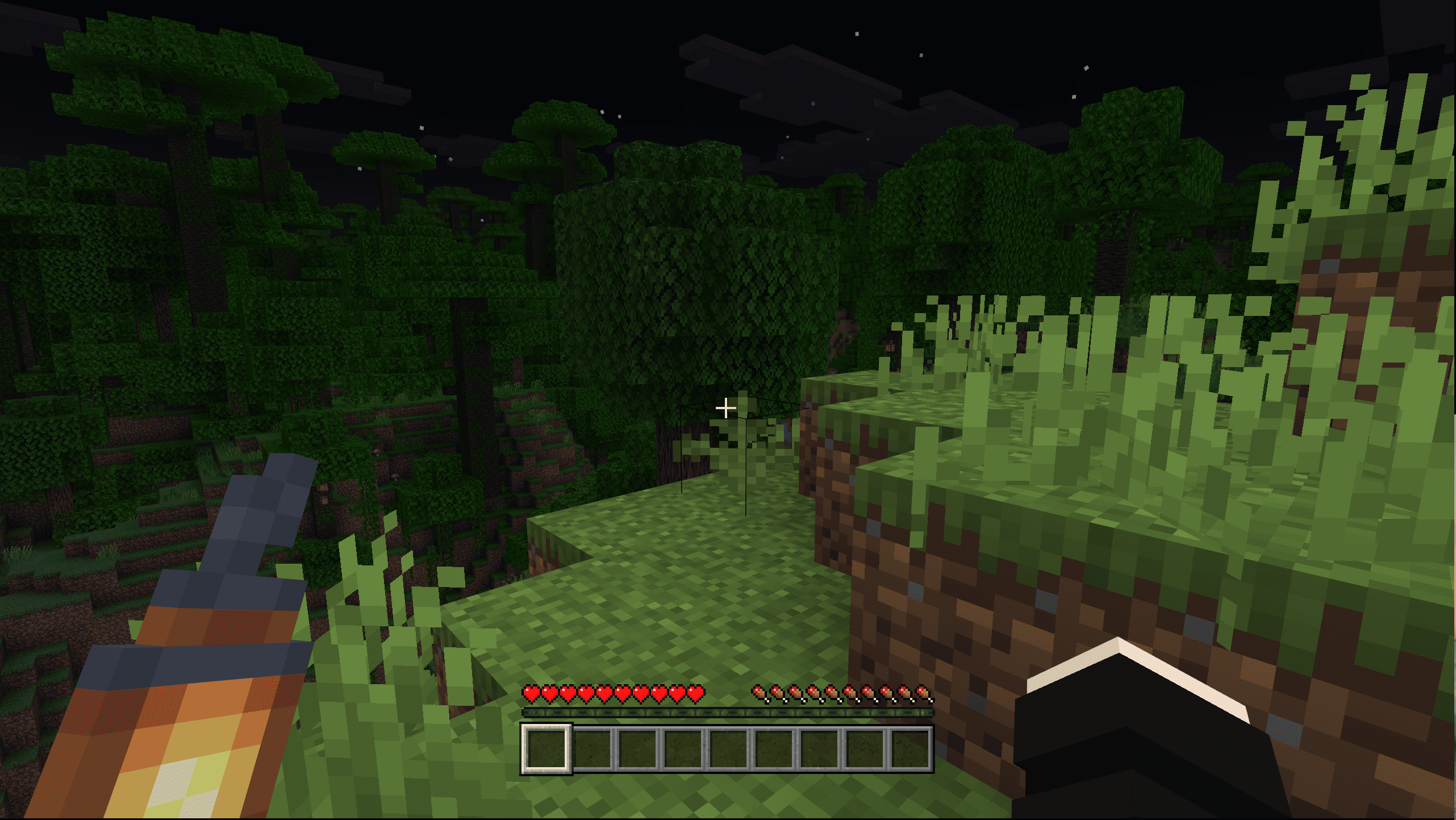
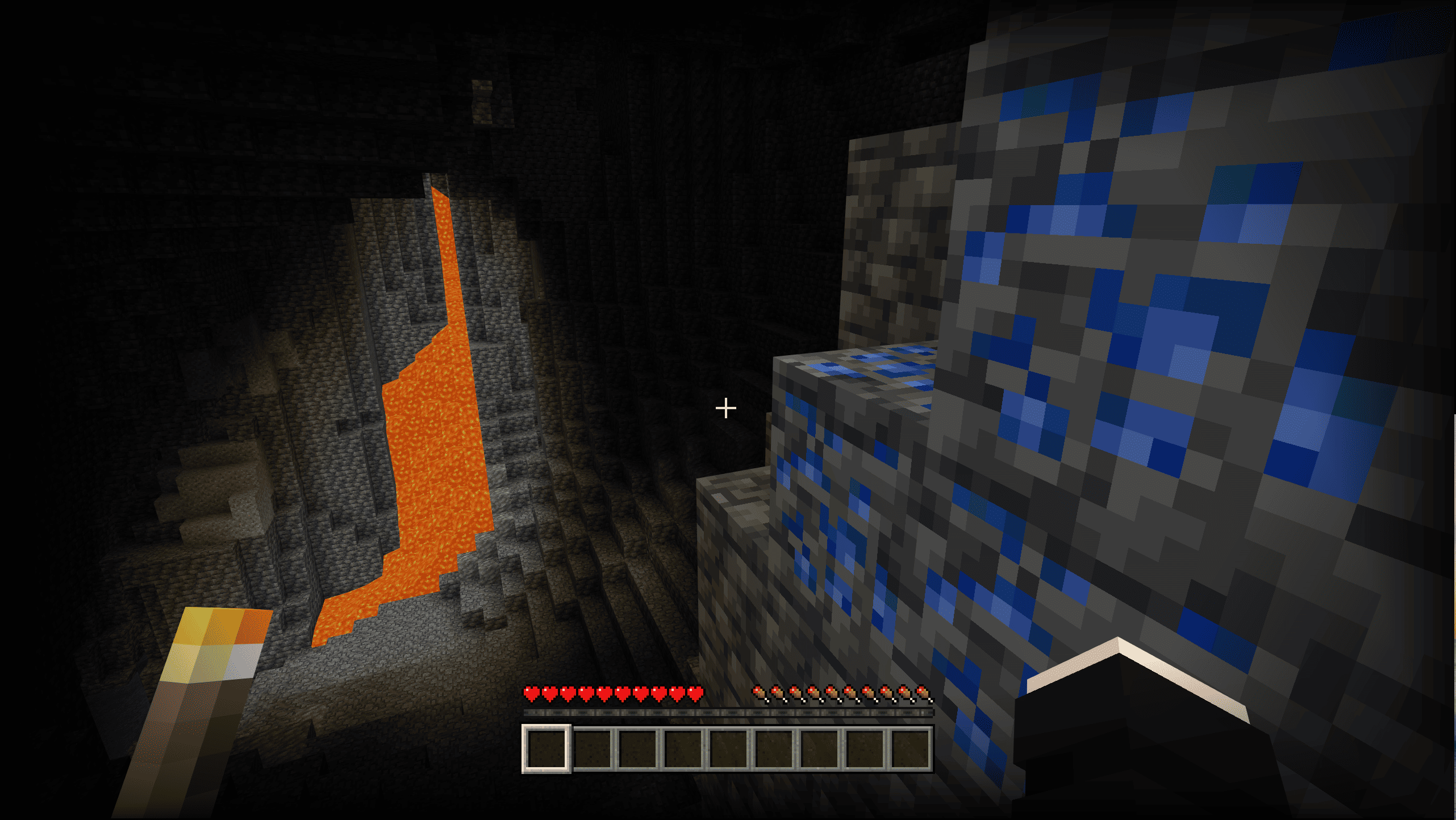
Whether you're exploring dark caves, travelling through the night, or venturing underwater, your surroundings will illuminate based on the light sources you're carrying. With automatic offhand support and compatibility with a wide variety of light-emitting items and blocks, exploring Minecraft has never been brighter!

✨ Features

Dynamic Lighting

Light sources emit light around your player as you move. The lighting updates dynamically, following your movements and automatically disappearing when you no longer have a compatible light source.

Automatic Offhand Lighting

No more manually switching items around! Hold a supported torch or lantern in your main hand while your offhand is empty, and the add-on will automatically move it into your offhand to provide continuous lighting.

Water-Aware Lighting

Lighting behaves differently depending on the environment. Some light sources, such as regular torches and campfires, stop emitting light underwater, while others, such as lanterns and underwater torches, continue to illuminate your surroundings. Sea Pickles also emit light specifically underwater.

❓ Frequently Asked Questions (FAQ)

How do I place a torch instead of having it automatically move to my offhand?

Since torches are automatically transferred to your offhand, placing them can feel a little different.

Solution:

  1. Split your stack of torches in your inventory.
  2. Let the game pick up one of the split stacks. It will automatically move to your offhand.
  3. Keep the remaining torches in your inventory.
  4. Select the remaining torches in your main hand and place them normally.

Important: Minecraft only allows you to place blocks using your main hand, not your offhand.

How do I remove a torch from my offhand?

To remove a torch or another supported item from your offhand, make sure you have an empty hotbar slot first.

  1. Create an empty slot in your hotbar.
  2. Move the item from your offhand into that empty slot.

Important: Don't move the item back into the same hotbar slot it originally occupied. The add-on may automatically detect it again and transfer it back to your offhand.


Offhand Lighting Team

profile avatar
  • 112
    Followers
  • 33
    Projects
  • 863.7K
    Downloads

now i make mods, lol

More from BebuPlayzView all

  • Clear Sight project image

    Clear Sight

    Clear Sight gives you enhanced vision in caves, the Nether, and other dark areas, while staying fully compatible with Vibrant Visuals. All without turning off achievements.

    • 113.8K
    • November 11, 2026
  • Chunks are Random project image

    Chunks are Random

    Every chunk in your world is random, making exploration unpredictable and full of surprises. You never know what the next chunk will contain until you reach it.

    • 176.7K
    • November 11, 2026
  • Bingo Board project image

    Bingo Board

    Race to complete a randomized Bingo board by collecting items before everyone else in this fast-paced multiplayer challenge!

    • 7.1K
    • November 10, 2026
  • Chaos Mod project image

    Chaos Mod

    A beatable Minecraft Chaos Mod datapack with 25+ unique effects, where a new random chaos event triggers every 30 seconds to keep gameplay fun, unpredictable, and fair.

    • 3.5K
    • November 10, 2026
  • Clear Sight project image

    Clear Sight

    Clear Sight gives you enhanced vision in caves, the Nether, and other dark areas, while staying fully compatible with Vibrant Visuals. All without turning off achievements.

    • 113.8K
    • November 11, 2026
  • Chunks are Random project image

    Chunks are Random

    Every chunk in your world is random, making exploration unpredictable and full of surprises. You never know what the next chunk will contain until you reach it.

    • 176.7K
    • November 11, 2026
  • Bingo Board project image

    Bingo Board

    Race to complete a randomized Bingo board by collecting items before everyone else in this fast-paced multiplayer challenge!

    • 7.1K
    • November 10, 2026
  • Chaos Mod project image

    Chaos Mod

    A beatable Minecraft Chaos Mod datapack with 25+ unique effects, where a new random chaos event triggers every 30 seconds to keep gameplay fun, unpredictable, and fair.

    • 3.5K
    • November 10, 2026