Tropical Ocean Shaders
Turquoise water, big puffy clouds and warm tropical light for Minecraft Bedrock's Vibrant Visuals.
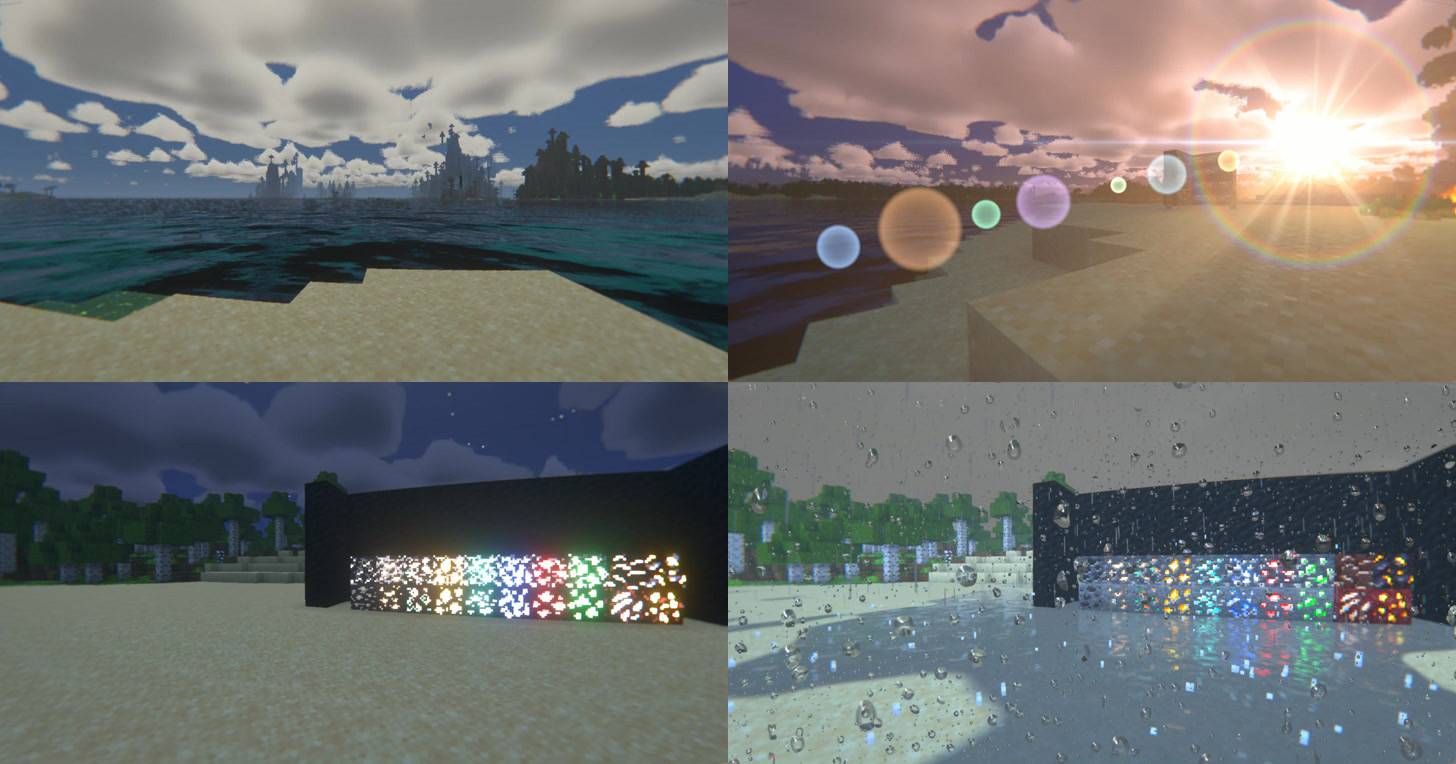
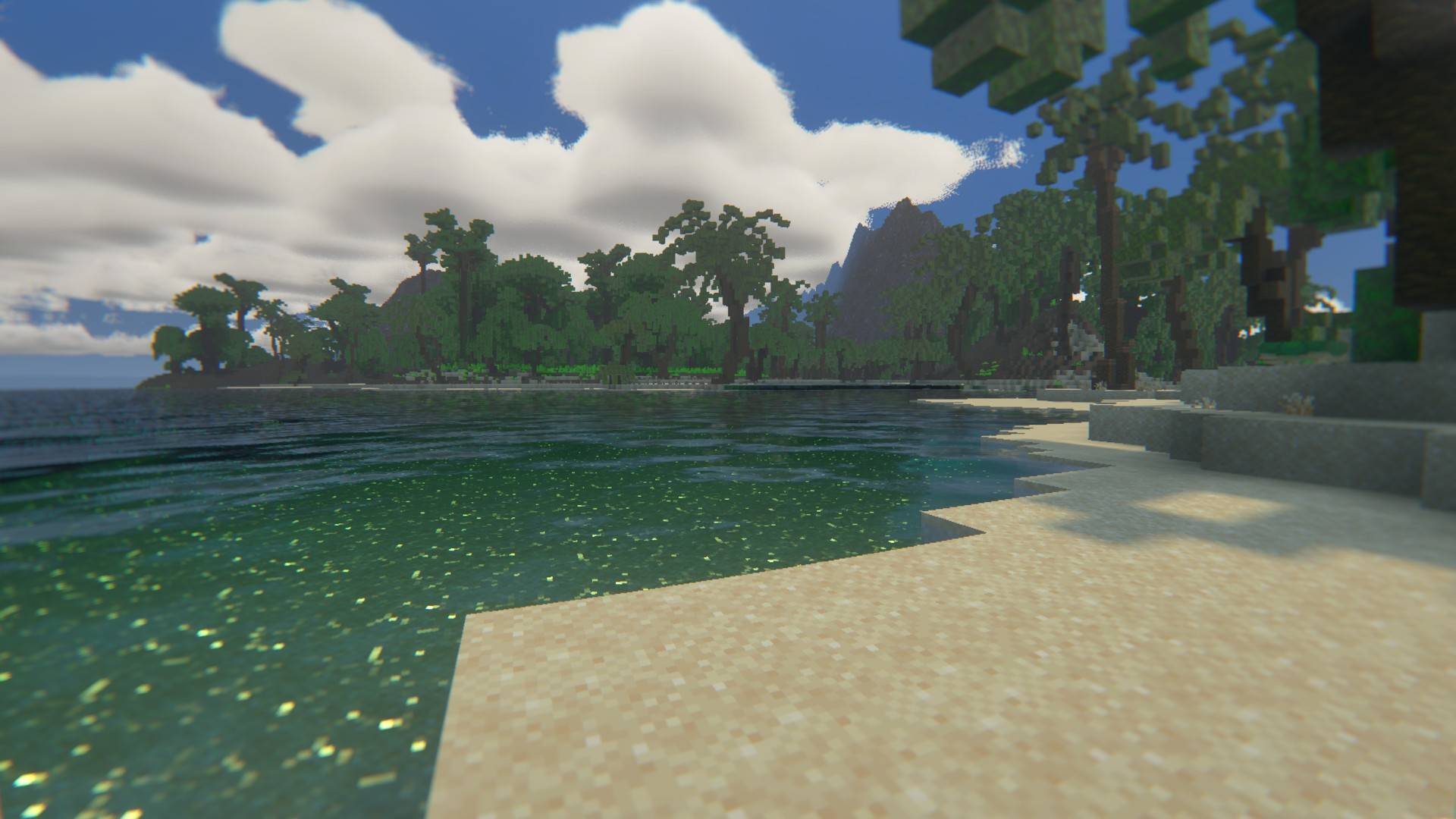
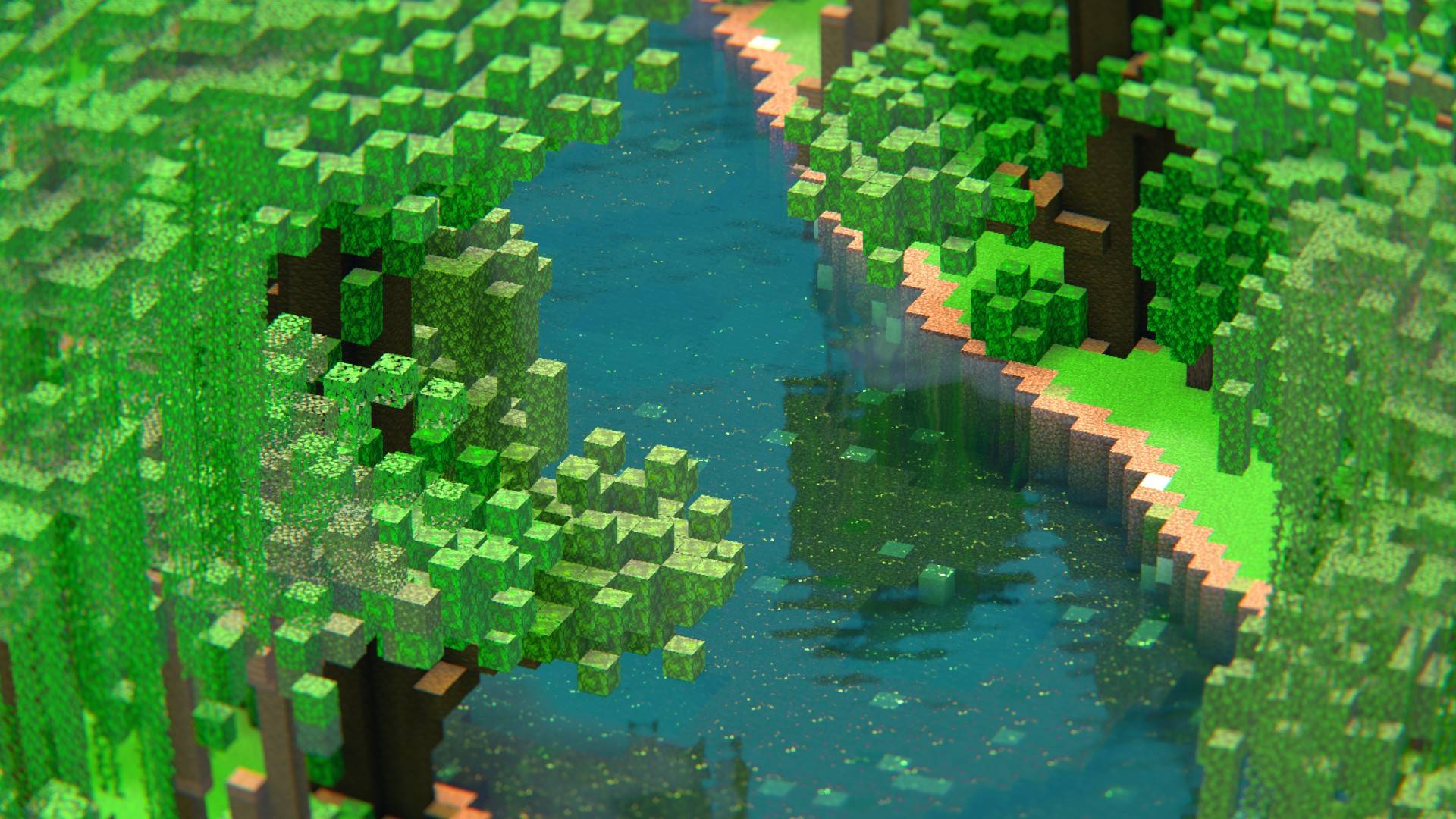
Tropical Ocean Shaders turns every world into a sunny island holiday. The water glows turquoise, cumulus clouds drift across a soft blue sky, sunsets turn pink and gold, and light streams through the palm leaves. It builds on Vibrant Visuals and replaces its sky, clouds, water and final image with shaders made for a tropical look.
Features
Sky and clouds
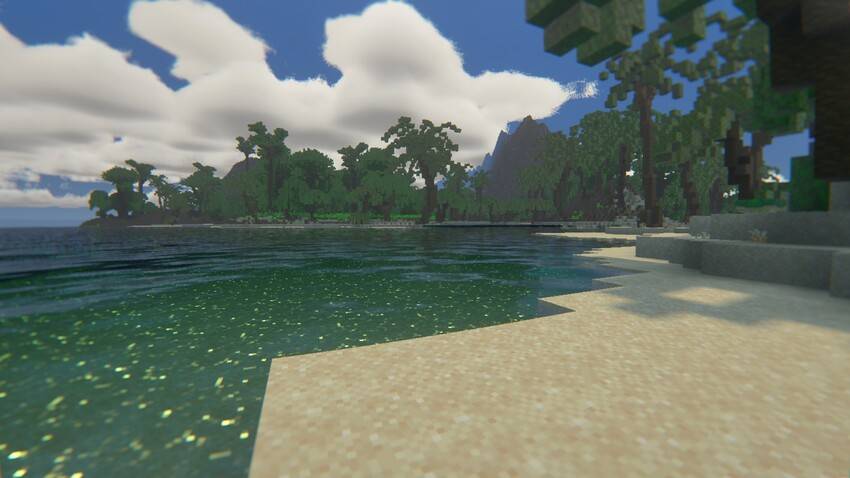
- Volumetric cumulus clouds across the whole sky, out to the horizon: flat grey bases, domed billowing tops, a silver lining around the sun.
- Pink and golden clouds at sunset, dark blue clouds at night, grey and heavier clouds in rain.
- A soft blue sky with a hazy horizon and a gentle glow around the sun.
Light
- Warm, clean sunlight and cyan-blue moonlight.
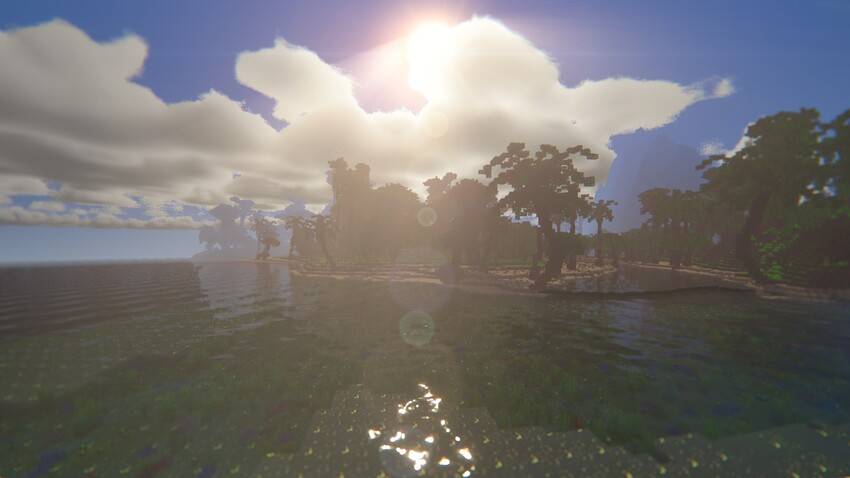
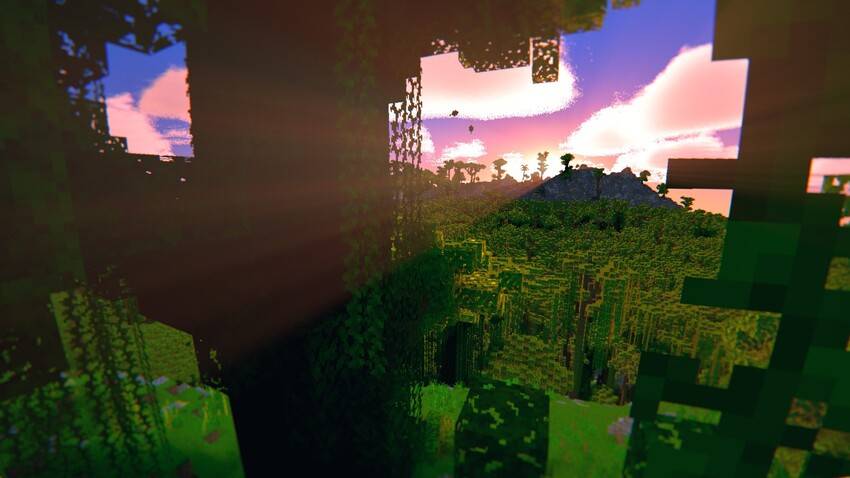
- God rays that stream through leaves, clouds and gaps in buildings, golden when the sun is low.
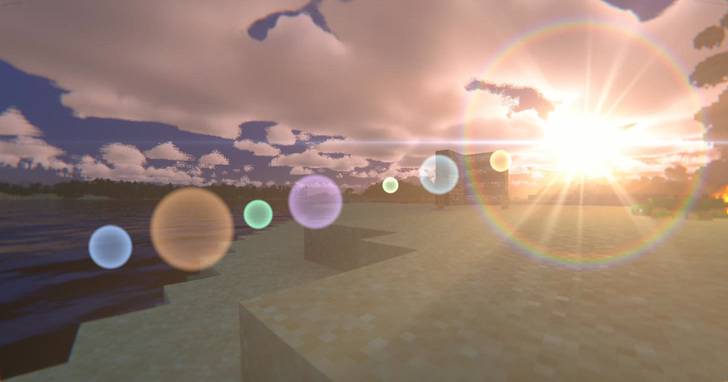
- A lens flare with glow, rays, a rainbow ring and lens ghosts. It is attached to the sun and does not wobble.
- Light leaks: a warm wash from the edge of the screen when the sun is just beside your view.
- Soft real-time shadows.
Water
- Turquoise water with sharp-crested waves, wind ripples and calm water far away.
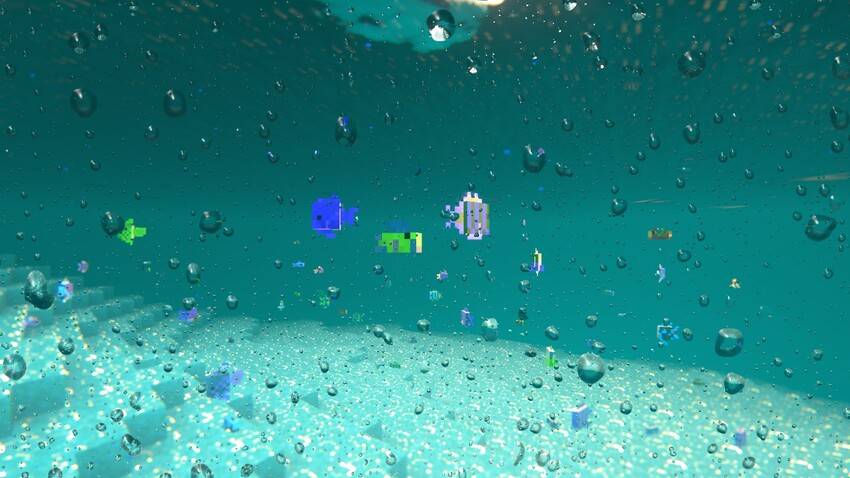
- A deep teal underwater view.
Weather
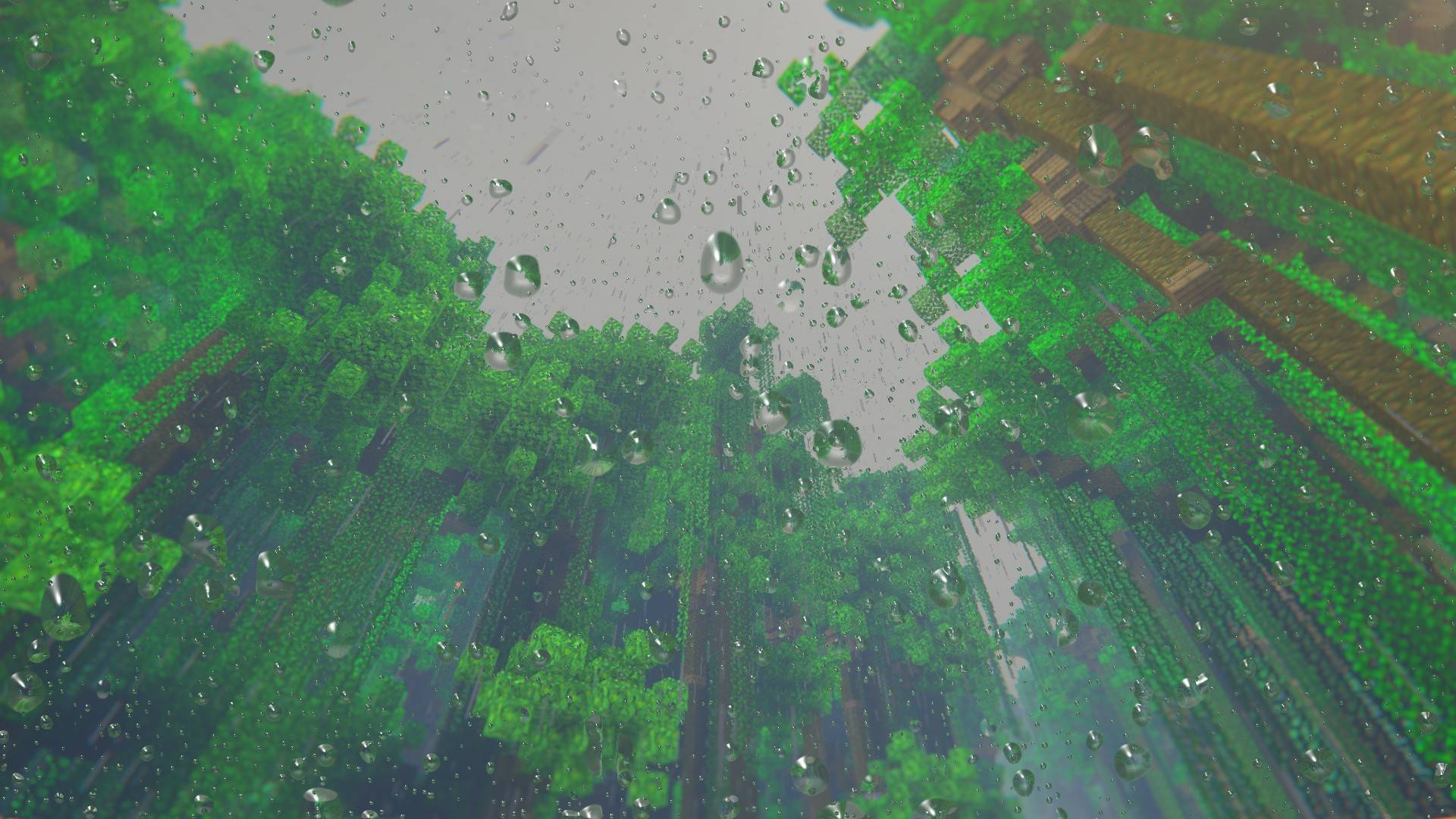
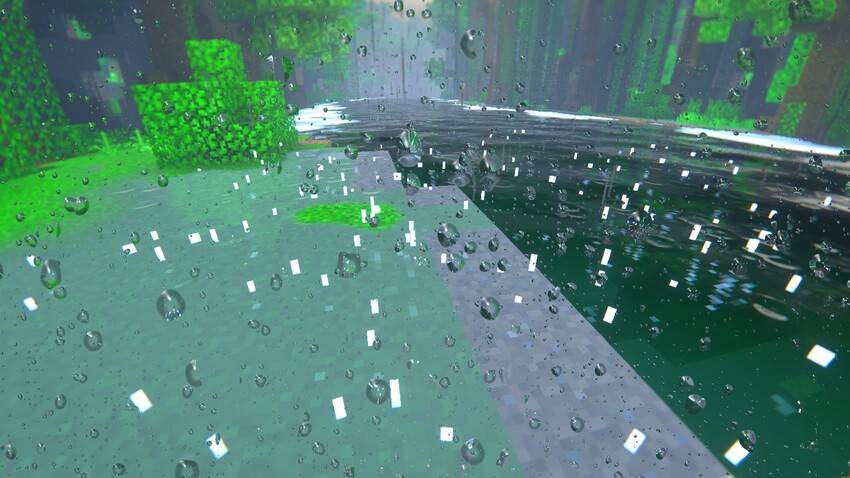
- Rain drops that run down the camera lens, and the view wavers when you are underwater.
- Wet ground with puddles, reflections and rain ripples.
Blocks
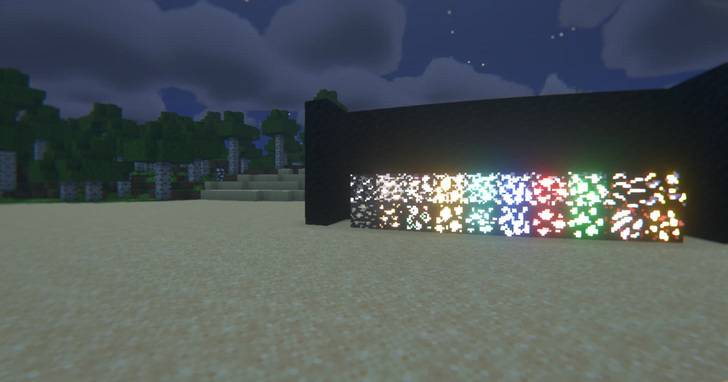
- Glowing ores: diamond, emerald, redstone and lapis glow brightest, then gold, copper, iron and quartz. Coal only glows faintly. Deepslate and Nether ores glow too.
Camera
- Depth of field, chromatic aberration and a slight fisheye lens.
- A soft film look: gentle contrast, warm highlights and soft blue-grey shadows.
Menu
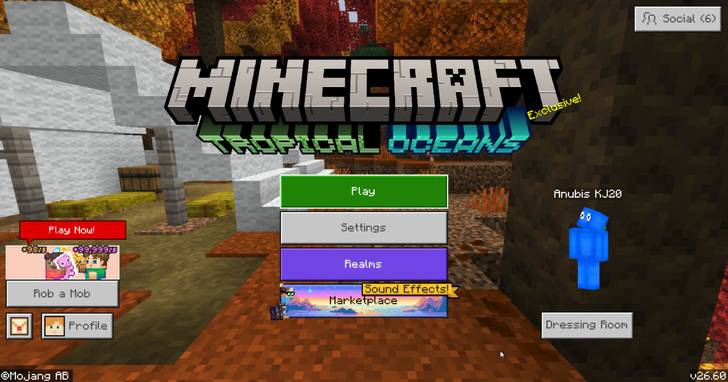
- A custom "Tropical Oceans" title under the Minecraft logo on the start screen.
Two looks
Choose a look with the gear icon next to the pack under Settings > Global Resources.
|
Realistic (default) |
Tropical |
| Clouds, sky, water, light |
✔ |
✔ |
| God rays, lens flare, light leaks |
✔ |
✔ |
| Depth of field |
✔ |
✔ |
| Puddles and reflections |
✔ |
✔ |
| Glowing ores, soft shadows |
✔ |
✔ |
| Fisheye lens |
✔ |
✘ |
| Chromatic aberration |
✔ |
✘ |
| Rain drops on the lens, underwater waver |
✔ |
✘ |
Atlantis Client users: Atlantis ignores this setting. Pick Tropical Ocean Shaders v1.6 (Realistic) or Tropical Ocean Shaders v1.6 Tropical in Atlantis's shader pack setting instead.
PC and mobile
There are two downloads.
|
PC version (Windows) |
Mobile version (Android / iOS) |
| File |
TropicalOceanShaders-v1.6.mcpack |
TropicalOceanShaders-v1.6-Mobile.mcpack |
| Shader loader needed |
Yes |
No, turn any loader off |
| Sky, sun, fog and light colours |
✔ |
✔ |
| Turquoise water colour |
✔ |
✔ |
| Soft shadows |
✔ |
✔ |
| Glowing ores |
✔ |
✔ |
| Rain splash particles |
✔ |
✔ |
| Menu title |
✔ |
✔ |
| Volumetric clouds |
✔ |
✘ (the game's own clouds) |
| Wave shapes on the water |
✔ |
✘ |
| God rays, lens flare, light leaks |
✔ |
✘ |
| Depth of field, fisheye, chromatic aberration |
✔ |
✘ |
| Lens drops, puddles and reflections |
✔ |
✘ |
| Film look |
✔ |
✘ |
The shaders are built for Windows (DirectX) only. Phones use a different graphics system, so the PC version does not work on phones, even with a mobile shader loader such as MB Loader: the sky turns white and mobs turn black. The mobile version keeps everything that does not need custom shaders. Your device must support Vibrant Visuals for either version to look right.
Requirements
- Minecraft Bedrock 1.26.60 or newer.
- Vibrant Visuals turned on: Settings > Video > Graphics Mode.
- PC version: Windows 10/11 and a shader loader that can load Bedrock materials on 1.26.60, such as Atlantis Client.
Installation
- Download the version for your device.
- Open the .mcpack file. Minecraft imports it.
- Go to Settings > Global Resources, activate Tropical Ocean Shaders and move it to the top.
- PC: select the pack in your shader loader (in Atlantis Client: shader pack setting) and restart the game.
- Set Graphics Mode to Vibrant Visuals.
Known issues
- Cloud edges are a fine pixel pattern when you look closely, because the game does not allow soft blending in that pass.
- When you fly above the clouds, the cloud layer shows a straight edge at the horizon.
- Clouds move with the in-game clock, so they stop when the daylight cycle is off and jump when the time is set.
- Strong GPUs are recommended. Heavy cloud cover costs the most frames.
Screenshots
Start screen with the Tropical Oceans title
Noon over the lake with volumetric clouds and turquoise water
Sunset with the lens flare
God rays across the beach
A light leak from the setting sun
Glowing ores at night
Rain on the lens with puddles and reflections
Underwater
Feedback and bug reports are welcome in the comments.